
social media comment tools
The 12 Best Social Media Comment Tools for 2026: An In-Depth Guide
Discover the 12 best social media comment tools to manage engagement in 2026. Compare features, pricing, and find the perfect tool for your workflow.

Your social media comments are a goldmine of customer insight, feedback, and sales opportunities. But as your audience grows, the flood of notifications across X, Bluesky, Mastodon, and other platforms can become overwhelming. Manually tracking every reply, question, and mention is a recipe for missed connections and a chaotic workflow. This is where dedicated social media comment tools come in, turning a reactive chore into a proactive strategy for community engagement.
If you're a founder, creator, or social media manager, you know that effective engagement is more than just posting content. It’s about being present in the conversations that follow. Understanding what makes for truly engaging content, such as exploring examples of truly powerful social media posts, is key to maximizing the value of these tools. The right tool can unify your conversations into a single, manageable inbox, help you delegate tasks, and ensure no comment ever slips through the cracks.
This guide cuts through the noise to give you a detailed breakdown of the best platforms available. We'll analyze each tool's core strengths, weaknesses, platform compatibility, and pricing. You’ll find direct links and screenshots to help you visualize how each option fits into your process. We’ll explore how a specialized publisher like MicroPoster.so, designed for multi-platform content distribution, is the essential first step before comment management even begins. By the end of this article, you'll have a clear path to choosing the perfect tool to manage your comments, engage your audience, and reclaim your time.
1. MicroPoster.so
MicroPoster.so earns the top spot because it solves the most critical challenge first: getting your content seen everywhere. While most tools react to comments, MicroPoster.so proactively multiplies your reach, which is the necessary first step to generating comments in the first place. It is built on the principle of “write once, grow everywhere,” automating the tedious work of republishing so creators can focus on their message, not on endless copy-pasting. This makes it the foundational tool for any content strategy, ensuring maximum visibility before you even think about comment management.

The platform’s core strength is its intelligent, native crossposting. Unlike tools that just share a link, MicroPoster.so detects new posts from a source account and republishes them to X (Twitter), Threads, Bluesky, and Mastodon as if they were posted there originally. It automatically splits long-form content into coherent threads, maps user handles to their correct counterparts on each network, and uploads images and videos as native media. The result is content that looks and feels natural, driving significantly better engagement than any simple scheduler.
Beyond superior automation, MicroPoster.so integrates AI-powered tools that directly support a data-informed workflow. Its AI Comment Analysis feature is a standout, transforming raw audience feedback into actionable insights. This tool surfaces sentiment, identifies key themes, and helps you understand what resonates most with your audience. Instead of manually sifting through replies, you get a clear, concise summary that can guide future content. You can explore how MicroPoster.so’s comment analyzer works to gauge audience sentiment.
Why It's Our Top Pick
MicroPoster.so stands out because it solves the distribution problem so effectively that it makes every other tool on this list more valuable. It gives creators and small teams the power of a dedicated social media manager without the overhead.
- Effortless Native Distribution: Its ability to auto-split threads and map handles makes content feel authentic on every platform, a detail competitors often miss.
- Integrated AI Toolkit: From the AI CoWriter that helps refine your tone to the readability scoring and smart scheduling, the features work together to improve content quality and impact.
- Founder-Focused & Secure: As a bootstrapped product, it's lean, responsive, and built with user trust in mind. It uses official OAuth, meaning you never share your passwords.
Pricing and Availability
MicroPoster.so offers a simple pricing model that is accessible for individual creators and small teams. The Creator plan is $12/month, while the Pro plan is $29/month. Both include unlimited scheduling and a 7-day free trial without requiring a credit card.
Pro Tip: MicroPoster.so is currently running a promotion. Use code SPRING50 to get 50% off your monthly plan.
Website: microposter.so
2. Sprout Social
Sprout Social is a full-stack social media management platform designed for teams that require structure, accountability, and deep analytical insights. Its standout feature is the Smart Inbox, a unified feed that consolidates comments, mentions, direct messages, and even reviews from across your connected profiles. This makes it one of the most powerful social media comment tools for organizations juggling high-volume engagement.
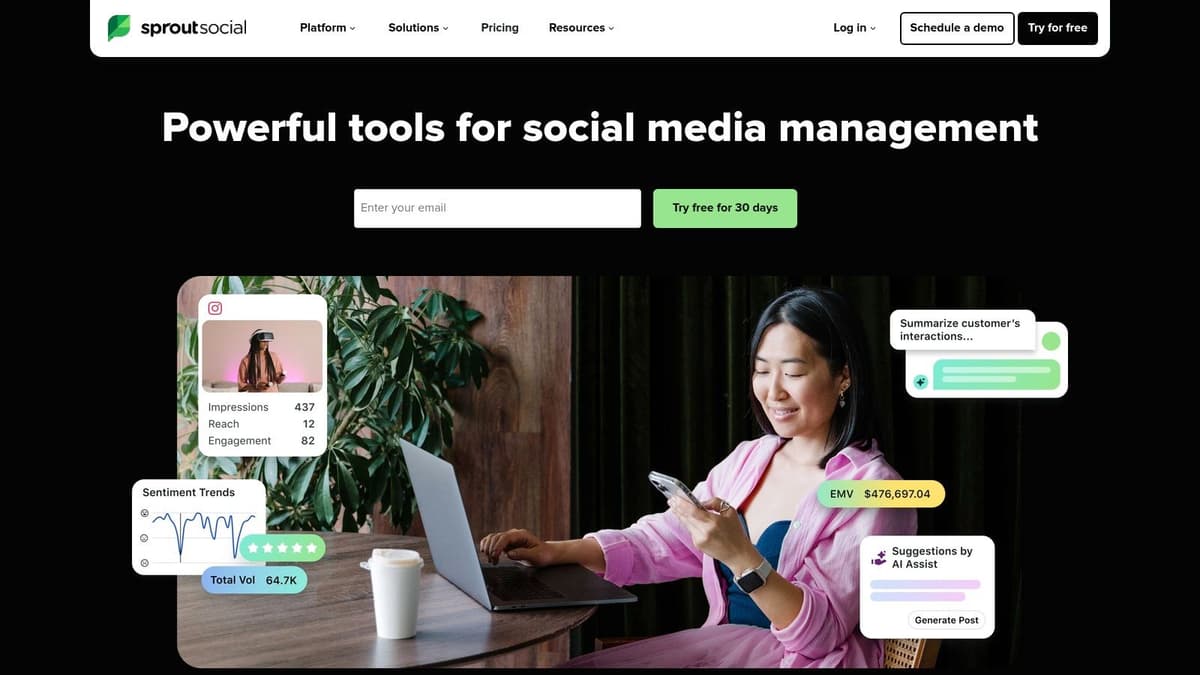
Unlike simpler tools, Sprout Social is built for collaborative workflows. It includes features like collision detection, which prevents two team members from replying to the same comment, and message routing to direct inquiries to the right person. You can also moderate comments on your Facebook and Instagram ads directly from the inbox, a critical function for brand safety. The ability to tag messages, track sentiment, and mark items as complete turns your comment feed into a manageable, data-rich workflow.
Key Features & Ideal Use Case
- Unified Smart Inbox: Consolidates comments, DMs, mentions, and reviews.
- Team Collaboration: Includes collision detection, task assignment, and message routing.
- Ad Comment Moderation: Manage engagement on Facebook & Instagram ads.
- Deep Reporting: Provides robust analytics on engagement and team performance.
Sprout’s premium pricing makes it a better fit for established businesses and large teams. While Sprout excels at managing existing engagement, its effectiveness depends entirely on having conversations to manage. A tool like MicroPoster.so is the perfect partner, handling the automated cross-posting of your initial content to platforms like X (Twitter), Bluesky, and Mastodon. This strategy fills your Sprout inbox with high-quality engagement, maximizing its value. To dig deeper into what your audience is saying, explore different methods to analyze social media comments and use that data for future content.
Website: https://sproutsocial.com
3. Agorapulse
Agorapulse strikes a compelling balance between powerful features and a user-friendly interface, making it an excellent choice for SMBs and agencies. It centers around a clean "Social Inbox" that consolidates comments and messages, preventing any customer interaction from falling through the cracks. What sets it apart is its integrated social CRM functionality, which provides a valuable context for every conversation by showing you a contact’s interaction history.

This platform is a strong contender among social media comment tools because it ties engagement directly to business outcomes. Team members can assign conversations, use saved replies for efficiency, and label users to segment audiences. A key benefit is its ability to connect with CRM systems like Salesforce and HubSpot, closing the loop between a social media comment and a sales or support ticket. While basic ad comment monitoring is included, more advanced moderation and features are gated behind higher-priced plans.
Key Features & Ideal Use Case
- Unified Social Inbox: Manages comments and DMs with clear assignment options.
- Social CRM: Provides contact history and labeling for audience context.
- Saved Replies & Labeling: Speeds up common responses and organizes users.
- CRM Integrations: Connects social activity to Salesforce & HubSpot.
Agorapulse is best for teams who need more than a simple inbox but aren't ready for enterprise-level pricing. Its strength lies in managing incoming conversations. However, to generate those conversations across crucial platforms like X (Twitter), Bluesky, and Mastodon, you need an intelligent distribution tool. MicroPoster.so excels at this, natively cross-posting your content to maximize reach. Once MicroPoster.so gets your message out, Agorapulse provides the robust framework to manage the resulting engagement and nurture those relationships. You can then analyze social media comments from your inbox to inform your future content strategy.
Website: https://www.agorapulse.com
4. Hootsuite
Hootsuite is one of the most established names in social media management, offering a mature platform that combines content publishing with engagement tools. Its core strength for comment management lies in the "Streams" feature, which creates columns for different social feeds, including comments and mentions. This setup allows teams to monitor conversations across multiple networks in a single, customizable dashboard, making it one of the original social media comment tools.

Where Hootsuite sets itself apart is through its automation capabilities. You can create rules that automatically trigger actions based on keywords in comments. For instance, a comment containing "price" could trigger an auto-reply or send an automated DM with a link to your pricing page, saving your team significant time. This automation is excellent for triaging common questions and routing complex issues to the right team members. While its interface can feel heavy for solo users, its blend of publishing and engagement makes it a solid choice for teams wanting an all-in-one solution.
Key Features & Ideal Use Case
- Unified Inbox & Streams: Monitor comments and messages in customizable columns.
- Comment-Based Automation: Create rules for auto-replies and auto-DMs based on keywords.
- Integrated Publishing: Schedule and approve posts directly within the platform.
- Team Assignments: Assign conversations to specific team members for follow-up.
Hootsuite's pricing can become steep, positioning it for businesses rather than individuals. Its strength is in managing the conversations your scheduled content generates. You can supercharge this workflow by using MicroPoster.so to natively cross-post your core content to high-engagement platforms like X (Twitter), Bluesky, and Mastodon. This fills your Hootsuite streams with engagement from niche platforms that Hootsuite can't post to, which you can then manage efficiently using Hootsuite's powerful inbox and automation rules.
Website: https://www.hootsuite.com
5. Statusbrew
Statusbrew is an engagement-first platform that excels at automated comment management, particularly for Facebook and Instagram. Its core strength lies in its powerful rule engine, making it one of the best social media comment tools for brands that need to manage high-volume engagement on both organic posts and paid ads. The platform is built to bring order to chaos, especially for businesses running extensive social ad campaigns.
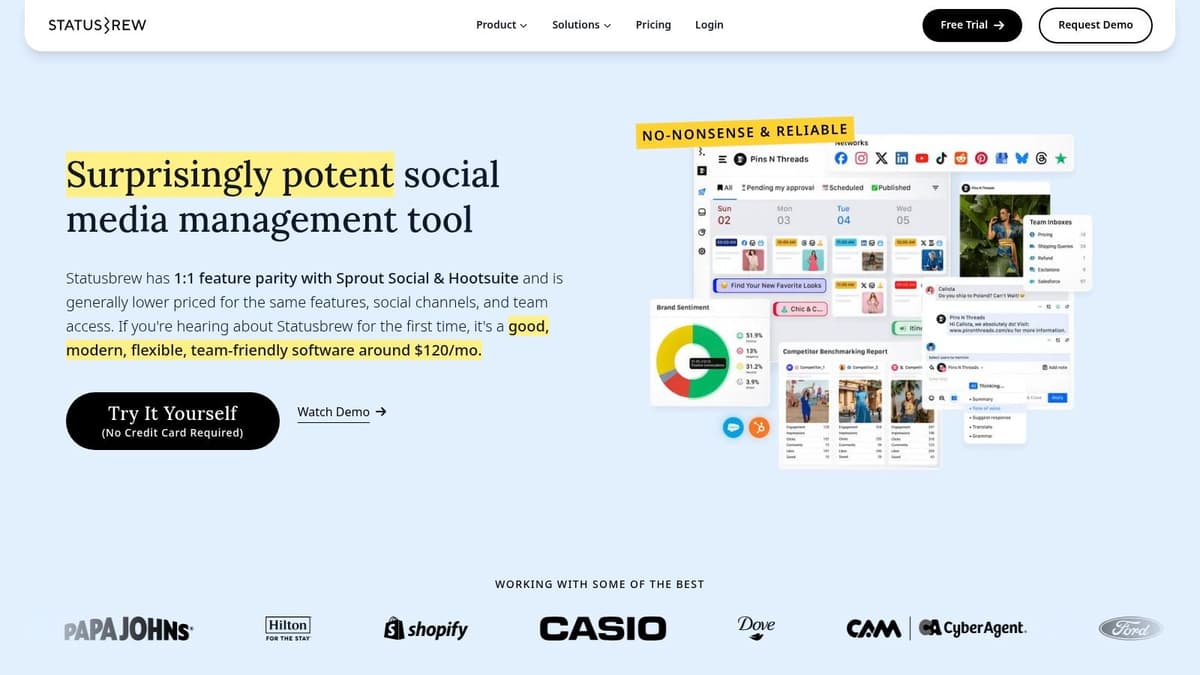
Where Statusbrew stands out is its focus on governance and automation. You can set up rules to automatically hide, delete, or flag comments containing specific keywords, links, or spammy phrases. This is a game-changer for protecting brand reputation on ad comments, which often attract trolls and irrelevant replies. The Engage Inbox provides a unified view with audit logs, ensuring accountability within teams and a clear history of every interaction.
Key Features & Ideal Use Case
- Rule Engine: Automates comment moderation for spam, trolls, and specific keywords.
- Ad Comment Management: Strong focus on moderating comments on Facebook & Instagram ads.
- Unified Engage Inbox: Consolidates interactions with team workflows and audit logs.
- Review Management: Manages reviews from platforms like Google My Business and Trustpilot.
Statusbrew is best for brands that invest heavily in paid social and require robust, automated moderation. While its suites may require contacting sales, the automation it provides is a significant time-saver. To feed this powerful moderation engine with conversations, you need widespread content distribution. Using MicroPoster.so to push your content to multiple networks like X (Twitter) and Bluesky ensures maximum visibility, while Statusbrew handles the resulting flood of comments on your primary advertising channels like Facebook and Instagram.
Website: https://statusbrew.com
6. NapoleonCat
NapoleonCat positions itself as a powerful social media management tool with a strong focus on practical automation for comment handling. It offers a Social Inbox that centralizes engagement, but its real strength lies in the auto-moderation rules that let you hide, delete, or automatically reply to comments. This makes it an excellent choice among social media comment tools for brands and agencies looking to streamline moderation without the complexity or cost of enterprise-level software.
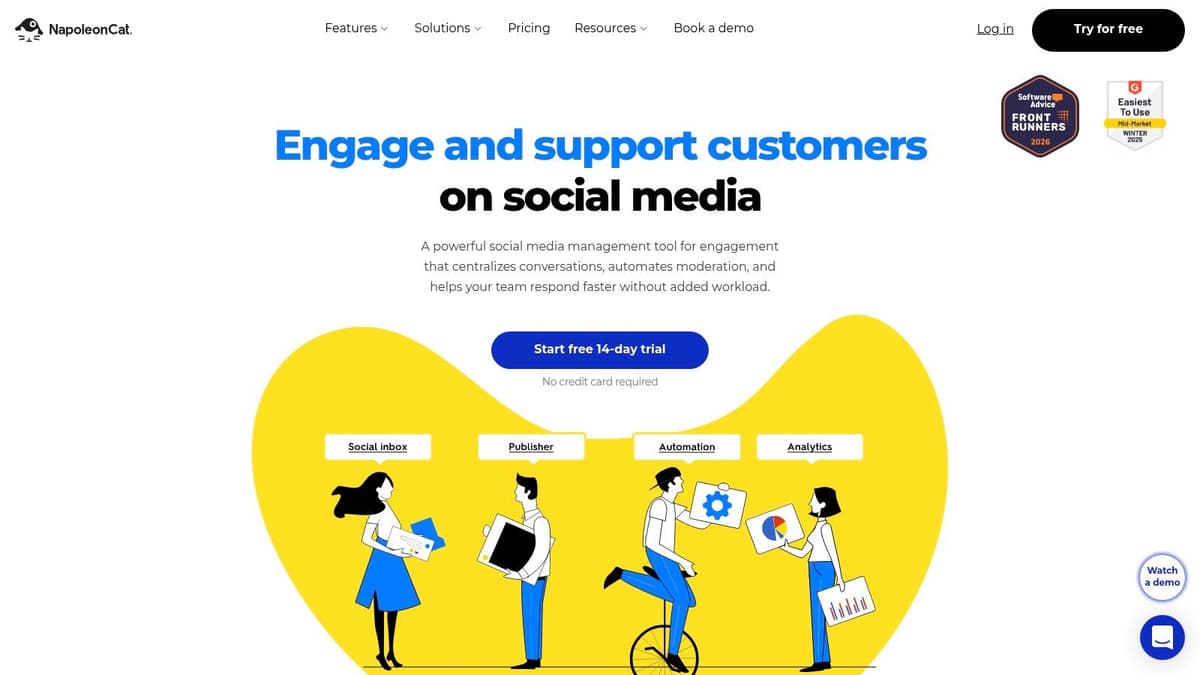
The platform is designed to give you direct control over your comment sections, especially for filtering out spam or responding to frequently asked questions. You can set up rules based on keywords to instantly hide inappropriate content or trigger a pre-written reply, saving your team considerable time. This automation is particularly useful for managing comments on paid ad campaigns across platforms like Facebook and Instagram. While NapoleonCat offers flexible plans, be aware that advanced features are reserved for higher-tier subscriptions.
Key Features & Ideal Use Case
- Social Inbox: A unified inbox for comments, messages, and mentions.
- Auto-moderation: Set rules to automatically hide, delete, or reply to comments.
- Ad Campaign Moderation: Manage comments across Facebook and Instagram ad campaigns.
- Team Workflows: Assign tasks and leave internal notes for team members.
NapoleonCat excels at managing the conversations your content generates. However, you first need a steady stream of content going out. A tool like MicroPoster.so handles the initial distribution of your articles and updates to platforms like X (Twitter), Bluesky, and Mastodon with native formatting that drives more engagement. This populates your NapoleonCat inbox with comments that its powerful automation can then help you manage efficiently, creating a complete workflow from distribution to moderation. The data you get can inform how you analyze social media comments to guide future posts.
Website: https://napoleoncat.com
7. Buffer
Buffer is widely known for its scheduling prowess, but its 'Engage' feature provides a clean, affordable workspace for comment management. It presents a streamlined, minimalist feed of comments from your connected social profiles, making it one of the most approachable social media comment tools for creators and small businesses who find other platforms overwhelming. The focus is on simplicity and getting the job done without a steep learning curve.
Unlike complex, enterprise-level systems, Buffer’s strength lies in its calm, distraction-free interface. It brings comments from Instagram, Facebook, LinkedIn, Threads, X, TikTok, and even Google Business Profile into a single view. Standout features include AI-assisted replies to help you respond faster and the clever ability to turn an interesting comment thread directly into a new post, saving valuable time. This makes it ideal for individuals who want to manage conversations without getting bogged down in intricate workflows.
Key Features & Ideal Use Case
- Multi-Platform Inbox: Gathers comments from most major social networks.
- AI-Assisted Replies: Speeds up your response time with smart suggestions.
- Comment-to-Post: Turns engaging comments into new content with a few clicks.
- Affordable Pricing: A budget-friendly per-channel model is perfect for smaller scale operations.
Buffer’s comment management is best for solo creators and small teams who prioritize a simple, uncluttered experience. While Buffer is excellent for reacting to comments on posts you’ve already published, its own scheduling is manual and time-consuming. MicroPoster.so automates this crucial first step, handling the heavy lifting of cross-posting your initial content to platforms like X (Twitter), Bluesky, and Mastodon. This automated distribution ensures you have plenty of engagement flowing into your Buffer inbox to manage, without the copy-paste grind.
Website: https://buffer.com
8. Later
Later is a visually-focused social media planner that has grown into a powerful platform for Instagram and TikTok-centric brands. While known for its drag-and-drop calendar, its Social Inbox makes it a noteworthy social media comment tool for creators who live on visual platforms. It centralizes comments and DMs from Instagram and Facebook, plus comments from TikTok, into a single, manageable feed.

The platform is designed around the visual creator's workflow, and its comment management reflects this. You can hide or delete problematic comments directly within the inbox, maintaining brand safety without leaving the tool. The ability to schedule a "first comment" on Instagram is another standout feature, perfect for adding hashtags or a call-to-action right after your post goes live. The integration with its Link in Bio tool also creates a cohesive experience from post to conversation to conversion.
Key Features & Ideal Use Case
- Visual-First Social Inbox: Manages comments and DMs for Instagram, Facebook, and TikTok.
- Direct Moderation: Hide and delete Instagram and Facebook comments from the inbox.
- Scheduling Tools: Includes a visual calendar and a "first comment" scheduler for Instagram.
- Link in Bio: Integrates with its own link-in-bio solution for a complete marketing funnel.
Later’s strengths are deeply rooted in the Instagram and TikTok ecosystems. However, it completely misses text-centric platforms like X (Twitter), Bluesky, or Mastodon, leaving a major gap in your reach. This is where MicroPoster.so is the essential companion. You can use MicroPoster.so to efficiently distribute text-based updates and announcements across those other networks, while keeping Later as your dedicated hub for managing the highly visual and engaged communities on Instagram and TikTok. This creates a complete, multi-faceted strategy.
Website: https://later.com
9. Loomly
Loomly is primarily a content planning and publishing tool that neatly integrates community management, making it an excellent choice for teams who want to keep their entire social media workflow under one roof. Its "Interactions" hub functions as a unified inbox, pulling in comments, mentions, and messages from your connected social accounts. This approach is perfect for creators and managers who value efficiency, allowing them to switch from scheduling content to engaging with their audience without changing platforms.
Unlike enterprise-level suites, Loomly's strength is its simplicity and direct integration with the content calendar. You can respond to comments on organic posts and even manage LinkedIn comment replies directly from the inbox. Features like saved replies and the ability to assign conversations to team members help streamline the response process, turning community management into a more organized task. While it might not have the deep, complex moderation features of more expensive platforms, it provides a solid foundation for managing engagement as part of your content strategy, making it a capable social media comment tool for small to mid-sized teams.
Key Features & Ideal Use Case
- Unified Interactions Inbox: Gathers comments, mentions, and messages in one place.
- Integrated with Content Calendar: Manage engagement alongside your publishing schedule.
- Streamlined Responses: Use saved replies and assign conversations to team members.
- LinkedIn Comment Support: A notable feature for B2B-focused brands.
Loomly’s accessible pricing and straightforward interface make it a strong contender for startups and creators. Its core value lies in connecting content creation with audience interaction. You can plan your posts in Loomly, but to maximize your reach beyond standard networks, a tool like MicroPoster.so is essential. It can automatically distribute your content to high-growth platforms like Bluesky and Mastodon. As replies come in on your core networks, Loomly helps you manage them, ensuring no comment is missed.
Website: https://www.loomly.com
10. SocialPilot
SocialPilot strikes a balance between powerful scheduling and affordable engagement management, making it a strong contender for small agencies and growing teams. While primarily known for its bulk scheduling and client management features, its Social Inbox provides a centralized place to handle comments and conversations. This makes it a practical choice if you need one of the market's more accessible social media comment tools without committing to an enterprise-level budget.
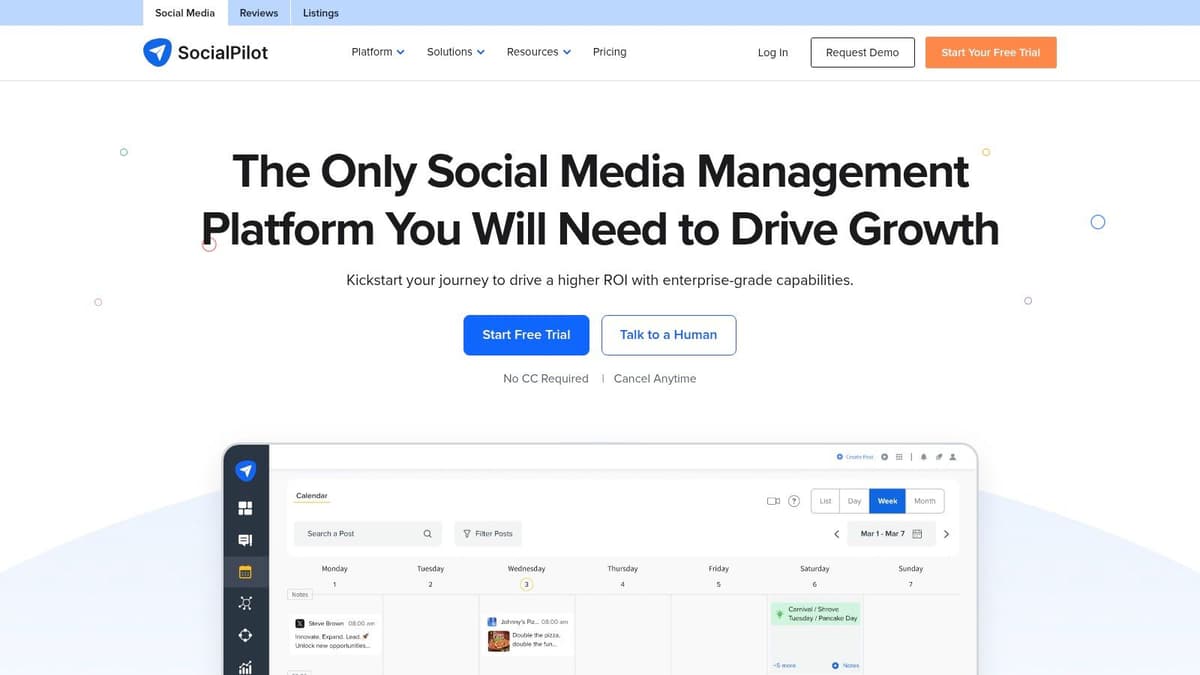
The Social Inbox, available on mid to high-tier plans, consolidates interactions from your Facebook Pages, LinkedIn Pages, and Google Business Profiles. While it doesn't offer the same depth as a dedicated inbox like Sprout's, it’s effective for managing post comments and messages directly within the same interface you use for scheduling. Its simple UI and straightforward workflow make it easy for teams to get started without extensive training, which is a major advantage for agencies onboarding new clients or staff.
Key Features & Ideal Use Case
- Social Inbox: Centralize replies for comments and messages on select platforms.
- Multi-Account Management: Excellent value for agencies managing multiple client accounts.
- Content Scheduling & Approvals: Robust scheduling with team and client approval workflows.
- Simple Analytics: Provides core performance metrics and downloadable reports.
SocialPilot is ideal for those who prioritize scheduling efficiency but still need a basic system to manage incoming comments. The main limitation is that its inbox support is limited and not as comprehensive as its competitors. To truly maximize reach onto platforms like X, Bluesky, and Mastodon, you must pair SocialPilot with a specialist tool. Use MicroPoster.so for automated, native cross-posting, then manage the resulting engagement from mainstream platforms within SocialPilot's inbox. This creates a powerful, cost-effective workflow.
Website: https://www.socialpilot.co
11. Sendible
Sendible is a social media management suite built with agencies and multi-client workflows in mind. Its Priority Inbox functions as a central hub for comments and messages, but where it truly shines is its support for managing Facebook and Instagram ad comments. This makes it an indispensable social media comment tool for teams that run paid social campaigns and need to moderate engagement to protect brand reputation and capture leads.
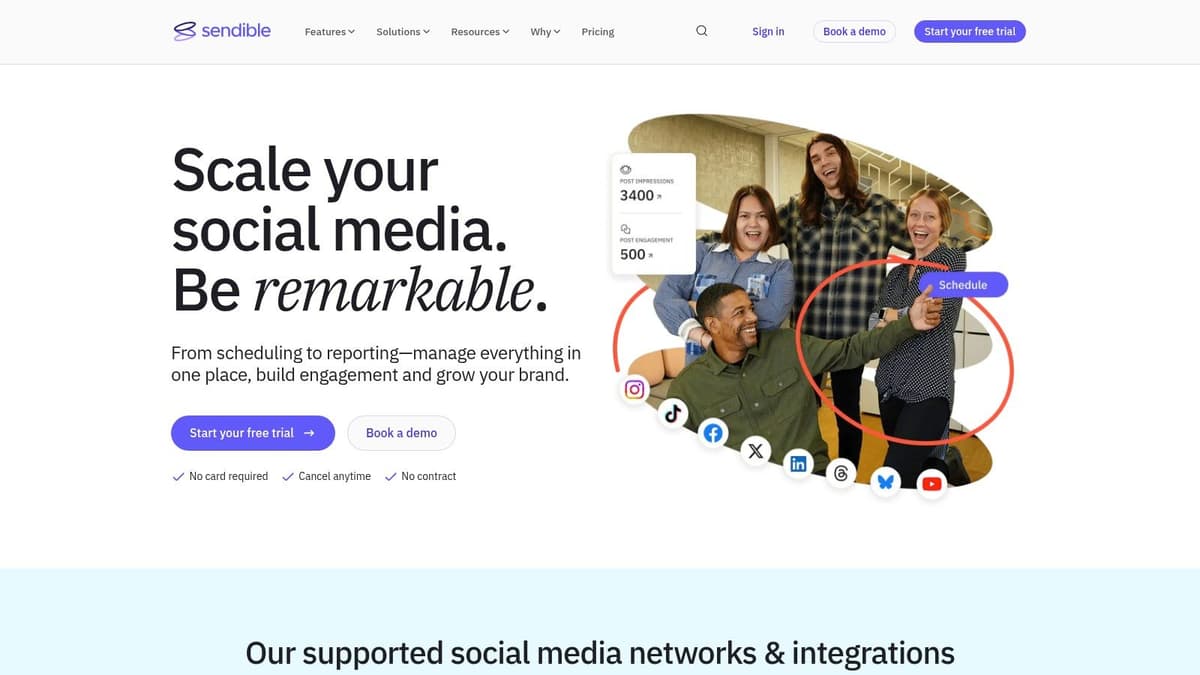
Designed for agency efficiency, Sendible includes robust approval workflows, client-ready reporting, and clear documentation on how its inbox handles various comment and message types across networks. While the real-time coverage can differ by platform, its focus on paid social engagement provides a specific advantage. Some interactions might route to separate monitoring streams rather than the main inbox, but the overall system is structured to help teams stay on top of client conversations.
Key Features & Ideal Use Case
- Priority Inbox: Centralizes key comments and messages from supported social channels.
- Ad Comment Management: Monitor and reply directly to comments on Facebook and Instagram ads.
- Agency-Focused Workflows: Features content scheduling, approval queues, and white-label reports.
- Detailed Documentation: Clear guides on how each social network integrates with the inbox.
Sendible’s pricing and features are best suited for marketing agencies or businesses managing multiple brand accounts. While it excels at handling incoming engagement, you still need an efficient way to publish content broadly. This is where MicroPoster.so becomes a perfect partner, handling the initial, automated distribution of your content to networks like X (Twitter), Bluesky, and Mastodon. Once MicroPoster.so gets your message out, Sendible is ready to help you manage the resulting conversations and report on them to clients.
Website: https://www.sendible.com
12. Sprinklr Social
Sprinklr Social positions itself as an enterprise-grade customer experience platform, and its approach to comment management reflects that scale. It’s designed for global brands that see social media comments not just as engagement, but as part of a larger customer service and brand reputation ecosystem. The platform unifies interactions from over 30 digital channels, including social media, messaging apps, and review sites, into a single, cohesive interface powered by advanced AI.
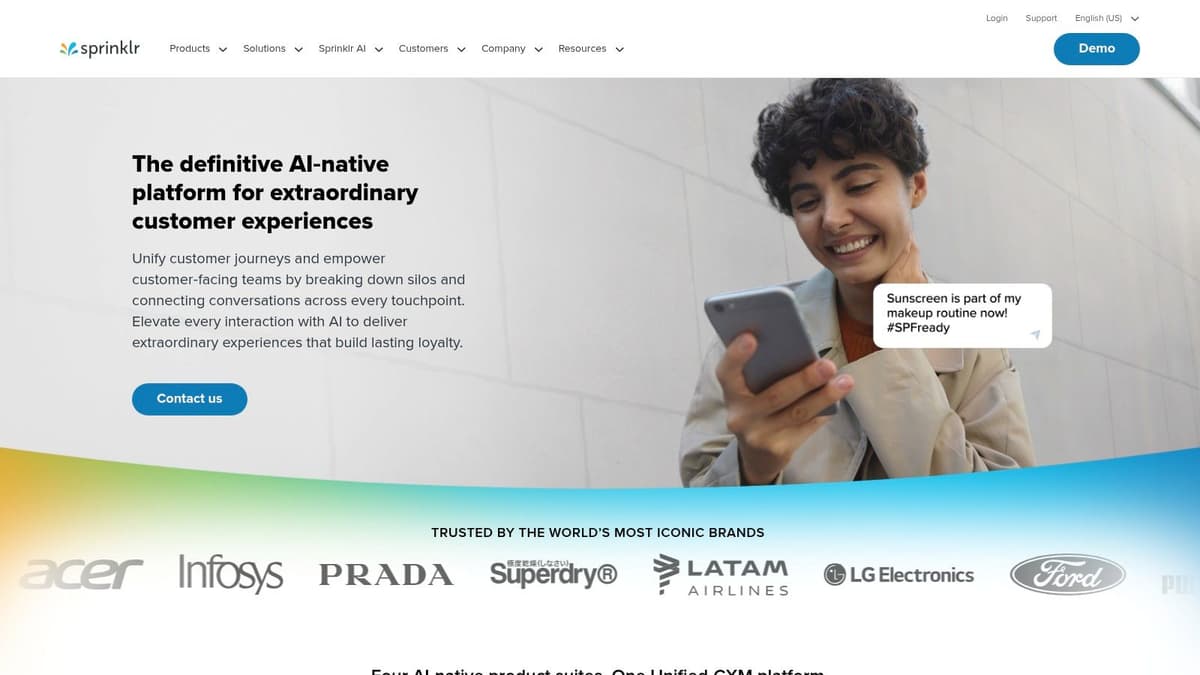
What makes Sprinklr one of the most powerful social media comment tools for large organizations is its AI-assisted triage and governance. The system can automatically categorize incoming comments by intent, sentiment, and priority, then route them to the correct team or agent based on predefined rules. This isn't just about replying faster; it’s about applying business logic to high-volume conversations. For massive brands, this level of automation and control is essential for maintaining brand safety and providing consistent support across all touchpoints.
Key Features & Ideal Use Case
- Unified Customer Experience: Manages comments and messages from 30+ social and digital channels.
- AI-Assisted Moderation: Automatically triages, routes, and suggests responses for comments at scale.
- Enterprise Governance: Features strict permissions, audit trails, and compliance workflows.
- Integrated Listening & Analytics: Connects comment data with broader social listening and performance metrics.
Sprinklr’s custom enterprise pricing and complexity make it impractical for smaller teams, startups, or solo creators. It is built for complex, high-stakes environments where governance is paramount. A smaller team could achieve its core goal—getting content seen—by using an affordable and efficient tool like MicroPoster.so to distribute updates across X (Twitter), Bluesky, and Mastodon. As your brand grows and the comment volume becomes a challenge, you can then consider graduating to an enterprise system like Sprinklr to manage the massive influx of engagement your cross-platform strategy generated.
Website: https://www.sprinklr.com
Top 12 Social Media Comment Tools Comparison
| Product | Core features | UX ★ | Price / Value 💰 | Audience 👥 | USP ✨ |
|---|---|---|---|---|---|
| MicroPoster.so 🏆 | Native crossposting (X/Threads/Bluesky/Mastodon), auto-threading, media resizing, AI scheduling & editor | ★★★★★ | 💰 $12 / $29‑mo; 7‑day trial; great value | 👥 Founders, creators, small teams | ✨ Native formatting + granular automations; OAuth security |
| Sprout Social | Unified Smart Inbox, ads comment moderation, deep analytics & reporting | ★★★★★ | 💰 Premium per-user pricing $$$$ | 👥 Agencies & brands (enterprise) | ✨ Enterprise workflows, routing & reporting |
| Agorapulse | Unified inbox, social CRM, scheduling, approvals | ★★★★ | 💰 Mid → higher tiers (tier‑gated features) $$$ | 👥 SMBs & agencies | ✨ CRM integrations (Salesforce/HubSpot) |
| Hootsuite | Scheduling, multi-network inbox, automations (auto‑DM triggers) | ★★★★ | 💰 Scales with seats/add‑ons $$$ | 👥 Teams needing publishing + engagement | ✨ Mature ecosystem + time‑saving automations |
| Statusbrew | Auto-moderation rules, unified inbox, governance & rule engine | ★★★★ | 💰 Mid to custom pricing; sales for full suites $$$ | 👥 Brands running paid social, high-volume moderation | ✨ Strong ad-comment automation & governance |
| NapoleonCat | Social Inbox, auto-moderation (hide/delete/auto‑reply), analytics | ★★★★ | 💰 Flexible plans; affordable for growth $$ | 👥 Brands & agencies | ✨ Efficient moderation without enterprise price |
| Buffer | Comment replies across channels, AI-assisted replies, per-channel pricing | ★★★★ | 💰 Budget-friendly; predictable per-channel $ | 👥 Solo creators & small teams | ✨ Simple UI + AI reply tools |
| Later | Visual planner, IG/FB/TikTok inbox, scheduling & Link in Bio | ★★★★ | 💰 Mid-priced; creator-focused $$ | 👥 Instagram/TikTok-focused creators & brands | ✨ Visual calendar + strong IG/TikTok workflow |
| Loomly | Publishing + Interactions hub, saved replies, approvals | ★★★★ | 💰 Mid-tier pricing $$ | 👥 Teams combining content planning & engagement | ✨ Content planning + interactions in one tool |
| SocialPilot | Scheduler, Social Inbox (plan-dependent), multi-account & client tools | ★★★ | 💰 Cost-effective for agencies $ | 👥 Small agencies & multi-account managers | ✨ Good value for multi-account management |
| Sendible | Priority Inbox, Facebook ad comment monitoring, reporting | ★★★★ | 💰 Agency-oriented pricing $$ | 👥 Agencies managing paid social & multiple clients | ✨ Priority Inbox + ad-comment support |
| Sprinklr Social | Unified inbox, AI triage, governance, deep analytics & listening | ★★★★★ | 💰 Enterprise custom pricing $$$$$ | 👥 Large brands & global teams | ✨ Scalable AI moderation, governance & audit trails |
Final Thoughts
We've explored a dozen powerful social media comment tools, each offering a distinct approach to taming the endless stream of notifications and conversations. From enterprise-level behemoths like Sprinklr Social to focused community managers like NapoleonCat, the right solution truly depends on your specific circumstances. The journey reveals a clear truth: managing comments is a secondary task. The primary, most important task is getting your content seen widely enough to generate comments in the first place.
Your choice isn’t just about finding an inbox; it’s about building a complete engagement strategy that starts with distribution. A founder or indie hacker’s primary need is speed and efficiency across niche platforms like Bluesky and Mastodon, something MicroPoster.so is built for. In contrast, an agency juggling multiple clients will prioritize reporting and approval workflows found in tools like Agorapulse or Sendible. But even those powerful tools are useless without a steady stream of comments to manage.
Selecting Your Ideal Comment Management Tool
To make a final decision, distill your needs down to the essentials. Don't get distracted by a feature you'll never use. Instead, ask yourself these critical questions:
- What is my primary goal? Is it broad content distribution to spark conversations, or is it managing an existing high volume of support requests? The best tool for distribution (MicroPoster.so) is different from the best for pure moderation (like Statusbrew).
- Which platforms are non-negotiable? Many legacy tools still lag in their support for newer, decentralized networks. If your audience is on X, Bluesky, and Mastodon, you need a specialized tool like MicroPoster.so that has direct, native API integrations.
- What is my team’s real capacity? A complex tool requires a dedicated operator. If you're a small team or a solo creator, a simpler, more intuitive workflow that starts with automated distribution and moves to a basic inbox is far more effective.
- How important is automation? Automation for distribution (auto-threading, native crossposting) is critical for reach. Automation for moderation (auto-replies) can be useful but must be balanced with the need for authentic, human interaction.
Ultimately, the best social media strategy starts with great content distribution, followed by smart comment management. The tools on this list act as a bridge, not a barrier, between you and your audience. They should filter out the noise so you can focus on the meaningful conversations that build brand loyalty. Your comments section is a goldmine, but you can't mine an empty cave. Prioritize filling the funnel with an intelligent distribution tool first.
Most tools on this list focus on reacting to comments. But you can't react to conversations that never happened. MicroPoster.so solves the first and most important problem: getting your content seen everywhere. It’s built for founders, creators, and marketers who need to post high-quality content across multiple platforms like X, Bluesky, and Mastodon without the manual effort. Try MicroPoster today to perfect your content distribution and finally generate the vibrant community you deserve to engage with.


