
Threads suspension appeal writer
Your Threads account was suspended, disabled or restricted. Meta usually gives you one review, so get the wording right. Describe what happened and we will write the appeal.
How do you appeal a Threads suspension?
Open the Threads app and log in. A disabled account shows a notice with an option to disagree with the decision or request a review. If Threads sends you to Instagram, your Instagram account is the one that was disabled, and Threads follows it, so appeal there.
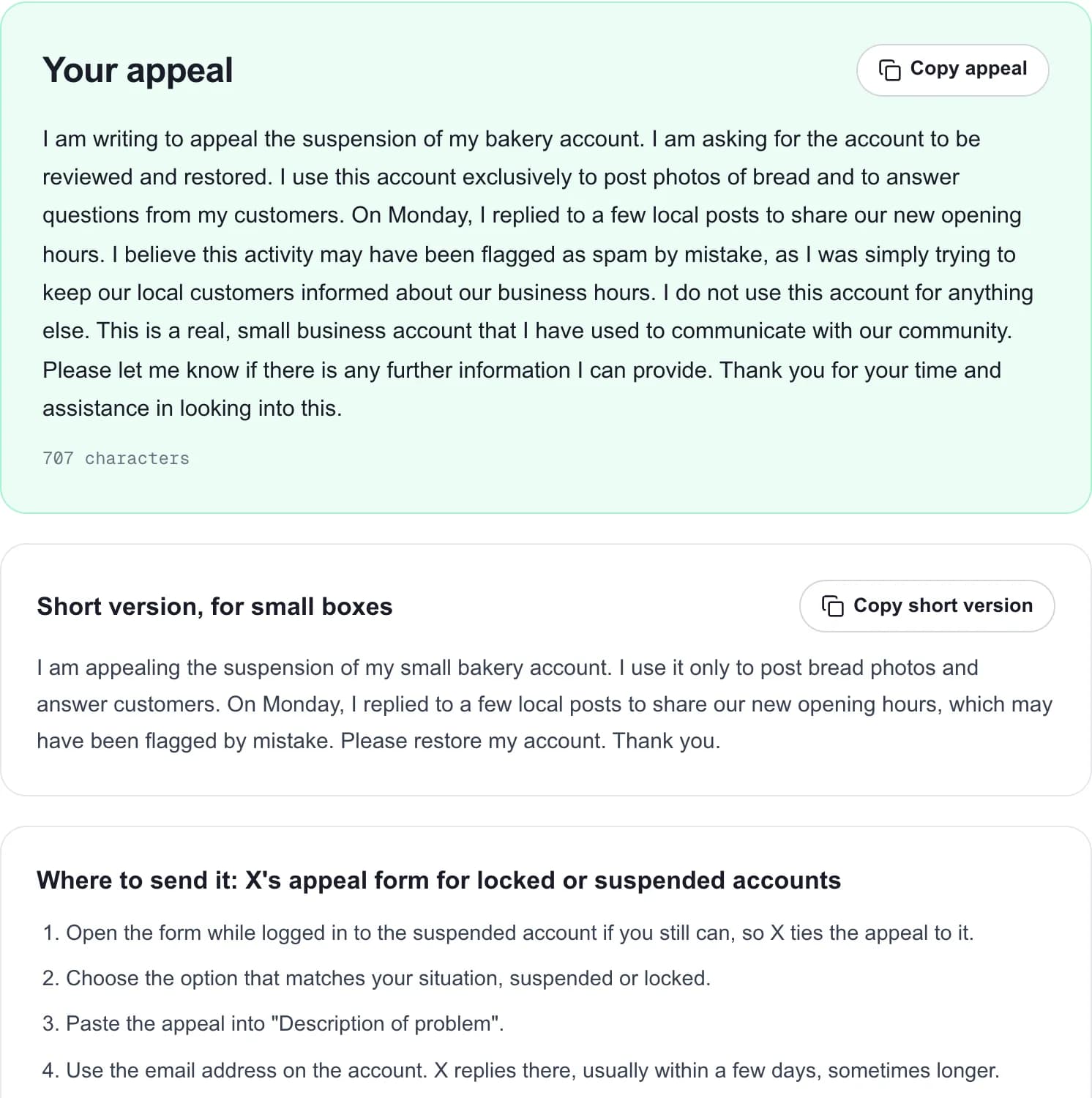
Meta normally gives one review per decision and a limited window to ask for it, so do not send a rushed message. Explain what the account is, what you think happened, and what you are asking for, in a few calm sentences. The writer above does that from your own description.
Suspended, disabled or restricted on Threads
| Status | What you see | What to do |
|---|---|---|
| Post removed | A notice that one post went against the Community Guidelines. | Request a review of that post from Account status if you disagree. |
| Restricted | You cannot post, reply or follow for a while, or your posts are not recommended. | Check Account status. Wait it out or request a review. |
| Suspended or disabled | You cannot use the account and see a notice when you log in. | Use the review option on the notice. Do it soon. |
| Instagram disabled | Threads tells you your Instagram account was disabled. | Appeal on Instagram. Threads comes back with it. |
How to get your Threads account back
Check Account status
In Threads or Instagram, Settings, then Account, then Account status shows removed posts and restrictions, with the option to request a review.
Write the appeal once, well
Use the writer above. Meta usually reviews each decision once, so a careful first appeal matters more than on X.
Send it from the notice
Use the review or disagree option on the suspension notice in the app and paste your appeal where it asks for more information.
Keep your email and phone reachable
Meta may ask you to confirm your identity, sometimes with a video selfie on Instagram.
Next time, one ban won't cost you your whole audience
MicroPoster publishes each post natively to X, Threads, Bluesky, Mastodon and LinkedIn. If one account is suspended, your followers on the others still see every post while you appeal. Paid plans also check your connected accounts for shadowbans every month.
7-day free trial · No credit card
Frequently asked questions
How long does a Threads appeal take?
Meta does not publish a time. Many reviews come back within a few days. Some take weeks, and you may be asked to confirm your identity first.
Can I appeal more than once on Threads?
Usually not for the same decision. Meta generally offers one review, which is why the first appeal should be complete and calm.
My Threads account is suspended but Instagram works. Why?
Threads can act on your Threads profile on its own, for example after posts there broke the Community Guidelines. Appeal from the Threads app in that case.
Does the tool send the appeal for me?
No. It writes the appeal and tells you where to send it. You send it yourself from your own account and email, which is how platforms expect appeals to arrive.
Is the appeal writer free?
Yes. Five drafts a day, no account. What you type is used to write your draft and is not stored with your name.
MicroPoster is not affiliated with Meta or Threads and cannot influence appeal decisions. Last reviewed on October 9, 2026.