
A native Threads post
MicroPoster publishes a separate post on Threads. It does not publish to Instagram or combine reactions from the two networks. Your Threads audience can respond to the Threads copy.
X to Threads crossposting
Post to X and Threads without writing it twice. Keep publishing in X. MicroPoster checks for new posts and publishes them to your connected Threads account, so you don't have to open Threads and copy each update.
Start my 7-day free trial7 days free. No credit card needed.
Getting started
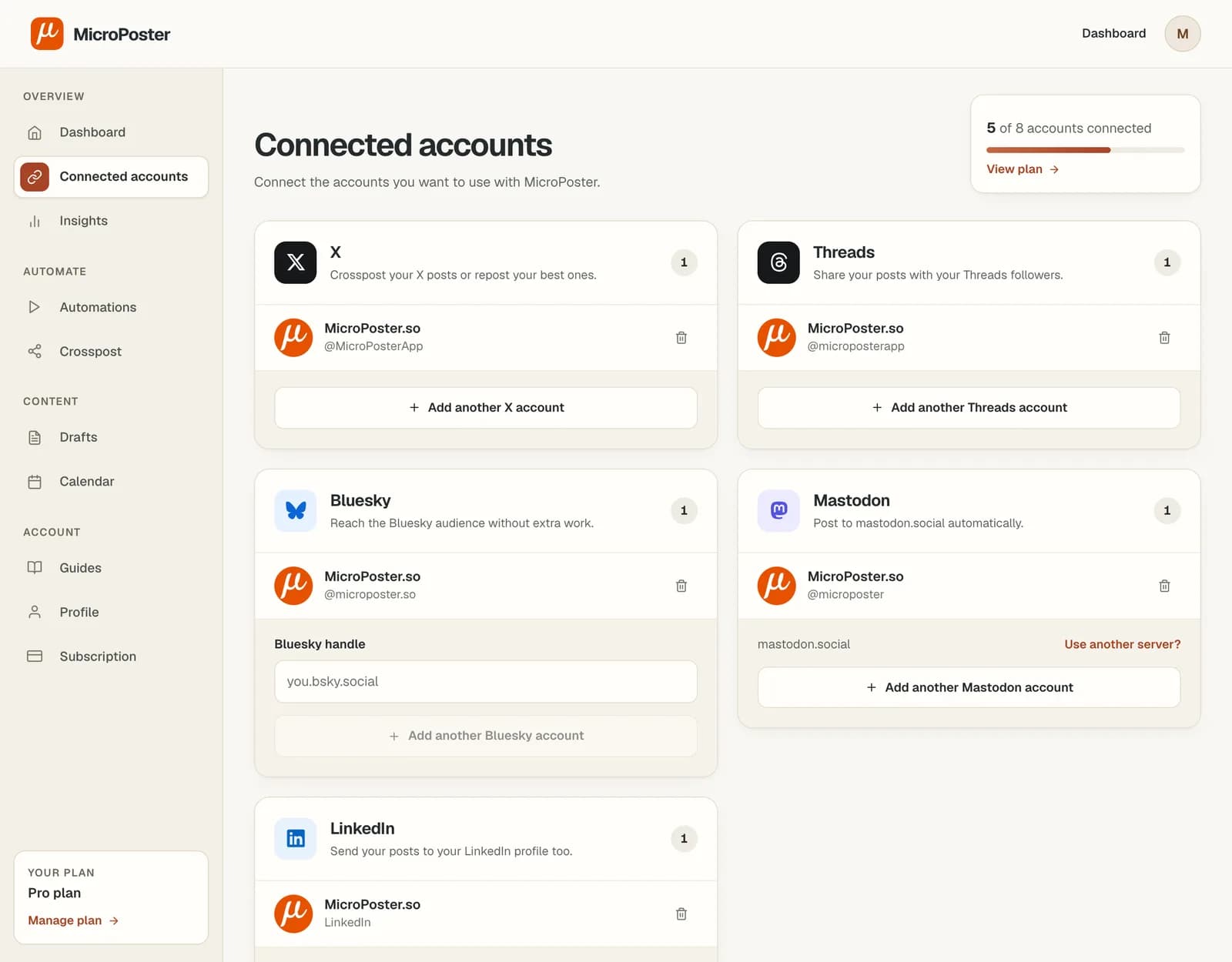
Sign in to MicroPoster and authorize both accounts. Check that the connected Threads profile is the one you want to publish to.
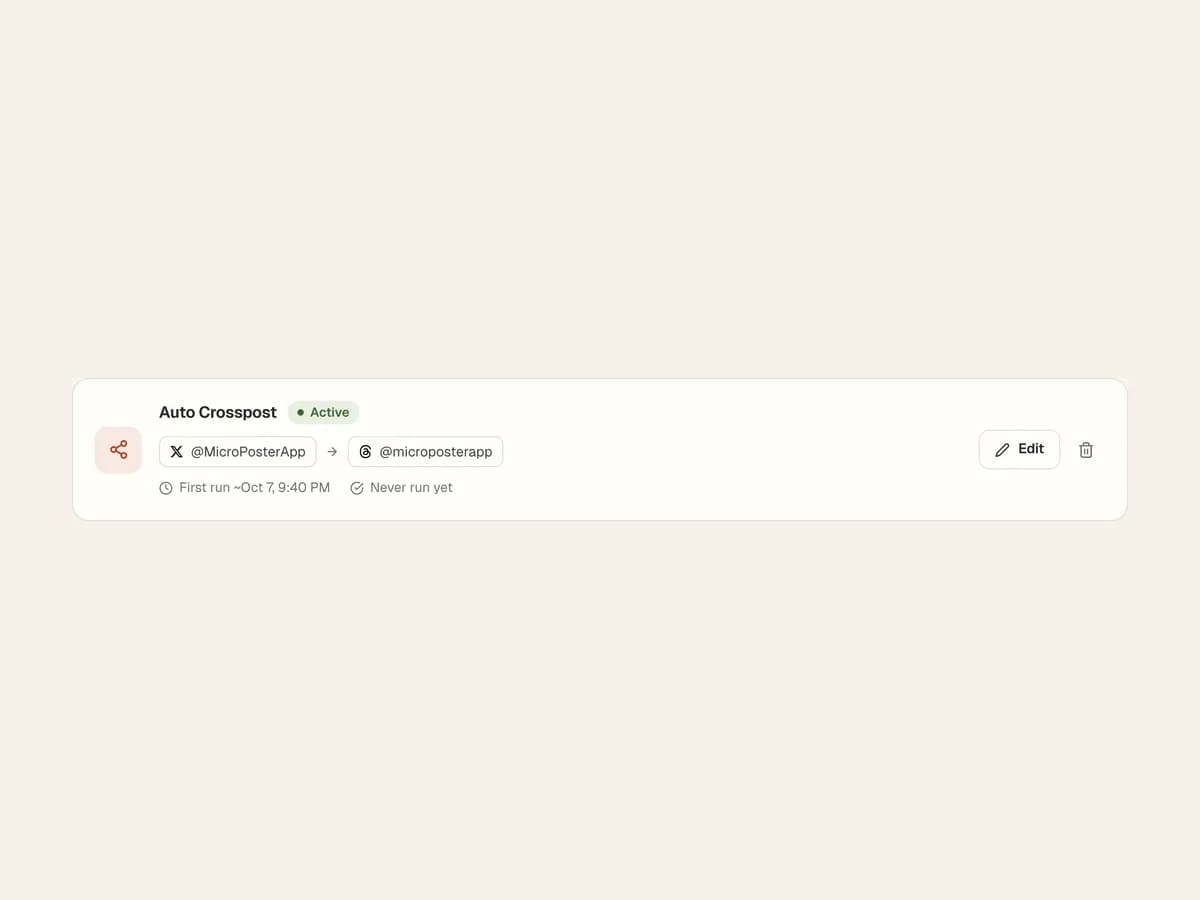
Create a crossposting automation with X as the source and Threads as the destination. Activate the automation when you are ready to copy new posts.
Publish on X as usual. After the next eligible check, open the Threads copy and review the text, attachments and any reply chain.
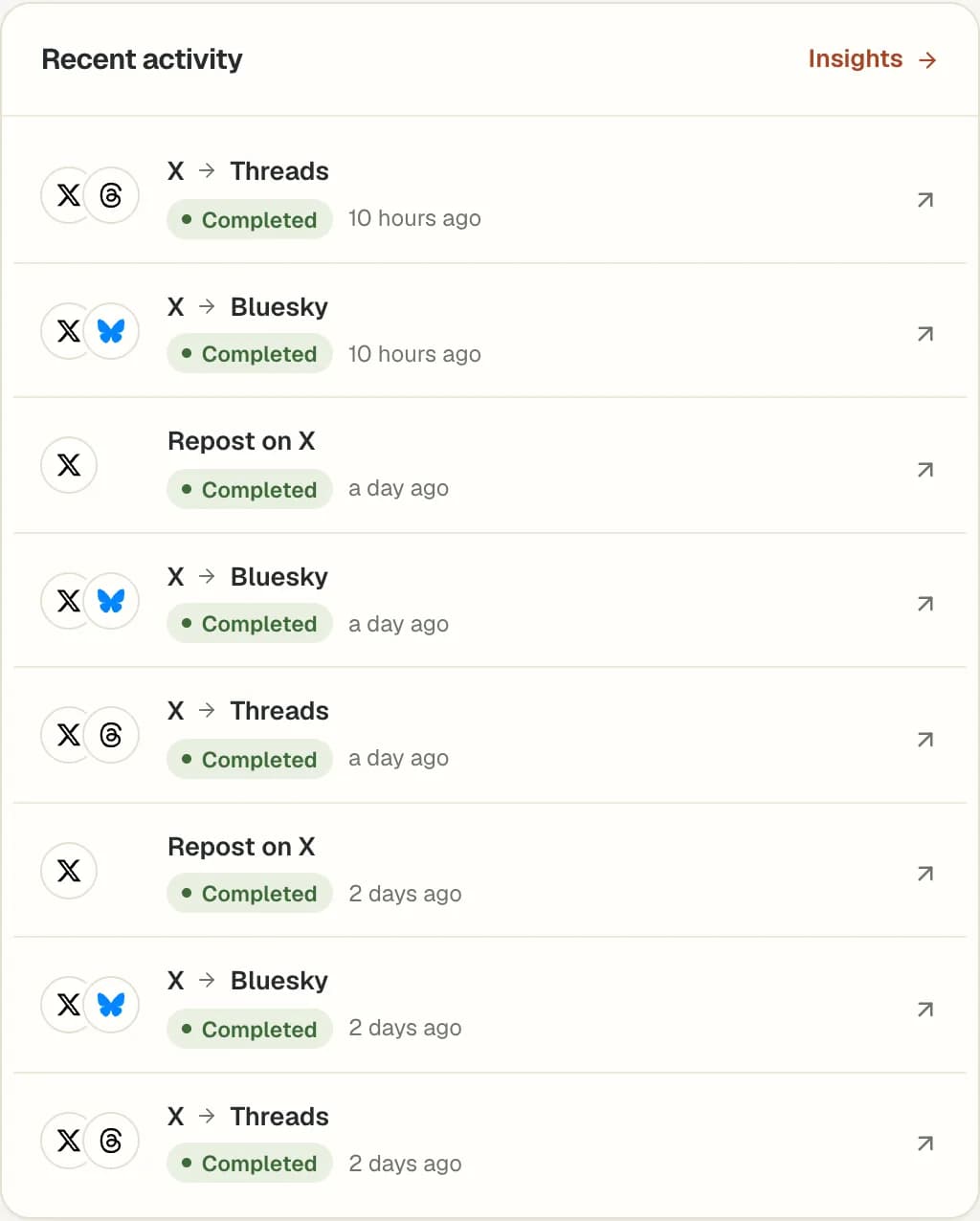
MicroPoster publishes a separate post on Threads. It does not publish to Instagram or combine reactions from the two networks. Your Threads audience can respond to the Threads copy.
Content is adapted for Threads' limits. Longer source text may become a native reply chain. Images and videos must meet the destination's upload requirements, so check your first media post.
Some conversations only make sense on X. Add #nocrosspost or #keephere to a post or a reply in its thread to exclude it from automatic crossposting.
Yes. Connect your X and Threads accounts, choose X as the source and Threads as the destination, and activate the automation. MicroPoster checks for new source posts at your plan's interval.
Yes. Create a separate automation with Threads as the source and X as the destination. Content is adapted for X, and the destination's limits and your account allowances apply.
No. Threads is the destination in this workflow. A connected Threads account does not make Instagram a supported publishing destination.
MicroPoster checks for new posts at the interval included in your plan. Crossposting is not instant. Platform availability, media processing and your remaining allowance can affect when a post is published.
No. Crossposting publishes a separate post on the destination account. Editing the original does not automatically update a copy that has already been published.
No. New accounts receive a 7-day trial under the Creator plan limits. A trial without payment details does not automatically become a paid subscription. Check Pricing for the current account limits and allowances.