
Automatic crossposting
Available between X, Threads, Bluesky and Mastodon, with LinkedIn as a destination. Choose the direction for each automation and use exclusion hashtags when a post should stay on one network.
Social media automation
Automatically distribute new posts to your other accounts and repost eligible recent updates. MicroPoster handles the follow-up publishing while you keep using your usual social apps.
Start my 7-day free trial7 days free. No credit card needed.
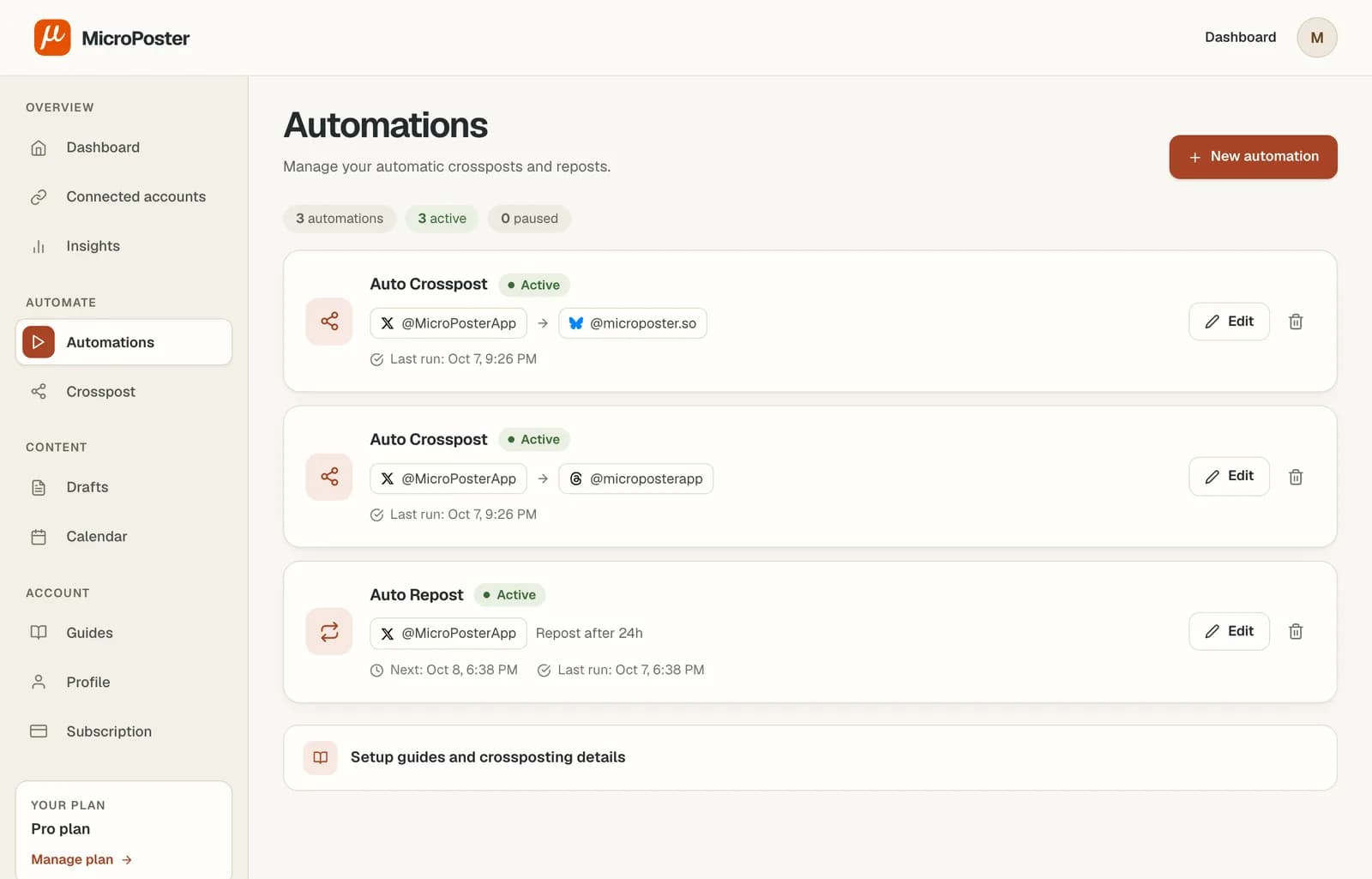
Getting started
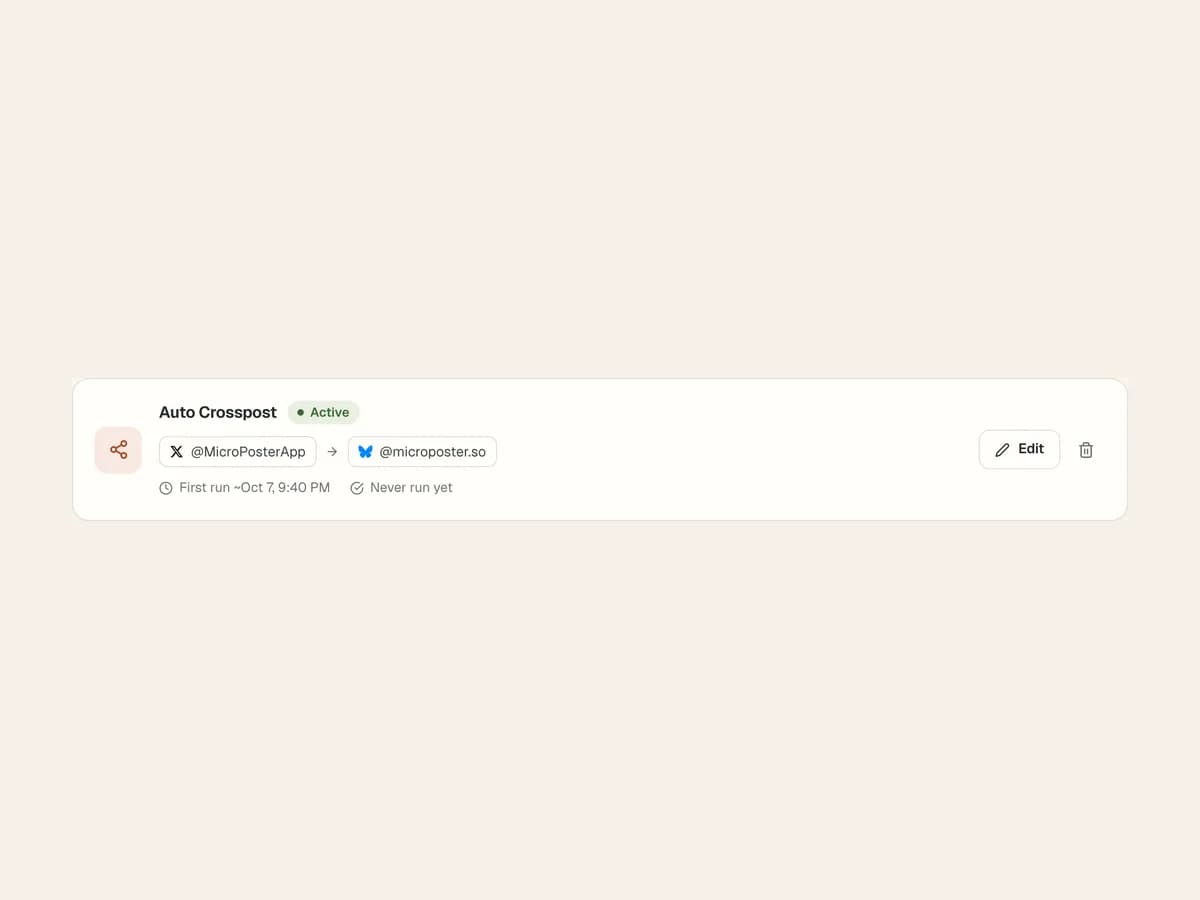
Connect a source account and destination, then activate a crossposting automation. New posts are picked up at your plan’s check interval.
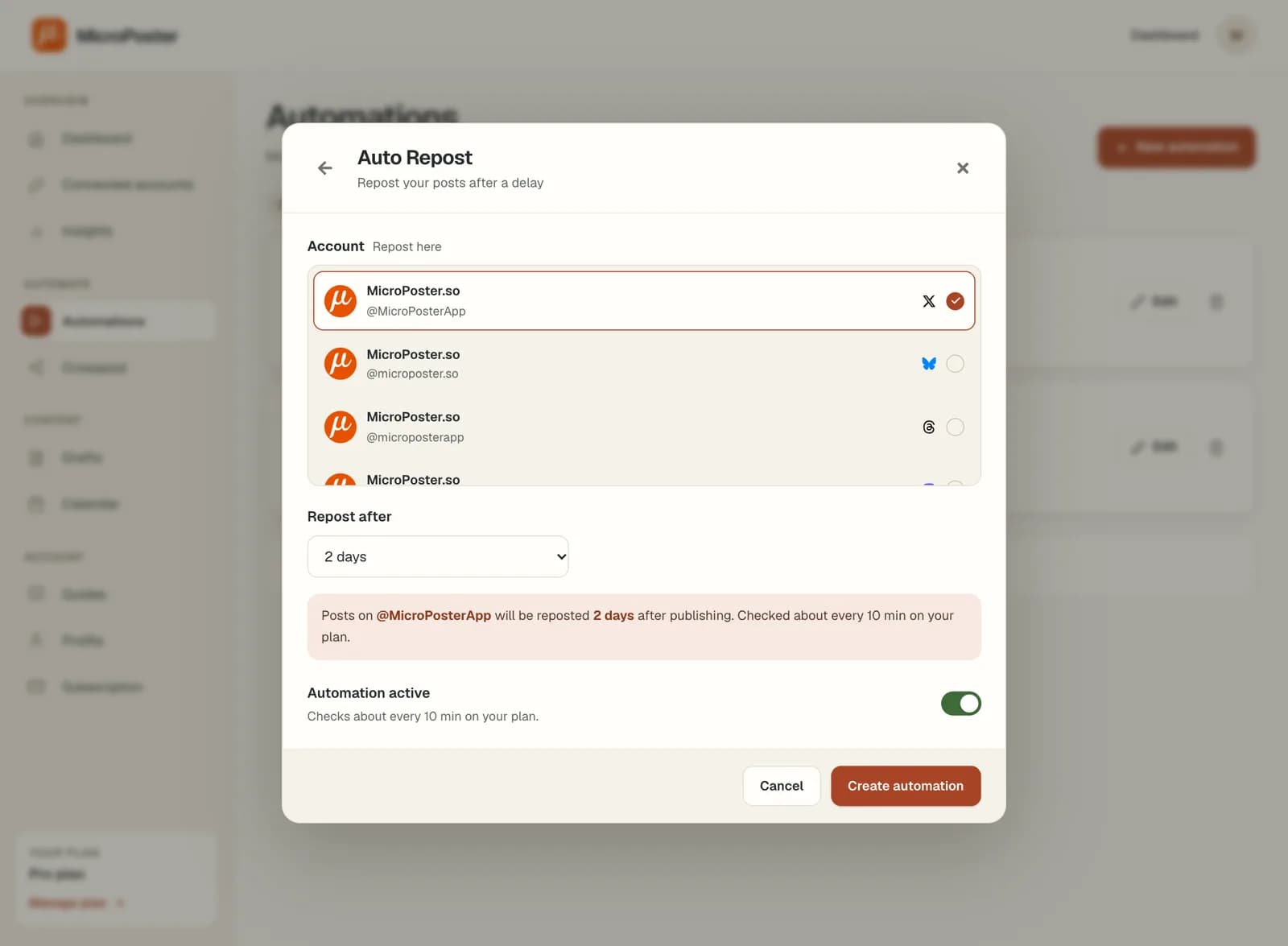
Choose an account and interval for Auto Repost. It selects an eligible recent post and uses the network’s native repost action.
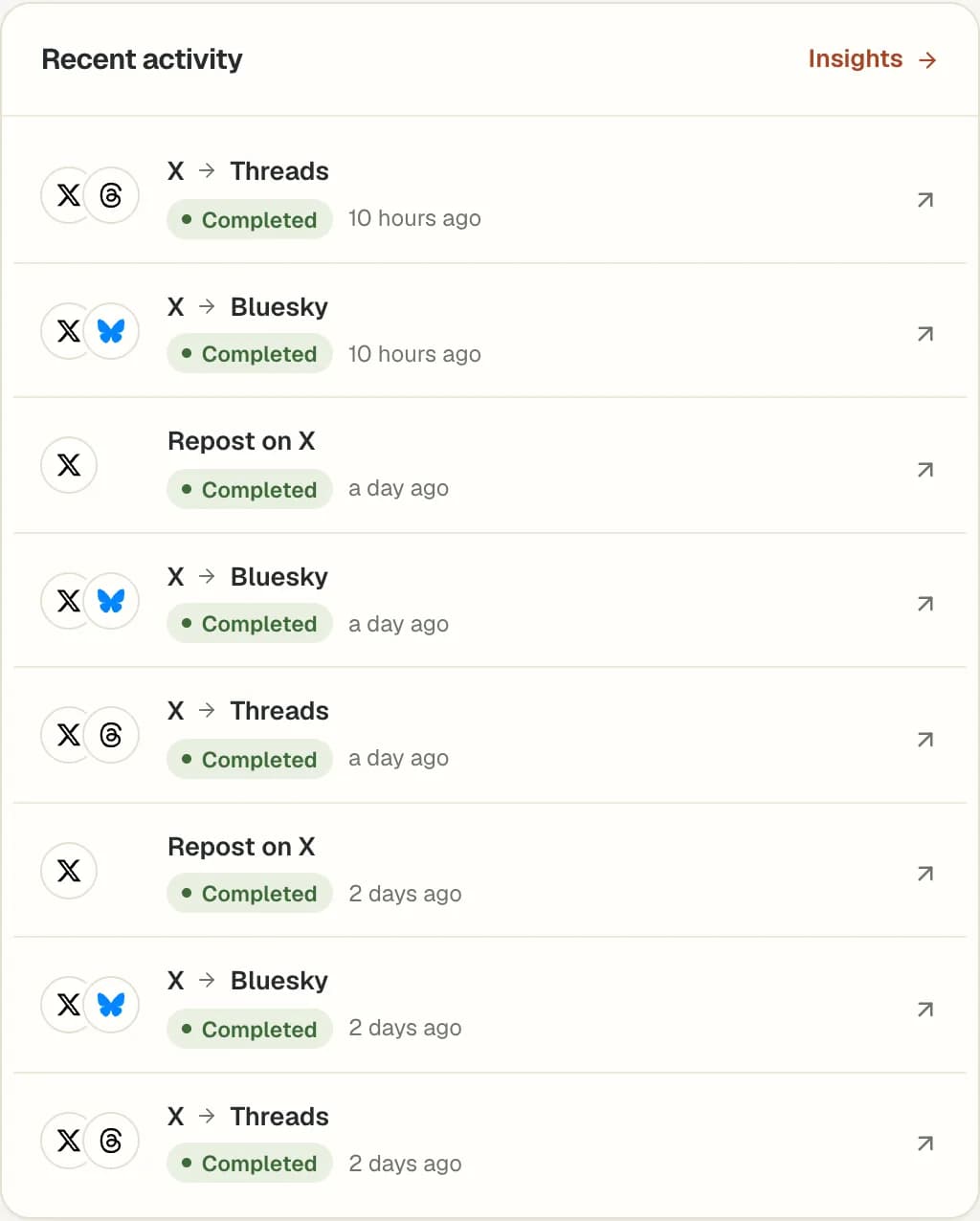
Review the destination post and automation history. Add more workflows once you have checked the formatting and timing for your own content.
Available between X, Threads, Bluesky and Mastodon, with LinkedIn as a destination. Choose the direction for each automation and use exclusion hashtags when a post should stay on one network.
Available for eligible recent posts from your own accounts. This makes a native repost, rather than repeatedly republishing an archive as new content.
Auto Plug is not yet available and is not included in the trial. It is a planned feature for promotional follow-up replies. Release details have not been announced.
Automatic crossposting starts from a new post on a connected source account. Choose it when you want to keep writing in your usual app. Scheduled drafts are also available when a prepared announcement needs a future publishing time.
MicroPoster focuses on X, Threads, Bluesky, Mastodon and LinkedIn. LinkedIn is a destination only, because LinkedIn doesn’t let apps read your posts. It does not publish to Instagram, Facebook or TikTok. Check destination formatting and media support with your own posts during the trial.
Choose a plan based on the accounts and automations you need, its check interval and publishing allowances. Start with one workflow, inspect the result and add others after you know how it behaves.
MicroPoster currently offers automatic crossposting and Auto Repost for X, Threads, Bluesky and Mastodon, and crossposting to LinkedIn. These work within your plan’s account limits, intervals and allowances. Auto Plug is planned and is not yet available.
Yes. Create a separate automation for each job. Crossposting distributes supported new posts to a chosen destination; Auto Repost uses the account’s own native repost action on eligible recent posts.
These automations do not reply to other people. Auto Plug, which is still planned, concerns promotional replies under your own posts, not automated outreach to other accounts.
MicroPoster checks for new posts at the interval included in your plan. Crossposting is not instant. Platform availability, media processing and your remaining allowance can affect when a post is published.
Yes. Add #nocrosspost or #keephere to the post, or a reply in its thread, to skip it in automatic crossposting. You can still crosspost it manually from your dashboard.
No. New accounts receive a 7-day trial under the Creator plan limits. A trial without payment details does not automatically become a paid subscription. Check Pricing for the current account limits and allowances.