
Threads is a separate destination
A crosspost to Threads publishes on your connected Threads account. It does not publish to Instagram. Select the Threads account you want to use when creating the automation.
Threads automation
Crosspost new posts into Threads from X, Bluesky or Mastodon, or use Threads as the source for your other networks, LinkedIn included. Auto Repost can also share eligible recent posts through Threads' native repost action.
Start my 7-day free trial7 days free. No credit card needed.
Getting started
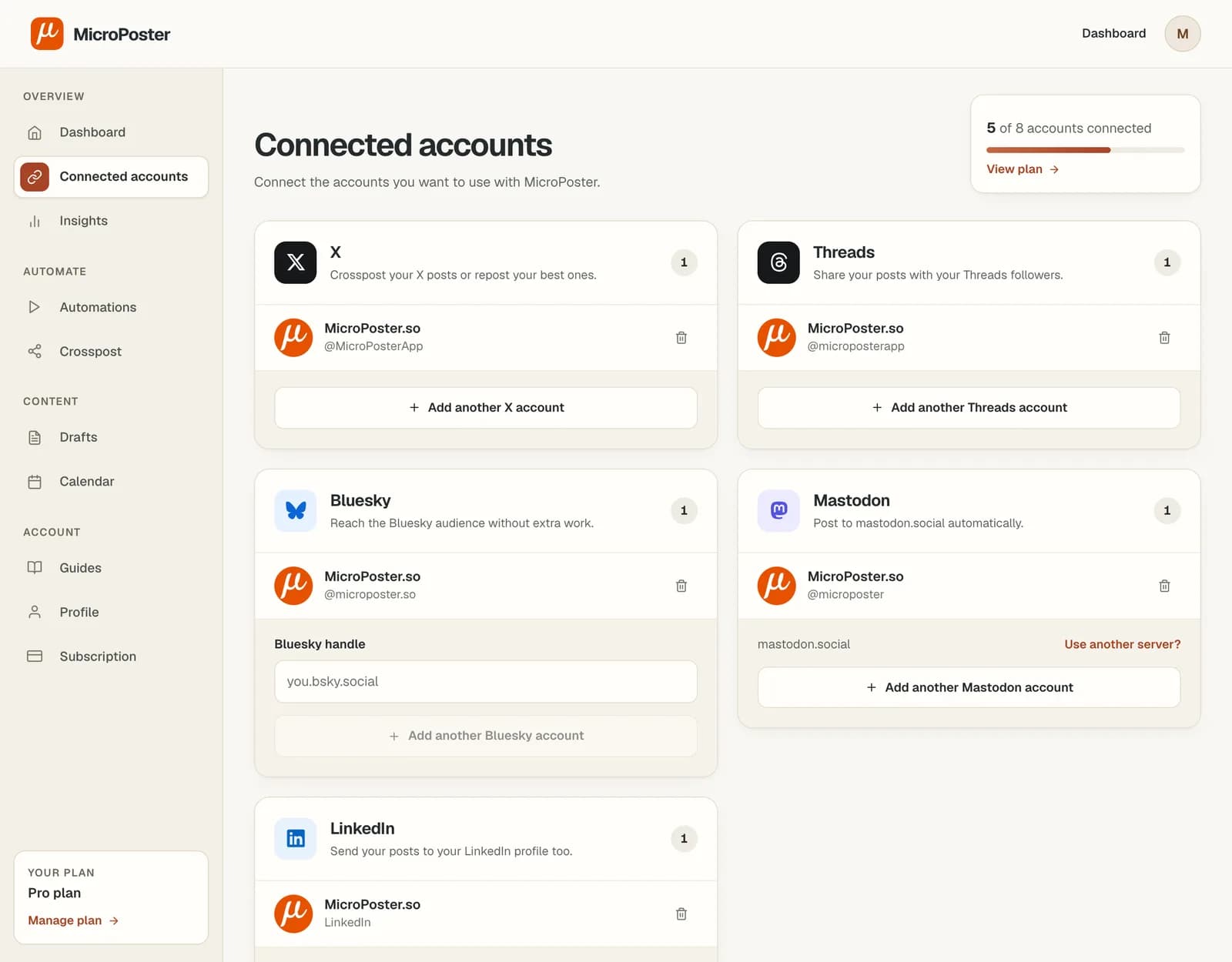
Authorize your Threads account in MicroPoster. To crosspost, connect the other network's account too. Start with one account pair so you can check the result.
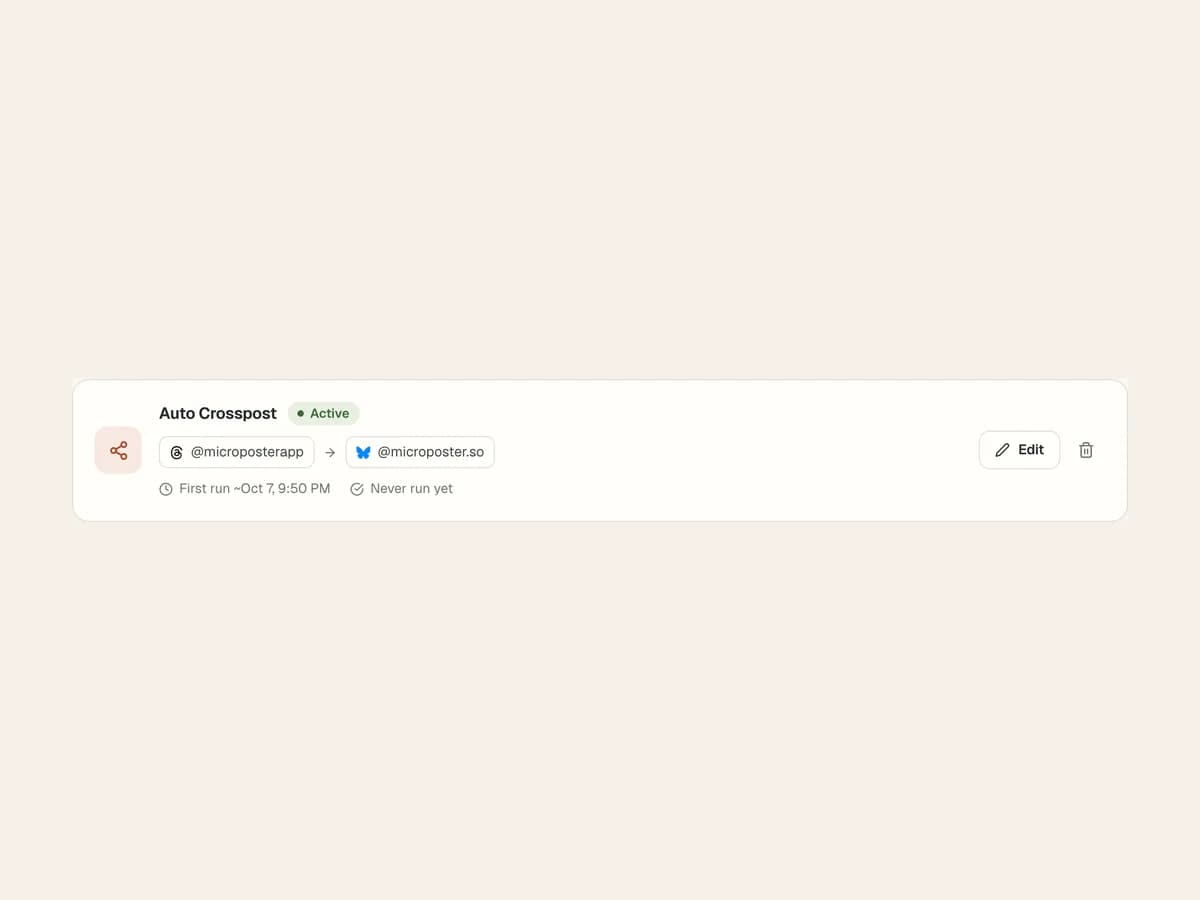
Create a crossposting automation with a source and destination, or choose Auto Repost for an account's recent posts. These are separate jobs with their own settings.
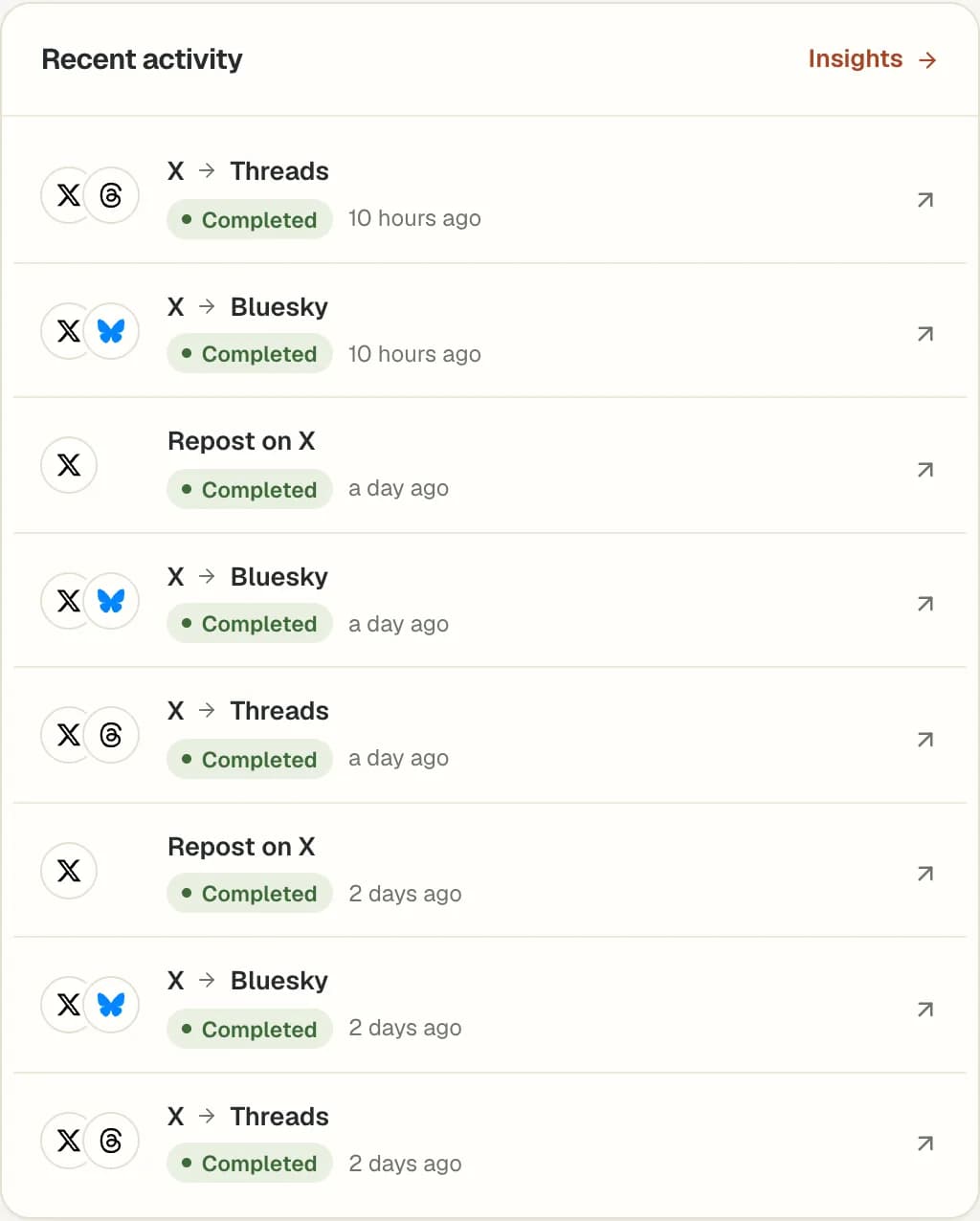
Activate the automation and review its history and destination posts. Check formatting and timing before expanding to more accounts.
A crosspost to Threads publishes on your connected Threads account. It does not publish to Instagram. Select the Threads account you want to use when creating the automation.
Choose Threads as the source to distribute your Threads posts elsewhere. Choose it as the destination to bring supported new posts from another account into Threads. Each direction uses a separate automation.
Longer source content may become a native reply chain on Threads. Media must meet Threads' upload requirements. Check the first destination post for text breaks, links and attachments.
MicroPoster offers automatic crossposting of supported new posts and native reposts of eligible recent posts from your own accounts. These automations work within your plan limits and require an active account connection.
No. It selects the oldest eligible post in a recent lookback of one to seven days, depending on the interval. Replies, reposts and posts already attempted by that automation are excluded. It does not rank posts by engagement.
Auto Plug is planned, not available today. It is not included in the trial. Final network support, controls and a release date have not been announced.
These publishing automations do not follow accounts, like other people's posts or send unsolicited replies. They distribute supported content and make native reposts from your own accounts.
MicroPoster checks for new posts at the interval included in your plan. Crossposting is not instant. Platform availability, media processing and your remaining allowance can affect when a post is published.
Yes. Add #nocrosspost or #keephere to the post, or a reply in its thread, to skip it in automatic crossposting. You can still crosspost it manually from your dashboard.
No. New accounts receive a 7-day trial under the Creator plan limits. A trial without payment details does not automatically become a paid subscription. Check Pricing for the current account limits and allowances.