
A Threads post, not an Instagram post
This automation publishes to your connected Threads profile. It does not publish to Instagram, even if the profiles are linked in Meta’s apps.
Automatic Bluesky to Threads crossposting
Your Threads account does not need a separate posting routine. MicroPoster picks up new posts from your Bluesky account and crossposts them to Threads automatically.
Start my 7-day free trial7 days free. No credit card needed.
Getting started
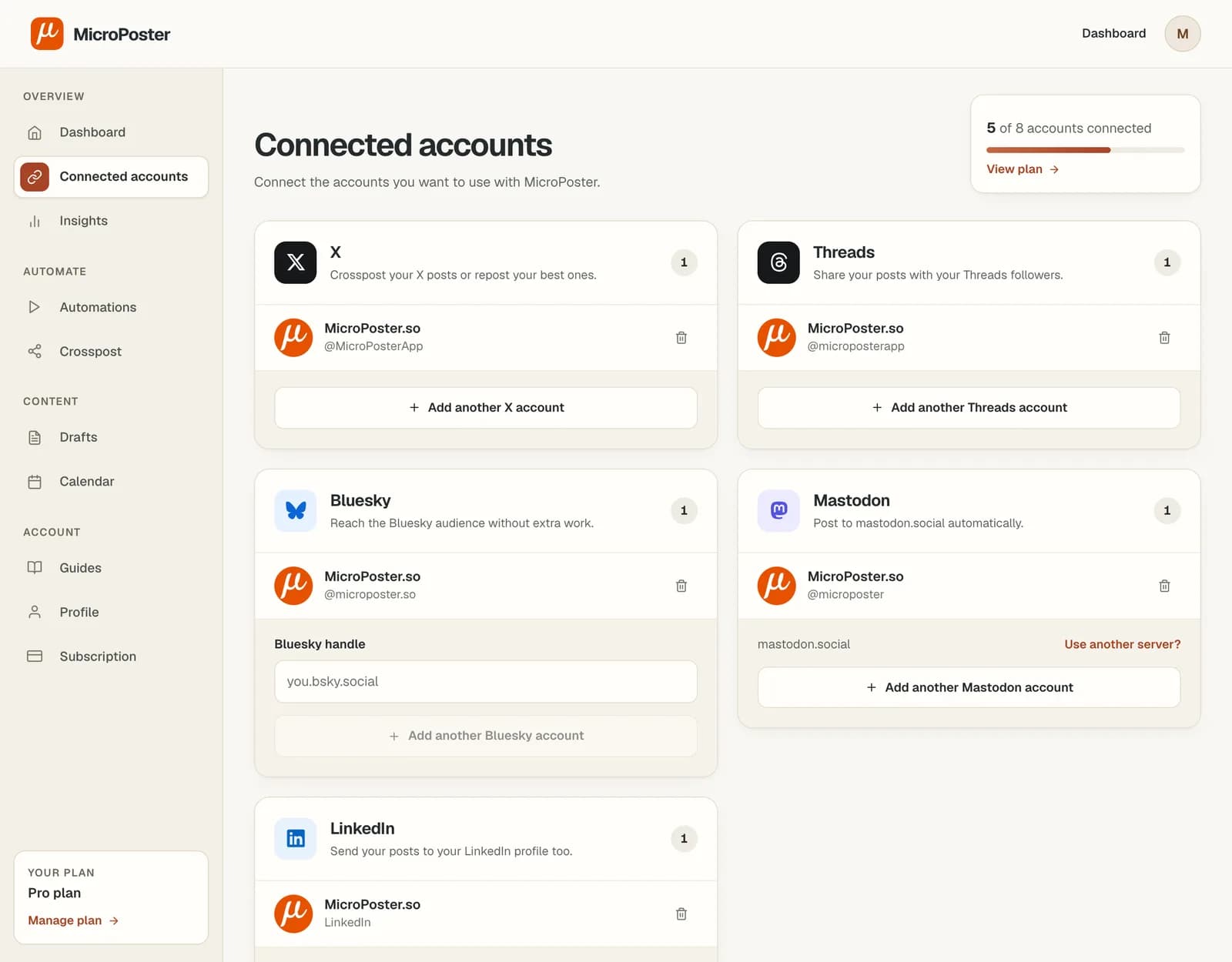
Add both accounts to MicroPoster. Connect the Threads profile you want to publish to, rather than assuming your Instagram profile is the destination.
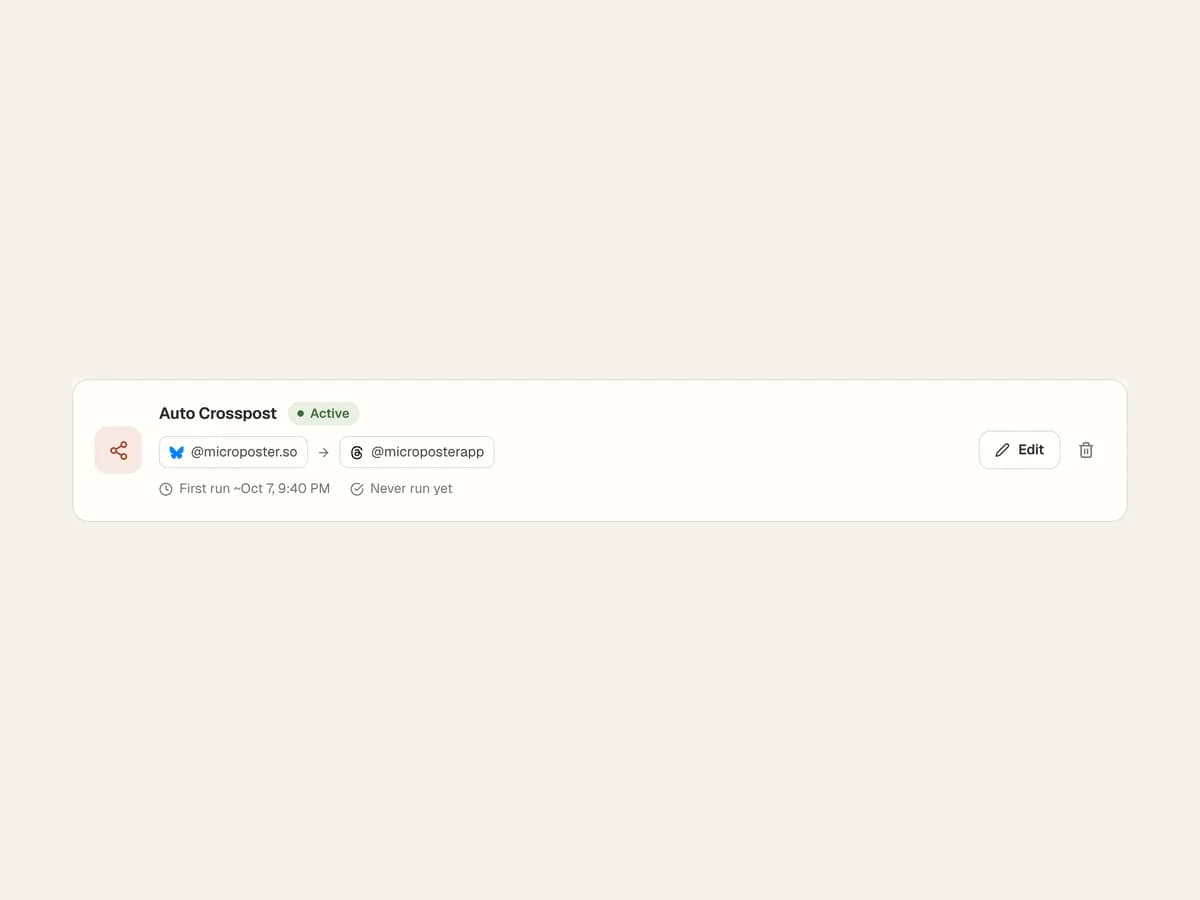
Create a crossposting automation. Select your Bluesky account as the source and your Threads account as the destination, then activate it.
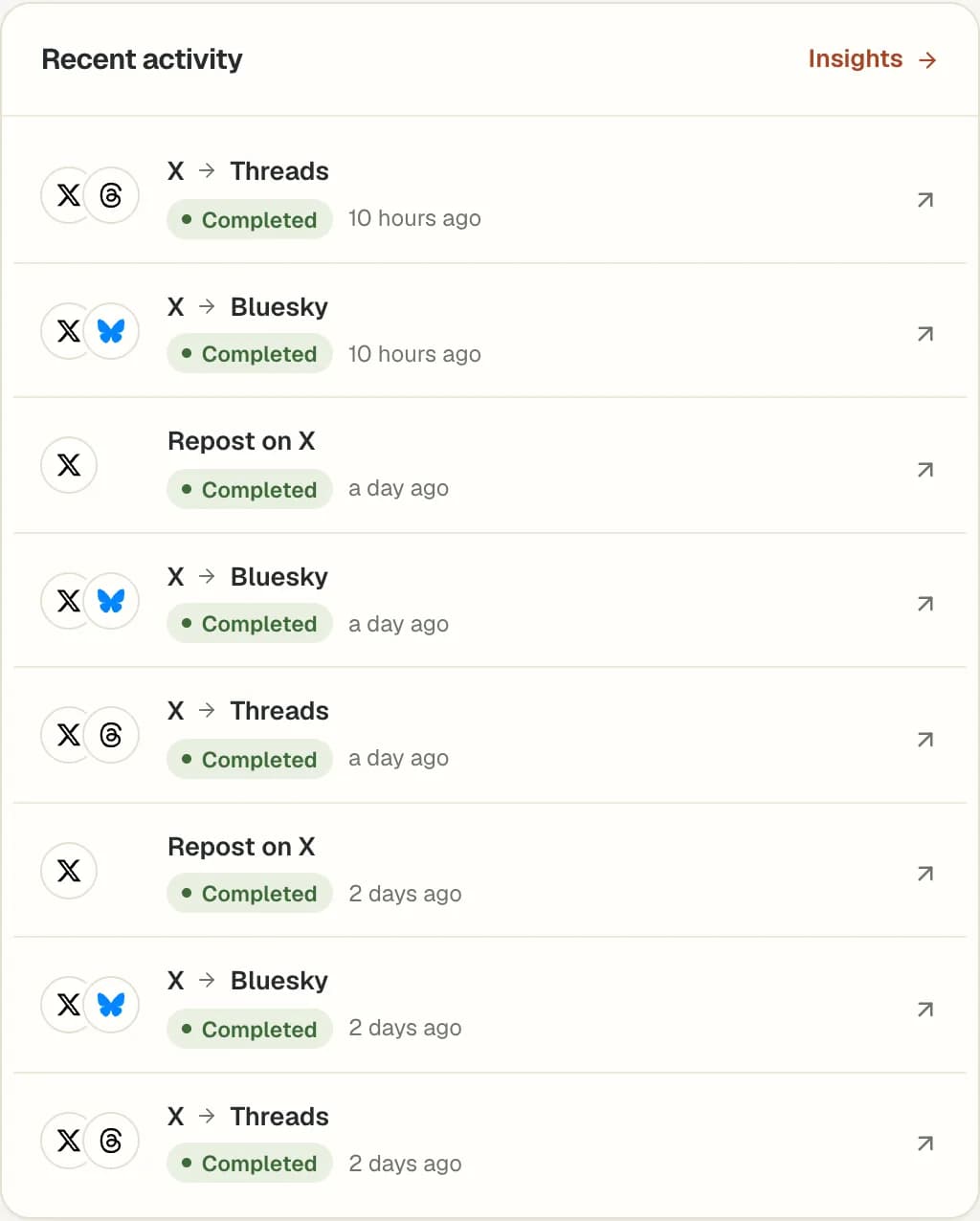
Start with a short text post. After the next automation check, open Threads and review the copy. Then try the media and threads you normally publish.
This automation publishes to your connected Threads profile. It does not publish to Instagram, even if the profiles are linked in Meta’s apps.
Bluesky and Threads support different post formats and limits. MicroPoster adapts supported text, media and threads for the destination; the result may not look identical.
A Bluesky-specific announcement does not have to appear on Threads. Use #nocrosspost or #keephere when you want automatic crossposting to skip a post.
Yes. MicroPoster can use Bluesky as the source and Threads as the destination. Once the accounts are connected and the automation is active, it checks for new Bluesky posts and publishes supported content to Threads.
Yes. Create an automation in the other direction, with Threads as the source and Bluesky as the destination. The destination’s content limits still apply.
No. Threads is the destination for this workflow. MicroPoster supports X, Threads, Bluesky, Mastodon and LinkedIn; Instagram is not a supported destination.
MicroPoster checks for new posts at the interval included in your plan. Crossposting is not instant. Platform availability, media processing and your remaining allowance can affect when a post is published.
Yes. Add #nocrosspost or #keephere to the post, or a reply in its thread, to skip it in automatic crossposting. You can still crosspost it manually from your dashboard.
No. Crossposting publishes a separate post on the destination account. Editing the original does not automatically update a copy that has already been published.
No. New accounts receive a 7-day trial under the Creator plan limits. A trial without payment details does not automatically become a paid subscription. Check Pricing for the current account limits and allowances.