
A thread becomes one post
LinkedIn has no threads. The tweets in a thread are joined into a single LinkedIn post with a blank line between them. LinkedIn allows 3,000 characters, so most threads fit in full.
X to LinkedIn crossposting
Keep writing on X and let MicroPoster publish each new post to your LinkedIn profile. Your professional network sees the update without you opening LinkedIn and pasting it again.
Start my 7-day free trial7 days free. No credit card needed.
Getting started
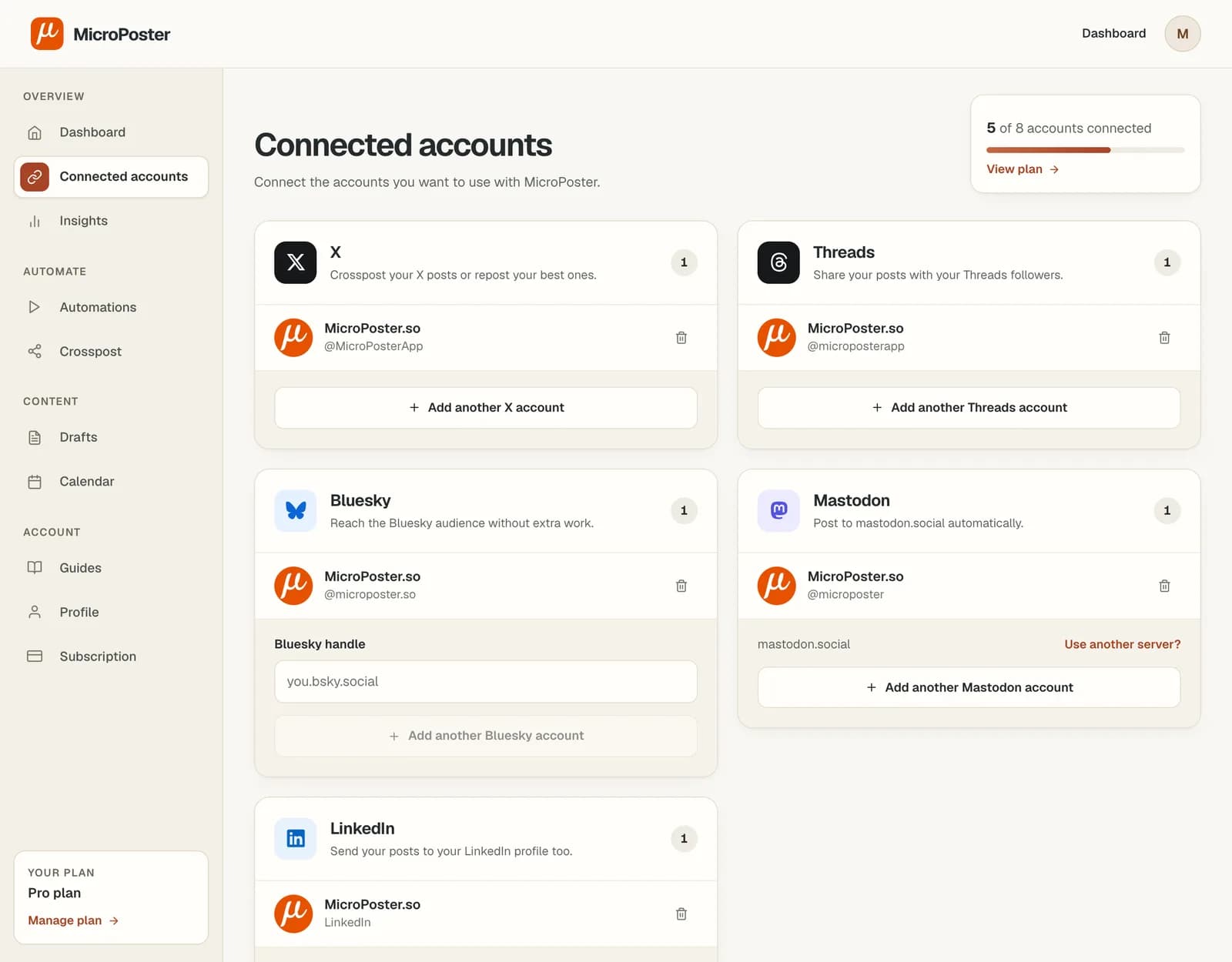
Sign in to MicroPoster and authorize both accounts. LinkedIn asks you to approve posting on your behalf. MicroPoster never sees your password.
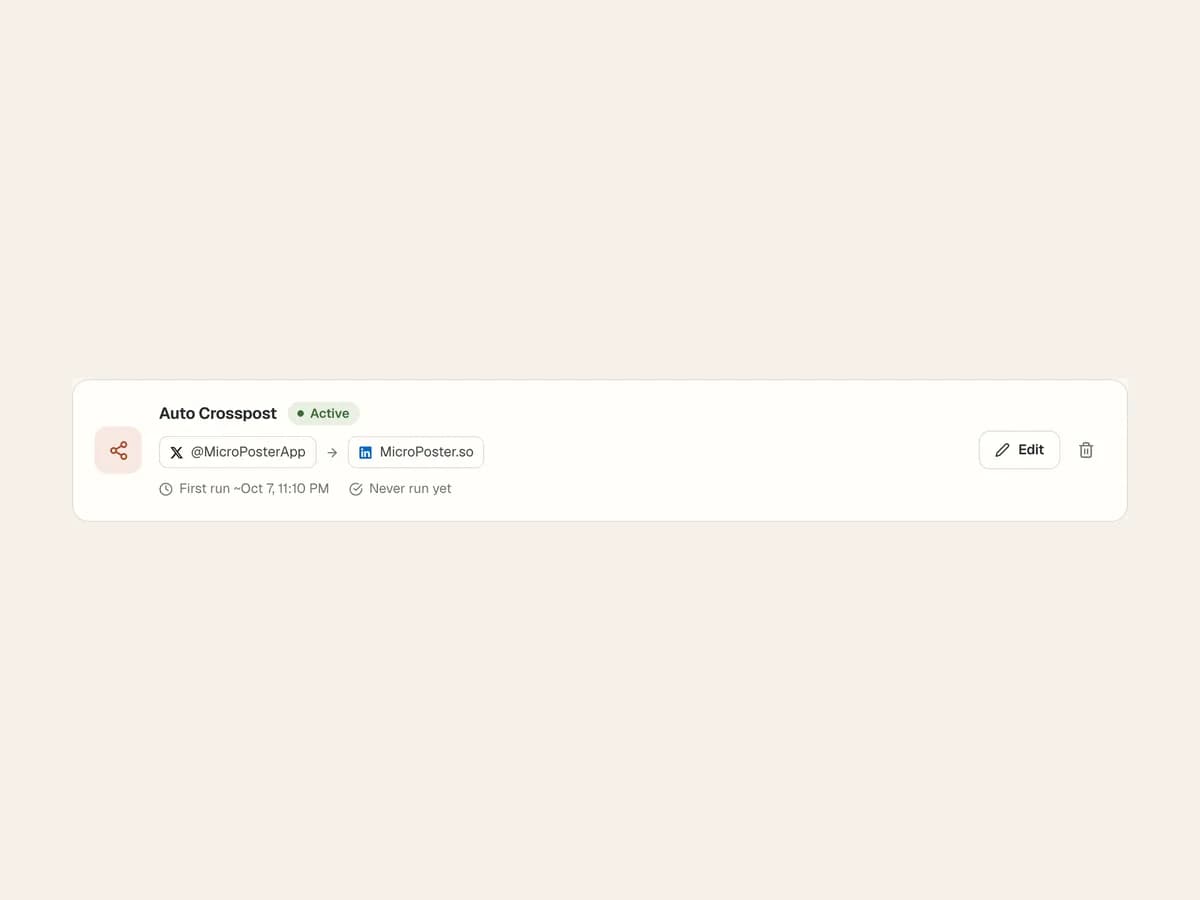
Create a crossposting automation with X as the source and LinkedIn as the destination. Add hashtags if you want them on every LinkedIn copy.
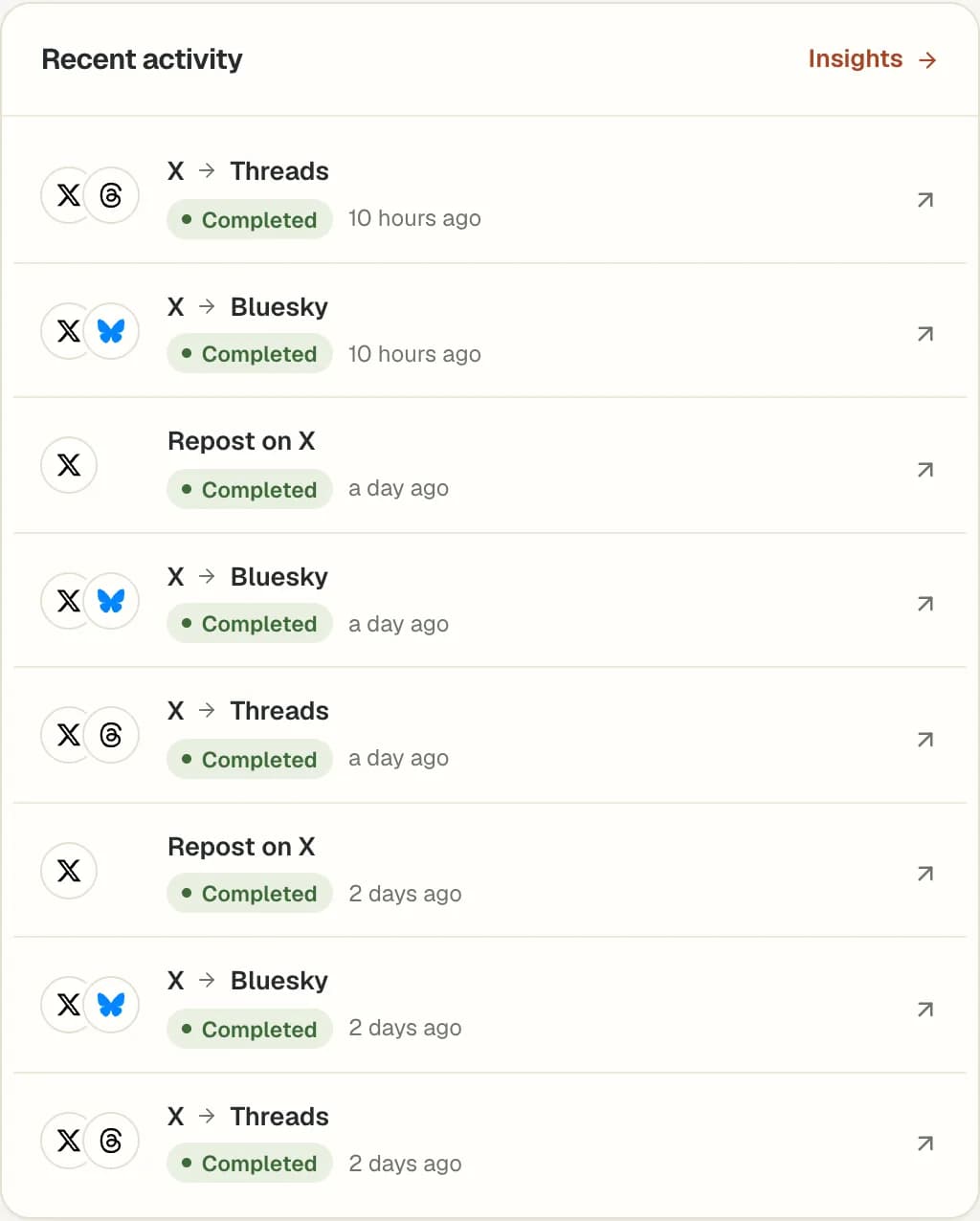
Post on X as usual. After the next check, open your LinkedIn profile and review the copy, its media and where any long text was cut.
LinkedIn has no threads. The tweets in a thread are joined into a single LinkedIn post with a blank line between them. LinkedIn allows 3,000 characters, so most threads fit in full.
If a joined thread runs past 3,000 characters, MicroPoster cuts it at a word boundary and adds an ellipsis, keeping your hashtags. LinkedIn would otherwise reject the whole post.
A LinkedIn post carries one video or up to 20 images. If a thread has both, the video goes up. A post with only a link gets a link card.
LinkedIn treats characters like brackets, asterisks and underscores as formatting. MicroPoster escapes them so your text arrives intact, and keeps hashtags linked.
LinkedIn only lets approved partners read a member's posts, so MicroPoster can publish to LinkedIn but can't crosspost from it. Auto Repost isn't available on LinkedIn for the same reason.
LinkedIn connections last 60 days. MicroPoster emails you a week before yours expires, and reconnecting takes one click from the Connected accounts page.
Yes. Connect your X and LinkedIn accounts, create an automation with X as the source and LinkedIn as the destination, and activate it. MicroPoster checks for new tweets at your plan's interval and publishes each one to your LinkedIn profile.
No. LinkedIn only lets approved partners read a member's posts, so LinkedIn can't be a source. You can crosspost to LinkedIn from X, Threads, Bluesky or Mastodon.
Not yet. MicroPoster publishes to your personal LinkedIn profile, which is the account you connect.
Yes. Any connected X, Threads, Bluesky or Mastodon account can be the source of a LinkedIn automation. Create one automation per source account.
MicroPoster checks for new posts at the interval included in your plan. Crossposting is not instant. Platform availability, media processing and your remaining allowance can affect when a post is published.
Yes. Add #nocrosspost or #keephere to the post, or a reply in its thread, to skip it in automatic crossposting. You can still crosspost it manually from your dashboard.
No. New accounts receive a 7-day trial under the Creator plan limits. A trial without payment details does not automatically become a paid subscription. Check Pricing for the current account limits and allowances.