
Different text limits
Your Mastodon server may allow more text than a single Bluesky post. MicroPoster adapts supported content for Bluesky, including splitting longer text into a native thread where needed.
Mastodon to Bluesky crossposting
MicroPoster checks your connected Mastodon source for new posts and publishes supported content on Bluesky. Keep using your usual Mastodon app while maintaining a separate Bluesky presence.
Start my 7-day free trial7 days free. No credit card needed.
Getting started
Enter your Mastodon server, like mastodon.social or fosstodon.org, and approve MicroPoster there. Then connect Bluesky through Bluesky authorization. Check that each connected profile is the one you intend to use.
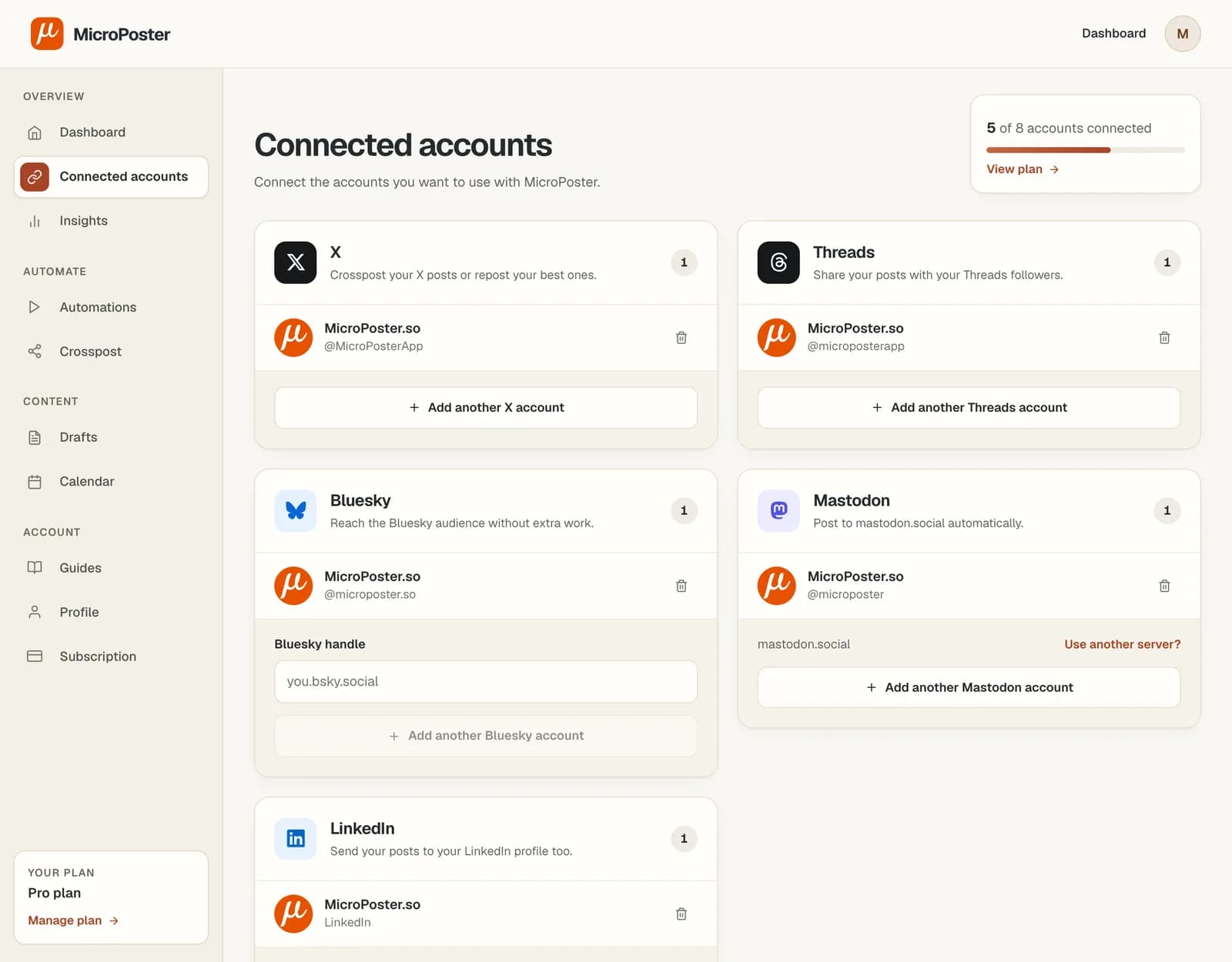
Create a crossposting automation with Mastodon as the source and Bluesky as the destination. Activate it to pick up supported new source posts.
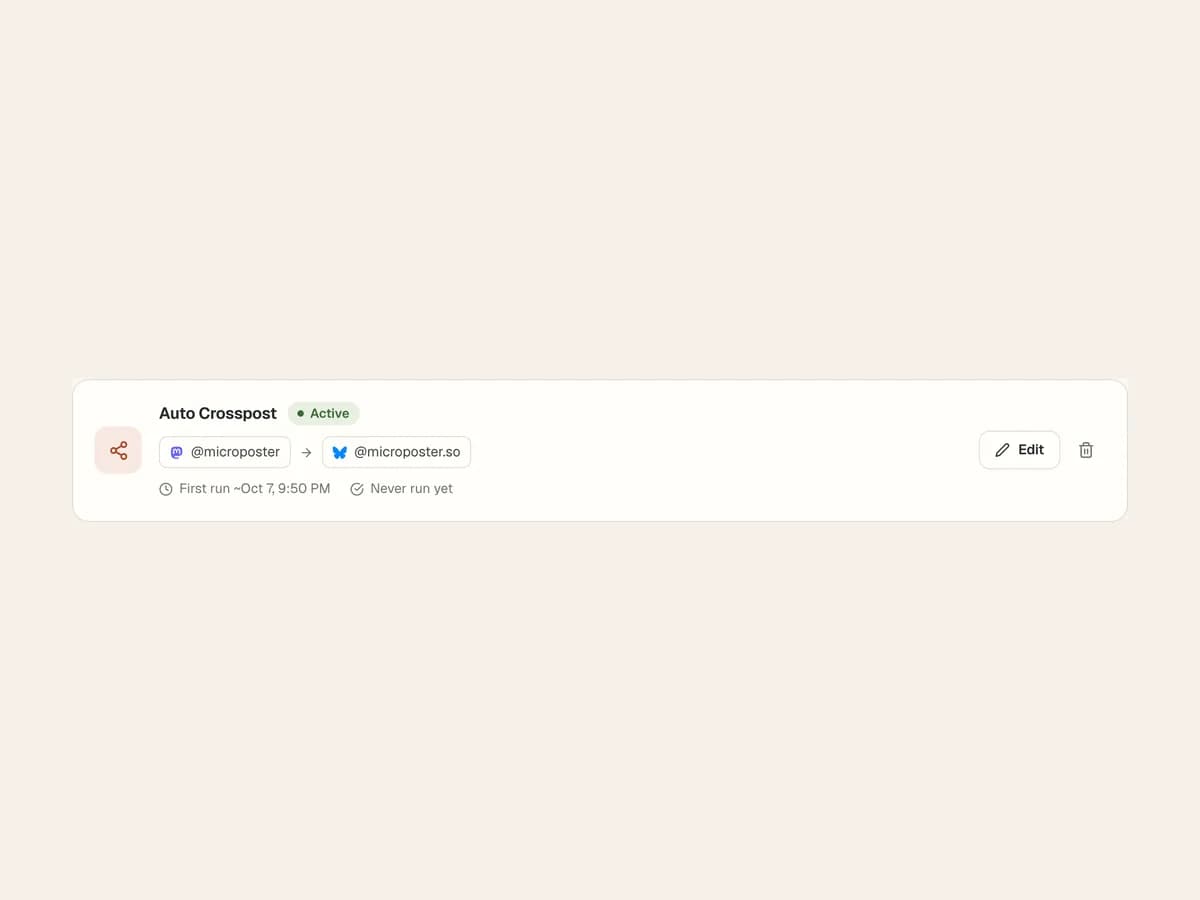
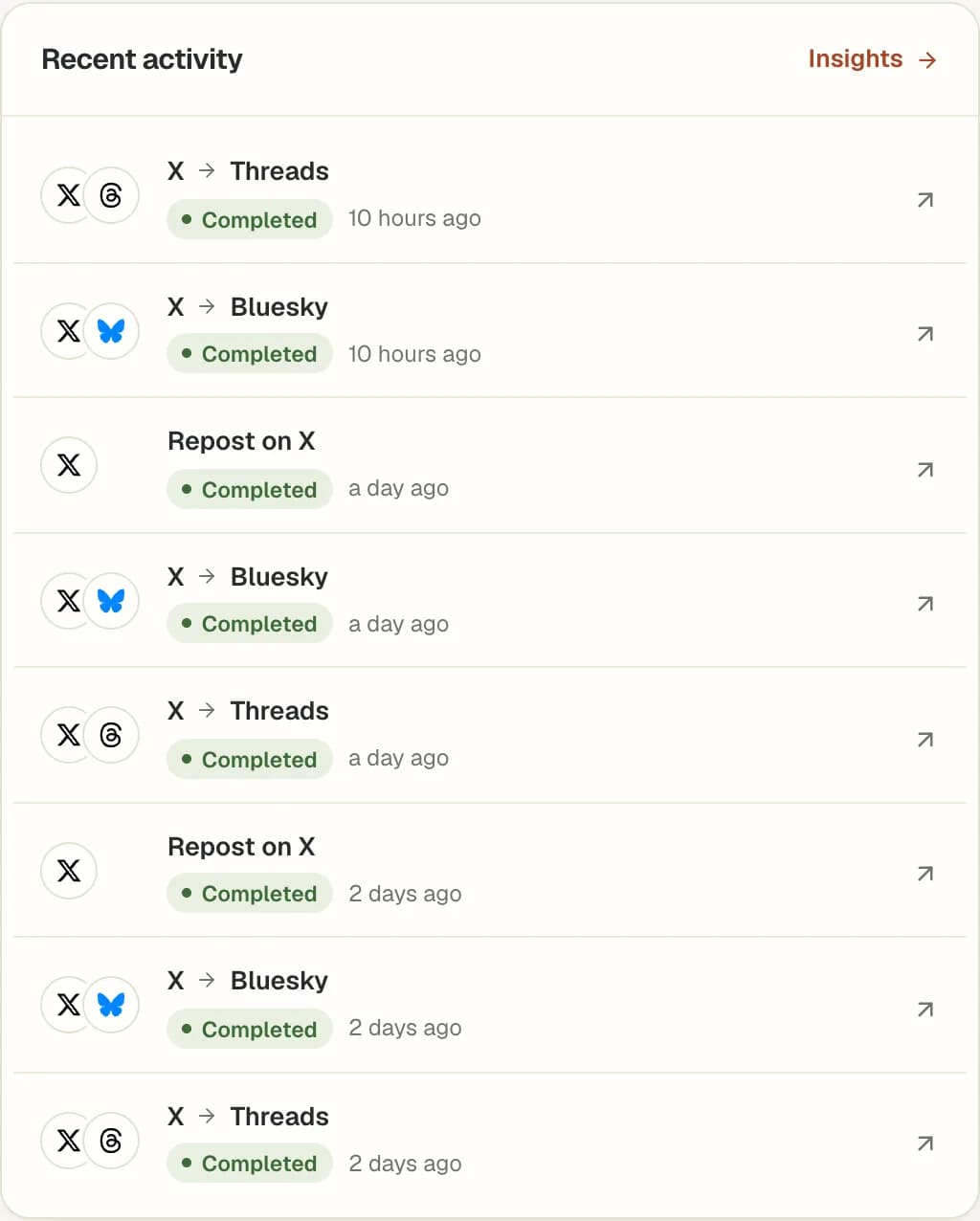
Publish a new Mastodon post, then check the result on Bluesky after the next eligible check. Test longer text and supported media before adding more workflows.
Your Mastodon server may allow more text than a single Bluesky post. MicroPoster adapts supported content for Bluesky, including splitting longer text into a native thread where needed.
Mastodon handles include a server, while Bluesky accounts use a different identity system. Check that mentions make sense on the destination and that attachments meet Bluesky's requirements.
Replies, reactions and later edits stay with each post. Crossposting does not merge conversations or keep published copies continuously synchronized.
Your Mastodon account lives on a server, also called an instance. MicroPoster connects to whichever one you use: enter its address when you connect, and MicroPoster reads that server’s own character and media limits, so a 500-character server gets a thread and a 5,000-character server gets one post.
Not on the list? Any other Mastodon server works the same way, including small community and self-hosted servers, as long as its admins allow new apps to connect.
Any Mastodon server. Popular ones include mastodon.social, mastodon.online, mstdn.social, mastodon.world, hachyderm.io, fosstodon.org, infosec.exchange and techhub.social, and small community and self-hosted servers work the same way, as long as their admins allow new apps. Enter your server's address when you connect.
Yes. Create an automation with Bluesky as the source and Mastodon as the destination. Check the destination server's content limits and rules before expanding the workflow.
No. MicroPoster publishes separate destination posts from supported new source content. Later edits and engagement are not synchronized between the networks.
MicroPoster checks for new posts at the interval included in your plan. Crossposting is not instant. Platform availability, media processing and your remaining allowance can affect when a post is published.
Yes. Add #nocrosspost or #keephere to the post, or a reply in its thread, to skip it in automatic crossposting. You can still crosspost it manually from your dashboard.
No. New accounts receive a 7-day trial under the Creator plan limits. A trial without payment details does not automatically become a paid subscription. Check Pricing for the current account limits and allowances.