
Mastodon following cleaner
Find the accounts you follow that went quiet, moved to a new server, are bots, or don't follow you back. Works with mastodon.social and any other Mastodon server.
How do you find dead accounts you follow on Mastodon?
When people leave a Mastodon server, many set up a redirect to a new account. Your follow often stays on the old one, which never posts again. Others just stop posting. Your server knows both things about every account you follow, it just never puts them in one list.
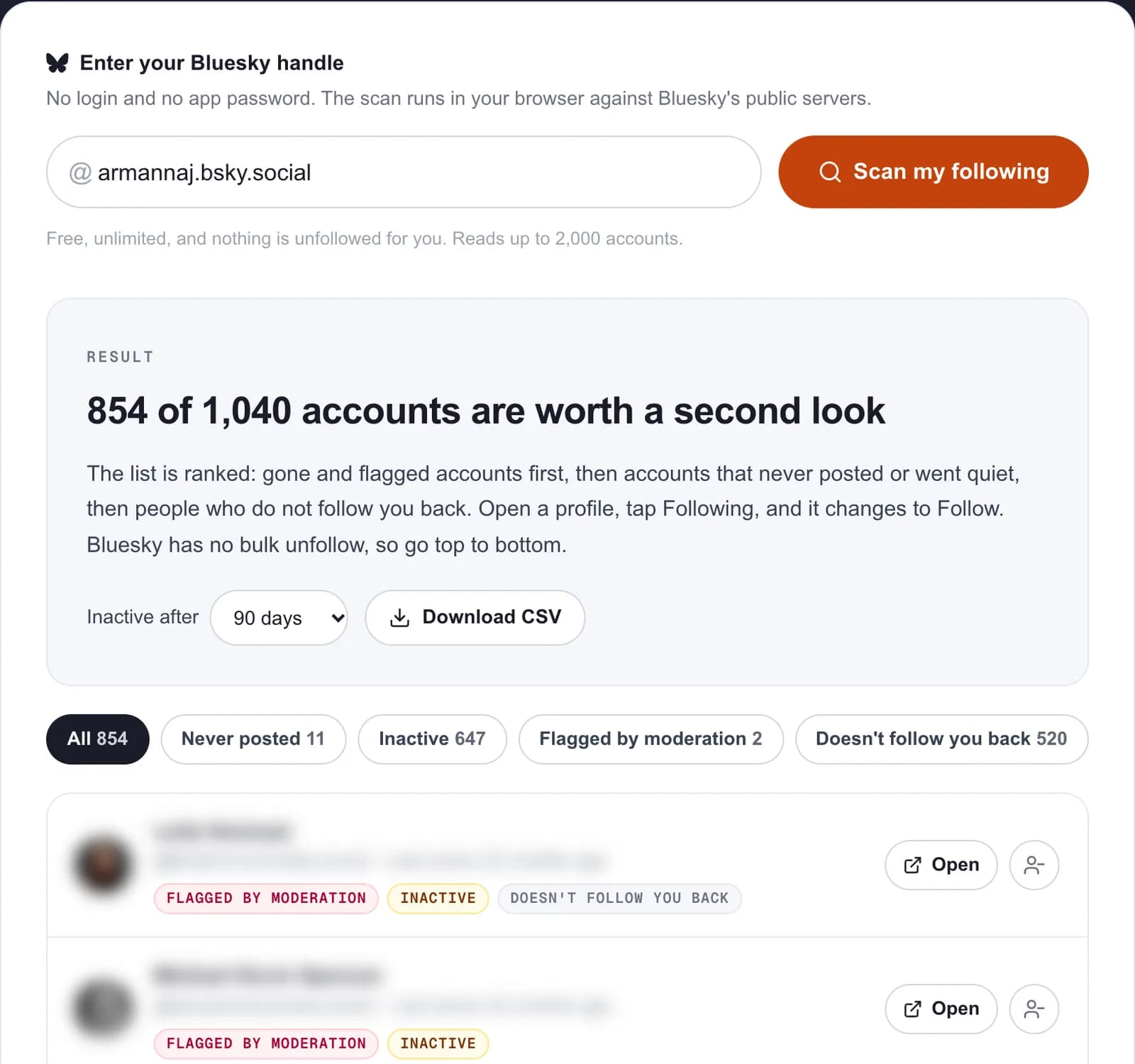
This tool asks your server for that list and ranks it: moved and suspended accounts first, then accounts that went quiet, then bots and people who do not follow you back. You unfollow in Mastodon itself. Nothing is changed for you.
What the cleaner looks for
| Reason | How we tell | What to do |
|---|---|---|
| Moved | The account points to a new address. | Unfollow it and follow the new account if you still want them. |
| Suspended or limited | Your server marks the account suspended, or its moderators limited it. | Usually safe to drop. |
| Never posted | Zero posts. | Often an abandoned sign-up. |
| Inactive | No post in the period you choose. | Drop it, or keep it if you are waiting for them to come back. |
| Automated | The account says it is a bot. | Keep the ones you like. Bots are fine on Mastodon when labeled. |
| Doesn't follow you back | They are not in your followers list. | Only matters if you want mutuals. |
Activity dates on Mastodon are your server's view
Mastodon is federated. Your server only knows about posts from other servers that reached it, so an account on a small, distant server can look quieter than it is. If someone you care about shows as inactive, open their profile on their own server before you unfollow.
Some people hide who they follow in their settings (Hide your social graph). If you do, the scan cannot read your list. Turn it off for a minute, scan, and turn it back on.
Keep your Mastodon account active without extra work
MicroPoster cross-posts what you already write on X, Threads or Bluesky to Mastodon natively, with content warnings and threads handled for you. One post, every network.
7-day free trial · No credit card
Frequently asked questions
Can I see who unfollowed me on Mastodon?
Mastodon does not keep a history of unfollows, so no tool can list who left. This tool shows who does not follow you back today.
Does it work on servers other than mastodon.social?
Yes. Enter your full address, like name@fosstodon.org, and the scan asks your own server. It works with any Mastodon server that leaves its public API open, which is almost all of them.
Do I need to log in?
No. Who you follow is public on Mastodon unless you hide it, and the scan runs in your browser using your server's public API.
Why does someone show as inactive when they are not?
Your server only sees posts that reached it. Accounts on small or distant servers can look quieter than they are. Check their profile on their own server before unfollowing.
Is it free?
Yes. No sign-up, no limit. It reads up to 2,000 accounts you follow per scan.
MicroPoster is not affiliated with Mastodon gGmbH. The scan reads public data only and never acts on your account. Last reviewed on October 9, 2026.