
automation tools for x & threads
12 Best Automation Tools for X & Threads in 2026
Discover the top 12 automation tools for X & Threads. Boost your reach with smart scheduling, native crossposting, and powerful analytics.

The conversation now splits between X's real-time pulse and Threads' burgeoning communities. For creators, founders, and marketers, being active on both isn't a choice-it's a necessity for growth. But the daily grind of copy-pasting, reformatting images, and manually creating separate posts is a silent productivity killer. It’s not just tedious; it actively harms your content's performance and reach.
This manual process is flawed. Posts that aren't natively formatted for each platform get ignored. Links look clunky. Your engagement suffers because the content feels out of place. True multi-platform growth requires a smarter, more efficient approach that respects the nuances of both X and Threads.
This guide moves beyond basic schedulers. We will dive deep into the best automation tools for X & Threads, uncovering platforms that offer intelligent, native crossposting, AI-powered content assistance, and insightful analytics. We will break down what actually works, what doesn't, and who each tool is really for.
You're about to find the perfect solution to reclaim your time and amplify your message. We'll explore a dozen powerful options, from established industry giants to focused alternatives like MicroPoster.so, which was built specifically to solve the X-to-Threads crossposting challenge with true native automation. Each review includes:
- Real-world use cases to see how the tool fits your workflow.
- Honest assessments of limitations and pricing.
- Direct links and screenshots so you can see the platform in action.
Forget the manual copy-paste routine. Let's find the right automation tool to make your content work harder for you across every platform.
1. MicroPoster.so
At the top of our list for its laser focus and unmatched efficiency is MicroPoster.so. Unlike the broad, all-in-one schedulers, MicroPoster was built from the ground up to solve one problem perfectly: automatically crossposting from X to Threads (and other text-first platforms like Bluesky and Mastodon) with true native formatting. It's the ultimate "set it and forget it" tool for creators, founders, and anyone who uses X as their primary content hub.
The magic of MicroPoster lies in its intelligent automation rules. It doesn't just copy-paste. It automatically converts X threads into native Threads posts, maps user mentions (@handles) between platforms, and resizes media on the fly. This ensures your content looks perfect and functions correctly everywhere, without you lifting a finger after the initial setup. For those who want to "post once, publish everywhere," it's the most direct and powerful solution available.
Key Takeaway: MicroPoster.so is the gold standard for automated, native crossposting from X. It eliminates manual work entirely, making it the best choice for users who want to amplify their X content to Threads and other platforms effortlessly.
Implementation and Use Case
A founder posts a 5-tweet thread on X announcing a new feature. MicroPoster instantly detects it, converts it into a single, beautifully formatted Threads post (preserving line breaks and links), finds the equivalent Threads @handles for any mentioned users, and publishes it automatically. The founder does zero extra work but reaches their entire audience on both platforms. This is the core value proposition: true automation, not just scheduling.
- Pros: Fully automated native crossposting, intelligent mention mapping and media resizing, simple "set it and forget it" workflow, supports Threads, Bluesky, and Mastodon.
- Cons: It's a specialized tool, so it lacks the broad social media management features (like a unified inbox or deep analytics) of larger suites.
For anyone whose primary workflow is posting to X and wanting that content to seamlessly appear elsewhere, MicroPoster is not just an option; it's the definitive solution.
2. Buffer
Buffer has earned its spot as a go-to platform for founders and creators who value simplicity and efficiency. Its clean, intuitive interface makes it one of the easiest automation tools for X & Threads to master, allowing you to schedule content across multiple platforms without a steep learning curve. The standout feature is its unified composer, which lets you draft a post and then quickly tailor it for each network, including native X threads and, crucially, direct publishing to Threads.
For solo creators and small teams, Buffer's pricing model is a significant advantage. You can start with a generous free plan or opt for paid tiers on a per-channel basis, so you only pay for what you need. This is a stark contrast to enterprise-level suites that lock you into expensive, feature-heavy packages.
Key Takeaway: Buffer excels at fast, straightforward scheduling and cross-posting. Its strength lies in its uncluttered user experience, making it perfect for those focused on content creation rather than complex analytics.
Implementation and Use Case
A founder can use Buffer to schedule a week's worth of product updates for both X and Threads in under an hour. The built-in AI assistant can help rephrase a core message for each platform's unique audience, while the "Best Time to Post" suggestions take the guesswork out of maximizing reach. The simple calendar view provides a clear overview of your content pipeline at a glance.
- Pros: Very fast to learn, flexible per-channel pricing, clean and direct publishing to X and Threads.
- Cons: Reporting is basic compared to enterprise tools, lacks the "set it and forget it" true automation of a specialized tool like MicroPoster.so.
While Buffer is excellent for manual scheduling, it still requires you to be "in the app" to create and tailor posts. For users who want to post on X and have their content automatically and intelligently mirrored to Threads without any extra steps, a dedicated crossposting tool like MicroPoster.so offers a far more efficient, hands-off workflow.
Website: https://buffer.com
3. Hootsuite
Hootsuite is a mature, full-stack social media management platform built for teams that require control, collaboration, and compliance. It brings enterprise-grade power to your social strategy, offering a robust suite of tools that go far beyond simple scheduling. For organizations managing brand reputation, Hootsuite provides native Threads scheduling and analytics right alongside X, all within a unified and secure environment.

Its primary strength lies in its team-oriented features. Approval workflows, a unified inbox covering both X and Threads messages, and detailed analytics make it a strong choice for agencies or internal marketing departments. The pricing reflects this, with a per-user model that can become costly for larger teams, and advanced features like Threads listening are reserved for the top-tier Enterprise plan.
Key Takeaway: Hootsuite is the go-to for teams needing structured workflows, approvals, and deep analytics. It’s an ideal automation tool for X & Threads when brand safety and team collaboration are non-negotiable.
Implementation and Use Case
A social media manager at a startup can use Hootsuite to draft a campaign for an upcoming product launch on both X and Threads. Before publishing, the posts are automatically routed to a founder for approval, ensuring brand consistency. The manager can then monitor engagement for both platforms from a single inbox, responding to comments and messages without switching apps, all while tracking performance against KPIs with detailed reports.
- Pros: Robust team workflows and approval features, broad analytics suite, Threads publishing included on standard plans.
- Cons: Pricing is per user and scales up quickly; it's a manual scheduler, not a true automation tool for crossposting.
While Hootsuite is powerful for managing established social channels, it's overkill for creators focused on effortless content amplification. Its workflow is manual by design. For the specific need of automatically mirroring content from X to Threads, a tool like MicroPoster.so is vastly more efficient and cost-effective.
Website: https://www.hootsuite.com
4. Sprout Social
Sprout Social is an enterprise-grade social marketing platform designed for larger teams and agencies that require structure, control, and deep analytics. It brings publishing, engagement, and reporting for X, Threads, and other major networks into a single, cohesive system. Its standout capability is the Smart Inbox, which centralizes incoming messages and allows for team-based workflows with approvals, tagging, and collaboration tools.
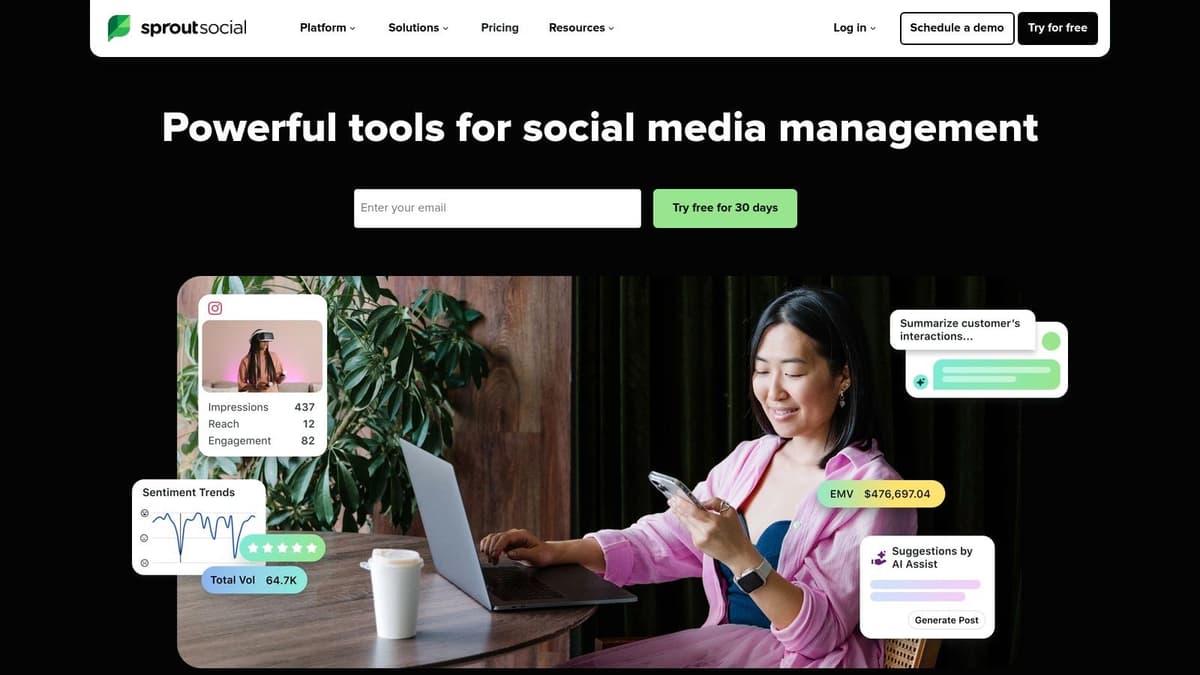
This level of governance and reporting comes at a premium. Sprout Social operates on a pricey per-seat model, which can be a significant investment for solo founders or small teams. Its power is best unlocked by organizations that need to manage complex social operations, ensure brand consistency across multiple users, and prove ROI with detailed metrics.
Key Takeaway: Sprout Social is the choice for regulated industries or scaled teams needing robust governance and best-in-class analytics. It prioritizes team collaboration and compliance over the simplicity favored by solo creators.
Implementation and Use Case
An agency managing a client's social presence can use Sprout Social to assign specific conversations from X or Threads to team members directly from the Smart Inbox. A junior associate can draft responses, which are then queued for a manager’s approval before going live, ensuring brand voice and compliance are always maintained. The detailed analytics can then be used to generate client-ready reports on performance and engagement trends.
- Pros: Best-in-class reporting and governance for complex teams, integrated engage + publish + analyze workflows, wide integrations list explicitly including Threads and X.
- Cons: Very expensive per-seat model; its manual, team-focused workflow is the opposite of the "set it and forget it" automation that creators need.
Sprout is a powerful suite, but it's not designed for the creator who just wants their X content to show up perfectly on Threads. For that direct, automated content-mirroring workflow, MicroPoster.so provides the exact functionality needed without the enterprise price tag or complexity.
5. Later
Later's origins as a visual-first Instagram scheduler give it a unique edge in the world of text-based microblogging. Its modern, creator-centric interface makes it an excellent choice for those whose content strategy revolves around visuals and short-form video, now extended to include first-party support for X and Threads. The platform's strength is its intuitive calendar and media library, making content planning feel organized and accessible.

For solo creators and small teams, Later offers a well-documented and simple workflow for getting content onto Threads, complete with direct analytics. This is a significant plus for anyone needing to prove the ROI of their Threads activity without getting lost in complex data dashboards.
Key Takeaway: Later is the ideal scheduler for visually-driven creators expanding into X and Threads. Its user-friendly calendar and integrated AI tools make it simple to manage a multi-platform presence.
Implementation and Use Case
A brand manager for a fashion label can use Later's visual calendar to plan out a product launch. They can schedule image-heavy posts on X and create corresponding conversational threads on Threads, all from the same interface. The AI Caption Writer helps generate engaging copy, while the Smart Scheduling feature suggests optimal posting times based on audience activity, ensuring maximum impact for their visual content.
- Pros: Strong workflow for visuals, direct Threads publishing and analytics, easy to use for solo creators and small teams.
- Cons: Text-first features are less robust; lacks the automatic, hands-off crossposting from a primary source like X.
While Later is great for scheduling pre-planned content, it requires you to create that content within its system. It can't automatically capture what you post natively on X and distribute it. For founders or writers who live on X and need that content amplified effortlessly, a specialized tool like MicroPoster.so provides a much more direct and automated workflow.
Website: https://later.com
6. Metricool
Metricool is a powerful all-in-one platform for agencies and creators who need to manage multiple brands with a sharp eye on analytics. It combines robust scheduling capabilities with deep competitive analysis, setting it apart from simpler schedulers. Its support for both Threads and massive X threads (up to 80 tweets) makes it a strong contender for those managing high-volume, multi-channel content strategies.
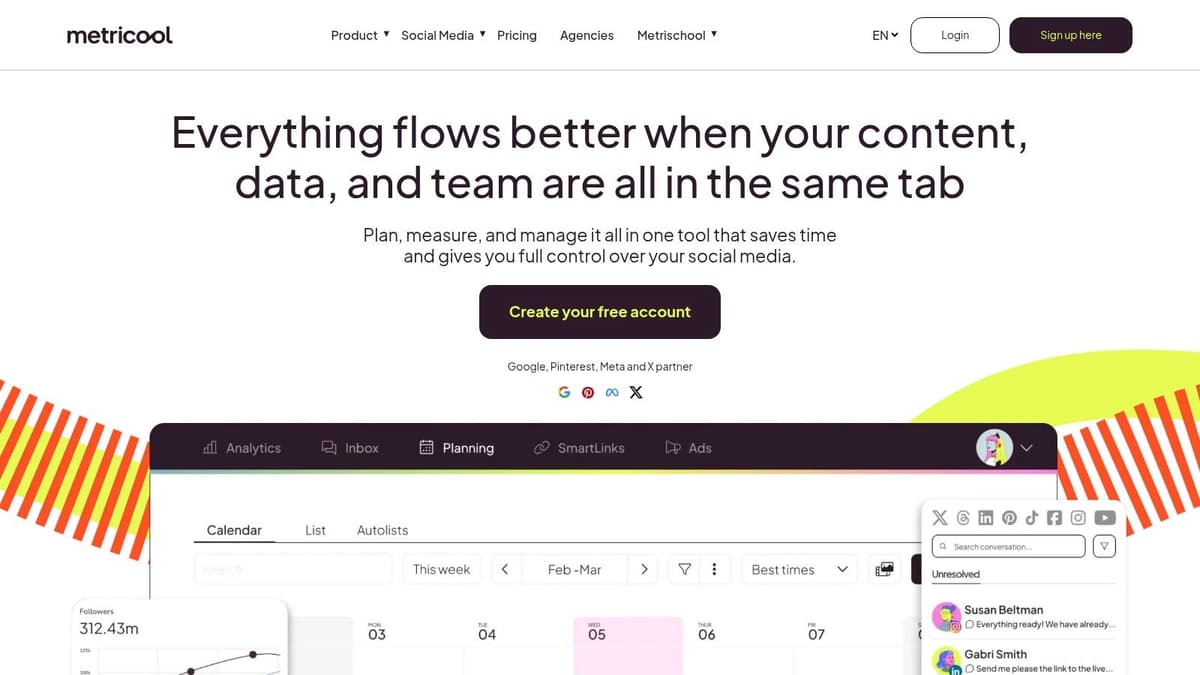
The platform is particularly valuable for its cost-effective multi-brand management and unique features like Autolists, which automatically recycle evergreen content. This makes it one of the most efficient automation tools for X & Threads when you need to maintain a consistent presence without constant manual effort. Bulk scheduling via CSV also gives it an edge for campaign-heavy workflows.
Key Takeaway: Metricool shines with its blend of scheduling, analytics, and evergreen content automation, offering exceptional value for agencies or individuals managing several accounts.
Implementation and Use Case
A freelance social media manager can use Metricool to handle five different client accounts from a single dashboard. They can bulk-upload a month’s worth of promotional content for each client via CSV, then use Autolists to fill in the gaps with evergreen blog posts. The unified planner, with its best-time-to-post suggestions, ensures each post is optimized for maximum engagement across X and Threads. The optional X analytics add-on provides the data needed to justify their work to clients.
- Pros: Strong value for multi-brand management, helpful scheduling features and Autolists for recurring content, bulk scheduling and competitive analytics.
- Cons: Advanced X analytics costs extra; the workflow is centered on scheduling, not automatically amplifying content from a primary platform.
Metricool is a strong contender for managing pre-planned social media calendars. However, for creators who want to post on X and have that content automatically and intelligently crossposted to Threads, it falls short. A purpose-built tool like MicroPoster.so is designed specifically for that "post once, publish everywhere" workflow, making it far more efficient.
Website: https://metricool.com
7. ContentStudio
ContentStudio finds its niche with agencies and marketing teams that need more than basic scheduling but aren't ready for a full-scale enterprise suite. It strikes a balance between robust content management and practical social media automation, offering features like approval workflows and a unified content planner. For users managing multiple brands or client accounts, this platform provides the necessary structure to keep content organized and on-brand across X and Threads.
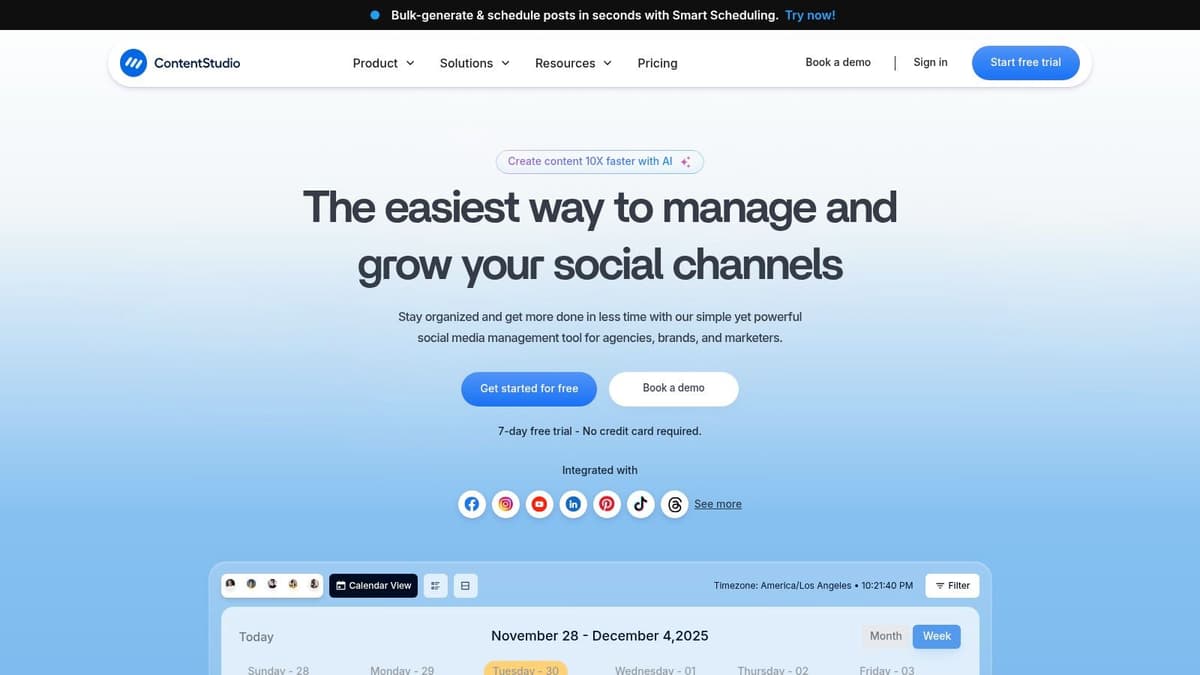
Its standout capability among automation tools for X & Threads is the granular control over thread composition. The composer allows you to build out multi-post threads natively for both platforms, with a documented limit of up to 25 tweets for X. This focus on text-first networks, including support for Bluesky, makes it a strong choice for those serious about microblogging.
Key Takeaway: ContentStudio is built for teams that require collaboration and approval features. Its strength is in providing structured workflows for creating and publishing detailed threads on multiple platforms.
Implementation and Use Case
A social media agency can use ContentStudio to draft an entire month's content for a client, including complex X and Threads posts. The manager can create the posts, send a client review link for feedback, and receive approvals directly within the platform. Once approved, a team member can use the bulk-approve function to schedule everything, ensuring a seamless and error-free workflow.
- Pros: Solid approvals and client review workflows, granular thread control for X and Threads, supports multiple text-first networks.
- Cons: Requires manual content creation within the app; doesn't offer the hands-off automation of mirroring your live X posts.
While ContentStudio offers great team-based controls for schedulers, it doesn't solve the core problem for creators who live on X. The need to manually compose posts inside yet another app is the exact friction that a tool like MicroPoster.so eliminates by automating the crossposting process directly from your X account.
Website: https://contentstudio.io
8. SocialPilot
SocialPilot is built for agencies and teams that manage a high volume of client accounts. Its core strength is providing robust client workflow features, such as post-approval queues and white-label reporting, making it one of the most practical automation tools for X & Threads when collaboration is key. The platform supports direct Threads publishing, including carousels, and offers bulk scheduling to handle extensive content calendars efficiently.

The pricing structure is a significant draw for its target audience, based on the number of accounts and users rather than a flat, high-cost subscription. This model allows agencies to scale their services without facing prohibitive costs. While the user interface is more functional than flashy, it’s designed for productivity and managing many moving parts at once.
Key Takeaway: SocialPilot is the go-to choice for agencies needing structured client management, approval workflows, and bulk scheduling capabilities for X and Threads.
Implementation and Use Case
An agency social media manager can use SocialPilot to upload a CSV file with a month's worth of posts for five different clients. They can then assign each post to its respective client for approval directly within the platform. Once approved, the posts are automatically scheduled, and at the end of the month, the manager can generate a white-label PDF report with the client’s branding to showcase performance.
- Pros: Competitive pricing for agencies, strong client approval and white-label reporting features, bulk workflows suitable for heavy workloads.
- Cons: The user interface can feel utilitarian; it's a scheduler, not a tool for real-time, automatic content syndication.
SocialPilot excels at managing pre-written content for multiple clients. However, it doesn't help the solo creator or founder who wants to post organically on X and have that content instantly syndicated to Threads. For that direct, automated workflow, a purpose-built tool like MicroPoster.so is the clear winner in both simplicity and efficiency.
Website: https://www.socialpilot.co
9. Agorapulse
Agorapulse is built for social media teams that need more than just scheduling; they need robust collaboration and engagement tools. It stands out with one of the most effective unified social inboxes on the market, allowing teams to manage conversations from X and Threads in one place. This makes it an excellent choice for businesses focused on community management and customer service alongside their content strategy.

The platform supports full scheduling for both X threads and direct publishing to Threads, complete with analytics. Its strength lies in features designed for teamwork, such as shared content calendars, post-approval workflows, and role-based permissions. This structure prevents accidental posts and ensures brand consistency, a critical factor for growing businesses and agencies.
Key Takeaway: Agorapulse is the ideal automation tool for X & Threads when team collaboration and inbox management are as important as scheduling. Its power is in centralizing team activity.
Implementation and Use Case
An agency managing multiple client accounts can use Agorapulse to assign incoming Threads comments and X replies to specific team members. The approval workflow allows a junior associate to draft content, which a manager can then review and approve directly within the platform before it goes live. Using its Zapier integration, a team could even create an automation that sends a Slack notification whenever a high-priority mention is flagged in the inbox.
- Pros: Excellent unified inbox for engagement, strong team collaboration and moderation features, scales well from small business to enterprise.
- Cons: Per-user pricing can be expensive; the workflow is manual scheduling, not the automatic crossposting that solo creators need.
Agorapulse provides a comprehensive suite for team-based social management, but it's not designed for the specific need of turning live X posts into Threads content automatically. For that, a purpose-built tool like MicroPoster.so provides a much more streamlined, cost-effective, and truly automated path from idea to multi-platform publication.
Website: https://www.agorapulse.com
10. Zoho Social
For teams already invested in the Zoho ecosystem, Zoho Social presents a powerful and cost-effective automation solution. Its main draw is its deep integration with other Zoho products like CRM and Desk, allowing you to manage social media as an extension of your customer relationship and support workflows. It supports direct scheduling for both X and Threads, including images, videos, and text.
The platform's value proposition shines through its "Brand" bundle structure. A single Brand in Zoho Social includes an impressive 11 channels, covering X, Threads, and other major networks. This makes it a very economical choice for businesses managing a diverse social presence without paying per-channel fees, a stark contrast to many competitors.
Key Takeaway: Zoho Social is the best choice for businesses using Zoho CRM or Desk. Its strength is in unifying social media management with broader business operations, offering a high-value, all-in-one package.
Implementation and Use Case
A B2B company using Zoho CRM can connect social media leads directly to their sales pipeline. When a user on X or Threads asks a question about pricing, the social media manager can see their CRM history and create a lead or a deal right from the Zoho Social dashboard. The SmartQ feature on higher tiers helps optimize posting times, while the approval workflows ensure brand consistency across a team.
- Pros: Outstanding value when paired with Zoho CRM/Desk, generous channel coverage per brand, clear setup documentation for Threads.
- Cons: Less effective as a standalone tool; it's a manual scheduler and lacks true "set it and forget it" crossposting automation.
While Zoho Social excels at integrating social into a larger business suite, its scheduling-first approach doesn't solve the core issue for X-native creators. The need to work within Zoho's interface adds friction. For direct, automated amplification of X content, a specialized tool like MicroPoster.so is a far more direct and efficient solution.
Website: https://www.zoho.com/social
11. SocialBee
SocialBee’s core strength is its category-based content system, which makes it one of the most organized automation tools for X & Threads. Instead of just scheduling individual posts, you create content categories (like “Product Updates,” “Blog Posts,” or “Memes”) and then assign posts to them. The platform then publishes from these queues based on a schedule you set, ensuring a balanced content mix with minimal ongoing effort. The recent addition of native Threads scheduling, including carousels and videos, makes it a complete solution.

For SMEs and creators who want to build repeatable, consistent content systems, SocialBee is a powerful ally. Its evergreen recycling feature automatically re-posts your best content over time, maximizing its value without extra work. This system-driven approach is ideal for teams focused on long-term brand building rather than one-off viral hits. The human support and detailed onboarding are also standout benefits for those new to this style of automation.
Key Takeaway: SocialBee excels at building structured, repeatable content schedules with its category and evergreen recycling features. It’s built for users who think in systems and want to automate their content mix on X and Threads.
Implementation and Use Case
A creator can set up categories for different content pillars, like "Weekly Tips," "Behind the Scenes," and "Promotions." After populating these queues, they can set a schedule such as posting one "Weekly Tip" every Tuesday and a "Behind the Scenes" post every Friday. The AI assistant helps rewrite posts to keep them fresh for recycling, and paid plans offer a unified inbox to manage comments and mentions from both X and Threads in one place.
- Pros: Category-driven scheduling reduces manual workload, helpful onboarding and human support options, useful evergreen/recycling tools for repeatable campaigns.
- Cons: The system is rigid and requires significant setup; it doesn't automatically pull content from your live X feed.
While SocialBee is excellent for managing a library of pre-written content, it cannot help creators who post spontaneously on X. It doesn't "listen" to your X account. For true, real-time amplification of your live X posts to Threads and other platforms, a dedicated tool like MicroPoster.so is the only solution that provides that specific, high-value automation.
Website: https://socialbee.com
12. Sendible
Sendible is built from the ground up for agencies and social media managers handling multiple client accounts. While many tools focus on the solo creator, Sendible provides a robust suite of collaborative features, including content approval queues, client dashboards, and team-based workflows. It has a long history of reliable X integration and now offers a dedicated scheduler for Threads, complete with onboarding materials to get teams up to speed quickly.
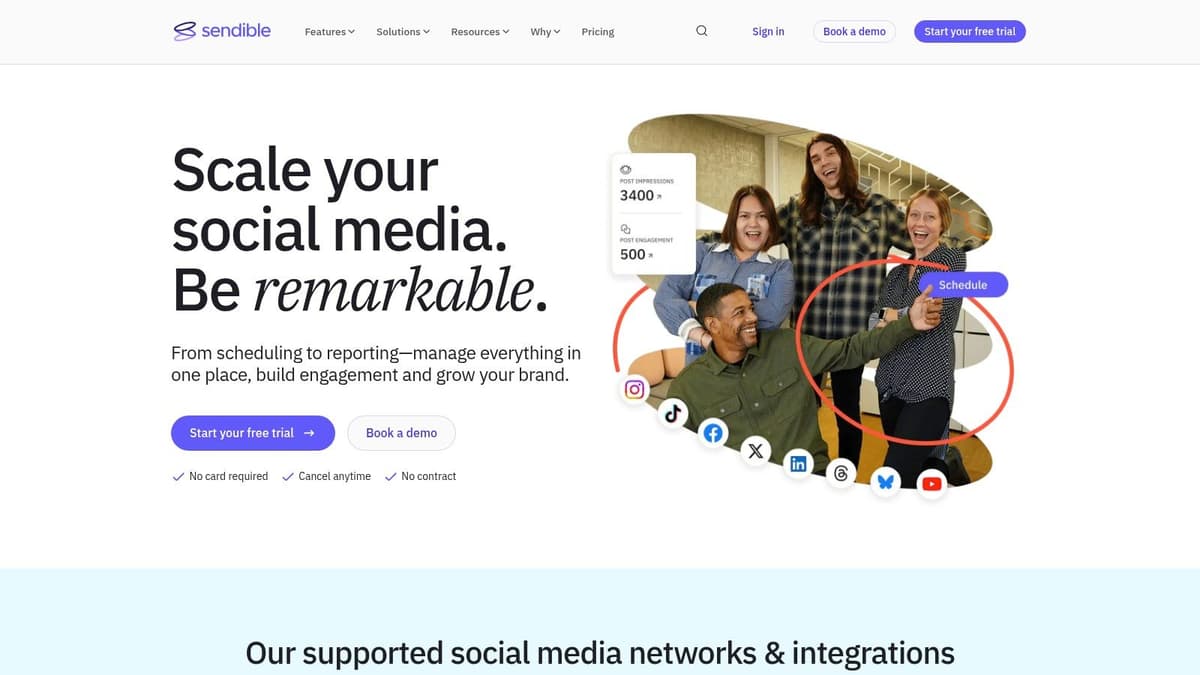
The platform’s strength is in its agency-centric design. Features like Canva integration streamline the creative process, while Optimal Times suggestions help maximize reach for each client account on both X and Threads. This makes it one of the more complete automation tools for X & Threads when client management is a primary concern.
Key Takeaway: Sendible excels at team collaboration and client management. Its approval systems and reporting dashboards are designed specifically for the agency-client relationship, making it the top choice for professional social media management.
Implementation and Use Case
An agency can set up a distinct workspace for each client, inviting them to review and approve scheduled posts for X and Threads before they go live. A manager could use the content calendar to ensure a balanced mix of posts across all client accounts, all while using the integrated Canva editor to create visuals without leaving the platform. The ability to share a read-only dashboard with clients provides transparency and simplifies reporting.
- Pros: Solid agency workflows and client management features, clear training content for new integrations like Threads, dashboard sharing and reporting tailored to agencies.
- Cons: Priced for agencies, not solo creators; the manual, approval-based workflow is the antithesis of fast, automated crossposting.
While Sendible is powerful for managing finished content for clients, it adds unnecessary layers for a founder who simply wants their X content on Threads. The purpose-built automation of a tool like MicroPoster.so bypasses all these steps, offering a more direct, efficient, and cost-effective workflow for content amplification.
Website: https://www.sendible.com
Top 12 X & Threads Automation Tools Comparison
| Product | Core features | UX & quality (★) | Price & value (💰) | Target audience (👥) + USP (✨) |
|---|---|---|---|---|
| 🏆 MicroPoster.so | True automatic X-to-Threads crossposting; intelligent mention mapping; media resizing; supports Bluesky & Mastodon; "set it and forget it" | ★★★★★ | 💰 Creator $12/mo · Pro $29/mo · 7‑day free trial · unlimited scheduling | 👥 X-native creators, founders, builders · ✨ The only tool for true, hands-off content amplification |
| Buffer | Scheduler, native Threads & X threads, community inbox, AI assistant | ★★★★☆ | 💰 Tiered per‑channel pricing; creator‑friendly | 👥 Solo creators & small teams · ✨ Fast composer & simple UX |
| Hootsuite | Full publishing, unified inbox, analytics, team workflows, enterprise listening | ★★★★☆ | 💰 Per‑user pricing (can be costly at scale) | 👥 Teams & enterprises · ✨ Robust approvals & compliance |
| Sprout Social | Publish + Smart Inbox, deep analytics, governance, mobile assist | ★★★★☆ | 💰 Premium per‑seat pricing; add‑ons for advanced features | 👥 Agencies & larger teams · ✨ Best‑in‑class reporting & governance |
| Later | Visual-first scheduler, Threads & X posting, Smart Scheduling, AI captions | ★★★★☆ | 💰 Starter→Creator tiers; creator-centric value | 👥 Visual creators & influencers · ✨ Strong visual workflows & trend tips |
| Metricool | Scheduling, CSV bulk uploads, X threads (up to 80 tweets), ads & competitive analytics | ★★★☆☆ | 💰 Cost-effective for multi‑brand; some analytics add‑ons | 👥 Multi‑brand managers & SMBs · ✨ Bulk scheduling & autolists |
| ContentStudio | Publishing, approvals, X thread composer (up to 25), planner, client review links | ★★★☆☆ | 💰 Mid-market pricing with plan variance | 👥 Agencies & SMBs · ✨ Granular thread control + client workflows |
| SocialPilot | Threads scheduler, bulk uploads, approvals, white‑label reporting, Thread Magic | ★★★☆☆ | 💰 Competitive agency pricing by accounts/users | 👥 Agencies & resellers · ✨ White‑label reports & bulk workflows |
| Agorapulse | Publish & moderate Threads/X, unified inbox, approvals, Zapier integration | ★★★★☆ | 💰 Per‑user pricing (scales with team) | 👥 SMBs → enterprises needing inbox speed · ✨ Excellent unified inbox & moderation |
| Zoho Social | Brand bundles with Threads/X, approvals, SmartQ, CRM integrations | ★★★☆☆ | 💰 Budget‑friendly, great with Zoho suite | 👥 Teams using Zoho CRM/Desk · ✨ Generous channel bundles & CRM ties |
| SocialBee | Category queues, evergreen recycling, AI rewriting, Threads support | ★★★☆☆ | 💰 Affordable plans for SMEs & creators | 👥 SMEs & creators focused on repeatable content · ✨ Category-driven automation |
| Sendible | Threads scheduler, approvals, client dashboards, Canva integration | ★★★☆☆ | 💰 Agency-tailored pricing (higher than creator tools) | 👥 Agencies & consultancies · ✨ Client dashboards & onboarding resources |
From Manual Labor to Automated Growth: Your Next Step
We've explored a dozen powerful platforms, from enterprise-grade suites like Sprout Social and Agorapulse to basic schedulers like Buffer. Each tool offers a unique approach, but they largely fall into one category: manual schedulers. They require you to log in, create content, and manage a calendar. For many, this is just another chore.
The sheer volume of these tools highlights a critical truth: most are not built for the modern creator's workflow. The right choice depends entirely on your primary goal. If your goal is to manage complex team approvals, an enterprise suite makes sense. But if your goal is to save time and amplify your voice, you need a different kind of tool.
How to Choose Your Automation Ally
Before you commit to another monthly subscription, ask yourself one critical question:
- What is my true source of content?
If you are drafting posts inside a scheduler, then tools like Buffer or Later are for you. But if you, like most founders and creators, are posting your best ideas live and direct on X, then every scheduler on this list creates more work for you. You're forced to copy-paste your own content into another system. This is a broken workflow.
The real friction isn't scheduling; it's the distribution of content you've already created. You need a tool that works where you work. You need a tool that watches your primary platform (X) and intelligently syndicates your content to secondary platforms (Threads, Bluesky) without you ever having to open another app.
Transitioning effectively from manual processes requires a plan. Consulting a comprehensive guide to social media automation for business growth can provide a clear roadmap for your next steps, helping you integrate these tools into a wider strategy.
The Real Goal: True Automation, Not Just Scheduling
The ultimate purpose of adopting automation tools for X & Threads isn't to get another content calendar to manage. It's to reclaim your time and mental energy. Every minute you save on the tedious task of distribution is a minute you can invest in what actually grows your audience: creating authentic content and engaging with your community on X.
For the modern creator, founder, and builder, the bottleneck isn't a lack of content ideas. It's the friction of multi-platform distribution. This is precisely the problem that a purpose-built crossposting tool like MicroPoster.so solves. It's not another scheduler. It's an intelligent bridge that works in the background, turning your X feed into a multi-platform content engine.
If your primary goal is to amplify your voice from X to Threads without adding another complex system to your plate, your choice is simple. You don't need a heavy, all-in-one suite. You need an efficient, intelligent, and truly automatic solution. Your audience is waiting for you on these platforms; MicroPoster.so ensures they don't miss your message.
Ready to stop the copy-paste grind and amplify your voice effortlessly? MicroPoster.so was built specifically for creators and founders who want to set it and forget it. It mirrors your content from X to Threads automatically, ensuring perfect formatting so you can focus on what you do best. Start your free trial with MicroPoster and get back to building your community.


