how to schedule social media posts
How to Schedule Social Media Posts for X Bluesky and Mastodon
Learn how to schedule social media posts with our guide to building a content calendar, finding the best times to post, and automating your workflow.
At its core, scheduling social media posts is simple: you line up your content in a specialized tool, pick a date and time, and let the software handle the publishing. But this simple shift—from posting live to working from a planned calendar—is probably the single most powerful thing you can do to get your time back and seriously upgrade your content.
Why Scheduling Social Media Posts Unlocks Growth
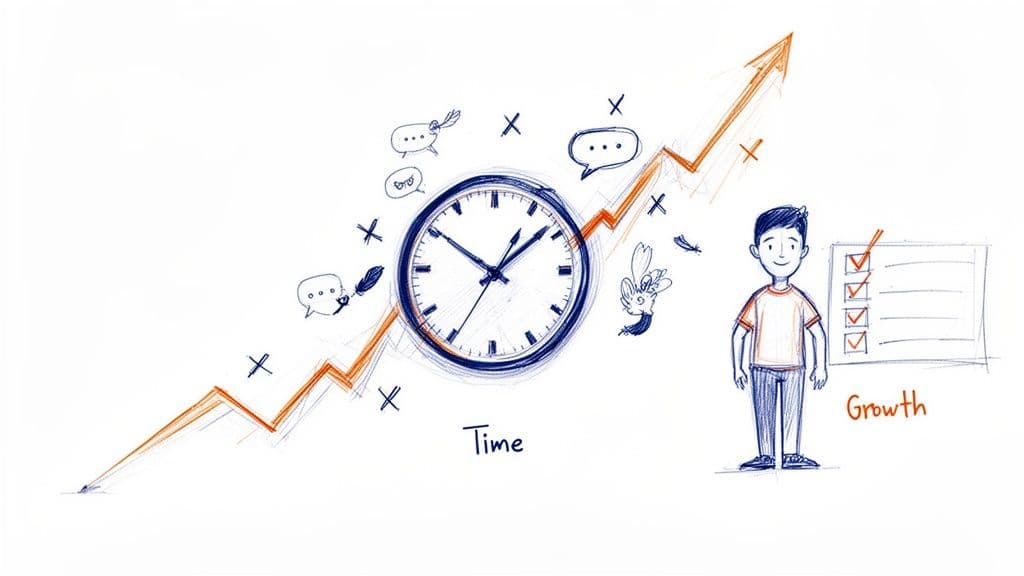
The real magic of scheduling isn’t just about clawing back a few minutes. It fundamentally changes how you approach social media altogether. Instead of reacting to the daily pressure of needing to post something—anything—you get to operate from a place of strategy and intention.
That proactive mindset is everything, especially on fast-moving, text-heavy platforms like X, Bluesky, and Mastodon.
Think about it: when you're constantly up against the clock, the first thing to take a hit is quality. A scheduled workflow lets you batch-create your posts. You can set aside dedicated time to just write, edit, and polish your message until it’s sharp. The result is better content that’s more thoughtful, more engaging, and actually sounds like you.
From Daily Chore to Growth Engine
The difference this makes in a typical workweek is huge. On average, social media managers can spend 8-10 hours every week just on the manual task of publishing content. That’s an entire workday you could reclaim for bigger things like strategy, community building, or just thinking up new ideas.
It's no surprise that 73% of brands admit their biggest challenge is just keeping a consistent posting schedule. Scheduling tools transform that daily chaos into a calm, controlled, and effective process.
Key Takeaway: Scheduling turns social media from a reactive, time-sucking chore into a proactive, strategic asset. It's how you build a consistent presence that creates trust and fuels real, organic growth.
This consistency is what builds momentum. When your followers know they can expect great stuff from you on a regular basis, they’re far more likely to stick around, engage, and ultimately trust your brand. That kind of reliability is almost impossible to achieve when you're just posting on the fly.
To really see the difference, let's break down the two approaches side-by-side.
Manual Posting vs Scheduled Posting: A Quick Comparison
This table lays out the core differences between posting content live and using a scheduling tool, showing the clear strategic benefits of planning ahead.
| Aspect | Manual Posting | Scheduled Posting |
|---|---|---|
| Time Investment | High, daily time commitment. Post-by-post effort. | Low, batched sessions. "Set it and forget it" workflow. |
| Content Quality | Often rushed, prone to typos and last-minute ideas. | More thoughtful, well-edited, and strategically planned. |
| Consistency | Inconsistent, dependent on daily availability. | Reliable and predictable, building audience trust. |
| Strategic Focus | Reactive. Focus is on "what to post right now." | Proactive. Focus is on long-term goals and campaigns. |
| Stress Level | High. Constant pressure to create and publish content. | Low. Frees up mental space for engagement and analysis. |
As you can see, scheduling isn't just a convenience—it's a strategic move that directly impacts your results and your sanity.
Gaining a Strategic Advantage
Ultimately, knowing how to schedule your social media posts gives you a massive strategic edge. It creates the breathing room you need to actually analyze what's working, jump on new trends, and chat with your community in real-time—all without the nagging stress of what you’re going to post next.
For businesses aiming to scale their social media efforts, combining this automation with the expertise of dedicated social media virtual assistants can be a game-changer. That pairing of smart tools and smart delegation is how you turn your social channels from a daily task into a powerful engine for growth.
Building Your Microblogging Content Calendar
Before you even think about scheduling a single post, you need a plan. A great schedule is built on the back of a solid content calendar—it's your strategic map for what you’re going to say and when. Without one, even the best scheduling tool just helps you post random thoughts more efficiently.
Let’s get past the generic templates and build a calendar that actually works for short-form, text-first platforms. The entire foundation rests on your content pillars. These are the 3-5 core themes or topics you'll consistently talk about.
Think of them as the main channels of your own little media network. They establish your expertise, guide your content creation, and, most importantly, tell your audience exactly what to expect from you.
Defining Your Core Content Pillars
Your pillars should live at the intersection of what you know, what your audience actually cares about, and what helps you reach your goals. For instance, a freelance graphic designer’s pillars might look something like this:
- Design Education: Quick tips, short tutorials, and breakdowns of design principles.
- Behind-the-Scenes: Showcasing the creative process, client work (with permission, of course), and the day-to-day grind.
- Industry Commentary: Your take on new trends, tools, and news in the design world.
- Business of Design: Talking shop about pricing, managing clients, and the realities of freelance life.
Once you have these pillars, every piece of content you create should tie back to one of them. This simple act of categorization brings an incredible amount of focus and consistency to your feed, making it so much easier to plan ahead.
A content calendar isn't a rigid set of rules; it's a flexible framework. It’s what frees you from the daily pressure of "What on earth should I post today?" By defining your pillars, you've already answered the 'what'—now you can focus on the 'how' and 'when'.
This structured approach is the secret sauce when you're figuring out how to schedule social media posts that actually perform. It ensures you’re not just filling slots but delivering a balanced, valuable mix of content.
Structuring Your Weekly Schedule
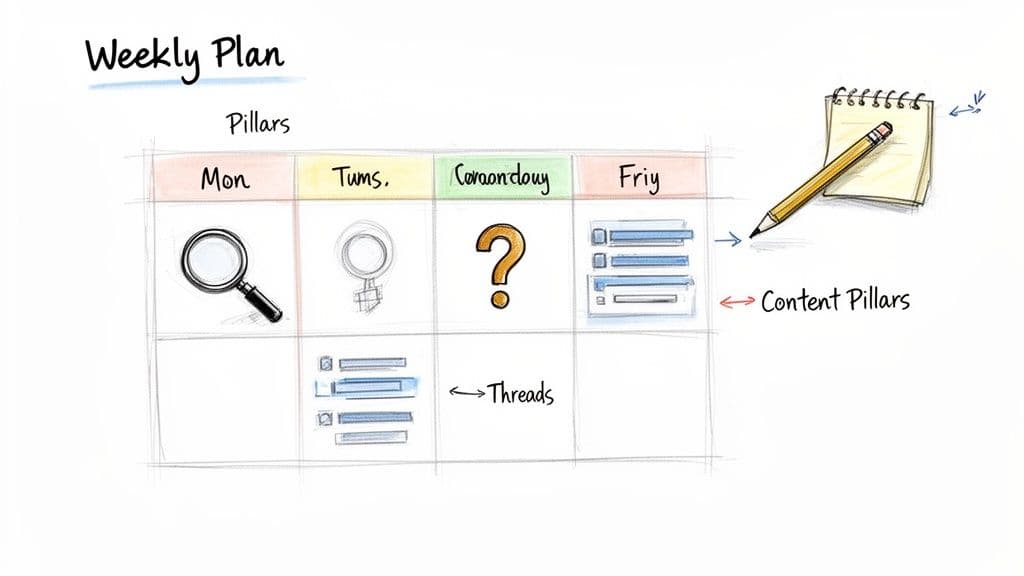
With your pillars locked in, you can start mapping out your week. I've found that assigning a specific content type or pillar to each day creates a predictable rhythm that works wonders for both you and your followers. This technique, often called theming, makes the creative process way less daunting.
A themed week could be structured like this:
- Monday: Kick off the week with a thought-provoking thread on Industry Commentary.
- Tuesday: Share a quick win or a useful tip from your Design Education pillar.
- Wednesday: Post an engaging question to your community to get a conversation started.
- Thursday: Go Behind-the-Scenes with a recent project or a snapshot of your workspace.
- Friday: Offer some actionable advice on the Business of Design, helping others in your field.
This structure doesn't mean you can't be spontaneous—far from it. It just provides a reliable baseline of content that keeps your feed active and interesting, even on your busiest days. Think of it as your safety net.
Visualizing Your Content Pipeline
The final piece of the puzzle is bringing this all together in a visual calendar. Whether you use a simple spreadsheet, a tool like Trello, or the calendar view inside your scheduling app, seeing your week laid out is absolutely essential.
For each post you plan, your calendar should track a few key things:
- Date and Time: When the post will go live.
- Platform(s): X, Bluesky, Mastodon, or all three.
- Pillar: Which of your content pillars it fits into.
- Content Body: The actual copy for the post.
- Media: Any images or videos you're including.
- Status: A simple tracker like Draft, Scheduled, or Published.
Here’s a quick look at what a single day’s entry might look like for our designer:
| Date | Time | Pillar | Platform | Content | Status |
|---|---|---|---|---|---|
| Oct 28 | 9:15 AM | Industry Commentary | X, Bluesky | Thread: "Why skeuomorphism is making a quiet comeback in UI design..." | Scheduled |
| Oct 28 | 3:00 PM | Behind-the-Scenes | X | Quick poll: "Which of these logo concepts for a client do you prefer?" | Scheduled |
By building this pipeline, you create a system. You can batch-create content for each pillar, fill up your calendar a week or two in advance, and then relax. This approach transforms social media from a chaotic daily scramble into a calm, strategic process you can actually sustain.
Finding the Best Times to Post on X, Bluesky, and Mastodon
A brilliant post shared at the wrong time might as well be invisible. In the rapid-fire world of microblogging, timing isn't just a suggestion—it's everything. Knowing when to schedule your posts for maximum impact means understanding when your audience is actually online and ready to jump into the conversation.
While every audience has its own unique rhythm, broad patterns offer a fantastic starting point. Time and again, data points to the middle of the week as a sweet spot for engagement. People have settled into their work routine, are actively checking feeds during breaks, and are just more receptive to new content compared to the Monday morning scramble or the Friday afternoon wind-down.
The Mid-Week Advantage
There’s a real reason why Tuesdays, Wednesdays, and Thursdays consistently see the highest interaction rates. By Wednesday, the initial weekly chaos has died down, and people are often looking for interesting content to chew on. This is especially true if you’re trying to reach B2B audiences or professionals who are most active during their workday.
For text-first platforms like X, Bluesky, and Mastodon, this mid-week window from roughly 9 AM to 4 PM is prime time. It catches people when they're at their desks, participating in industry conversations, and scrolling during a coffee break or lunch. Posting outside these hours can still work, of course, but it usually requires a different type of content aimed at a more casual, off-the-clock mindset.
Pro Tip: Don't paint all weekdays with the same brush. I’ve found that engagement often takes a nosedive on Fridays as people mentally check out for the weekend. Save your most important announcements or thought-provoking threads for a Tuesday or Wednesday to give them the best shot at gaining traction.
Research across different platforms consistently backs this up. Wednesday, in particular, often emerges as a powerhouse day. This mid-week magic can lead to significantly higher interaction, especially for timely commentary on X where the half-life of a post is brutally short. Precision timing is your best friend here.
Go Beyond Guesswork with Your Own Data
General guidelines are your map, but your own analytics are your GPS. The absolute best way to pinpoint your perfect posting times is to listen to what your audience is already telling you through their actions. Most platforms, and certainly dedicated scheduling tools like MicroPoster, provide analytics that show exactly when your followers are most active.
Start by digging into your past performance.
- Look at your heavy hitters: When were your top-performing posts published? Make a note of both the day of the week and the specific time.
- Hunt for patterns: Do posts published around lunchtime consistently spark more replies? Do your morning posts tend to get more reposts?
- Check your follower activity chart: Many tools offer a heat map showing when your audience is online. This is the most direct and valuable data you can get.
This data lets you form a solid hypothesis. If your analytics show a huge spike in activity at 11 AM on weekdays, start scheduling your best content for that slot. Give it a few weeks, track the results, and then tweak your approach as needed.
Let Smart Scheduling Tools Do the Heavy Lifting
Trying to manually track all of this can become a full-time job. This is where a smart scheduling tool becomes your secret weapon. Modern platforms don't just let you pick a time; they actively guide you toward the best ones.
Many tools now offer a "best time to post" feature that analyzes your specific audience's historical engagement data. It takes the guesswork completely out of the equation by automatically suggesting optimal time slots when you're creating a post. For anyone serious about getting results, this feature is a game-changer.
Here's how simple the workflow becomes:
- Draft Your Post: Write your killer content as usual.
- Activate Smart Scheduling: Instead of manually picking a time from the dropdown, look for an option like "suggested time" or "auto-schedule."
- Review and Confirm: The tool will pop your post into a queue set to publish during a data-backed peak engagement window.
By combining broad best practices with your own specific data, you can build a schedule that truly works. Start with the mid-week, workday window as your baseline. Then, use analytics and smart scheduling features to refine your timing, ensuring every post you schedule has the maximum potential to connect with your audience. For a more detailed breakdown, you might be interested in our deeper analysis of the best days to post on social media for maximum engagement.
Adapting Your Content for Cross-Platform Success
The fastest way to kill your engagement is to blast the exact same message across X, Bluesky, and Mastodon. It might feel efficient, but it's a rookie mistake. While these platforms look similar on the surface, they each have their own unique culture, technical limits, and audience expectations.
True cross-platform success isn’t about tripling your workload. It’s about being smart. You craft one core idea and then tweak it to resonate with the specific community you're talking to. Think of it like telling the same great story but changing your tone and emphasis for different groups of friends.
Start with a Single, Powerful Idea
Before you even open your scheduling tool, nail down your core message. What's the one thing you absolutely need to communicate? This could be anything from a new feature announcement to a quick industry tip or a thought-provoking question.
Let's run with a real-world scenario. Imagine you're a SaaS company launching a new analytics tool.
Your core message is simple: "Our new dashboard gives creators real-time post analytics."
This is your foundation. By starting here, you ensure your brand's voice stays consistent, even when the final post looks a little different on each network.
Tweaking for X: The Hook and the Thread
On X, you’re fighting for attention in a fast-moving river of content. You have seconds to make an impact. Your job is to stop the scroll with a punchy hook. With a 280-character limit, there's no room for fluff.
Here’s how we’d adapt our SaaS announcement for X:
- X Post: "Stop guessing. Start knowing. Our new real-time analytics dashboard is LIVE. Track your post performance second by second and see what's really working. 📈👇"
This post is direct, benefit-driven, and uses an emoji to grab the eye. The downward arrow is a perfect lead-in for a follow-up thread where you can break down the specific features.
Expanding for Bluesky: Adding More Context
Bluesky gives you a bit more breathing room with its 300-character limit. More importantly, the culture there often values a little more substance. Users are generally more open to reading a post that offers more context or a deeper explanation.
Here, you can take your core message and add the "why" you had to trim for X.
- Bluesky Post: "We're excited to launch our new real-time analytics dashboard! We built it to solve a major pain point for creators: the long wait for performance data. Now you can track views, engagement, and click-throughs as they happen, helping you make smarter content decisions on the fly."
See the difference? It’s the same announcement but framed around solving a specific user problem, which plays well with the Bluesky audience.
Fitting in on Mastodon: Content Warnings and Alt Text
Mastodon is a different beast entirely. It’s a network of communities, and showing you respect the local norms is non-negotiable. Two things are huge here: Content Warnings (CWs) and descriptive alt text for images.
People use CWs for all sorts of things—not just sensitive topics, but also for self-promotion, long posts, or common subjects to help people curate their feeds. Good alt text isn't just an accessibility feature (though it's crucial for that); it's a sign that you're a thoughtful member of the community.
Here's an example of some analytics that can help inform your scheduling strategy.
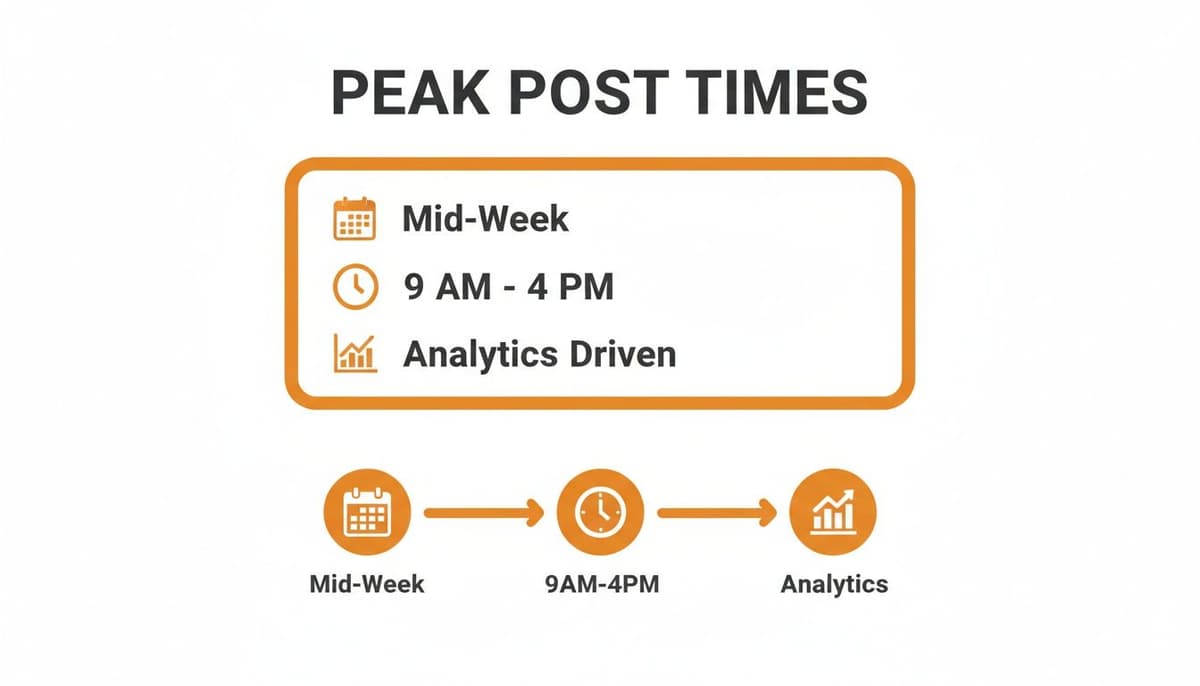
This data reinforces that a great starting point is mid-week during business hours, which you can then fine-tune based on your own audience's activity.
Now, let's adapt our SaaS post for Mastodon, keeping its culture in mind:
- Mastodon Post:
- CW: New Feature Announcement
- Post Body: "Hi Fediverse! We just launched a new feature we're really proud of: a real-time analytics dashboard for creators. Our goal is to give you instant insight into post performance without invasive tracking. We'd love to hear your feedback if you get a chance to try it out! #SaaS #Analytics"
- Image Alt Text: "Screenshot of the new analytics dashboard showing a line graph with an upward trend and metrics for engagement, views, and clicks."
This approach demonstrates that you've done your homework. Taking an extra 30 seconds to add a CW for a promotional post and write genuinely helpful alt text goes a long way in building trust on the Fediverse.
To make this whole process easier, here's a quick cheat sheet for keeping the key differences straight.
Cross-Platform Formatting Cheat Sheet
| Feature | X (Twitter) | Bluesky | Mastodon |
|---|---|---|---|
| Character Limit | 280 characters. Brevity is king. | 300 characters. A little more room for detail. | 500+ characters (varies by server), but concise is still good. |
| Hashtags | 1-2 relevant hashtags for discovery. | 1-2 hashtags work well; avoid over-stuffing. | Heavily used and followed. Use 3-5 relevant, camel-case tags. |
| Links | Shortened automatically. Link previews are prominent. | Links generate preview cards. Standard practice. | Link previews are standard. No weird link shorteners. |
| Content Warnings | Not a native feature. | Not a native feature. | Culturally important. Use for promotion, sensitive topics, etc. |
| Alt Text | Supported and encouraged. | Supported and encouraged. | Critical. A cultural expectation for accessibility and respect. |
Having a reference like this handy can be a lifesaver when you're scheduling a week's worth of content.
This entire workflow becomes so much smoother inside a tool with a unified content editor, like MicroPoster. It allows you to write your main idea once, then quickly create and preview the adapted versions for each platform, all from a single screen. It turns a tedious task into a streamlined, strategic process for scheduling your posts.
Automating Your Workflow with Templates and AI
Once your content calendar is humming along and you've got a good rhythm for scheduling, the next step is to make your system truly efficient. This is where we go beyond just planning content and start streamlining the creation process itself.
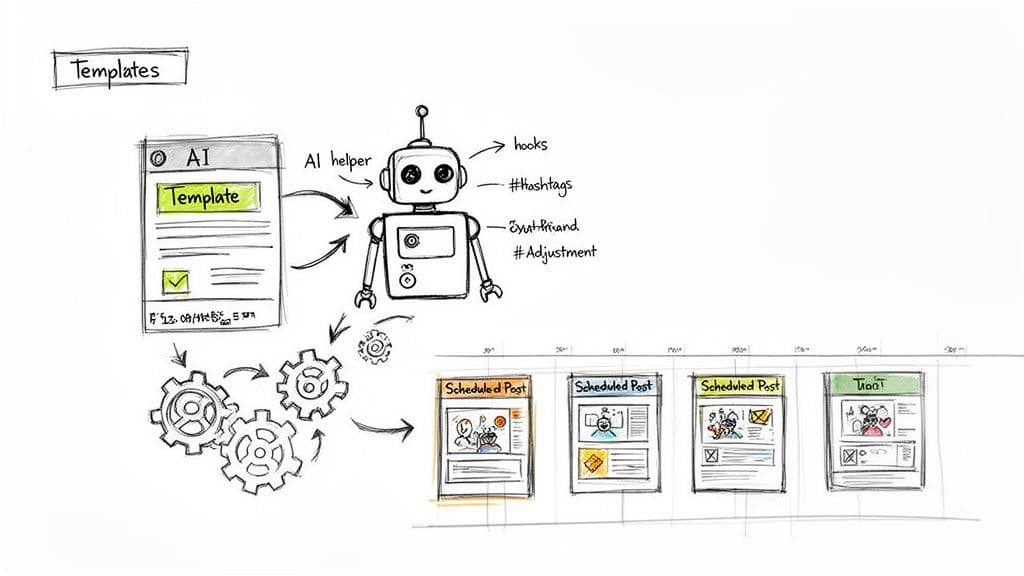
The secret to scaling your social media presence without burning out is smart automation—a mix of proven templates and a little help from modern AI. This isn't about pumping out robotic content. It's about building a framework that handles the grunt work, freeing you up to focus on the fun stuff: creativity and strategy.
Building Your Content Template Library
Take a look at your content calendar. I'll bet you have recurring themes that pop up every week or month—things like a weekly Q&A, a roundup of industry news, or a product highlight. Reinventing the wheel every single time you post one of these is a huge waste of energy.
This is exactly where post templates come in. A template is simply a pre-built skeleton for a recurring post. It has the core copy, some placeholders for the new details, and a consistent format your audience will start to recognize.
Here are a few common templates you can probably set up right now:
- Weekly Q&A Template: "Time for our weekly #AskTheExpert! This week's topic: [Insert Topic]. Drop your questions below, and I'll tackle the best ones in a thread tomorrow. 👇"
- Industry News Roundup: "Big things happening in [Your Industry] this week. 🧵 Here are the top 3 stories you need to know: 1️⃣ [Headline 1] 2️⃣ [Headline 2] 3️⃣ [Headline 3]. What are your thoughts on all this?"
- Promotional Spotlight: "Struggling with [Achieve a Specific Goal]? Our [Product/Service] can help. It's built to [Solve a Key Pain Point] so you can finally [Gain a Key Benefit]. Check it out: [Link]"
Using templates like these keeps your brand messaging and tone consistent. It also cuts down on that "blank page paralysis"—instead of starting from scratch, you're just filling in the blanks.
By templatizing just 20% of your most frequent content, you can easily reclaim hours every month. This system helps you keep up a high-quality, consistent presence even when you're swamped.
These templates become powerful assets. Many scheduling tools, including MicroPoster, let you save your templates right inside the platform. That makes it incredibly easy to grab one, tweak it, and schedule your recurring content in just a couple of clicks. For more platform-specific tips, see our guide on how to schedule posts on Bluesky.
Enhancing Your Content with AI Assistance
While templates give you a solid structure, AI can help you polish the creative details. Modern AI writing tools aren't just for churning out generic text anymore; they're incredibly useful partners for brainstorming, editing, and optimizing your posts.
The goal isn't to let AI write for you. It’s to use it as a creative amplifier. Here's how you can weave AI into your workflow without losing your authentic voice.
Using AI to Refine and Optimize
- Sharpen Your Hooks: Paste your first draft of a post and ask the AI to spit out five different opening lines. It's a fantastic trick for breaking through writer's block and finding a hook that really grabs attention.
- Brainstorm Hashtags: Don't just guess which hashtags to use. Ask an AI tool for a list of relevant options for your topic, broken down by popularity (niche, popular, and broad). This is a simple way to boost your post's visibility.
- Adjust Your Tone: Wrote something that feels a little too stuffy? Ask the AI to "rewrite this in a more conversational and witty tone." This is perfect for adapting the same core idea for different platforms.
- Improve Clarity: If you're explaining a complex idea, have the AI "simplify this for someone who's never heard of it before." It's great at finding clearer, more direct ways to get your point across.
And if you want to see how this technology can transform your entire marketing strategy, it's worth exploring the world of AI powered marketing automation.
By combining smart templates with AI-driven tweaks, you create a powerful, semi-automated content machine. This hybrid approach ensures your content is not only consistently scheduled but also polished, engaging, and perfectly optimized for maximum impact.
Got Questions About Social Media Scheduling? Let's Talk.
If you're just dipping your toes into scheduling your social media, you probably have a few questions. It’s a smart move—building a system is great, but you don't want to lose that spark that makes social media, well, social. Let's get into some of the most common things people worry about when they start planning their posts ahead of time.
Will I Sound Like a Robot if I Automate My Posts?
This is the big one, isn't it? And it's a totally fair concern. Nobody wants to follow a robot.
The secret is to think about scheduling as a way to handle the publishing, not the engaging. Your scheduled content is your foundation. It's the thoughtful threads, the helpful tips, the cool project updates you craft when you're in the zone.
By getting those posts locked and loaded, you're actually freeing yourself up for the stuff that truly builds a community:
- Hopping into the replies on your scheduled posts as they go live.
- Joining real-time conversations about what's happening in your niche.
- Sharing a spontaneous thought or a reaction to some breaking news.
Here's how I think about it: Scheduling isn't a "set it and forget it" machine. It’s a tool that handles the predictable content so you have more brain space for the spontaneous, human interactions that really matter.
Your scheduled posts are the talking points. The real magic happens when you show up and chat with the audience.
How on Earth Do I Choose the Right Tool?
Okay, the sheer number of social media tools out there is enough to make anyone's head spin. While a lot of them promise the world, the "best" tool really just means the best tool for you and the platforms you care about most.
If you're a creator or brand who lives on text-heavy platforms like X, Bluesky, and Mastodon, those big, generic, all-in-one schedulers can feel clunky. They just aren't built with the unique quirks of these networks in mind.
When you're focused on microblogging, here's what you should actually look for:
- Smart Formatting: Can it help you easily tweak one core idea to fit the different character limits and vibe of each platform?
- A Good Thread-Maker: Is there an editor specifically designed for writing and scheduling multi-post threads? It’s a must.
- Platform-Specific Features: Does it support polls, content warnings (a big deal on Mastodon), or let you easily add alt text to images?
Sure, a tool like Buffer is known for being super simple, and something like Sprout Social has every analytic under the sun for big teams. But for a really effective microblogging workflow, a specialized tool almost always wins.
Is My Scheduling Strategy Actually Working?
Just filling up a calendar with posts is a waste of time if you don't know what's working. You have to measure the impact to see if your efforts are connecting with people.
Don't get bogged down in a million different numbers. Just start with a few key metrics to get a clear picture.
The Metrics That Really Matter:
- Engagement Rate: This is your north star. It’s the total likes, replies, reposts, and clicks. If people are engaging, your content is resonating. Simple as that.
- Reach & Impressions: How many eyeballs are on your posts? Reach is the number of unique people who see your content, while impressions is the total number of times it was displayed. This tells you how visible you are.
- Follower Growth: Over time, are your consistent, high-quality posts bringing more people into your community? You're looking for steady, organic growth here.
Most good scheduling tools have analytics built right in, making this part easy. I recommend checking in on your numbers once a week to spot patterns. Which topics get people talking? What time of day seems to get the most traction? This feedback loop is how you go from just scheduling posts to building a killer content strategy.
Ready to stop juggling tabs and start scheduling smarter? MicroPoster offers a unified content studio, smart scheduling, and AI-powered tools built specifically for X, Bluesky, and Mastodon. Start your free 7-day trial and see how easy it is to grow your presence.