
ferryman alternative
10 Best Ferryman Alternative Tools for 2026
Searching for a Ferryman alternative? Explore our curated list of 10 cross-posting tools for founders and creators, with a deep dive into pricing and features.

You've built a real posting habit somewhere. Maybe it's X, maybe Threads, maybe Bluesky or Mastodon. The problem starts right after that: distribution turns one good post into four manual chores, and every network wants the post shaped a little differently if you want it to land well.
That's usually when people start looking for a Ferryman alternative. Ferryman points in the right direction, but it isn't the only way to automate cross-posting, and it definitely isn't the only workflow worth considering. Some tools mirror content almost automatically. Others act more like classic schedulers, where you compose, queue, tweak, and approve everything yourself.
That difference matters more than most feature lists admit. A founder shipping product updates doesn't need the same system as an agency managing several brands. A writer who publishes one thoughtful post a day probably wants less dashboard work, not more. A social team may want exactly the opposite.
This guide compares 10 strong options through that lens: automation philosophy first, features second. If you're trying to streamline social media workflows, this is the faster way to choose. You'll see which tools are best for “publish once and let it spread,” which ones are better for hands-on scheduling, and where the trade-offs start showing up in real use.
1. MicroPoster

If you're searching for a Ferryman alternative because you're tired of reposting the same idea manually, MicroPoster is the one I'd put at the top of the shortlist. Its core idea is simple: post natively on your preferred source account, then let the system mirror that content across X, Threads, Bluesky, and Mastodon with platform-specific adaptation.
That sounds small on paper, but it changes the whole workflow. Instead of opening a scheduler every time you publish, you keep your existing habit and add an automation layer behind it. For founders, indie hackers, and creators who already know where they like to write first, that's often the cleanest setup.
Why it feels different
MicroPoster isn't trying to be a giant social suite. It's focused on write-once distribution. That means it handles the annoying parts that usually make mirror-posting look low quality: thread splitting, content reshaping, media resizing, handle mapping, and link previews.
The Mastodon side is especially important. Mastodon has a strict 500-character post limit, so any serious cross-posting workflow either preserves short posts cleanly or turns longer content into native reply chains. MicroPoster's automation-first approach makes much more sense than dumping the same long post everywhere and hoping for the best.
Practical rule: If your biggest problem is “I already posted, now I have to do it three more times,” choose an automation layer, not a heavier scheduler.
There's also built-in AI for refining tone, expanding or shortening copy, suggesting send times, and analyzing comments. I wouldn't buy a tool for AI alone, but here it's useful because it supports the distribution workflow instead of distracting from it.
Where it wins and where it doesn't
What works well:
- Native adaptation: Posts don't feel like crude copy-paste syndication. Threads, images, videos, and links are reshaped to fit each network more naturally.
- Low-friction automation: Background sync and rule-based posting reduce repetitive work.
- Predictable entry point: Pricing starts at $12 per month, with a 7-day free trial and no credit card required.
What doesn't:
- Not instant-edit syncing: Edits to original posts don't automatically flow through. You'll need a manual resync.
- Not for every network under the sun: It focuses on X, Threads, Bluesky, and Mastodon. If your life revolves around LinkedIn, YouTube, Facebook, and TikTok in one dashboard, you may want a broader suite.
- Sync cadence matters: Background sync runs roughly every 30 minutes, so it's automated, but not a real-time firehose.
For those comparing Ferryman alternatives, MicroPoster is the clearest answer when the goal is effortless reach instead of more scheduling admin.
2. Publer

Publer sits in a different camp from MicroPoster. It's a fuller scheduler, with a single editor for building posts and threads across X, Threads, Bluesky, and Mastodon, plus broader support for channels like Instagram, Facebook, LinkedIn, TikTok, and YouTube.
That makes it a better Ferryman alternative if you don't want automation to start from one source account. Publer assumes you want to sit down inside the tool, compose deliberately, preview, schedule, and recycle content over time.
Best fit for planners
Publer shines when your workflow includes evergreen content and recurring campaigns. Its rescheduling and recycling tools are useful for creators who want strong posts to keep working without rebuilding them manually each time.
I also like that its thread editor covers several short-text networks in one place. That's practical if you want to shape a launch thread once, then schedule variants without juggling multiple native apps.
Publer makes the most sense when your posting habit starts in a calendar, not on a single source account.
The trade-off is predictable. Once you move into full scheduler territory, you take on more dashboard time. That's not bad. It just means Publer is better for controlled publishing than for background mirroring.
A few quick notes:
- Strong point: Multi-network thread support is very useful.
- Good match: Solo creators and small teams who want one editor for many channels.
- Watch-out: Some stronger features are pushed into higher tiers, and analytics won't replace a dedicated analytics stack.
If Ferryman felt too narrow and you want more traditional scheduling power, Publer is one of the more balanced options.
3. Buffer
Buffer remains one of the easiest tools to recommend when simplicity matters more than maximum feature depth. It supports X, Threads, Bluesky, and Mastodon, and it keeps the core workflow straightforward: build a queue, fill it, and keep publishing.
That sounds obvious, but Buffer's strength has always been reducing friction for people who don't want to learn a complicated system. Small teams usually get productive in it fast, and the documentation is easy to work with.
The practical trade-off
Buffer is a good Ferryman alternative for users who want reliability over cleverness. You won't get the same “post once, mirror automatically from source” philosophy that makes MicroPoster appealing. Instead, you get a calm, familiar scheduler with clear per-channel pricing and helpful best-time suggestions.
If you're deciding between these two styles, this Buffer alternative breakdown is worth reading because the difference isn't really about features. It's about whether you want to manage a queue or automate from an existing posting habit.
Here's how I think about Buffer in practice:
- Best for: Teams managing a handful of channels, not sprawling content operations.
- Less ideal for: Power users who want deeper automations or richer analytics.
- Worth noting: Per-channel pricing is transparent, but it can creep upward if your account list keeps growing.
Buffer works when you want the software to stay out of your way. It's less compelling if your main goal is reducing reposting labor after you've already published somewhere else.
4. Metricool
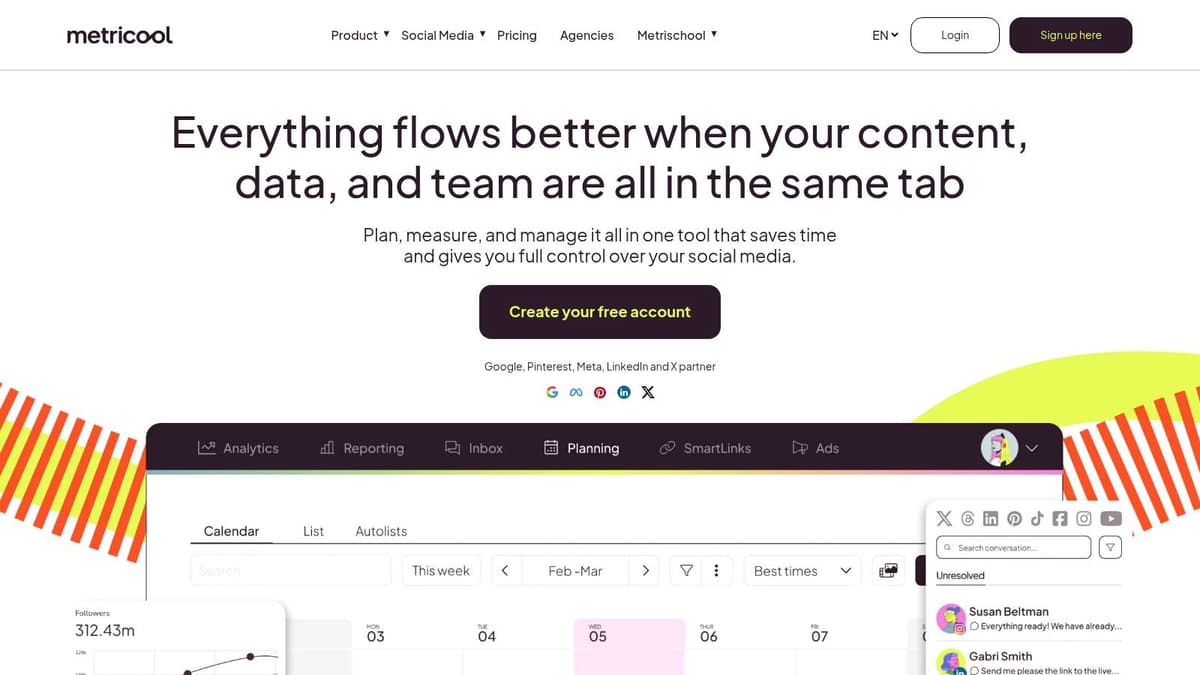
Metricool is where I'd look if Ferryman feels too specialized and Buffer feels too light. It combines multi-network scheduling with stronger analytics, which makes it attractive for agencies and in-house teams that need publishing and reporting in the same place.
The thread support across X, Threads, and Bluesky is useful, but analytics are the primary reason to choose it. When several brands or campaigns are in motion at once, scheduling alone stops being enough.
Better for reporting-heavy teams
Metricool fits the operator who has to answer follow-up questions after publishing. Which brand is improving? Which content themes are working? Which channels deserve more attention next month? Those are the kinds of questions that push people out of lightweight schedulers.
Its support resources are also solid, and that matters more than people think. Cross-platform social tooling changes constantly, especially on newer networks.
If your job includes monthly reporting, not just posting, a richer analytics layer saves more time than another composer feature.
The drawbacks are mostly around complexity. Pricing can get harder to parse as brand counts rise, and Bluesky still has some limitations tied to API maturity. That isn't really Metricool's fault, but it still affects the workflow.
Quick view:
- Strong point: Better analytics than many scheduler-first competitors.
- Good match: Agencies and teams running several brands.
- Watch-out: More moving parts than a minimalist cross-poster.
Choose Metricool when publishing and measurement need to live together.
5. SocialBee

SocialBee has a different personality from most Ferryman alternatives on this list. It leans hard into content categories and evergreen recycling, which makes it appealing for creators and small businesses that run repeatable content systems.
If your content mix includes recurring tips, promotional posts, community prompts, and repurposed threads, category queues are useful. They keep your feed varied without forcing you to rebuild a posting plan every week.
Where SocialBee clicks
Direct posting to Bluesky and Threads helps, but the bigger value is structure. SocialBee gives teams a cleaner way to organize what kind of content goes out and how often it returns.
That's a better fit for recurring content than for source-account mirroring. If your ideal Ferryman alternative should automatically spread your primary posts everywhere, MicroPoster is still a cleaner choice. If your problem is “we have lots of reusable content but no system,” SocialBee becomes more attractive.
A few pros and cons stand out:
- Best for evergreen workflows: Category-based recycling is still one of its strongest ideas.
- Approachable setup: The UI and onboarding are generally easy for non-technical users.
- Limitations: Analytics aren't especially deep, and occasional Bluesky connection hiccups can interrupt confidence if that channel matters a lot to you.
SocialBee is less about cross-posting philosophy and more about maintaining a consistent publishing machine.
6. Zoho Social
Zoho Social makes the strongest case when your social workflow is connected to a broader business stack. If your team already uses Zoho CRM or Zoho Desk, keeping scheduling, approvals, and customer context closer together can be a practical win.
On its own, Zoho Social is a capable scheduler with support for X, Threads, Bluesky, Mastodon, and mainstream networks. In context, it becomes more interesting because it plugs into systems your sales or support team may already touch.
Best when social isn't a standalone function
A lot of creator-focused tools optimize for speed and aesthetics. Zoho Social feels more utilitarian, but that can prove advantageous for SMB teams that need approvals, collaboration, and handoff discipline.
This is also one of the better choices for teams that care about price-to-coverage ratio. You're getting broad network support without jumping all the way into enterprise software territory.
What I'd keep in mind:
- Strong fit: SMBs already inside the Zoho ecosystem.
- Less ideal: Creators who want a sleek, lightweight experience.
- Main trade-off: Reporting and listening features don't go as deep as larger enterprise suites.
Zoho Social is rarely the flashiest Ferryman alternative. It's often the sensible one.
7. Nuelink
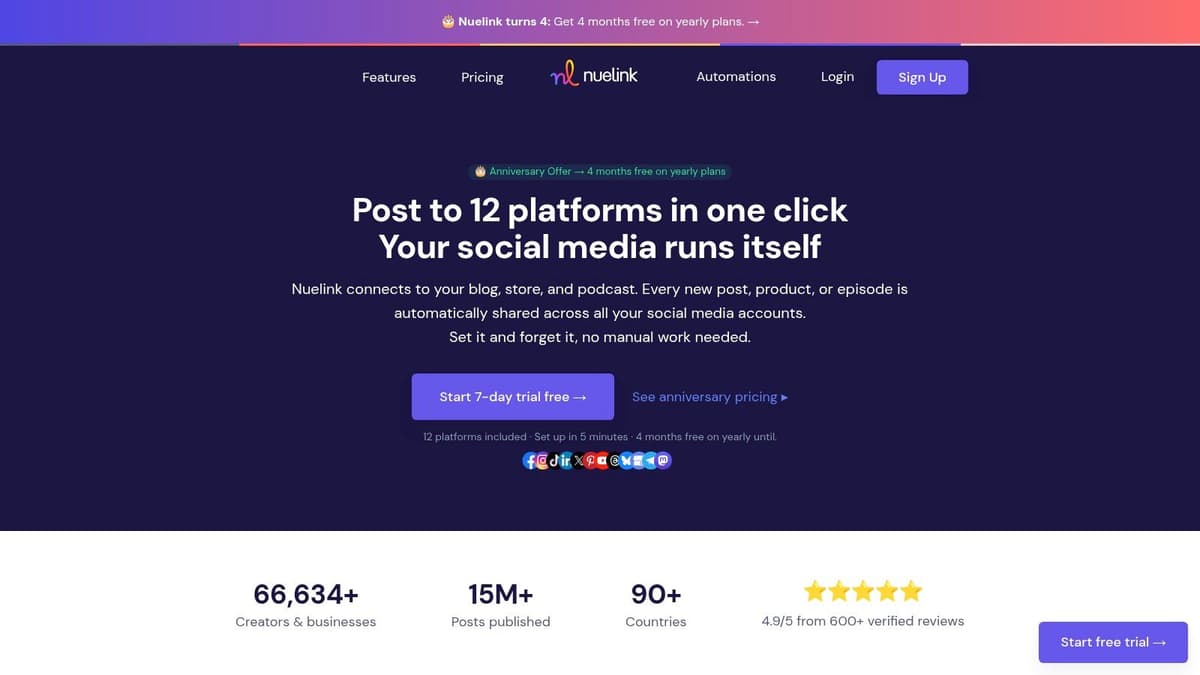
Nuelink is one of the more appealing options for indie teams that want scheduling plus automation without paying for a massive suite. It supports X, Threads, Bluesky, Mastodon, and other networks, and it also offers a public API, which makes it more builder-friendly than many social tools in this range.
That API matters. If your team likes stitching tools together or triggering workflows programmatically, Nuelink gives you more room to customize than the average scheduler.
Good for builders
Nuelink feels like a practical middle ground between no-code scheduling and more technical automation. The documentation and how-to guides also help, especially for newer networks where setup friction can otherwise waste time.
The downside is maturity. Compared with older suites, it has a younger roadmap and fewer enterprise features like governance layers or SSO-heavy admin controls.
Some teams don't need enterprise polish. They need a tool that connects well, automates enough, and doesn't fight custom workflows.
That's the Nuelink pitch in a sentence.
Use it if you want:
- API flexibility: Useful for custom workflows and integrations.
- Broad network coverage: Strong enough for lean teams covering modern social channels.
- A lighter tool: Better for indie operators than for strict enterprise governance.
Nuelink won't be the obvious choice for everyone looking for a Ferryman alternative, but technical founders and scrappy operators should give it a serious look.
8. Crosspost (Cross-Post.app)
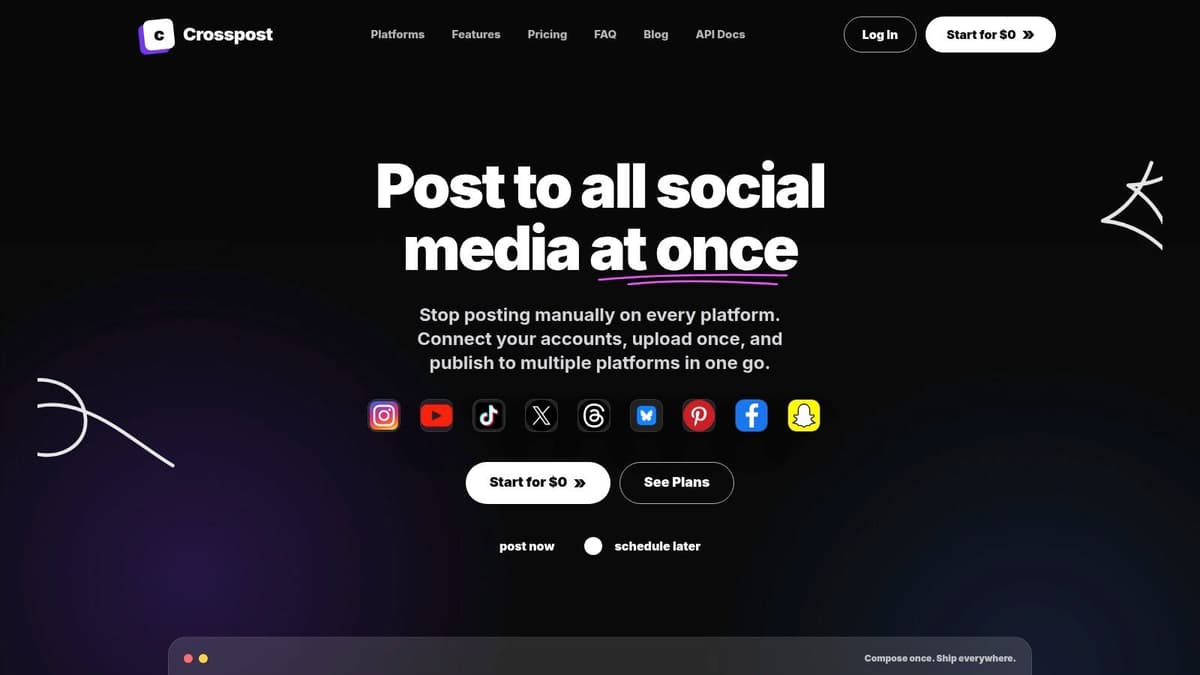
Crosspost is the lightweight answer for people who don't want a heavy dashboard at all. You open the web app, compose once, and publish to a lot of places quickly, including short-form networks and some video-oriented platforms.
That makes it one of the fastest tools to learn in this list. It's especially handy for solo creators who want broad simultaneous posting without setting up a more complex system.
Fast, but not deeply adaptive
Crosspost is strong at one-shot distribution. If the main question is “how do I crosspost automatically to socials without spending half my day in a scheduler,” this style of tool makes sense.
The trade-off is adaptation depth. Fast composer tools often push the same message outward with limited tailoring, which can be fine for simple updates but weaker for networks with different norms or formatting constraints.
That matters because adaptive cross-posting usually outperforms identical posting. Teams using tools that customize content per platform, including character counts, image dimensions, and formatting, see better engagement, while 83% of marketing departments automate social posting. That's exactly why “mirror everywhere” and “adapt everywhere” shouldn't be treated as the same workflow.
Crosspost works best when speed matters more than finesse.
- Best for: Solo creators and quick simultaneous publishing.
- Less ideal for: Teams that want collaboration, analytics, or nuanced per-network shaping.
- Main strength: Very low friction.
9. KrossPost.ai
KrossPost.ai aims at a wider automation surface than many tools here. It's not just about scheduling and posting. It also positions itself around AI-driven workflows and support for engagement tasks, including response assistance.
That broader ambition makes it interesting for creators who want help not only publishing but also keeping up with audience interactions from mobile.
More ambitious than polished
The Android app is useful if you work on the go, and the product direction makes sense. Plenty of creators don't need another publishing dashboard. They need a tool that helps with the whole social operating loop, from content to comments.
The catch is that younger products usually come with evolving documentation and less predictable feature depth. You can often see where they're heading before every part of the product fully catches up.
I'd frame it this way:
- Strong point: Tries to cover posting and engagement in one workflow.
- Good match: Mobile-first creators who like experimenting with newer automation tools.
- Watch-out: Check billing and regional details carefully if your team has specific compliance or purchasing needs.
KrossPost.ai is promising when you want more than distribution, but it's not the safest pick if you value mature documentation above all else.
10. Mastodon-Twitter Crossposter (crosspost.mamot.fr)
Mastodon-Twitter Crossposter is the narrowest tool in this list, and that's exactly why some people should use it. If you only need to keep Mastodon and X in sync, a purpose-built bridge can be a smarter choice than adopting a full social suite.
This service is community-run by admins of the mamot.fr Mastodon instance, and its appeal is straightforward: minimal setup, minimal scope, and a clear job.
The specialist option
For migrations, audience overlap, or simple dual-presence maintenance, this kind of bridge is often enough. You don't need a giant dashboard if your requirement is only “keep these two accounts aligned while I figure out where my audience settles.”
The limitation is obvious. There's no Threads or Bluesky support, no broad analytics layer, and reliability depends on a third-party instance.
Use a focused bridge when your problem is small and specific. Don't buy a suite to solve a two-network sync task.
As a Ferryman alternative, this isn't the broad replacement. It's the niche utility pick for users with very narrow needs.
Top 10 Ferryman Alternatives, Feature Comparison
| Product | Key features ✨ | UX & Quality ★ | Price & Value 💰 | Target 👥 |
|---|---|---|---|---|
| 🏆 MicroPoster | ✨ Native crossposting (X/Threads/Bluesky/Mastodon); auto-split threads; media resizing; built-in AI | ★★★★☆, native, polished automations | 💰 Creator $12/mo · Pro $29/mo · 7‑day trial · unlimited scheduling | 👥 Founders, creators, small teams |
| Publer | ✨ Unified thread editor; reschedule & evergreen; broad channel coverage | ★★★★, practical, steady roadmap | 💰 Mid-tier; some advanced features behind higher plans | 👥 Solo creators, small teams |
| Buffer | ✨ Queue-based scheduler; official Bluesky/Mastodon posting; best-time tips | ★★★★, reliable, simple UX | 💰 Pay-per-channel pricing; transparent but can add up | 👥 Non-specialists, small teams |
| Metricool | ✨ Thread scheduling + benchmarking; strong cross‑platform analytics | ★★★★☆, analytics-first, agency-ready | 💰 Competitive for analytics; pricing scales by brands | 👥 Agencies, data-driven teams |
| SocialBee | ✨ Content categories & recycling; social inbox; AI captions (plan dep.) | ★★★★, efficient for evergreen workflows | 💰 Good value for recurring content strategies | 👥 Creators, SMBs, teams using category queues |
| Zoho Social | ✨ Broad channel support; CRM integrations; approvals & collaboration | ★★★, utilitarian but functional | 💰 Strong price-to-coverage; regional pricing options | 👥 SMBs, teams using Zoho CRM/Desk |
| Nuelink | ✨ Public API; bulk scheduling; how‑to docs for modern networks | ★★★, lean, builder-friendly but maturing | 💰 Affordable; API adds developer value | 👥 Indie teams, builders, devs |
| Crosspost (Cross‑Post.app) | ✨ Single fast composer for many platforms; low‑friction web app | ★★★, very fast, minimal learning curve | 💰 Free / low-cost entry; limited depth | 👥 Solo creators wanting quick multi-posts |
| KrossPost.ai | ✨ AI-driven workflows; mobile app (Android); engagement assistance | ★★★, ambitious mobile-first tool | 💰 Emerging pricing; regional billing notes | 👥 Mobile-first creators seeking AI automations |
| Mastodon–Twitter Crossposter | ✨ Bi-directional Mastodon ↔ X bridge; minimal setup | ★★, simple, purpose-built; community-run | 💰 Typically free/simple; single-purpose | 👥 Users syncing Mastodon and X only |
Our Pick The Smartest Ferryman Alternative
You publish a strong post on one network, then the repetitive part starts. Copy it, trim it, repost it, fix formatting, and repeat the process again tomorrow. That is the key decision point when comparing Ferryman alternatives. Do you need a better scheduling desk, or do you need the distribution work to disappear?
The tools in this list split into two different philosophies. Publer, Buffer, and Metricool are traditional schedulers. They are useful when your team plans campaigns in advance, works from a calendar, or needs approvals before anything goes live. SocialBee fits teams that run recurring content and want category-based queues. Zoho Social makes sense if social sits close to your CRM and service workflows. Nuelink is a practical option for builders who want more control over custom automations.
MicroPoster fits a different job.
It is the strongest choice for founders, creators, and small teams who already know where they like to post first and do not want a second system competing for attention. Instead of pulling you into another planning workflow, it handles cross-posting as a background process. Publish once in your primary channel, and the tool mirrors and adapts that content across X, Threads, Bluesky, and Mastodon.
That distinction matters in practice. Traditional schedulers help you organize publishing. Automation-layer tools help you reduce manual distribution after the post already exists. If your bottleneck is planning, choose a scheduler. If your bottleneck is repetition, choose the tool built for repetition.
I have seen teams buy full social suites when their actual problem was much narrower. They did not need analytics dashboards, approval chains, or campaign views. They needed a reliable way to keep multiple profiles active without turning every post into four extra tasks. For that workflow, a lighter mirroring tool is usually the better fit.
The other options here still have clear advantages. Buffer stays easy to manage. Metricool gives stronger reporting. SocialBee is better for evergreen libraries. Zoho Social fits established business systems. Those are real strengths, not minor differences. But they solve a different operational problem.
MicroPoster is the smartest Ferryman alternative if your goal is simple. Write once, publish in the place that feels natural, and let the rest of the distribution happen automatically.
The free trial helps because this category is easy to evaluate quickly. Within a few days, you can tell whether mirrored posting saves time or whether your team needs a calendar-first tool instead.


