
free Mastodon scheduler
10 Best Free Mastodon Scheduler Options for 2026
Find the best free Mastodon scheduler for creators. We review 10 tools, from SaaS to self-hosted, and reveal their hidden limits and workflows.

You post three updates in a week, get decent replies, then disappear for ten days because publishing turns into admin work. One post goes to Mastodon. Then you copy it to X, Threads, or Bluesky, tweak the format, upload media again, and lose another chunk of your afternoon.
A free Mastodon scheduler solves part of that problem. It gives you a way to batch posts, keep your account active, and stop depending on memory or spare moments. For solo founders, indie hackers, and writers, that is often the first real time-saving system, not a growth trick.
Mastodon’s native scheduling feature gave users a solid baseline inside the platform. Since then, the range of free tools has widened. You can now choose between Mastodon’s built-in option, fediverse-focused schedulers, and broader social media tools that include Mastodon in a wider publishing stack.
The trade-off is simple. Free tools are usually good at getting posts scheduled. They are less reliable once your workflow includes queues, cross-posting, multi-account publishing, approvals, analytics, or content reuse across networks.
That distinction matters in practice. Scheduling a few toots is easy. Building a repeatable publishing system that saves hours each week is harder.
Use free schedulers as a starting point. They help you prove your cadence, learn your workflow, and spot what still eats your time. Once you hit the limits, the goal is not just to schedule faster. The goal is to stop copying the same work across platforms so you can spend more time creating.
For the basics of batching and timing content well, this primer on general scheduling principles is a useful companion.
1. Buffer
You batch a week of posts, line them up, and want one place to publish them without learning a fediverse-specific tool first. Buffer fits that job well.
Its appeal is simple. The interface is familiar, setup is quick, and Mastodon can sit beside your other social accounts instead of becoming a separate workflow. That matters if you already publish on LinkedIn, X, or other channels and want one habit for scheduling.
Buffer’s free plan works best as a test environment, not a long-term system. It gives solo creators enough room to try a posting cadence, see whether scheduled Mastodon content sticks, and decide whether the habit is worth keeping. If you want to test something specific, like posting three product updates a week for a month, Buffer is a practical place to start.
When Buffer works best
Buffer earns its place with creators who value speed and consistency over customization.
A few cases where it fits well:
- Cross-platform publishers: You want Mastodon inside the same publishing tool you already use elsewhere.
- Solo operators: You need to queue posts fast without spending an hour configuring categories, automations, or approval flows.
- Cadence testing: You’re trying a defined schedule, such as three posts a week, before paying for a larger setup.
The upside is clear. Buffer removes enough friction to help you keep showing up. For many founders and writers, that alone is useful.
The ceiling shows up just as clearly. The free tier gets cramped once you post daily, manage multiple profiles, or want your scheduler to do more than hold a queue.
What doesn’t work so well
Buffer is weaker when the main problem is repetition. If you still have to rewrite the same idea for each network, re-upload media, or manually keep several accounts active, you have not reclaimed much time. You have only made one part of the process easier.
That is the trade-off with many free schedulers. They help you prove the habit. They rarely remove the copying work that eats your week.
I’d treat Buffer as a useful first step. It helps you confirm your cadence, keep Mastodon in your publishing mix, and spot where your process starts breaking down. Once that happens, the next upgrade is not just a bigger queue. It is a workflow that adapts and republishes content across platforms with less manual handling.
You can explore Buffer’s Mastodon support directly on Buffer for Mastodon.
2. Publer
You sit down on Sunday to queue a week of posts. One Mastodon post turns into a thread, then a few media slots, then a quick check of how the rest of the week looks. Publer fits that kind of workflow better than stripped-down schedulers because it gives you more room to plan before you hit publish.
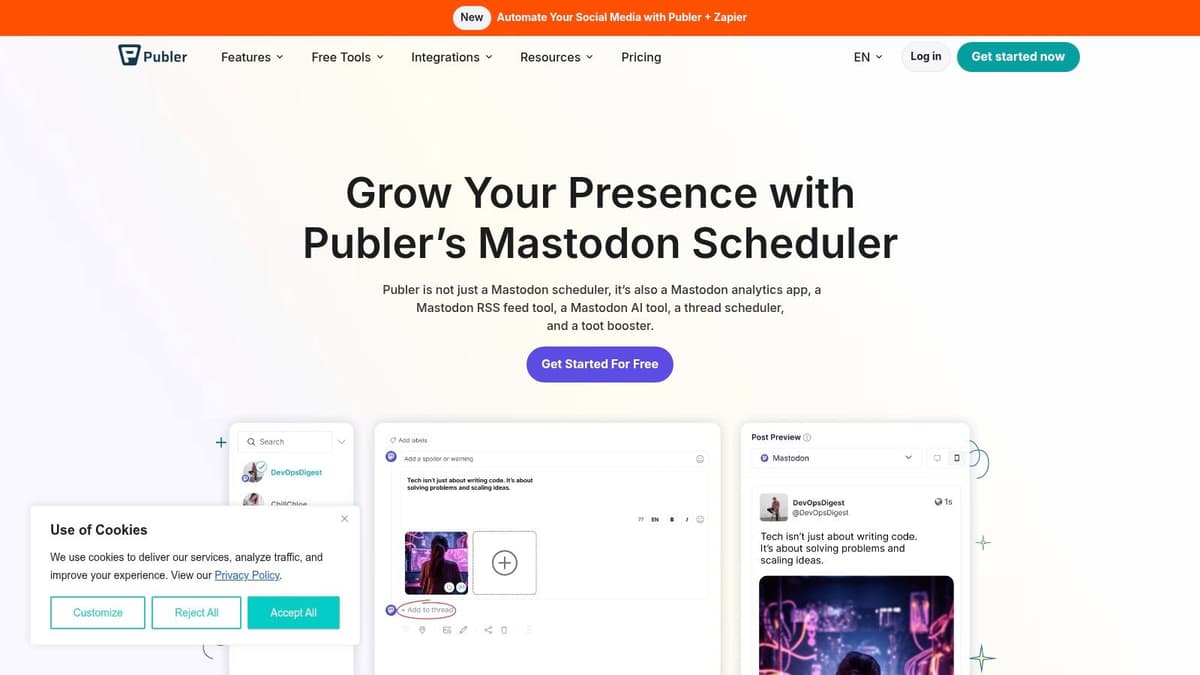
The appeal is simple. Publer feels built for people who batch content, reuse formats, and want a clearer view of their posting calendar. That matters if Mastodon is one channel in a broader publishing system rather than a place where you post in the moment.
Where Publer earns its place
Publer works well for creators who plan in clusters instead of one post at a time. A visual calendar, thread support, and bulk scheduling make it easier to map a week or month of content without juggling separate tools. If you publish to several networks, that structure can save real time up front.
It also suits creators who are already treating social as an editorial process. Writers, newsletter operators, and small teams often want reusable assets, post variations, and a cleaner review flow. Publer moves closer to that than basic free schedulers do.
That said, this is also where the trade-off shows up. The more you rely on systems, the faster a free plan starts to feel like a trial version of your real workflow.
A few patterns stand out:
- Best for batch scheduling: Strong fit if you like to queue content in blocks.
- Useful for multi-network planning: Better match when Mastodon sits alongside other channels.
- Less ideal for long-term automation: Good for organizing posts, less effective if your real problem is reposting and adapting content across platforms.
If you are still deciding how much Mastodon should matter in your wider mix, this guide to decentralized social media platforms helps frame that decision.
The catch with free tiers
Publer’s free value is real, but it has a clear ceiling. Once you start depending on recurring workflows, larger queues, or a more repeatable content engine, you begin spending time managing the tool instead of reducing manual work.
I see Publer as a solid middle step. It helps you get organized, test a heavier publishing rhythm, and spot whether your bottleneck is scheduling or the copy-paste work around scheduling. That distinction matters. If the actual drain is adapting the same idea for multiple networks, a free scheduler only solves part of the problem.
Publer is worth testing if you want more control than a lightweight queue gives you. Just go in with the right expectation. Free helps you build the habit. A more automated workflow is what gives you your time back.
3. Fedica
Fedica is what I’d call a power-user free Mastodon scheduler. It’s not the simplest option here, and that’s exactly why some people will prefer it. If you care about Mastodon as part of the broader fediverse, Fedica stands out because it takes those platforms seriously instead of treating them like an afterthought.
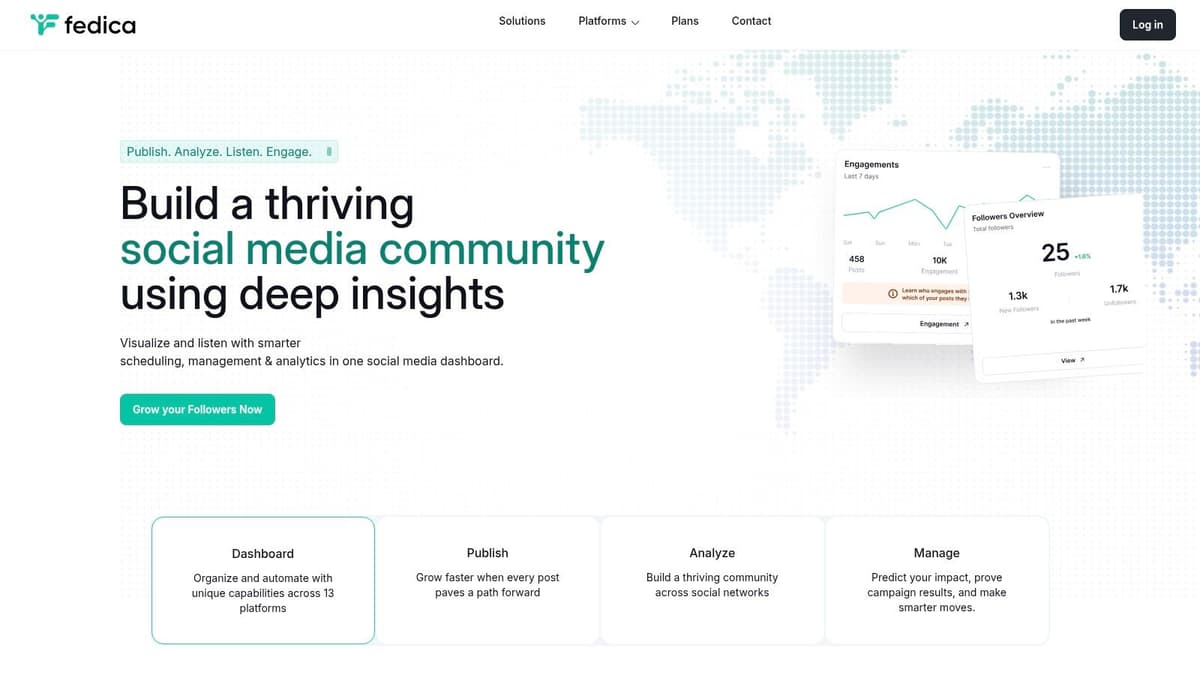
For creators trying to understand where Mastodon sits among newer networks, this guide to decentralized social media platforms is worth reading alongside any tool comparison.
Best fit for fediverse-heavy workflows
Fedica makes sense when your publishing strategy includes Mastodon, Bluesky, and other nontraditional channels, not just the usual X and LinkedIn pairing. That wider support matters because the tone, audience behavior, and posting rhythm on these networks differ more than many schedulers admit.
This is the kind of tool that rewards people who want a more deliberate process:
- Cross-platform planning: Useful if you’re coordinating content across several ecosystems.
- Queueing support: Better for creators who plan ahead instead of posting ad hoc.
- More serious scheduling logic: Helpful when “just set a time” isn’t enough.
Where it can feel heavy
Fedica isn’t my first pick for someone who only wants to queue a few Mastodon posts every week. The interface can feel dense if your needs are simple. You’ll notice that quickly.
That’s the pattern with powerful social tools. They often solve advanced problems well, but they ask you to think like an operator instead of a casual publisher. If that sounds appealing, great. If not, native scheduling or a lighter web app will probably feel better.
Use Fedica if your problem is coordination. Skip it if your problem is only remembering to post.
You can check the platform at Fedica.
4. Viraly
You sit down to schedule a week of Mastodon posts, then lose 20 minutes checking instance details, rewriting copy, and making sure nothing breaks in a tool that clearly treats Mastodon as an afterthought. Viraly is appealing because it avoids that problem. It is built around the use case, not forcing it into a generic social dashboard.
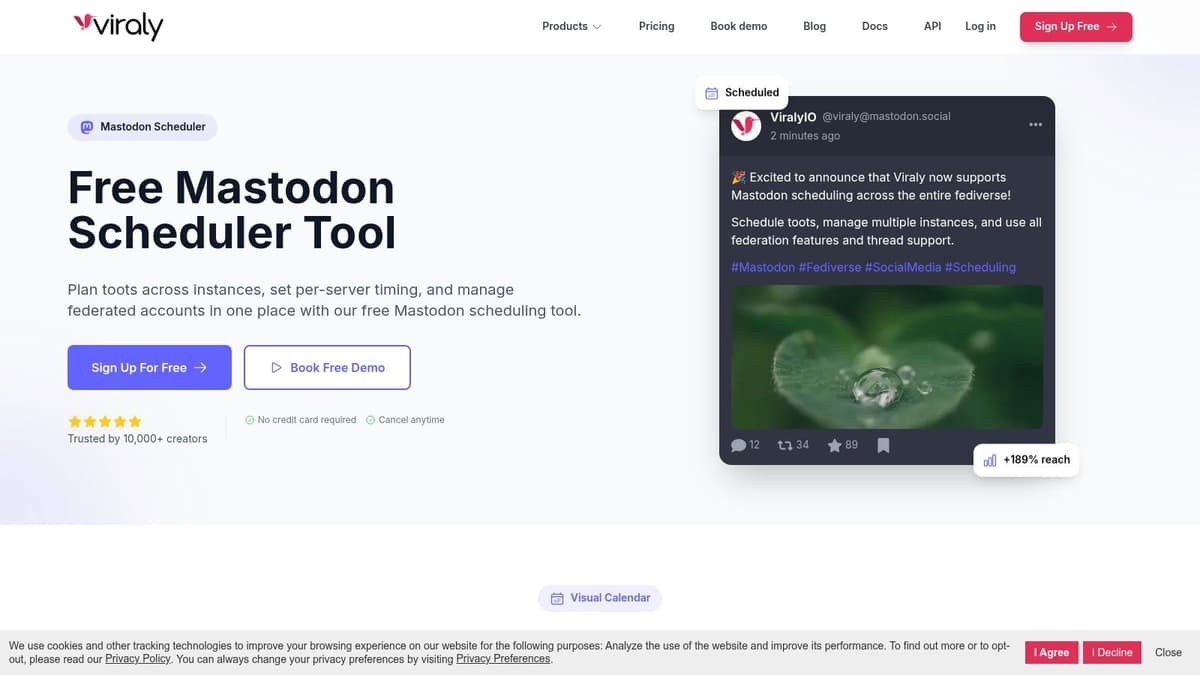
That matters more than it sounds. Mastodon publishing is easy when you are posting manually. It gets messy once you want queues, repeatable workflows, and multiple accounts. A focused tool can save real time by reducing the amount of checking and rechecking you do before hitting publish.
Why it works for the right user
Viraly makes the most sense for creators and small teams who already know native scheduling is too limited for how they work. If you batch content, manage more than one account, or want a cleaner place to run Mastodon without dragging in a full social media suite, the product has a clear role.
A few practical advantages stand out:
- Mastodon-first workflow: The interface is built for fediverse publishing, which cuts down on workaround thinking.
- Queue support: Better for people planning posts in batches instead of setting each one manually.
- Team-friendly setup: Easier to hand off than a homegrown API script or a patched-together workflow.
The primary benefit is less copying, less checking, and less context switching. That is the larger theme with free Mastodon schedulers. The good ones buy back time. The limit is that they still leave you managing posting as a separate task, especially if your broader workflow spans other platforms too.
The trade-off
Viraly is a focused product, and focused products usually come with narrower depth outside their core use case. That can be good if Mastodon is your priority. It can also become a constraint if you later want one system for broader cross-platform automation.
I would treat Viraly as a useful step up from native scheduling, especially if you want a cleaner publishing process now without building your own setup. Just keep the ceiling in mind. Free schedulers help you stop posting by hand. The next stage is reducing manual distribution across your whole content stack.
You can explore it at Viraly’s Mastodon scheduler.
5. PostyBirb
PostyBirb is the odd one out in the best way. It isn’t trying to be a polished SaaS dashboard with a polished upsell path. It’s a desktop tool, and that changes the experience completely.
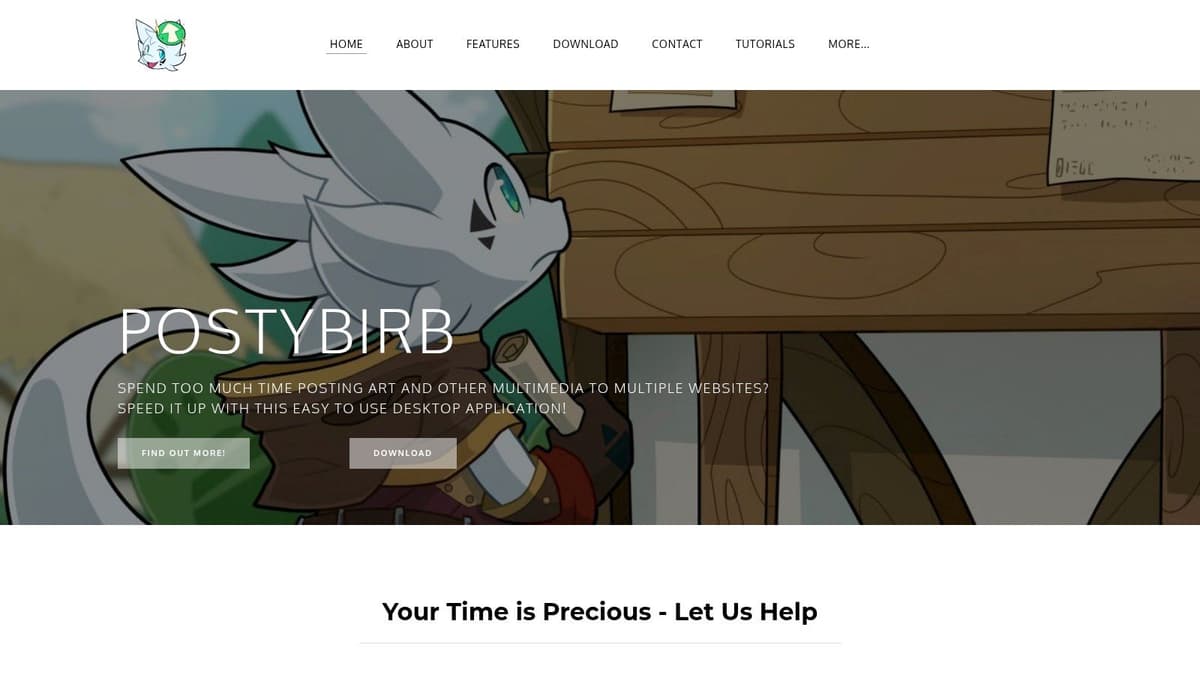
For some creators, that’s a feature. If you care about local control and don’t want another cloud platform sitting between you and your accounts, PostyBirb is attractive.
Who should actually use PostyBirb
This tool makes the most sense for media-heavy creators and people who already tolerate a bit of setup friction. If your posting includes images, variations by platform, and a lot of account-level customization, a local app gives you more direct control.
What stands out in practice:
- No SaaS dependency: Your workflow stays local instead of living inside another web service.
- Strong for media handling: Good fit for creators publishing visual content.
- Useful for multi-account setups: Better than basic native scheduling when you need account-level control.
Why many people will still skip it
The cost of local control is reliability management. Your computer needs to cooperate. The app needs to be running. The workflow is less forgiving than a hosted scheduler.
That means PostyBirb isn’t the best free Mastodon scheduler for founders who want “set it and forget it.” It’s better for creators who don’t mind managing the environment because they value the flexibility.
Local tools are great until you need them to behave like cloud automation. Then the limits show up fast.
If your real goal is reclaiming time, not just avoiding subscription fees, be honest about how much operational babysitting you’ll tolerate.
You can download and review it at PostyBirb.
6. Mixpost
Mixpost is for the user who sees “free” and immediately asks a better question: free in what sense? If you self-host, you can avoid monthly SaaS costs, but you’re taking on setup, maintenance, and infrastructure work in return.
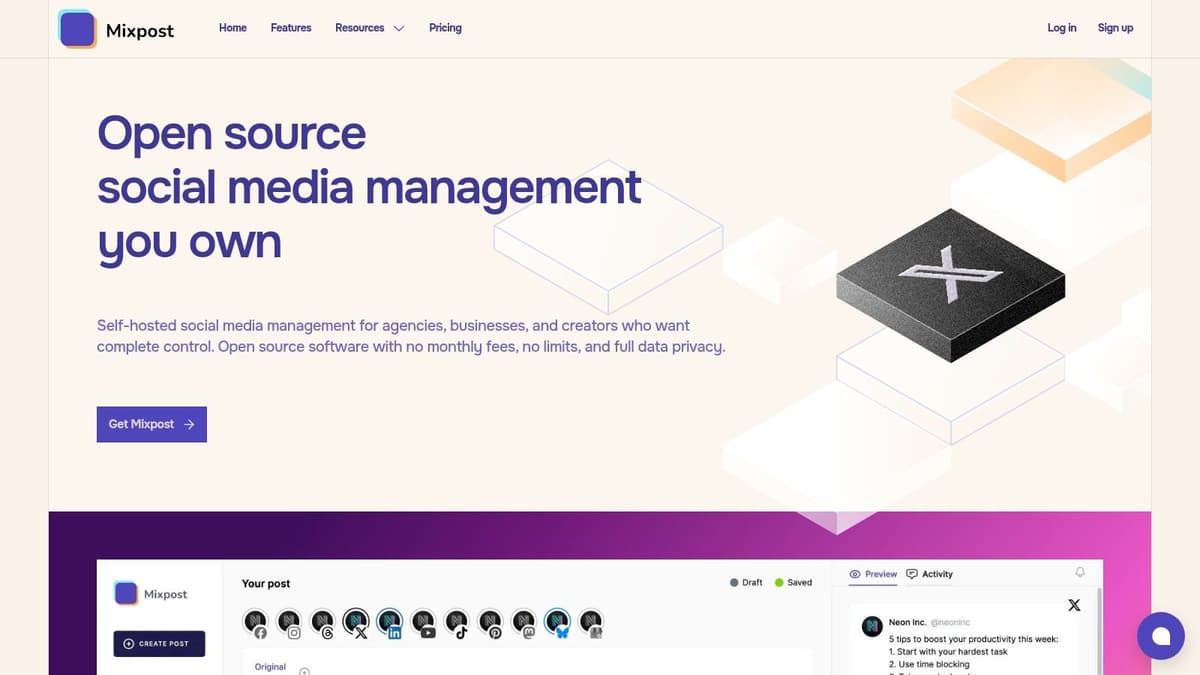
That trade-off lines up with the verified data around self-hosted Mastodon scheduling. In PostSyncer’s 2026 Mastodon scheduler comparison, self-hosted cron jobs using the Mastodon API are described as serving technical users, with server costs around $5 to $20 per month. Mixpost lives in that same decision zone. Lower SaaS dependency, higher technical responsibility.
Why Mixpost is compelling
There’s a lot to like if you’re comfortable running your own stack. You keep more control over your data, your workflow, and the pace of product changes. That matters to privacy-conscious users and teams with internal ops capacity.
Mixpost is strongest in these scenarios:
- Technical founders: You already run apps on a VPS and don’t mind another service.
- Small teams with privacy concerns: You want control without relying on a hosted scheduler.
- Long-term operators: You’d rather invest setup time once than pay ongoing SaaS fees.
What free really means here
Self-hosted tools are never friction-free. You pay with time, attention, and maintenance discipline. If that’s acceptable, Mixpost can be a strong alternative to mainstream schedulers.
If it’s not, this route becomes a distraction. A tool that saves money but adds a layer of system administration can cost more attention than it returns.
You can evaluate the self-hosted option on Mixpost.
7. Postiz
Postiz sits in an interesting middle ground. It’s open source and broad in channel coverage, which makes it appealing to people who like the idea of ownership but still want something closer to a modern scheduler experience.

That combination matters because many creators don’t want a fully manual API approach, but they also don’t want to lock themselves into yet another social media subscription.
The practical upside
Postiz is attractive when you want cross-posting, queueing, and bulk scheduling with more control over the software itself. If your publishing setup spans Mastodon and other channels, Postiz has obvious appeal.
Where it tends to fit:
- Open-source leaning teams: You value transparency and self-hosting options.
- Cross-network creators: Mastodon is part of a wider publishing system.
- Budget-conscious operators: You want to avoid paying for hosted software early on.
The hidden cost
Hosted convenience and open-source freedom rarely coexist without trade-offs. If you self-host Postiz, you get the software freedom. You also inherit setup and upkeep. If you use the hosted route, you lose some of the “free” appeal.
That’s why I’d only recommend Postiz if you’re clear on your preference. Either you want ownership enough to manage the stack, or you’d be happier with a hosted tool that handles the boring parts for you.
You can review the Mastodon channel support at Postiz for Mastodon.
8. TheBlue.social
TheBlue.social is built for a specific audience: indie creators who want to start quickly and don’t need a deep enterprise-style dashboard. That simplicity is part of the value.
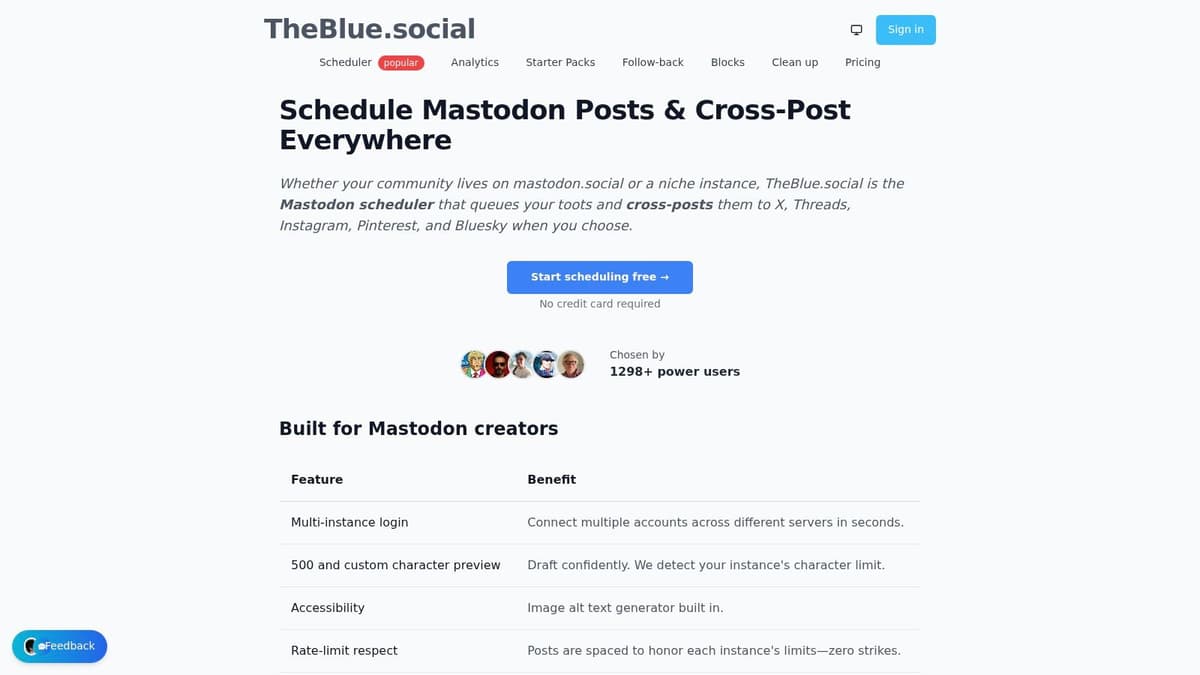
A lightweight tool can be the right answer when your main problem is momentum. If you’ve been posting inconsistently because your current workflow is annoying, simpler often beats “more powerful.”
Where it makes sense
TheBlue.social is easy to frame as a starter tool for people who want a free Mastodon scheduler plus light cross-posting support. That’s a real need. Plenty of users don’t need analytics dashboards, approval chains, or complicated workspace setups.
Its best use cases are straightforward:
- Indie hackers: Quick setup matters more than deep configuration.
- Writers and solo creators: You want a queue, not a command center.
- Early-stage experiments: You’re testing whether Mastodon deserves a recurring place in your content mix.
Where it may fall short
The downside of lightweight tools is usually depth. If your workflow expands, you may run into limits around collaboration, automation, or more nuanced publishing controls.
That doesn’t make the tool bad. It just means you should view it clearly. Some tools are long-term infrastructure. Others are good bridges from chaos to consistency.
For many people, that bridge is valuable enough.
You can try it at TheBlue.social Mastodon scheduling.
9. SocialBu
SocialBu is one of those tools that often gets overlooked because it doesn’t dominate the conversation, but that can be an advantage. It tends to focus on practical scheduling features without making the whole product feel overloaded.

For someone looking for a free Mastodon scheduler with support for richer media and a multi-platform calendar, SocialBu is a reasonable candidate.
Why it’s worth considering
SocialBu works best when your needs are basic but not trivial. You want more than native scheduling, but you don’t necessarily need the complexity of a highly specialized social suite.
That often means:
- Individuals with a steady publishing rhythm: Enough features to stay organized.
- Creators using media formats often: Better than text-only workflows.
- People comparing several freemium tools: Solid middle-ground option.
Why it may not last forever
Most free tools hit the same wall. They’re generous enough to onboard you, then restrictive enough to make daily use slightly uncomfortable at scale. SocialBu fits that pattern.
If your volume is moderate, that may not matter for a while. If you’re running active publishing across several channels, you’ll probably feel the ceiling. At that point, the question becomes whether to upgrade the scheduler or replace the workflow entirely with a system that automates cross-posting rather than just queueing it.
You can inspect the product at SocialBu for Mastodon.
10. Mastodon native scheduling API
You draft a post, set a time, and move on. For a solo Mastodon workflow, that simplicity is hard to beat.
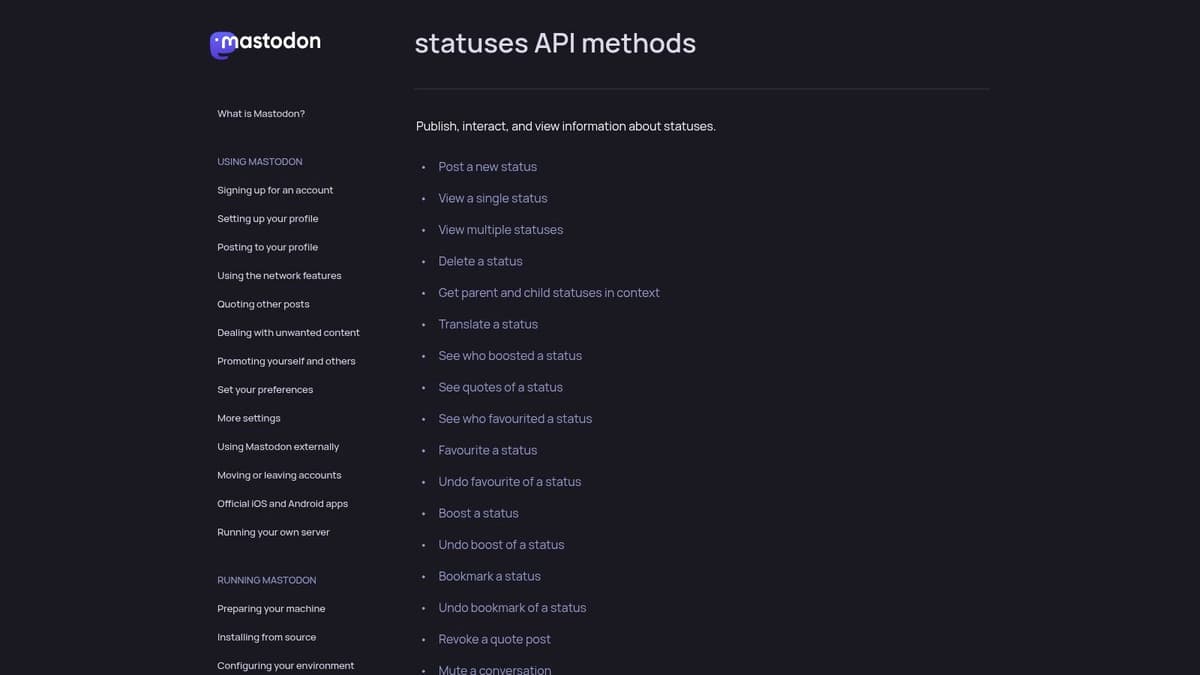
Mastodon’s built-in scheduling is the most direct free option on this list because it avoids another tool entirely. If you publish only to Mastodon and you do not need a content calendar, approvals, or cross-posting, native scheduling covers the basics with very little setup. You write the post, choose a future time, and manage scheduled statuses inside the platform.
That makes it a smart starting point, especially for creators who care about keeping permissions tight and reducing points of failure. Fewer integrations usually means fewer surprises.
Why native is often enough
Native scheduling works well for a narrow but valid use case. A creator with one Mastodon account, a predictable posting rhythm, and no need to repurpose content across networks can stay productive without paying for anything.
It fits best when:
- You only publish to Mastodon: No need to coordinate posts elsewhere.
- You want minimal tool overhead: Nothing extra to configure beyond the platform itself.
- You are comfortable extending it yourself: Scripts or API clients can fill small gaps.
For technical users, that last point matters. The native API can support a more repeatable posting setup if you are willing to build around it. This practical guide to a social media API workflow for repeatable publishing is a good reference if you want to go beyond manual scheduling and start reducing copy-paste work.
Where native scheduling starts to cost you time
The trade-off is straightforward. Native scheduling handles timing, but it does not handle distribution, reuse, or coordination across platforms.
That limitation stays small until your process grows. Once the same launch note, article, or promo needs to appear on Mastodon, Bluesky, Threads, and X, the free native route stops feeling efficient. You are no longer managing a posting schedule. You are managing repetition.
That is the point of this guide. Free schedulers are useful stepping stones, but they rarely solve the bigger time problem on their own. If your primary goal is reclaiming time, the better long-term answer is often a workflow that publishes across channels from one place instead of asking you to recreate the same post four times.
You can review the API directly in the Mastodon statuses method documentation.
Top 10 Free Mastodon Schedulers Comparison
| Tool | Key features ✨ | Quality ★ | Pricing/value 💰 | Audience 👥 | Top strength 🏆 |
|---|---|---|---|---|---|
| Buffer | Cross-post composer, native Mastodon publishing, queue scheduling | ★★★★☆ | 💰 Free tier (limited) → paid upgrades | 👥 Solo creators, small teams | 🏆 Reliable, long‑standing platform |
| Publer | Thread scheduling, visual calendar, RSS, mobile apps | ★★★★☆ | 💰 Generous free trial; paid tiers for advanced | 👥 Creators & marketers testing workflows | 🏆 Strong calendar & bulk tools |
| Fedica | Mastodon + fediverse coverage, multi‑platform calendar, best‑time helper | ★★★★ | 💰 Documented free plan; paid for advanced | 👥 Teams needing fediverse reach | 🏆 Broad fediverse support |
| Viraly | Mastodon‑focused scheduler, smart queues, approvals | ★★★ | 💰 Free to start; upgrade for heavy use | 👥 Marketers & small teams | 🏆 Simple marketing workflows for Mastodon |
| PostyBirb | Local desktop app, multi‑account, rich media control | ★★★★ | 💰 100% free (local) | 👥 Media‑heavy creators, privacy‑minded users | 🏆 Fine‑grained, offline control (no cloud) |
| Mixpost | Self‑hosted scheduler, queues, team/workspace model | ★★★★☆ | 💰 Self‑host (no SaaS fees) or paid self‑host license | 👥 Teams wanting data ownership | 🏆 Data ownership + self‑host flexibility |
| Postiz | OSS scheduler, cross‑posting, bulk scheduling, calendar | ★★★★ | 💰 Free if self‑hosted; hosted paid plans | 👥 Developers & DIY teams | 🏆 Open‑source with active releases |
| TheBlue.social | Lightweight fediverse scheduler, simple onboarding, cross‑post | ★★★ | 💰 Free‑forever tier | 👥 Indie creators & newcomers | 🏆 Easy to try with explicit Mastodon focus |
| SocialBu | Mastodon scheduling, bulk uploads, mobile apps, calendar | ★★★ | 💰 True free plan (tight limits) | 👥 Individuals needing baseline features | 🏆 Solid baseline feature set with free tier |
| Mastodon native scheduling (API) | scheduled_at API, view/update/cancel scheduled posts | ★★★★ | 💰 Zero‑cost if instance supports it | 👥 Tech‑savvy users or scripts/clients | 🏆 Native, no third‑party OAuth or fees |
Final Thoughts
A free Mastodon scheduler is one of those tools that feels small until you start using it well. The immediate benefit is obvious. You schedule posts ahead of time and stop relying on memory. The bigger benefit takes longer to notice. You stop interrupting your day every time you want to stay visible.
That matters because Mastodon consistency is easier to sustain than Mastodon spontaneity. Scheduling lets you batch updates, write when your ideas are fresh, and keep showing up when you’re busy shipping, writing, or talking to customers. For solo operators, that’s a real advantage.
But free tools have a predictable ceiling. Native scheduling is clean and private, but narrow. Buffer is dependable, but its free tier is intentionally limited. Publer and similar tools give you more planning power, but they nudge you toward paid usage once your workflow becomes serious. Self-hosted options give you control, but they demand technical attention in return.
That’s why I’d frame this list in two phases.
First phase: use a free Mastodon scheduler to prove your habit. Pick the tool that removes the most friction right now. If you only need Mastodon, native is enough for many users. If you publish across networks, start with Buffer, Publer, Viraly, or another option that fits your style and tolerance for limitations.
Second phase: upgrade the workflow, not just the scheduler. Many creators misjudge this critical step. They keep paying for slightly better posting interfaces while still doing the worst part by hand, which is copying, adapting, and reposting the same content to every platform manually.
That’s the actual time drain. Not clicking “schedule,” but repeating distribution work that software should already handle.
If you publish one original post and then manually reshape it for Mastodon, X, Threads, and Bluesky, you don’t have a scheduling problem. You have a workflow problem.
Free schedulers help you stay consistent. Automated cross-posting helps you get your time back.
That’s why tools like MicroPoster matter in this conversation. A free Mastodon scheduler is useful when your goal is simple queueing. MicroPoster becomes more compelling when your goal is publishing once and maintaining a credible presence everywhere without rewriting the same update over and over.
For founders and creators, that difference is practical. You post natively on your preferred source account. The system mirrors it across networks, adapts it to each platform, and keeps running in the background. That turns scheduling from a repetitive task into infrastructure.
There’s nothing wrong with starting free. In fact, that’s usually the right move. Learn your cadence. Find the kinds of posts you publish consistently. See whether Mastodon is part of your long-term channel mix. But once you know it is, don’t confuse “free” with “efficient.”
The best free Mastodon scheduler is the one that gets you posting regularly today. The best long-term setup is the one that lets you stop thinking about cross-platform distribution tomorrow.
If you want a broader stack around planning and publishing, these social media content creation tools are a useful next read.
If you’re tired of scheduling the same post five different ways, MicroPoster is the upgrade path that saves time. Write once on your source platform, then let MicroPoster mirror your content to Mastodon, X, Threads, and Bluesky with platform-aware formatting, automated threading, media adaptation, a visual calendar, and always-on reposting. It’s built for founders, creators, and small teams who want consistent reach without living inside schedulers all week.


