best autoplug tools
The 10 Best Autoplug Tools for X & Threads in 2026
Find the best autoplug tools to automate your social media. Compare features, pros, and pricing for X, Threads, Bluesky, and Mastodon to boost your reach.
Never Miss a Viral Moment Again
Your post is taking off on X or Threads. The likes are piling up, replies are coming in, and for a brief window you have attention you didn't have an hour ago. That's the exact moment you want to plug your newsletter, product, waitlist, or latest article. Instead, that moment is missed because of commitments like meetings, sleep, or not refreshing notifications at the right time.
An autoplug tool fixes that. It watches for traction, then adds the promotional reply or follow-up while the post is still hot. Done well, it feels timely and natural. Done badly, it feels like spam or breaks when you try to use it outside X.
That's why this guide focuses on more than old-school Twitter auto-replies. The best autoplug tools now need to handle X, Threads, Bluesky, and Mastodon, plus the annoying details that matter in practice: whether a follow-up becomes a proper threaded post, whether links preview correctly, whether media is reformatted for native posting, and whether the workflow fits how you already publish.
If you're also tightening up the rest of your workflow, these video editors for social media content pair well with the tools below.
1. MicroPoster

A post starts running on Threads while your X version is still collecting replies, and your Bluesky audience responds better to a cleaner follow-up without the same link-first formatting. That is the true test for an autoplug tool now. MicroPoster makes sense if your job is to keep one idea working across multiple text networks without turning every post into a manual rewrite.
What puts it first here is the combination of Smart Autoplug and native crossposting support for X, Threads, Bluesky, and Mastodon. That matters because these networks do not handle follow-ups the same way. Some tools still treat autoplug as a basic X auto-reply. MicroPoster is better suited to a broader workflow where the original post, the plug, the media, and the formatting all need to hold up across different platforms.
Why it stands out for multi-network posting
MicroPoster is strongest for people who prefer posting natively first, then letting the system handle distribution in the background. I like that approach because it matches how social teams work. You can publish on the source network where timing matters most, then mirror the post elsewhere without rebuilding it from scratch inside a separate scheduler.
The platform also handles the formatting problems that usually make crossposting look lazy. Longer posts can split into threads, media can be resized to fit native specs, mentions can be mapped, and links can be set up for better previews where the network supports them. That is a meaningful difference. A pasted link and a native-looking follow-up do not perform the same way on Threads, Bluesky, or Mastodon.
If your audience is spread across text-first networks, formatting usually matters more than extra reporting dashboards.
There is also a practical security upside. MicroPoster uses OAuth connections instead of asking for stored passwords, which is the setup I want before connecting founder accounts, brand handles, or client profiles.
Trade-offs and best-fit use case
MicroPoster fits founders, creators, and small teams that want autoplug plus distribution in one place. It is especially useful if your content starts on one network, but your audience is split across several.
The trade-offs are clear:
- Edits do not sync automatically: If you publish fast and revise later, you need to clean up those changes yourself.
- Replies are excluded by default: Good for keeping feeds tidy, less useful if your strategy depends on crossposting active conversations.
- The focus is text platforms: Strong fit for X, Threads, Bluesky, and Mastodon. Less helpful if Instagram, LinkedIn, or Facebook drive most of your workflow.
Pricing is simple, which I appreciate in this category. Plans start at $12/month for Creator, then $29/month for Pro, with an Agency tier at $89/month. If you want to see how the broader workflow works in practice, MicroPoster's guide on how to automate social media posts gives useful context without forcing you through a sales pitch.
2. Typefully
Typefully is the cleanest option here if your world still revolves around writing on X first. Its Auto-Plug feature is well known among thread writers because it does exactly what you'd expect: once a post hits your chosen engagement trigger, it publishes a saved reply underneath it.
What Typefully gets right is the writing environment. The editor is polished, the thread workflow is easy to use, and the whole product feels built for people who care about how the post reads before they care about building a giant social operating system.
Best for writers who want a tidy X workflow
Typefully makes sense when you want a documented, deliberate approach to autoplugging rather than a bunch of loosely connected growth features. It also helps that the product has visible momentum and public changelogs, which usually signals a tool the team is actively maintaining.
Its limitations are just as clear. Auto-Plug is mainly an X feature, so if your audience has shifted hard toward Threads, Bluesky, or Mastodon, Typefully won't feel like the center of your workflow. It can still be useful if X is the source network and everything else is secondary.
Typefully is strongest when your content starts as text, your main audience is on X, and you want the least clutter possible between writing and publishing.
I recommend it for solo writers, operators, and founders who care about drafting quality first. If your definition of the best autoplug tools starts with "help me write better on X and then automate the promo," Typefully belongs on the shortlist. You can check it out on the Typefully website.
3. Hypefury
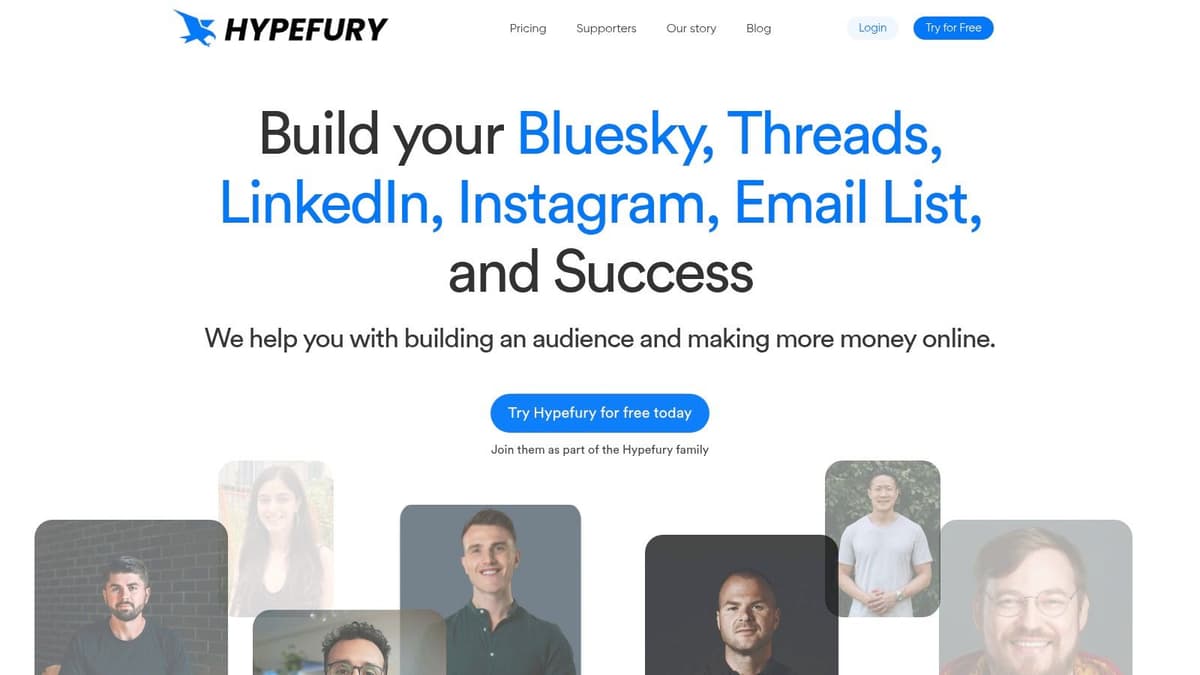
Hypefury has been a default pick for creators on X for a while, and that shows in how it handles autoplug. The product is opinionated in a useful way. It assumes you're trying to turn attention into subscribers, product clicks, or sales, and it gives you automations that match that goal.
Its autoplug setup automatically comments under posts that perform well. Pair that with auto-DMs, evergreen recycling, and queueing, and you get a system that is much more about monetization than pure scheduling.
Where Hypefury fits best
If you're selling a newsletter, digital product, course, or coaching offer from a personal brand account, Hypefury makes sense quickly. The entire product points toward "your post worked, now convert some of that attention."
That's the good part. The trade-off is that the broader network support can feel secondary compared with its X roots. Even where it supports more networks, the center of gravity is still clearly creator growth on X.
A few things it does well:
- Monetization-first automations: Auto-plugs and auto-DMs are built around lead capture and product promotion.
- Evergreen support: Good posts can keep working longer instead of dying after one cycle.
- Creator-friendly setup: The product doesn't feel like enterprise software pretending to help a solo account.
This is one of the best autoplug tools if your strategy is personal-brand heavy and X-led. If your main need is smooth native behavior across Threads, Bluesky, and Mastodon too, I'd rank it below MicroPoster. You can explore it on the Hypefury website.
4. Tweet Hunter
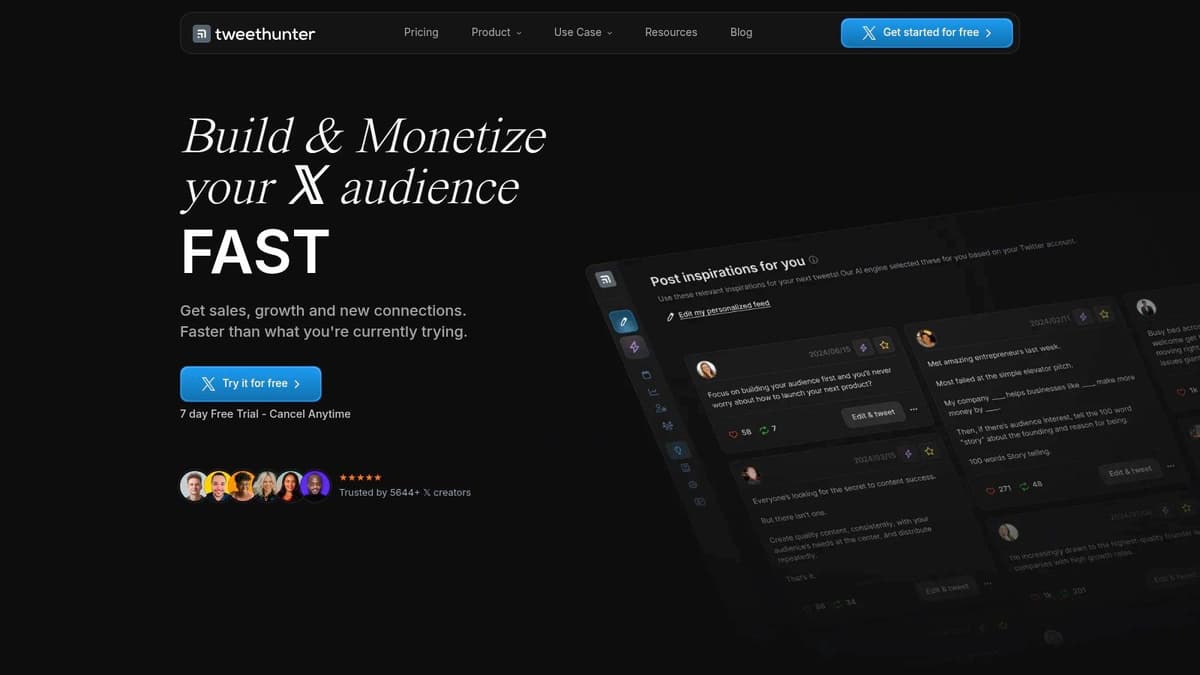
Tweet Hunter is less of a simple scheduler and more of a full X growth stack. Its Auto Plug feature lets you configure triggers for a follow-up reply under a high-performing tweet, but that's only one piece of the product. You also get AI writing support, scheduling, analytics, a content library, and CRM-style features.
That breadth is useful if you're running an aggressive X growth playbook. It's less useful if you want one lean tool that handles multi-network text publishing elegantly.
Strong when X is the whole game
Tweet Hunter works best for solo creators, ghostwriters, and agencies who spend most of their time optimizing for X. In that context, the all-in-one setup is efficient because ideation, drafting, scheduling, analytics, and autoplug all live in one place.
The downside is predictably the same as many X-first products. If your team needs deep parity across Threads, Bluesky, and Mastodon, this won't be the most natural fit.
Tweet Hunter is good at helping one account squeeze more value out of X. It's less compelling when the job is "publish everywhere without friction."
Use it if you want a feature-complete X platform and don't mind that the product is centered there. Skip it if your workflow depends on native-looking multi-network distribution. You can evaluate it on the Tweet Hunter website.
5. Zlappo
Zlappo is narrower than some of the bigger names here, but that's also why some creators like it. It doesn't try to be everything. It focuses on X automation and monetization, including an autoplug that can add newsletter, product, or CTA links under tweets that start getting traction.
That focus makes the product easy to understand. You set up the promotion angle, let the tweet perform, and the system handles the plug once the post qualifies.
Good for simple creator monetization loops
Zlappo is a practical pick for people who don't want a huge dashboard full of adjacent features. The appeal is that it's opinionated. You use it because you want viral or semi-viral tweets to feed a conversion goal.
Its main weaknesses are obvious:
- Mostly X-only: If your audience has spread to Threads or Bluesky, Zlappo won't be enough on its own.
- Limited depth outside its niche: That's fine if you want simple monetization automation, less fine if you want a broad publishing system.
- Less useful for team workflows: It feels more creator-centric than manager-centric.
This isn't the tool I'd recommend first for a startup social manager covering several text networks. It is one I'd mention to a solo creator who says, "I just want my best tweets to sell the thing I'm already promoting." For that job, it's coherent. The product lives on the Zlappo website.
6. Postwise

Postwise takes a simpler angle. It combines AI writing with scheduling, and its Auto-Plug feature lets you set a trigger so a saved promotional reply posts when a tweet performs well. If you like templates and want hands-off promotion without learning a complicated system, it's easy to grasp.
I see Postwise as a speed tool. You save your plugs, generate or draft the post, set the conditions, and move on.
Best when you want templated promotion
The strongest part of Postwise is how direct it feels. You don't have to build a giant automation machine to get value from it. For creators promoting one newsletter, one lead magnet, or one core offer, saved plug templates can cover most use cases.
That simplicity comes with trade-offs. The ecosystem isn't as established as older tools in the space, and it doesn't carry the same sense of maturity as a larger scheduler or a more specialized X growth suite.
Here's a practical perspective:
- Choose Postwise if: You want AI writing plus straightforward autoplugging in one place.
- Skip Postwise if: You need deeper collaboration, richer analytics, or broader multi-platform execution.
- Expect a lighter-weight setup: That's a benefit for some teams, a limitation for others.
Postwise earns a spot among the best autoplug tools because it solves a common problem without overcomplicating it. You can review it on the Postwise website.
7. Publer
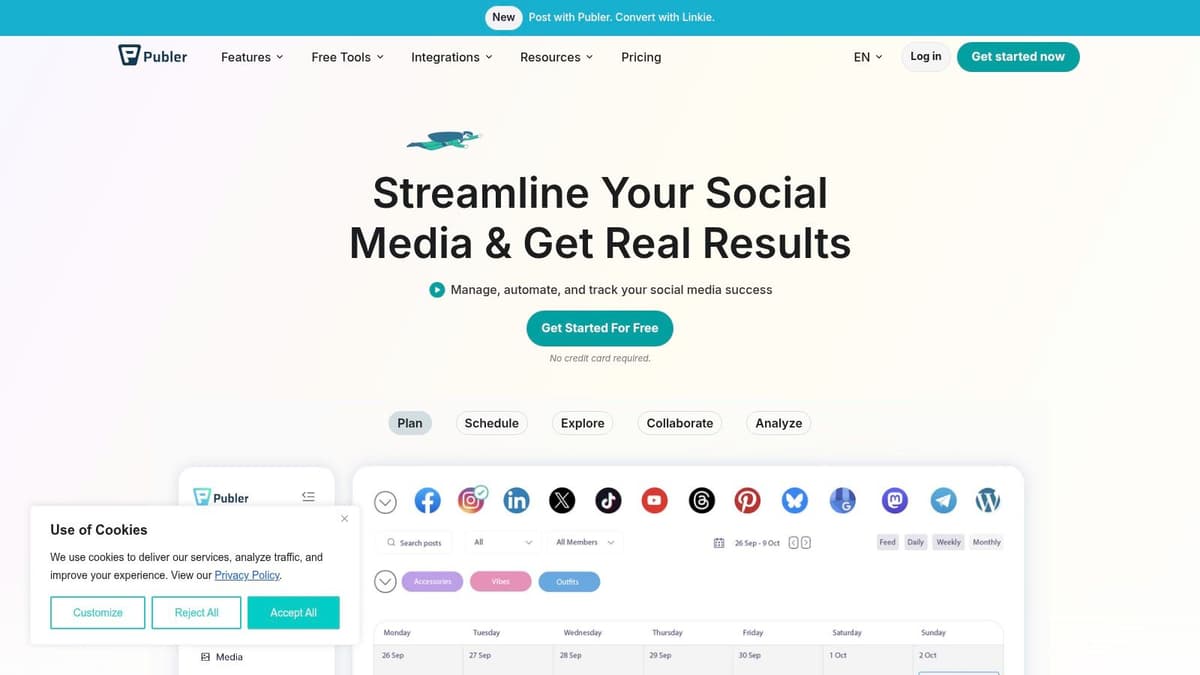
Publer is one of the more interesting entries here because it approaches autoplug like a broader social manager, not a pure X growth tool. That matters. In industry data, about 90% of marketers identify social network engagement across Facebook, X, Instagram, and other platforms as the primary use case for marketing automation in 2026, according to Market.us Scoop's marketing automation statistics. Publer sits closer to that wider scheduling mindset.
For autoplug-style workflows, Publer is useful because it supports performance-triggered follow-up actions and reusable presets across multiple networks. In practice, that's closer to how a small business or agency thinks than how a solo X creator thinks.
The real-world catch with comments across networks
Publer gets points for trying to make cross-network follow-ups workable, including on text platforms where behavior isn't identical. That's also where the friction appears. A "comment" on one network may behave more like a threaded follow-up on another, and the presentation can vary.
That doesn't make the tool bad. It just means you need to test exactly how your plug appears on each destination before scaling the workflow.
Multi-network autoplug is never just "same reply everywhere." Threads, Bluesky, and Mastodon all behave differently enough that formatting decisions matter.
Publer is a solid option for SMBs and teams that want broad coverage with sensible automation, and who are comfortable accepting some platform-specific quirks. Visit the Publer website if that sounds like your setup.
8. FeedHive

FeedHive is for people who want conditions, not just thresholds. Its Post Conditions system lets you create rules so a follow-up comment or reply only goes out when the original post beats a benchmark you've defined. That's more flexible than a basic "reply at X likes" setup.
I like FeedHive when the content strategy is nuanced. Maybe you want to promote a waitlist only under educational posts, or only when a post clearly outperforms your normal baseline. That's where rules beat simple triggers.
More control, more need to verify platform behavior
The upside of a rules-based system is precision. The downside is that cross-platform support for those conditions can differ by network, so you have to confirm your exact use case before committing to the tool.
This matters even more once Bluesky and Mastodon enter the picture. Their interoperability is limited because Bluesky uses AT Protocol while Mastodon relies on ActivityPub, as discussed in the AT Protocol interoperability discussion on GitHub. Any automation platform trying to bridge both has to work around that technical gap.
FeedHive is a smart pick if you like building logic into your publishing process and don't mind checking network support carefully. It's less appealing if you just want a dead-simple autoplug button. You can try it on the FeedHive website.
9. PostFlow
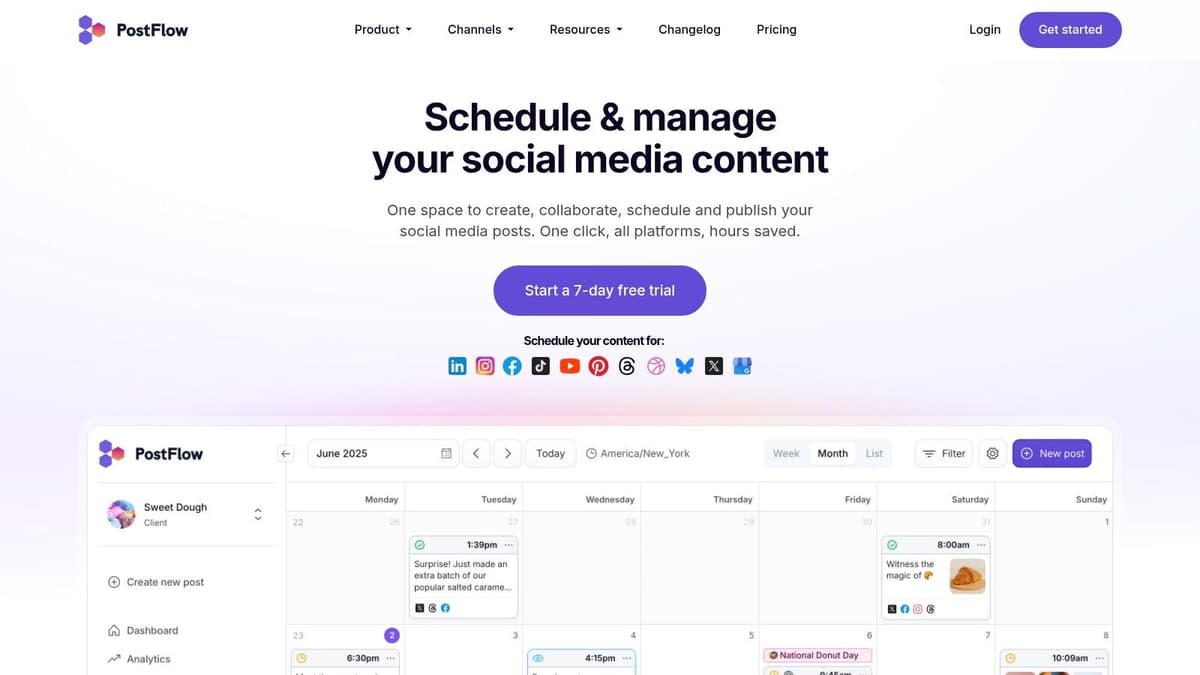
PostFlow is the team-friendly lightweight option on this list. It supports conditional first-comment publishing, approvals, and collaboration workflows, which makes it more relevant to marketing teams than growth-hacker soloists.
That first-comment mechanic can work nicely for autoplugging if your team wants an approval layer before campaigns go out. It's a simpler framing than some of the heavier creator tools.
Better for coordination than growth theatrics
What PostFlow does well is keep the process manageable. If multiple people touch content before it publishes, collaboration features often matter more than having AI tweet suggestions or giant inspiration libraries.
Its limitations are pretty straightforward:
- Lighter analytics: Fine for operations-minded teams, weaker for creators obsessed with post-level growth tuning.
- Narrower feature set: You won't get the same all-in-one growth stack as an X-first power tool.
- More workflow-oriented: Better for content teams than for solo personal brands trying to squeeze every conversion from one viral post.
PostFlow belongs in this list because not every autoplug workflow needs to be built by and for creators. Some need approvals, scheduling discipline, and just enough automation to keep the team consistent. You can review it on the PostFlow website.
10. PostHero
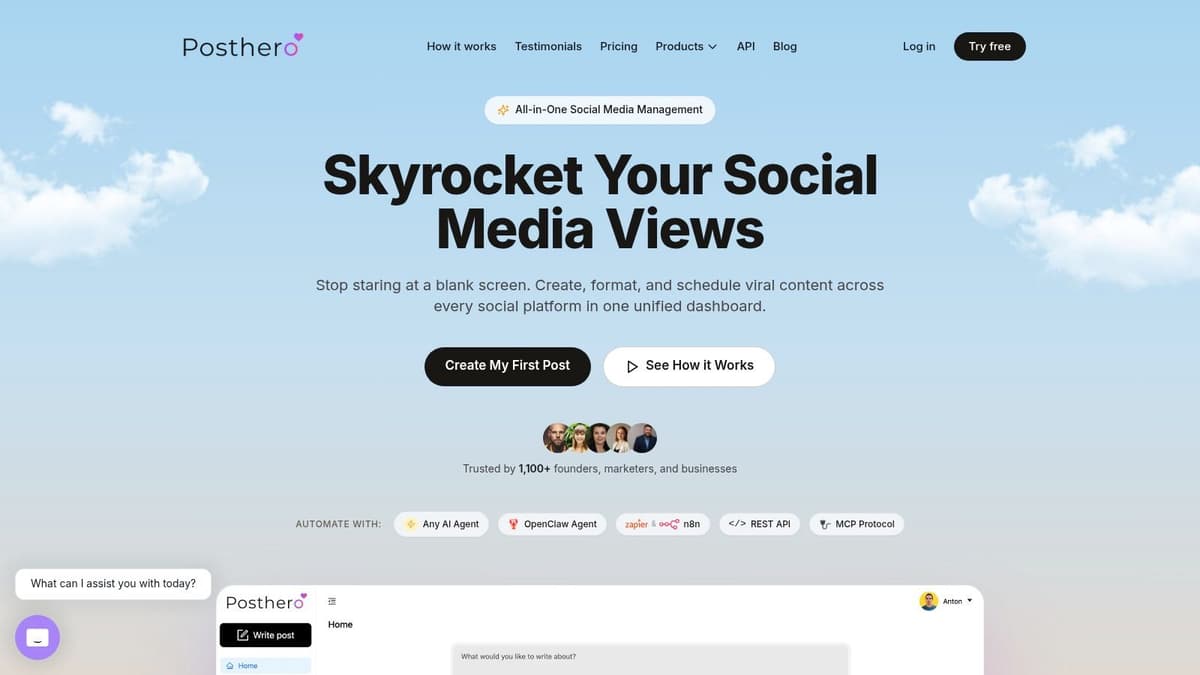
PostHero is different from everything above because it's API-centric. If you want a polished UI to click around in, this probably isn't your first stop. If you're building autoplug into a custom dashboard, internal tool, or agency workflow, it's much more compelling.
Its autoPlug parameter supports multi-comment sequences with per-step delays and optional image attachments, which is something UI-first tools often don't expose cleanly. That's useful when one follow-up comment isn't enough.
Best for builders and technical teams
PostHero is the kind of tool I recommend to developers, growth engineers, and agencies that already have a system in place and want programmable control. You can define how the sequence behaves instead of working inside someone else's narrow interface.
The obvious trade-off is setup. This isn't plug-and-play. You need technical comfort, and the value only really appears if you're integrating it into a broader workflow.
If your team already thinks in APIs, PostHero gives you control. If your team thinks in content calendars, it's probably too much work.
This also reflects a broader market gap. Search results for "autoplug" have often been hijacked by audio plugin content instead of social automation guides, which leaves people looking for real multi-platform posting answers underserved, as seen in the Promix Academy roundup of "best plugins". PostHero is one example of how the category has expanded past simple tweet helpers into programmable infrastructure. For teams going deeper on that side, this guide to a master API for social media is also relevant. The product itself is on the PostHero website.
Top 10 Autoplug Tools, Feature Comparison
| Product | Core features | UX / Quality | Value / Pricing | 👥 Target audience | ✨ Unique selling points |
|---|---|---|---|---|---|
| 🏆 MicroPoster | Native crossposting (X, Threads, Bluesky, Mastodon); auto‑split threads; media resize; AI tools; visual calendar | ★★★★★ | 💰 Creator $12/mo · Pro $29/mo · 7‑day free trial (no CC) | Founders, creators, small teams, agencies | Native publishing + auto‑reformatting; OAuth security; fast setup |
| Typefully | Writing‑first scheduler for X & LinkedIn; Auto‑Plug replies; AI drafting | ★★★★☆ | 💰 Pricing varies; trial available | Writers, X creators | Clean UX; documented Auto‑Plug workflow |
| Hypefury | Autoplug replies; auto‑DMs; evergreen recycling; cross‑posting | ★★★★ | 💰 Paid creator plans | Creator monetization-focused users | Monetization tools (auto‑DMs, evergreen), creator workflows |
| Tweet Hunter | Auto Plug (configurable); AI writing; thread tools; analytics | ★★★★ | 💰 Transparent pricing + free trial | Solo creators & agencies focused on X growth | Feature‑complete X growth suite; inspiration library |
| Zlappo | Auto‑Plug promotion; auto‑retweets; scheduling; monetization flows | ★★★ | 💰 Paid plans (creator focused) | Creators seeking hands‑off promotion | Simple, opinionated monetization toolkit |
| Postwise | Auto‑Plug templates + thresholds; AI content generator; scheduling | ★★★★ | 💰 Competitive pricing (AI + scheduler) | Small creators & marketers | Templated plugs for fast, repeatable promotion |
| Publer | Multi‑platform scheduler; performance‑triggered follow‑ups; presets | ★★★★ | 💰 Budget‑friendly plans | SMBs and multitool users | Cross‑network autoplug workflows; cost‑effective |
| FeedHive | Rules‑based Post Conditions; AI assistant; scheduling & analytics | ★★★★ | 💰 Paid plans | Marketers wanting granular automation | Granular, rules‑based follow‑ups (Post Conditions) |
| PostFlow | Conditional first comment; approvals & collaboration; multi‑platform | ★★★ | 💰 Team plans | Teams needing approvals & simple automations | Team collaboration + conditional first‑comment plugs |
| PostHero (API‑centric) | API‑first posting; autoPlug array (multi‑comment, images); scheduling | ★★★★ | 💰 API pricing (developer focused) | Dev teams, agencies building custom apps | Programmable auto‑plug sequences; precise API control |
Automate Your Reach, Not Your Voice
The best autoplug tools don't just save clicks. They protect timing. That's the whole point. When a post starts moving, the window for promotion is short, and the opportunity is often missed or forced too late. Good automation fixes that in the background.
The mistake I see most often is choosing a tool based only on whether it supports "auto plug" on X. That's too narrow now. If you're publishing across X, Threads, Bluesky, and Mastodon, the more important question is whether the tool understands how those networks differ. Native formatting, reply behavior, media handling, and link presentation all change how a plug feels to the audience.
Some tools in this list are clearly X-first. Hypefury, Tweet Hunter, Zlappo, Typefully, and Postwise all make sense when your audience and monetization engine still live mostly on X. They can work well, especially for creators selling newsletters, products, or coaching. But once your workflow includes newer text networks, the old Twitter-only model starts to show cracks.
That broader shift matters because user behavior is changing too. Bluesky is gaining traction while Mastodon has had more trouble maintaining momentum, and the split between AT Protocol and ActivityPub complicates unified posting strategy, as discussed in this Bluesky community thread about platform adoption and interoperability. In plain English, the audience is spreading out, but the plumbing still isn't clean.
That's why MicroPoster stands out for me. It doesn't treat autoplug like a gimmick layered on top of one social network. It treats it as part of a practical multi-network workflow for text-first creators and founders. The Smart Autoplug feature itself is useful, but the bigger win is the set-and-forget mirroring and native adaptation around it. If you post natively and want the rest handled for you, that setup is hard to beat.
There's also a simple operational reality here. Automated cross-posting tools that let you publish once to X, Bluesky, and Threads at the same time are appealing because creators and indie hackers want to spend time making content, not manually distributing it everywhere, as shown in this indie hackers discussion about single-time posting across networks. That's the primary job these tools are doing.
If you want the safest path, start with a free trial and test one workflow on live posts. Watch how the follow-up appears. Watch whether the plug feels native or bolted on. Watch whether the tool fits how you already publish. If you're serious about text-platform growth, MicroPoster's 7-day trial is an easy place to start. If you're more X-centric, one of the creator tools may be enough. Either way, the goal is the same: spend more time creating, and less time promoting.
If you're weighing broader automation tools too, this take on is Autopilot worth the hype is a useful companion read.
If you want an autoplug tool that fits how modern creators post, MicroPoster is worth trying first. It covers X, Threads, Bluesky, and Mastodon, uses secure OAuth connections, and gives you a 7-day free trial with no credit card required. For founders, indie hackers, and small teams that want native-looking reach without babysitting every post, it's a very practical upgrade.