sentiment analysis tools
Top 10 Sentiment Analysis Tools for 2026: A Deep Dive
Explore the best sentiment analysis tools of 2026. Our expert guide reviews platforms, APIs, pricing, and use cases to help you find the right solution.
A sentiment dashboard looks convincing right up to the moment a team has to act on it. Marketing sees a spike in negative mentions. Support says the sample is noisy. Product wants verbatims, not a red-yellow-green chart. That is usually the key buying moment. The question is not whether a tool can tag text as positive, negative, or neutral. The question is whether the team can trust the output enough to change workflow, staffing, messaging, or product decisions.
That distinction separates usable tools from expensive reporting layers. Some products are built for business teams that need monitoring, dashboards, alerts, collaboration, and executive reporting in one place. Others are better for technical teams that want an API, custom pipelines, or a lighter no-code setup they can fit around their own data model. This guide is organized around that split so buyers do not compare enterprise listening suites against developer tools as if they solve the same problem.
Sentiment analysis now shows up across social listening, Voice of Customer programs, support review queues, and comment analysis. The hard part is not access to models. It is implementation. Teams need to know where the text comes from, how broad the monitoring needs to be, who reviews edge cases like sarcasm or mixed sentiment, and whether the output needs to live inside an existing social stack. If that broader workflow question is part of your evaluation, it helps to review top social media management alternatives alongside sentiment-specific tools.
I split the list into two practical categories. All-in-One Platforms fit teams that want a system of record with dashboards and workflows. Developer APIs and No-Code fit teams that want more control over data sources, taxonomy, and application logic. For comment-heavy use cases, a focused tool such as MicroPoster's AI comments analyzer for social feedback and sentiment review can be easier to test than a broader listening suite.
If you also want the customer conversation angle beyond sentiment labels, this guide pairs well with how AI transforms customer conversations.
1. Sprout Social
Sprout Social makes sense when sentiment analysis isn't a standalone project. It works best when the same team also needs publishing, engagement, approvals, inbox management, and reporting in one place. That sounds basic, but it changes adoption. Teams consistently use sentiment data when they don't have to leave the tool they already open every day.
The platform's strongest practical advantage is consolidation. If you're managing social operations and care together, fewer moving parts usually beat a more complex but disconnected listening stack. Sprout's NLP capability is stronger than the old keyword-heavy style many marketers still associate with sentiment tools.
Where Sprout fits best
Sprout is a good match for:
- Social teams with workflow pain: You want scheduling, engagement, and sentiment in one system.
- Brands that need reporting without custom setup: Executives want digestible summaries, not analyst-built dashboards.
- Teams that prioritize response speed: Native workflows matter more than deep research flexibility.
For creators and lean teams that care more about comment-level feedback than full enterprise listening, a lighter option like MicroPoster's AI comments analyzer can be easier to test before committing to a broader suite.
Practical rule: If your team already runs content, engagement, and reporting in one social platform, adding sentiment there is usually more valuable than buying a second specialist tool nobody logs into.
Sprout's trade-off is cost and depth. Seat-based products get expensive as more people need access, and advanced listening often sits behind higher plans or add-ons. If your analysts need very custom research queries, Sprout can feel more operational than investigative.
If you're comparing platform choices in the same neighborhood, this roundup of top social media management alternatives gives useful context.
Use Sprout when sentiment needs to support social execution. Skip it if your primary need is research-grade analysis across messy datasets.
Visit Sprout Social.
2. Brandwatch Consumer Research
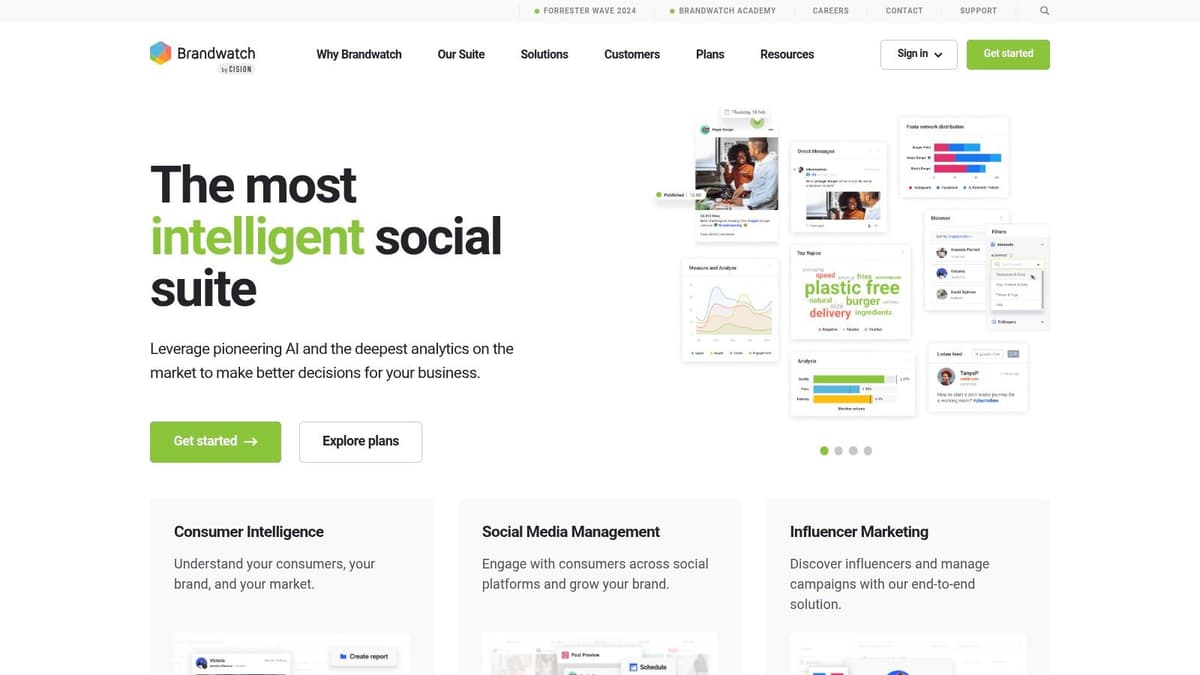
Brandwatch Consumer Research is built for teams that ask harder questions. Not “Are people talking about us?” but “Which audience segment shifted, in what context, and why?” That distinction matters. Many sentiment analysis tools are fine at monitoring. Fewer are good at investigation.
Brandwatch is strongest when a strategist, analyst, or insights lead is driving the work. The filters, query flexibility, dashboarding, and segmentation are the point. If your team wants a polished surface with minimal setup, there are easier tools. If your team wants depth, Brandwatch earns its place.
What it does well
Three things stand out in practice:
- Analyst-grade exploration: You can go from a broad conversation to a specific audience or theme without rebuilding your workflow elsewhere.
- Brand-specific tuning: Teams with unusual product language, niche jargon, or recurring classification issues benefit from custom model workflows.
- Cross-source research: It's useful when brand perception lives across social, forums, blogs, and news rather than on one network.
The weakness is obvious. Brandwatch asks more from the user. Non-analysts can get lost, and sales-led pricing puts it out of casual-buy territory.
Good analysts usually prefer a tool that gives them room to refine a bad first query. Brandwatch does that. Simpler tools often don't.
This is also where model choice matters more than most buying guides admit. A systematic review covering software-engineering sentiment work found that BERT-based tools posted the strongest reported performance, including 0.94 accuracy and 0.83 F1 for BERT in the reviewed literature. That doesn't mean every team should demand BERT by name. It does mean buyers should ask what model family is doing the work, and whether it fits their text type and language mix.
Brandwatch is a serious choice for research-heavy organizations. It's usually too much for a founder or small marketing team.
Visit Brandwatch.
3. Talkwalker
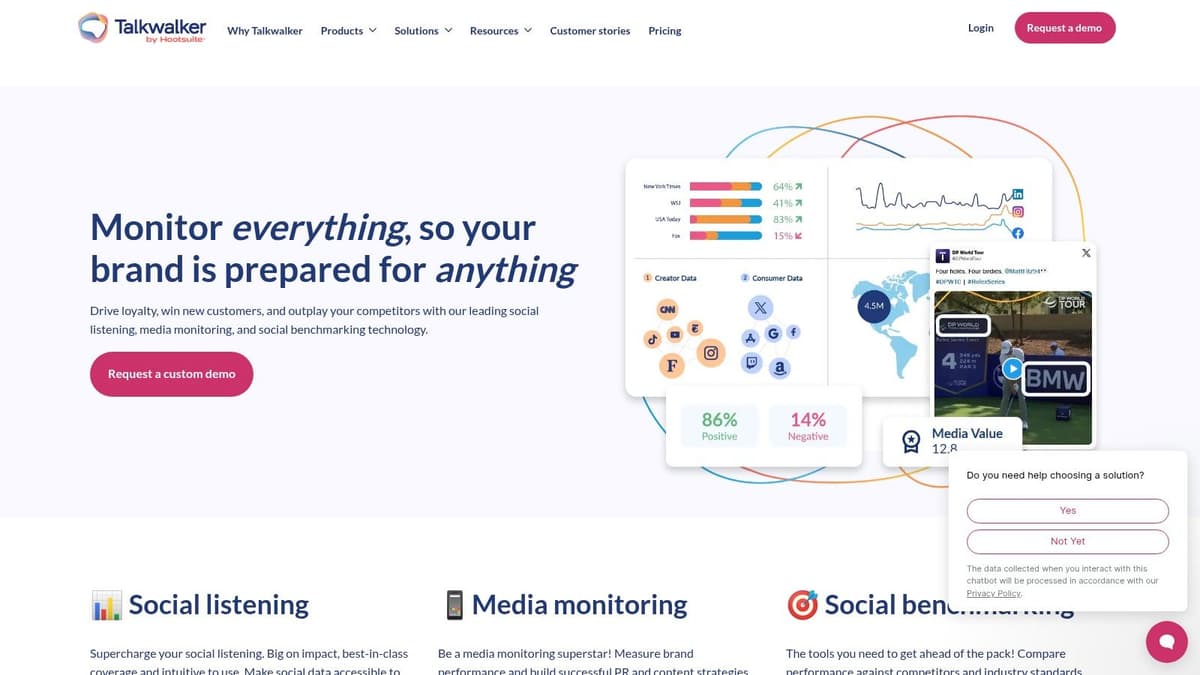
A campaign starts getting picked apart on TikTok, your logo shows up in reposted screenshots, and leadership wants an answer before the next meeting. That is the kind of environment where Talkwalker makes sense.
Among the all-in-one platforms in this guide, Talkwalker stands out for breadth of signal collection. It is built for teams that need to monitor text, images, video, and audio in one system, then turn that flow into alerts and executive reporting. If your brand risk shows up outside tagged social posts, that matters.
Its practical strength is coverage beyond plain text. Talkwalker uses image recognition, logo detection, and transcript analysis to catch mentions that a text-first tool will miss. For consumer brands, regulated industries, and companies with visible executives, that broader monitoring can surface issues earlier.
Where it fits best
Talkwalker usually earns its keep in three situations:
- Crisis response: Comms and social teams need fast alerts, not a weekly dashboard.
- Visual monitoring: Brand use in images, clips, and reposted content matters as much as written mentions.
- Leadership reporting: Teams need summaries that turn noisy data into a usable narrative quickly.
This is also a good example of the split between platform buyers and API buyers. Business teams that want one interface for listening, alerts, and reporting will usually look at Talkwalker alongside other enterprise suites. Technical teams that only need sentiment scoring inside a product workflow will often find it too broad and too expensive for the job.
There is a trade-off. Talkwalker can cover a lot, but that breadth brings setup work, sales-led pricing, and feature packaging that may push advanced use cases into higher tiers. Smaller teams often underestimate the ongoing effort required to tune alerts, clean queries, and keep stakeholders aligned on what counts as a real risk signal.
If brand protection, media monitoring, and social intelligence need to live in the same operating system, Talkwalker is a strong candidate. If you mainly need sentiment on reviews, surveys, or support conversations, a lighter tool or a developer API will usually be the better buy.
Visit Talkwalker.
4. Meltwater
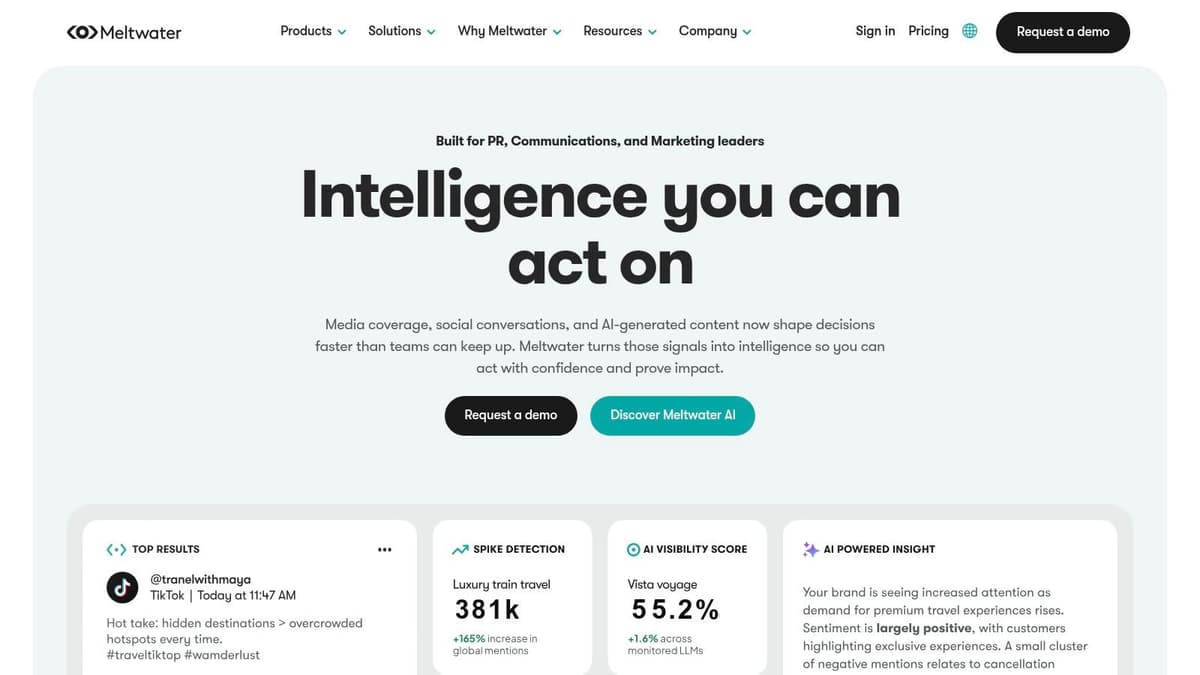
Meltwater sits at the intersection of PR, media intelligence, and social listening. That makes it attractive to teams that don't want separate systems for earned media tracking and online sentiment. If your communications team and social team need to work from the same reporting layer, Meltwater is a practical option.
This isn't just a “social listening” purchase. It's usually a workflow choice. PR teams care about news coverage, share of discussion, journalist impact, and campaign spillover. Meltwater puts those needs close to sentiment and topic analysis, which is useful when public perception shifts first in media coverage and then spills into social.
Why teams choose it
Meltwater tends to work well for organizations that need:
- PR and social in one stack: You don't want two dashboards telling different stories.
- Modular buying: You want to add influencer or API capabilities later.
- Cross-channel reporting: Leadership wants one narrative across social and news.
Its main limitation is breadth. Broad suites often take longer to onboard than narrower tools. Small teams can end up with a lot of capability and not enough time to configure it well.
The biggest implementation mistake with broad platforms is buying the full suite before you know which team will own the taxonomy, alerts, and reporting cadence.
Meltwater is easier to justify when comms, brand, and social all need shared visibility. It's harder to justify when one marketer wants better sentiment labels on brand mentions.
The software itself is mature, but it still demands process discipline. Without clear ownership, you'll get lots of dashboards and not many decisions.
Visit Meltwater.
5. Hootsuite Insights
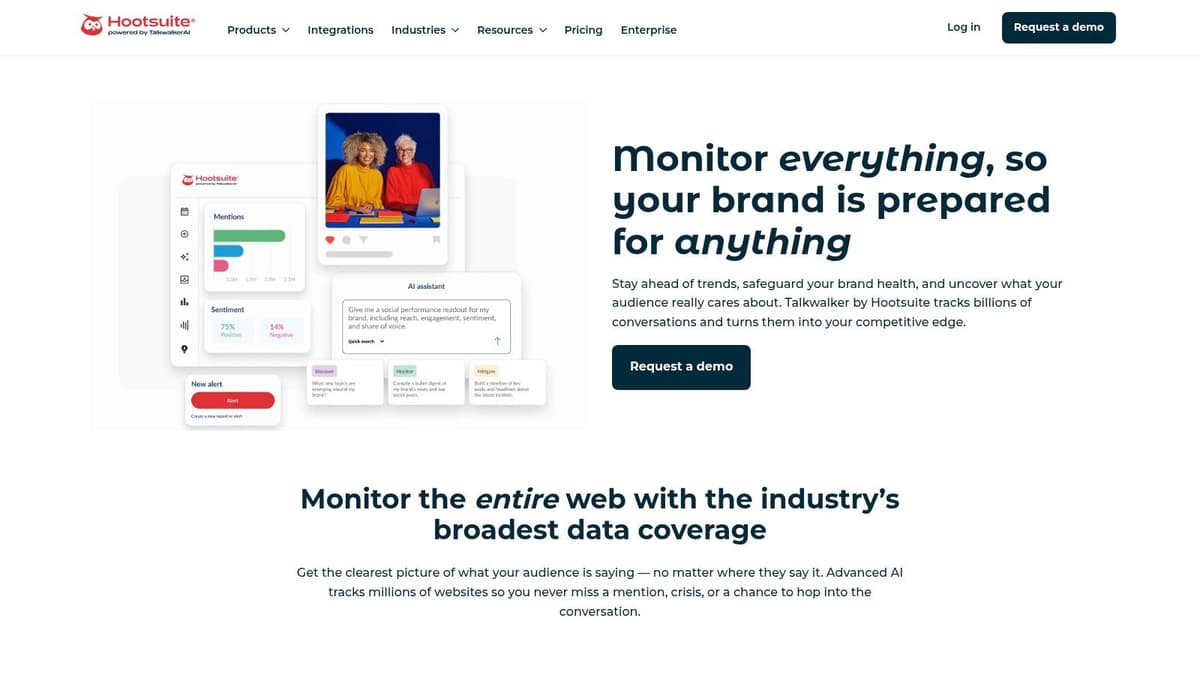
A common scenario: the social team spots negative replies building around a campaign, but the signal sits in a listening tool no one checks until the weekly report. Hootsuite Insights makes more sense when the people publishing, replying, and reporting already work in Hootsuite every day. It keeps sentiment closer to action.
That placement is the core value. In the all-in-one platform camp, Hootsuite is less about having the deepest analysis and more about shortening the gap between detection and response. If your team wants a separate research environment with heavier analysis, other tools on this list fit better. If your goal is to catch shifts in audience reaction and route them into the existing social workflow, Hootsuite Insights is easier to operationalize.
Where it works
Hootsuite Insights is a good fit when:
- Your team already publishes and engages in Hootsuite: Adding listening inside the same system cuts context switching.
- You need quick validation on topics or campaigns: Quick Search is useful for checking whether a hashtag, product launch, or complaint is gaining traction.
- You want social listening tied to day-to-day execution: Teams can move from monitoring to response without handing work off across tools.
That last point matters more than feature grids suggest. Sentiment analysis is only useful if someone changes a reply plan, pauses a post, updates escalation rules, or briefs leadership differently because of it.
If your work is more comment-heavy than brand-monitoring-heavy, this guide on how to analyze social media comments at the post level is a better starting point. Plenty of teams do not need a full listening platform to get useful feedback patterns.
The trade-off is depth and packaging. Hootsuite Insights is convenient, but convenience is not the same as analytical flexibility. Advanced listening access, broader datasets, and some higher-end capabilities may depend on plan level or add-ons, so buyers need to confirm what is included before rollout. The product history can also create confusion because Hootsuite's listening setup has changed over time.
For business users choosing between all-in-one platforms and developer APIs or no-code tools, Hootsuite sits firmly in the first group. It works best when the priority is team adoption and response speed, not custom modeling or feeding sentiment into a larger data stack.
Visit Hootsuite Insights.
6. Brand24
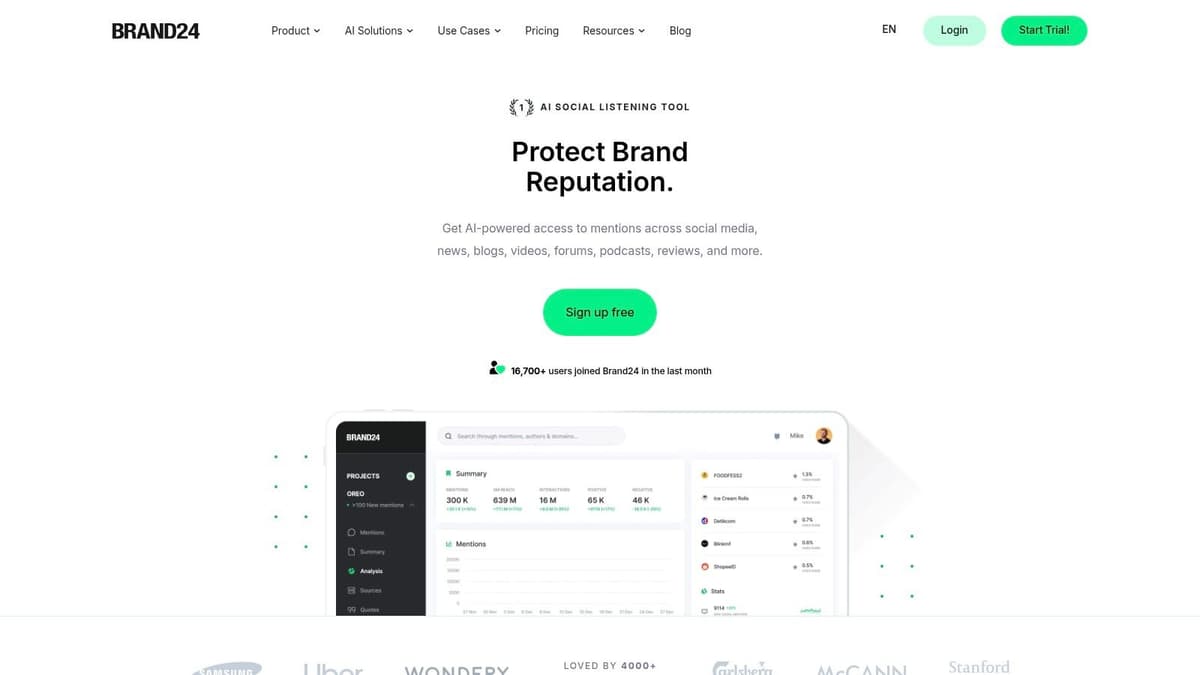
Brand24 is one of the better fits for lean teams that need signals quickly and don't want an enterprise implementation project. It's straightforward, fast to set up, and easier to hand off across a small team than heavier platforms.
That usability matters. A lot of sentiment analysis tools lose smaller companies because setup takes too long, reporting needs too much tuning, or the interface assumes an analyst is driving. Brand24 is more forgiving.
Why small teams like it
Brand24 tends to work for teams that need:
- Fast deployment: You can start monitoring topics and mentions without much training.
- Clear alerts: Negative spikes and anomalies are easier to notice without building custom logic.
- Accessible reporting: Canned reports are helpful when stakeholders just want an answer.
It's not the deepest tool on this list. Keyword and project limits matter, and as your monitoring footprint expands, the economics can change. That's common with SMB-oriented platforms. They're affordable when the scope is tight and less attractive when every brand, market, and campaign becomes its own stream.
The upside is speed. If you're a startup, ecommerce brand, or agency account lead, speed usually beats sophistication in the early phase. Brand24 helps you operationalize listening before you overcomplicate it.
One caution. Simpler interfaces can create false confidence. You still need to review edge cases, sarcasm, community slang, and campaign-specific language. No tool eliminates that.
Visit Brand24.
7. Google Cloud Natural Language API
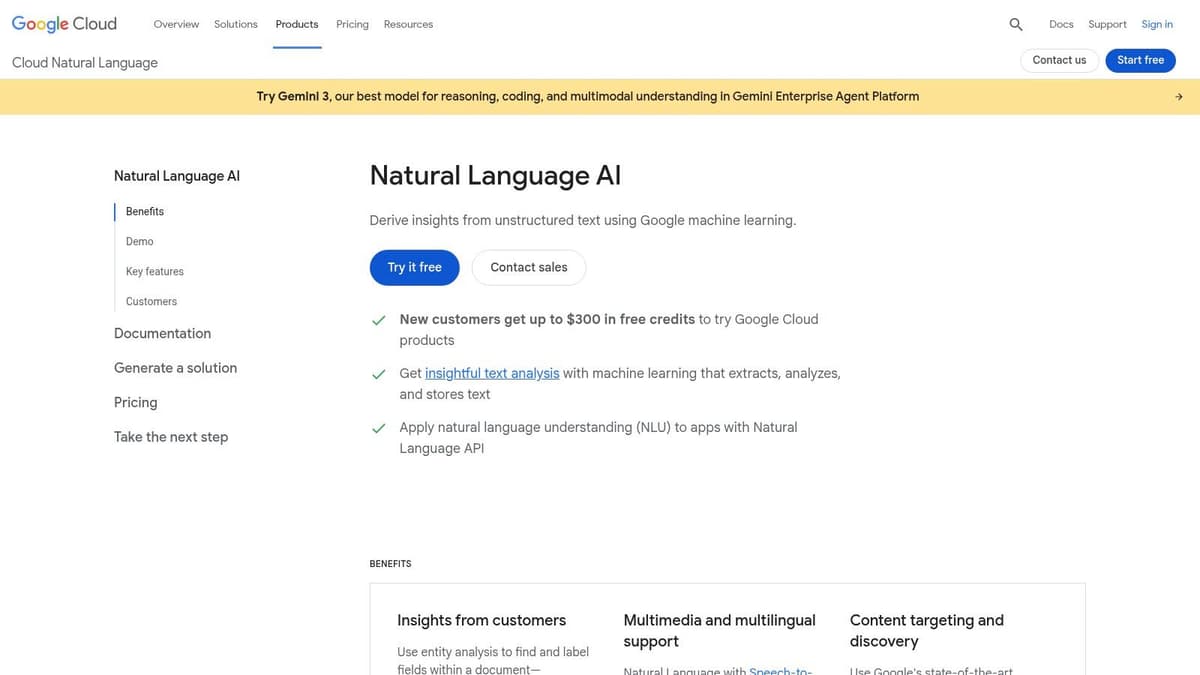
Google Cloud Natural Language API is for teams that want sentiment analysis as a component, not a destination. You don't buy it for dashboards. You buy it because you want to feed support tickets, reviews, chats, survey text, or internal feedback into your own systems.
That changes the buying logic completely. With APIs, the question isn't “Does it have a nice interface?” The question is “Can engineering build the ingestion, QA, and reporting layer fast enough to make this useful?”
Best for product and data teams
Choose Google's API when:
- You need sentiment beyond social: Support, reviews, and product feedback often matter more than public mentions.
- Your team already uses GCP pipelines: Integration is simpler when the rest of the stack is already there.
- You want flexibility: You can combine sentiment with entities, syntax, moderation, and classification.
A generic API is usually the right choice when your real moat is your data model, not the vendor's dashboard.
The downside is labor. You must build the data flow, store outputs, review edge cases, and decide how users will consume the results. General-purpose sentiment also tends to need tuning or post-processing when your domain language is unusual.
Model fit is again a key factor. If your text is technical, multilingual, or highly contextual, a raw API score isn't enough. You may need routing logic, custom prompts, or layered classification on top.
Google Cloud Natural Language API is strong infrastructure. It isn't a plug-and-play insights system.
Visit Google Cloud Natural Language API.
8. Amazon Comprehend
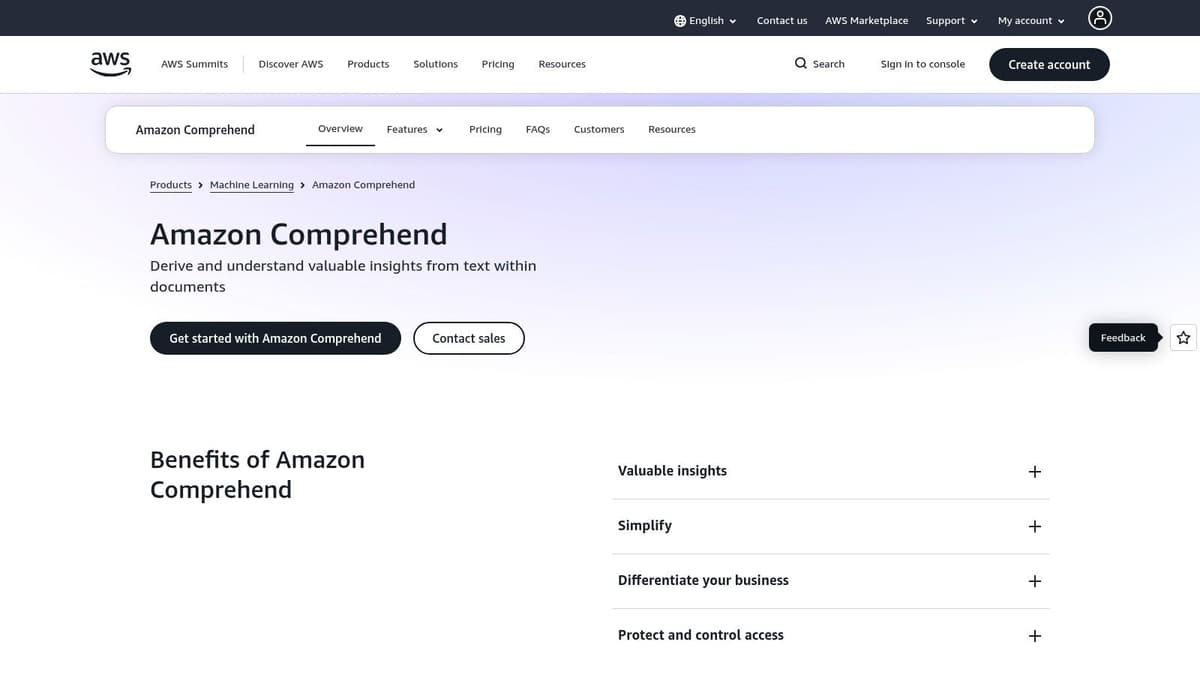
A common scenario: the data team already runs on AWS, product wants sentiment on support conversations, and no one wants another standalone platform to govern. Amazon Comprehend fits that situation well. It belongs in the Developer APIs and No-Code side of this guide, not the All-in-One platform camp.
The appeal is operational fit. If your data already moves through S3, Lambda, Kinesis, or other AWS services, Comprehend is easier to wire into existing pipelines than a separate dashboard product. That matters more than feature checklists when the primary objective is to score text inside a broader workflow, then push results into BI, case routing, QA review, or internal tools.
Where Comprehend makes sense
Comprehend is a practical choice when:
- Your stack is already in AWS: Procurement, security review, and deployment are usually simpler.
- You need sentiment inside a larger system: Support triage, survey analysis, review monitoring, and moderation workflows are better fits than executive-facing listening dashboards.
- Your team can own implementation: Someone still has to handle ingestion, testing, thresholds, and reporting.
The trade-off is predictable. Comprehend gives technical teams a flexible building block, but business users do not get much out of the box unless you create the layer around it. That includes data cleaning, output review, and a way for non-technical stakeholders to act on the results.
Multilingual support can also look better in a product page than it performs in production. Domain language, sarcasm, mixed intent, and short text still create errors. AWS documents the service clearly, but teams should still plan for validation and edge-case review rather than assuming the default sentiment labels will map neatly to their business context. For teams comparing API-first tools with lighter no-code options, Zapier's overview of no-code sentiment analysis workflows is a more credible starting point than generic low-code roundups.
Choose Amazon Comprehend if you want control and your team has the capacity to build around it. Skip it if you need a polished interface for marketing, CX, or leadership next week.
Visit Amazon Comprehend.
9. MonkeyLearn
MonkeyLearn sits in the useful middle ground between enterprise platform and raw developer API. That makes it appealing for operations, CX, and marketing teams that want some customization without recruiting an ML team.
Its real value is accessibility. Many sentiment analysis tools claim they're easy to use, but they still assume someone technical will own setup. MonkeyLearn lowers that barrier with a more business-friendly workflow for model building, tagging, and automation.
What it's good at
MonkeyLearn is a practical choice when you need:
- Custom models without heavy engineering: You want to adapt sentiment to your product language or customer vocabulary.
- Automation connectors: Sheets, Zapier, and Make matter if your workflows already depend on them.
- Faster iteration: Business users can participate in training and review instead of filing every request through engineering.
The trade-off is scale and pricing transparency. No-code flexibility is great, but it can get expensive or limiting as data volume grows. You also need to stay realistic about how much custom training a non-technical team can maintain well.
This kind of tool works best when a business owner and a technical owner share responsibility. One person understands the language edge cases. The other keeps the workflow stable.
MonkeyLearn is often a better fit than a giant social listening suite if your data lives in support tickets, surveys, spreadsheets, and CRM exports rather than the public web.
Visit MonkeyLearn.
10. Qualtrics XM Discover

Qualtrics XM Discover is built for organizations that treat sentiment analysis as part of a formal Voice of Customer or Voice of Employee program. That's different from social listening. The emphasis is governance, taxonomy management, structured feedback programs, and cross-channel analysis tied back to experience management.
This is one of the better choices when survey data, support text, reviews, chat transcripts, and operational reporting need to live under one umbrella. It's less exciting from a marketer's point of view, but often more useful for companies trying to standardize how feedback becomes action.
Why large CX teams buy it
Qualtrics XM Discover is strong when you need:
- Governed taxonomy management: Large organizations need consistency across teams and business units.
- Cross-channel text analytics: Open-ended feedback from several systems has to be normalized.
- VoC and VoE alignment: Customer and employee feedback can be analyzed in the same broader operating model.
The bigger category trend supports this enterprise use case. The sentiment analysis software market is projected to grow from USD 2.73 billion in 2026 to USD 8.92 billion by 2035, implying a 14.1% CAGR. That projected demand tracks with what teams are buying. Not just dashboards, but operational systems that turn unstructured feedback into a measurable input for CX, marketing, and product decisions.
Qualtrics is usually too heavyweight for smaller businesses. But for mature experience programs, that weight is often the value.
Visit Qualtrics.
Top 10 Sentiment Analysis Tools Comparison
| Product | Core features / capabilities | UX / Quality | Value & Pricing | Target audience | Unique selling points |
|---|---|---|---|---|---|
| Sprout Social | Integrated publishing, Repustate NLP sentiment, cross‑network reporting | ★★★★☆ 🏆 Unified workflow for scheduling + sentiment | 💰 $$ (seat‑based; can scale costly) | 👥 Marketing, social teams, agencies | ✨ Native scheduling + built‑in sentiment & team workflows |
| Brandwatch Consumer Research | Enterprise listening, ML sentiment/emotion, large historical coverage | ★★★★☆ 🏆 Analyst‑grade accuracy | 💰 $$ (custom quotes) | 👥 Research teams, enterprises | ✨ Custom ML classifiers & massive source coverage |
| Talkwalker | Multimodal listening (text/image/audio), Blue Silk AI, Yeti assistant | ★★★★☆ 🏆 Strong real‑time/crisis insights | 💰 $$ (enterprise/sales‑led) | 👥 PR, brand & crisis teams | ✨ Multimodal analysis + AI assistant for plain‑language insights |
| Meltwater | Social + news monitoring, influencer tracking, API access | ★★★★ (broad media intelligence) | 💰 $$ (negotiated contracts) | 👥 PR, comms, enterprise analysts | ✨ All‑in‑one PR + social monitoring footprint |
| Hootsuite Insights | Talkwalker‑powered listening inside Hootsuite, quick search, image recognition | ★★★★ Seamless for Hootsuite publishers | 💰 $–$$ (tier/add‑on dependent) | 👥 Teams already on Hootsuite | ✨ Listening integrated directly into publishing & engagement |
| Brand24 | Real‑time alerts, sentiment scoring, anomaly detection, AI summaries | ★★★★ Quick to deploy, easy UI | 💰 $–$ (SMB‑friendly) | 👥 Small teams, startups, lean marketing | ✨ Fast setup and actionable dashboards for small teams |
| Google Cloud Natural Language API | Sentiment, entity‑sentiment, classification, syntax | ★★★★ Flexible, reliable API | 💰 $ (pay‑as‑you‑go; published units) | 👥 Developers, product teams | ✨ Fine‑grained NLP, GCP integration, pay‑per‑use |
| Amazon Comprehend | Sentiment, targeted sentiment, entities, custom models, PII detection | ★★★★ Good AWS integration & docs | 💰 $ (low unit pricing; usage‑based) | 👥 AWS‑centric engineers & enterprises | ✨ Custom Comprehend models + tight AWS ecosystem fit |
| MonkeyLearn | No‑code/low‑code sentiment & topic models, connectors, model builder | ★★★★ Business‑friendly UI for training | 💰 $ (pricing varies; not fully public) | 👥 Non‑ML teams, SMEs | ✨ Easy custom training & automation connectors (Sheets, Zapier) |
| Qualtrics XM Discover | VoC/VoE text analytics, sentiment/emotion, taxonomy & governance | ★★★★☆ Enterprise‑grade analytics | 💰 $$ (enterprise / custom pricing) | 👥 Large enterprises, VoC programs | ✨ Governance, taxonomy management, tight Qualtrics integration |
Final Thoughts
A team usually reaches this decision after the same moment: sentiment is showing up in reports, but nobody trusts it enough to act on it. The fix is rarely "buy the top-rated tool." The fix is choosing a tool that matches your operating model, the data you collect, and the people who need to use the output every week.
Start with the split that matters most in practice. All-in-One Platforms fit teams that need listening, dashboards, collaboration, and reporting in one system. Developer APIs and No-Code tools fit teams that already have data pipelines, BI workflows, or product surfaces where sentiment needs to be embedded.
That distinction is more useful than a long feature checklist.
On the platform side, the primary trade-off is convenience versus flexibility. Sprout Social, Hootsuite Insights, and Brand24 are easier to operationalize quickly, especially when social and community teams need answers now. Brandwatch, Talkwalker, Meltwater, and Qualtrics usually make more sense when multiple departments need shared governance, broader data coverage, or heavier research workflows. The downside is cost, onboarding time, and the internal discipline required to keep taxonomy, alerts, and reporting useful instead of noisy.
On the API and no-code side, the trade-off flips. Google Cloud Natural Language API and Amazon Comprehend give technical teams more control over inputs, workflows, and downstream actions, but they also shift more responsibility onto your team for setup, QA, and model review. MonkeyLearn sits in the middle. It gives non-technical teams more room to shape classifications without building everything internally, though it still requires someone to own training quality and process design.
One mistake shows up repeatedly in implementations: teams buy based on demo polish instead of data fit. Support tickets, multilingual reviews, short-form comments, sarcasm, and niche product language all stress sentiment models in different ways. A tool that looks clean in a sales demo can still underperform once real customer text hits the system.
Another mistake is stopping at the score. Sentiment becomes useful when it triggers action. That might mean routing angry comments to support, flagging a sudden increase in negative mentions after a launch, grouping recurring complaints for product teams, or giving marketers a clearer read on what messaging is landing.
For social-heavy teams, a narrower tool can be the better call. If the job is understanding comment sentiment and audience reaction, a dedicated product may produce faster value than a large listening suite with broad coverage you will not use. As noted earlier, BeyondComments.io fits that narrower use case.
MicroPoster is relevant in a similar practical lane. It is not a full listening platform, but it does include AI-assisted comment analysis alongside publishing workflows. For founders, creators, and small teams, that can be a sensible first step before committing budget and process overhead to a larger sentiment stack.
Choose the tool based on three things: where your text data lives, who will act on the output, and how much implementation work your team can realistically support. Teams that get those three decisions right usually keep using the tool. Teams that do not end up with another dashboard nobody checks.
If you want a lightweight way to pair publishing automation with comment insight, MicroPoster is worth trying. It offers a 7-day free trial, so you can test whether its scheduling and AI comment analysis fit your workflow before adding another full-scale platform.