mastodon cross-poster
10 Best Mastodon Cross-Poster Tools for 2026
Find the best Mastodon cross-poster for your workflow. Compare 10 top tools for automatic posting, threading, media handling, and engaging the Fediverse.

Expand Your Reach to the Fediverse, Automatically
You want Mastodon visibility without adding another full-time social workflow to your week. That's the appeal of a Mastodon cross-poster. Publish once, show up in more places, keep your momentum. In practice, though, bad cross-posting looks cheap fast. Posts get chopped awkwardly, mentions break, alt text disappears, and your account starts to look like a one-way bot.
That matters more on Mastodon than on many centralized networks. Fediverse users notice when a profile only broadcasts. Some servers even push back on non-interactive automation. Fedi.Tips explicitly warns that servers often ban accounts that behave like "zombie accounts" through one-way cross-posting, which is why etiquette matters as much as tooling when you choose a setup (Fedi.Tips guide to crossposting).
The good news is that you don't need to choose between total manual effort and robotic mirroring. The right tool can preserve content warnings, handle alt text, split long posts into readable threads, and keep your Mastodon presence feeling local instead of imported. That's the difference between a setup that quietly expands reach and one that creates cleanup work.
Below are the tools I'd consider, with the trade-offs that matter if you want to cross-post to Mastodon correctly.
1. MicroPoster

You publish a thread on X or Bluesky, then remember your Mastodon account after the fact. If that happens often, MicroPoster fits the job better than a full scheduler because it starts from the account you already use and adapts the post for Mastodon in the background.
That difference matters. On Mastodon, the problem usually is not posting too little. It is posting imported content that still looks imported.
MicroPoster is strongest for creators, founders, and small teams whose workflow begins on one social network and needs reliable redistribution, not campaign planning. Its Mastodon-specific setup is aimed at the details that usually break first: long posts that need threading, media that needs reformatting, and metadata like alt text or content warnings that should not disappear on the way over.
Why it works well for Mastodon
The practical appeal is simple. You can keep writing where you already have momentum, then let MicroPoster convert that post into something Mastodon can publish cleanly.
A few parts of the setup are especially useful:
- Thread handling: Longer source posts can be split into readable Mastodon threads instead of getting cut off or pasted awkwardly.
- Media formatting: Images and video are adjusted per destination, which reduces broken crops and mismatched aspect ratios.
- Mention mapping: Cross-network posts often fail when handles do not line up. Mapping helps avoid dead mentions and confused readers.
- OAuth connections: Account access goes through standard sign-in flows, which is a better security model than handing over passwords.
That makes MicroPoster a good fit for background automation. It is less about planning a content calendar and more about reducing the cleanup work after you post.
Practical rule: Let the tool adapt formatting. Handle replies and relationship-building natively on Mastodon.
One useful way to evaluate it is to compare it with a scheduler-first tool. This Buffer alternative for Mastodon comparison helps clarify the trade-off. MicroPoster is better when the source post already exists somewhere else and you want Mastodon to receive a version that respects local norms.
Where the trade-offs show up
MicroPoster stays focused on cross-posting among a smaller set of social platforms. That focus is helpful if your stack is built around X, Threads, Bluesky, and Mastodon. It is limiting if your team also needs Instagram, LinkedIn, or TikTok in the same publishing system.
It also handles distribution better than conversation. Reply syncing is not the point here, and post edits do not become a cross-network collaboration layer. In practice, that is usually the right boundary. Automation should publish the post cleanly. The human part still happens on the destination network.
If you choose MicroPoster, set expectations correctly from day one. Use it to republish original posts with proper formatting, not to run a fully hands-off Mastodon presence. That is the difference between smart automation and the kind of account Fediverse users mute on sight.
2. Buffer
Buffer makes sense when you want one familiar scheduler for everything, not a specialized Mastodon automation layer. It's a safer choice for teams that already live in a content calendar and want Mastodon included without changing their workflow.
The practical upside is consistency. Buffer supports Mastodon publishing alongside other major networks, and it gives you per-channel customization inside one interface. That's important because identical mirrors often land badly on Mastodon, while small edits to tone, hashtags, and link placement usually improve the post.
Best use case
Buffer is strongest for planned publishing. If your team drafts ahead, schedules campaigns, and wants an engagement workflow around those posts, it's dependable. You can also compare it mentally against a more automation-first setup through this Buffer alternative for Mastodon comparison.
There is one technical limitation worth remembering. Buffer uses Mastodon's default 500-character limit in its support notes, so if your server has extensions or custom behavior, you still need to sanity-check the final output yourself. That's not a dealbreaker. It just means Buffer is good at broad compatibility, not perfect instance-by-instance nuance.
Buffer is better when your process starts in a calendar. It's weaker when your process starts in a native app and you want mirroring to happen automatically.
If your team values scheduling, drafts, and a modern interface over deep Fediverse-specific behavior, Buffer is a strong middle-ground option.
3. Publer

Publer is one of the better choices when "cross-posting" really means "run social operations from one place." It supports Mastodon posts, threads, polls, and boosts, which gives it more depth than tools that treat Mastodon as just another text field.
That matters if your Mastodon presence is active enough to need more than mirroring. Polls and boosts are native behaviors, not edge features. A tool that understands them will usually feel less awkward in day-to-day use.
Where Publer earns its spot
Publer is especially good for teams managing a backlog of content. Bulk scheduling, media libraries, link tracking, and mobile support make it a practical operations tool, not just a posting bridge.
Its trade-off is complexity. You can do a lot, but you'll spend more time configuring workflows than you would with a minimalist Mastodon cross-poster. If you're an indie founder posting product updates, that's friction. If you're a small agency or multi-brand team, it's often worth it.
A few reasons to choose it:
- Mastodon feature depth: Threads, polls, and boosts go beyond basic "publish a post."
- Operational tooling: Bulk upload and calendar views help when content is planned in batches.
- Broader channel coverage: Useful if Mastodon is one stop in a larger distribution plan.
Publer works best for people who want control and don't mind a busier interface. If your workflow is lightweight, it may feel like too much software. If your workflow already involves approvals, media reuse, and campaign planning, it fits naturally.
4. Fedica
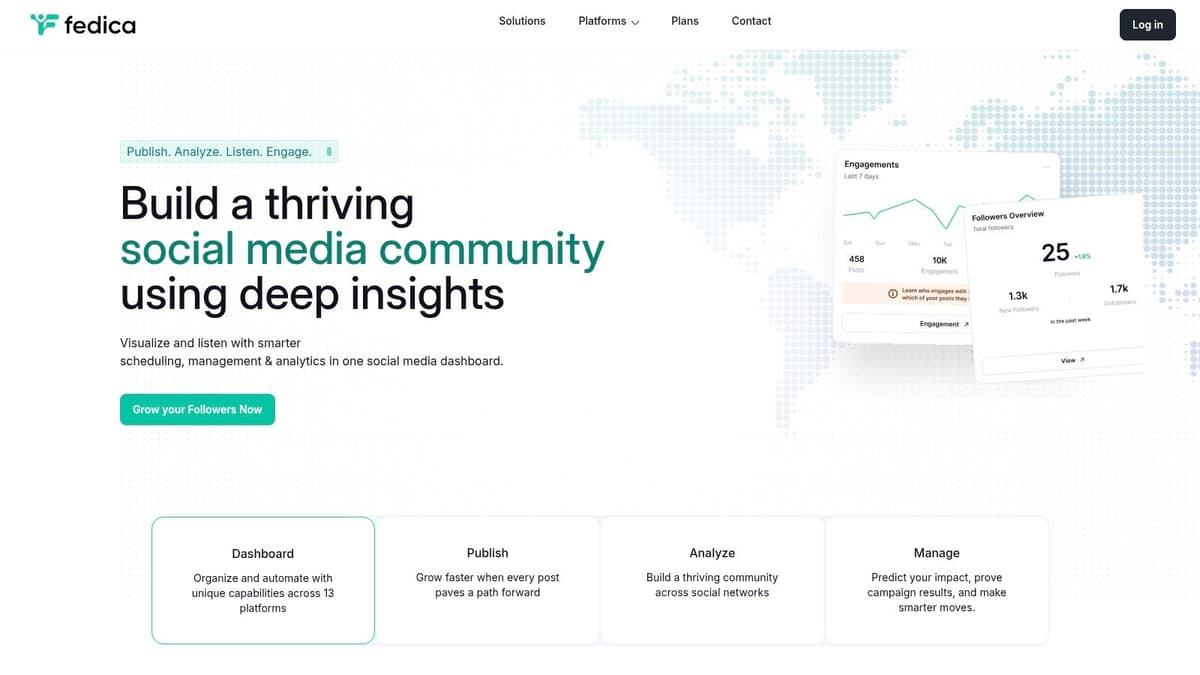
Fedica sits in a different category from simple cross-posters. It combines publishing with audience analytics, discovery, and listening. For those who aim to understand audience engagement and optimal publishing times, beyond merely pushing content out, the platform offers compelling advantages.
For Mastodon, that's a mixed blessing. Analytics are useful, but the Fediverse also rewards human presence over dashboard optimization. So Fedica is best when you need the insight layer for several networks at once, not when you just want a light bridge into Mastodon.
Who should use it
Fedica fits consultants, agencies, and social teams that need to justify strategy, not just execute it. The audience insights and best-time guidance are more valuable when multiple channels are involved.
The downside is weight. You don't buy Fedica because you want the simplest possible Mastodon setup. You buy it because you want publishing plus research plus inbox management in one system.
- Choose Fedica if: analytics, discovery, and multi-network reporting matter.
- Skip it if: your main goal is to mirror content into Mastodon with minimal setup.
- Watch for: higher-tier gating on more advanced insight features.
If your team already thinks in terms of segments, topics, and timing windows, Fedica is useful. If you're still trying to make your Mastodon posts feel native, start simpler.
5. Mixpost
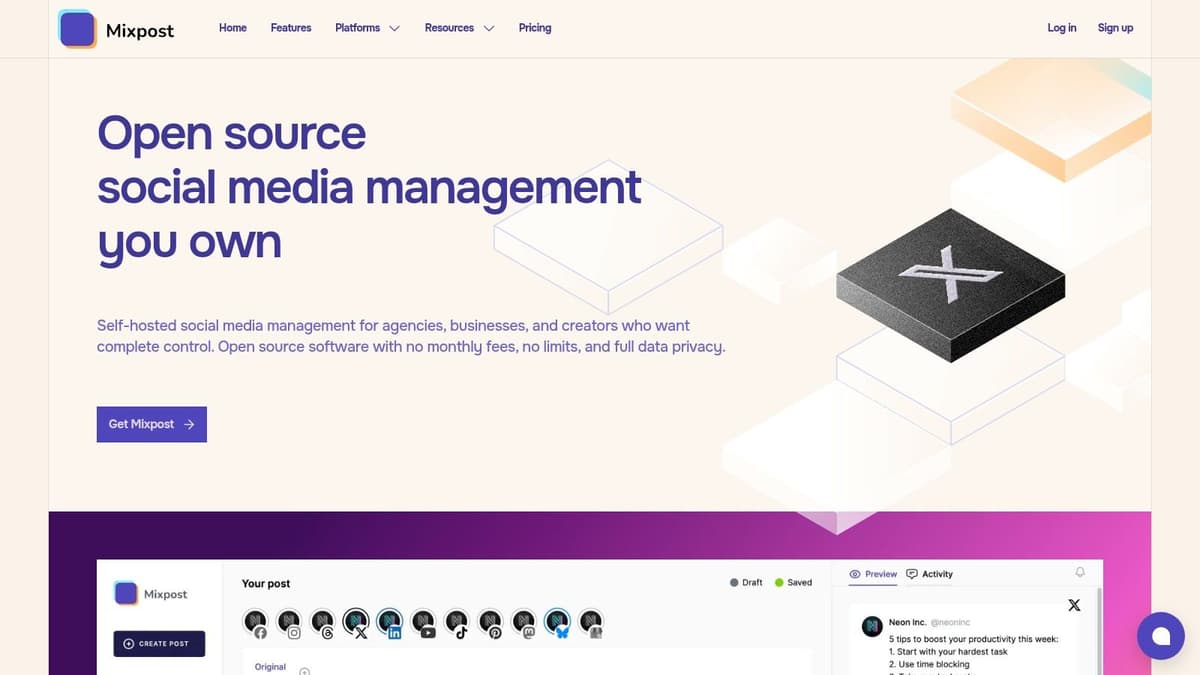
Mixpost is for people who don't want SaaS controlling their publishing stack. It's self-hosted, supports Mastodon and other major networks, and gives you full ownership over the workflow and tokens.
That control is real. So is the maintenance burden.
Why self-hosting changes the decision
With Mixpost, you avoid recurring "one more social tool" sprawl and keep your data closer to home. For technical teams, that can be a major advantage. You can tune the environment, manage integrations directly, and avoid depending entirely on a hosted vendor's roadmap.
But self-hosted social tools always come with one recurring tax. Platform APIs change. When they do, someone on your team has to care.
If you self-host your Mastodon cross-poster, you're not just buying independence. You're accepting upkeep.
Mixpost is a good fit for teams with in-house technical comfort, especially open-source projects and privacy-conscious operators. It's a poor fit for solo creators who want social automation to disappear into the background.
A few practical notes:
- Best for technical users: Docker-based deployment lowers friction, but doesn't remove admin work.
- Good value at scale: self-hosting can make more sense as account count grows.
- Bad for low-maintenance workflows: if you hate debugging integrations, skip it.
Mixpost is powerful because it gives you control. That's also the reason many people shouldn't use it.
6. WordPress.com Social / Jetpack Social
If your publishing starts with blog posts, WordPress.com Social and Jetpack Social are often the cleanest answer. You hit publish on the article. Mastodon gets the share automatically. No extra social dashboard, no duplicate publishing routine, no need to remember a second step.
That's a narrower workflow than a full Mastodon cross-poster, but narrow can be good. For content teams and solo bloggers, tying distribution directly to the CMS usually produces fewer missed posts and less operational clutter.
Where it fits best
This route works best for editorial promotion, not daily conversation. You're automating article sharing, not building a broad social calendar for off-the-cuff updates, launches, replies, and community interaction.
That distinction matters because Mastodon audiences often respond better when link shares are mixed with actual participation. If every post is an automated blog push, the account can feel distant quickly.
Use this if your real need is blog-to-Mastodon distribution. Skip it if you need:
- Cross-network social planning: this isn't a full scheduler.
- Ad hoc posting flexibility: it's tied to publishing events.
- A richer social inbox: engagement still happens elsewhere.
For WordPress-first teams, though, the simplicity is hard to beat. The closer automation stays to the editorial workflow, the less likely it is to break.
7. XPoster
XPoster is the kind of plugin I like for one specific reason. It knows its job. Connect WordPress, share published posts to Mastodon and Bluesky, let the site handle promotion without dragging in a full external suite.
For many bloggers, that's enough.
Why WordPress users keep choosing tools like this
A plugin-based setup reduces moving parts. Your content already lives in WordPress, so promotion from the same dashboard is easier to maintain than bouncing between CMS, scheduler, and separate automation service.
XPoster also gives you control over message templates, which matters more than it sounds. The fastest way to make automated shares feel low effort is to post the same flat title-and-link format every time. Small formatting changes help preserve some personality.
If you're comparing this route with broader WordPress social tooling, this overview of Exclusive Addons' Jetpack guide gives useful context around the WordPress ecosystem.
What you don't get is a full social management environment. There isn't a rich planning interface for campaigns or a wider set of native social workflows. That's fine if your actual goal is simple blog syndication.
- Best for: WordPress users who want lightweight auto-sharing.
- Not for: teams needing a full social calendar or broad channel orchestration.
- Strong point: simple scope usually means less friction.
XPoster is practical, free to start with, and easier to live with than overbuilt tools when all you need is post-publish distribution.
8. Share on Mastodon
Share on Mastodon is even narrower than XPoster. That's its appeal. If you only need WordPress to publish to Mastodon, and you don't care about other networks, this plugin keeps the workflow clean.
I usually recommend narrow tools like this when a team keeps overbuying software. If all you're doing is pushing new posts from a site to a Mastodon account, dedicated beats bloated.
The main trade-off
You gain simplicity and lose reach. There is no broader multi-network strategy here, no content calendar, and no expanded distribution layer. It does one thing.
That can still be the right answer if your site is the main content engine and Mastodon is just one channel for announcing fresh posts. It also gives you some formatting control, which helps reduce the duplicate-content feel common to default auto-shares.
A specialized plugin is often the better choice when the broader platform's extra features would sit unused.
Use Share on Mastodon when your workflow is publish an article, send it to Mastodon, move on. If that's all you need, adding a heavier system usually creates more maintenance than value.
9. Skymoth
Skymoth fits a specific posting setup. You publish on Mastodon first, and you want those posts copied to Bluesky with as little overhead as possible.
That narrower scope is the whole point.
For solo creators, open source maintainers, and small teams that already treat Mastodon as the primary account, a focused bridge can be the cleaner choice. You spend less time configuring rules you will never use. You also give up the safety net of a larger scheduling platform, so expectations need to stay grounded.
What to watch closely
The practical question is not whether Skymoth can mirror posts. It is whether mirroring is the right behavior for your account. Mastodon and Bluesky overlap, but they do not read exactly the same. A post that feels natural on Mastodon can look copied over without context on Bluesky, especially if it includes Mastodon-specific mentions, hashtag habits, or reply chains.
That means setup matters more than feature count. Before using Skymoth, decide that Mastodon is your source of truth, check how handles are mapped, and review how the tool treats replies and threaded posts. If the mirror is too literal, the result can feel noisy on the destination network.
MicroPoster has described this Mastodon-first to Bluesky pattern before, and the broader lesson holds here. Direction matters. A bridge usually works best when one network clearly leads and the other follows.
The other trade-off is maturity. Skymoth is still described as alpha, so I would treat it as a lightweight utility, not core publishing infrastructure. For low-risk cross-posting, that may be fine. For launch campaigns, client work, or anything where missed posts create real problems, I would want a more established workflow.
Choose it if:
- Mastodon is where you write and engage first
- You want simple Mastodon-to-Bluesky mirroring
- You are comfortable testing an early-stage tool
Skip it if you need approvals, analytics, broader network support, or careful post-by-post adaptation for each platform.
10. Mastodon ↔ Twitter Crossposter
You post an update on Mastodon, then remember the same announcement still needs to reach people on X. That is the narrow job the community-run Mastodon ↔ Twitter Crossposter on mamot.fr is built for.
It is not a full social media suite. It is a lightweight bridge for accounts that still need both networks, with enough settings to prevent the usual cross-posting mess.
Those settings matter more than they look. If you can decide whether replies, boosts, or one-way posts should sync, you can avoid sending conversation fragments into the wrong place. That is a big part of Fediverse etiquette. A reply chain that makes sense inside Mastodon often reads like broken context on X, and the reverse is also true.
The main trade-off is operational risk. Community tools can be useful for years, but they depend on volunteer maintenance, hosting stability, and outside platform rules. X is the weak point here. API access, rate limits, and posting rules can change fast, so reliability should never be assumed in a workflow that depends on X.
That makes this a decent utility for low-stakes distribution, not something I would put at the center of a campaign, client account, or time-sensitive launch. If a missed post creates real cost, use a tool with stronger support, clearer uptime expectations, or a fallback process your team can handle manually.
Strategy matters as much as the connector. Do not cross-post everything by default. Decide which network leads, turn off reply syncing unless you have tested it carefully, and check how mentions, hashtags, and links render on each side. The goal is not maximum duplication. The goal is to stay present on both networks without making either audience feel like they are reading the wrong version of the post.
Choose it if you need a simple Mastodon and X bridge, you are comfortable with a community-hosted tool, and you can tolerate occasional interruptions.
Skip it if you need approvals, analytics, native per-network formatting, or posting reliability that your business depends on.
Top 10 Mastodon Cross‑Poster Tools: Feature Comparison
| Product | Core features | UX / Quality | Price / Value | Target audience | Unique selling points |
|---|---|---|---|---|---|
| MicroPoster 🏆 | Native crossposting, auto‑threading, AI tools, visual calendar | ★★★★★ fast, creator‑first | 💰 Creator $12/mo · Pro $29/mo · Agency $89/mo · 7‑day trial | 👥 Founders, creators, small teams | ✨ True native posts, auto‑split threads, OAuth security, AI optimizations |
| Buffer | Schedule + per‑channel customization, engagement inbox, Mastodon support | ★★★★☆ reliable, mature | 💰 Tiered plans; per‑channel costs | 👥 Marketers, teams | ✨ Broad network coverage + engagement tools |
| Publer | Bulk scheduling, Mastodon threads/polls, media library, analytics | ★★★★☆ feature‑rich | 💰 Tiered plans; seats and features vary | 👥 Agencies, social teams | ✨ Deep Mastodon features (polls/boosts) and media tools |
| Fedica | Scheduling, RSS→social, engagement inbox, audience analytics | ★★★☆☆ analytics‑heavy | 💰 Tiered; higher tiers for advanced analytics | 👥 Growth teams, analysts | ✨ Audience discovery, demographics & best‑time insights |
| Mixpost (self‑hosted) | Self‑hosted scheduler, Docker templates, multi‑platform editor | ★★★☆☆ powerful but ops‑heavy | 💰 Free self‑hosted; Pro edition paid | 👥 Devs, privacy‑conscious teams | ✨ Full data/control, avoids SaaS per‑channel fees |
| WordPress.com Social / Jetpack | Auto‑share WP posts to Mastodon; re‑share options | ★★★☆☆ simple & integrated | 💰 Depends on WordPress.com / Jetpack plan | 👥 WordPress.com bloggers, editorial teams | ✨ Seamless blog→Mastodon publishing workflow |
| XPoster (WP plugin) | WP plugin auto‑share to Mastodon & Bluesky; templates | ★★★☆☆ lightweight & free | 💰 Free plugin | 👥 Self‑hosted WordPress bloggers | ✨ Free, in‑dashboard promotion without external SaaS |
| Share on Mastodon (WP plugin) | Auto‑share posts to Mastodon; excerpt/format controls | ★★★☆☆ minimal & focused | 💰 Free | 👥 Bloggers who only need Mastodon mirroring | ✨ Purpose‑built, low overhead Mastodon integration |
| Skymoth | Automatic Mastodon → Bluesky mirroring; quick setup | ★★☆☆☆ alpha; very simple | 💰 Free / alpha | 👥 Mastodon users wanting Bluesky copies | ✨ Fast, minimal Mastodon→Bluesky mirror |
| Mastodon ↔ Twitter Crossposter (mamot.fr) | Two‑way Mastodon↔X crossposting; directionality options | ★★★☆☆ community‑run, configurable | 💰 Free / community hosted | 👥 Users needing two‑way sync between Mastodon & X | ✨ Open‑source, transparent instance with configurable rules |
Choosing Your Mastodon Crossposting Strategy
You publish a post, your cross-poster copies it everywhere, and the Mastodon version lands as a flat mirror with no alt text, no content warning, and no replies from the account afterward. That setup saves time for a week, then starts costing trust.
The right strategy starts with the origin of your content and the amount of adaptation you can realistically maintain. WordPress publishers usually do better with a WordPress-native route such as Jetpack Social, XPoster, or Share on Mastodon. Teams running a shared content calendar across several networks usually need Buffer, Publer, or Fedica because approvals, scheduling, and asset management matter more than pure speed.
The decision is not just which app can publish to Mastodon. It is whether your process produces posts that still feel native once they arrive there.
Mastodon is less forgiving of lazy syndication than X or LinkedIn. People notice missing image descriptions. They notice when cross-posted threads read awkwardly, when hashtags are stuffed in at the end, and when every post points outward with no sign that anyone is listening. Good cross-posting protects formatting, but it also protects audience respect.
Accessibility is a practical filter here. If your team posts screenshots, charts, product UI, or event photos, test alt text before you commit to any tool. A useful discussion in the Mastodon subreddit makes the point clearly: some cross-posting workflows preserve image descriptions well, while others force manual cleanup every time, which turns automation into rework for media-heavy accounts (Reddit discussion on alt text support in cross-posting tools).
Fediverse-specific features deserve the same scrutiny. TechCrunch's coverage of Croissant highlighted support for content warnings and image alt text because those are part of posting properly on Mastodon, not nice extras (TechCrunch on Croissant's Mastodon support). Use that as a baseline when you evaluate any cross-poster.
A practical setup for founders, indie hackers, and small teams usually looks like this:
- Post from the place where writing already happens naturally
- Use automation to adapt copy and distribute it
- Handle replies, follows, and community interaction on Mastodon manually
That is why MicroPoster can fit well for smaller operations. As noted earlier, its model is useful when you want distribution without adopting a full social media command center. The trade-off is clear. You get less of the heavy planning layer that Buffer or Fedica provide, but you avoid adding another dashboard just to keep Mastodon active.
If your current workflow is copy and paste, almost any decent tool will save time. If the primary problem is that Mastodon keeps slipping off the schedule, choose the option your team will indeed keep using, then test the details that matter on the Fediverse: alt text, content warnings, link previews, post length, and whether someone is assigned to engage after the post goes live.