buffer alternative for mastodon
10 Best Buffer Alternative for Mastodon in 2026
Find the perfect Buffer alternative for Mastodon in 2026. Explore our top 10 picks to schedule posts, manage accounts, and grow your Fediverse presence with

You've already got a social stack including the usual suspects. X, LinkedIn, Instagram, maybe Threads too. Then Mastodon enters the mix and suddenly your clean workflow breaks. You're copying posts by hand, trimming text manually, fixing links, and trying to remember whether that update ever made it to your fediverse account.
That friction matters. Mastodon isn't just another checkbox network anymore. It's where a lot of niche communities, open source builders, technical founders, and highly engaged early adopters talk. If your workflow excludes it, you're not just losing efficiency. You're creating a blind spot in your publishing strategy.
Buffer did make an important move here. It officially launched native Mastodon support in February 2023, including the ability to connect to any Mastodon server and publish directly, plus threaded posts up to 25 sub-posts and support for posts up to 500 characters by default, as covered by Coywolf's report on Buffer's Mastodon launch. But support still feels partial for many teams, especially if your real need is automation, crossposting, or workflow consolidation.
If you're trying to automate social media marketing, the right Buffer alternative for Mastodon makes a real difference. Some tools are schedulers. Some are fediverse-first utilities. Some are better thought of as automation plumbing.
1. MicroPoster

You publish an update on X or LinkedIn, then remember Mastodon after the fact. Now you are rewriting the post, trimming it, fixing mentions, and checking whether the tone still works on a different network. MicroPoster solves that operational mess better than a standard queue tool because it starts with crossposting and automation, not calendar management.
The core setup is practical. Connect a source account, choose where posts should go, add platform rules, and let it publish native versions to Mastodon and other text-first networks. That distinction matters. Mastodon usually performs better when posts feel written for Mastodon, not dumped in unchanged from another platform.
Why It Works Better Than a Basic Scheduler
MicroPoster is strongest for teams and creators who already have a publishing habit and want distribution handled in the background. It can auto-crosspost, auto-repost, and schedule content, but its core value is platform-specific adaptation. Long posts can become threads. Media can be reformatted. Mentions and handles can be mapped so the finished post looks native instead of syndicated.
That makes it a better fit for workflow consolidation than a simple posting calendar.
It also keeps account setup clean. OAuth-based connections are standard for secure, password-free publishing, and MicroPoster's overview of auto-crossposting tools explains that approach well. If your goal is to publish once and let rules handle the rest, that setup is the right one.
If you are still deciding whether Mastodon belongs in your distribution mix, this case for why more marketers are cross-posting to the fediverse helps frame the broader strategy, not just the mechanics. And if you want the implementation details, MicroPoster's guide on how to cross-post to Mastodon is useful because it stays focused on real publishing workflows.
Practical rule: If you already post consistently on one or two networks, the better Mastodon tool is usually the one that removes duplicate work and preserves post quality.
Best Fit and Trade-Offs
MicroPoster fits founders, indie hackers, creators, writers, and small social teams that care more about distribution efficiency than about spending time inside a social dashboard. It also works well for agencies managing clients across X, Threads, Bluesky, and Mastodon, especially when the requirement is steady presence without daily manual reposting.
A few advantages stand out:
- Native adaptation: Posts are adjusted for the destination platform, including thread handling, media formatting, links, and structure.
- Useful AI assistance: Tone refinement, expansion or summarization, comment analysis, and timing suggestions can speed up publishing while keeping editorial control with the user.
- Low dashboard overhead: You can keep creating content in the platforms or tools you already use and let the automation handle redistribution.
The trade-offs are clear. Source edits do not auto-sync, so revised posts may need a manual re-sync. High-volume users also need to watch plan limits closely. For creators and small teams, though, MicroPoster is one of the more practical options in this list because it covers the part many schedulers still treat as secondary: native crossposting to Mastodon with minimal extra work.
2. Publer

Publer makes sense if you still want a classic scheduler, but you want one that treats Mastodon as a real publishing destination instead of an afterthought. It feels familiar in the best way. Queue, calendar, drafts, media, and cross-network posting are all there.
Where Publer usually wins is balance. It's not trying to be a fediverse-native niche tool, and it's not trying to be a giant enterprise suite either. For founders and small teams, that middle ground is often exactly right.
Where Publer Fits Best
If your workflow starts with planning content in batches, Publer is easier to recommend than a pure automation tool. You can prepare Mastodon posts alongside your other channels, keep everything in one calendar, and schedule threads without feeling like you've bolted on a workaround.
It's also a good fit if you're actively thinking about whether your content should live beyond algorithm-heavy platforms. This broader case for cross-posting to the fediverse is one reason tools like Publer are getting more attention from marketers who used to ignore Mastodon entirely.
The Main Trade-Off
Publer is strongest when you want to plan content. It's weaker if your ideal workflow is “post once somewhere else and have Mastodon handled automatically.” That's the line between scheduler-first and automation-first products.
- Best for planned publishing: Great for teams that work from a content calendar.
- Less ideal for passive distribution: You'll still think in terms of scheduling sessions, not quiet background automation.
- Good parity across channels: Helpful if Mastodon is one part of a broader text-based network mix.
3. Zoho Social
Zoho Social is the option I'd look at if your social workflow doesn't live alone. If you're already in Zoho CRM, Zoho Desk, or the wider Zoho stack, adding Mastodon through Zoho Social can be cleaner than introducing a separate specialist tool.
That said, this is a suite. You feel that immediately. The upside is collaboration, permissions, approvals, and a more centralized operating model. The downside is weight. If all you want is straightforward Mastodon scheduling, Zoho can feel bigger than the problem.
Why Teams Choose It
The practical appeal is centralization. Marketers can work from one calendar, route approvals properly, and keep social tied to customer operations instead of turning it into another isolated app. For in-house teams, that often matters more than a flashy feature list.
Zoho Social also makes sense for brands that need Mastodon support but don't want to manage another vendor relationship. One dashboard. One billing relationship. One team structure.
The best tool isn't always the one with the most Mastodon-specific polish. Sometimes it's the one your team will actually use every day.
Where It Falls Short
Mastodon support is useful here, but it doesn't feel as specialized as what you get from more focused publishing or fediverse-native tools. If your strategy is heavily text-led and community-driven, Zoho may feel generalist.
- Strong for collaboration: Good approvals, role management, and cross-team use.
- Best if you already use Zoho: The ecosystem advantage is real.
- Not the lightest option: Solo creators may find it heavier than necessary.
For product teams, B2B companies, and service businesses that already run on Zoho, it's a credible Buffer alternative for Mastodon. For solo operators, maybe not the first pick.
4. Jetpack Social
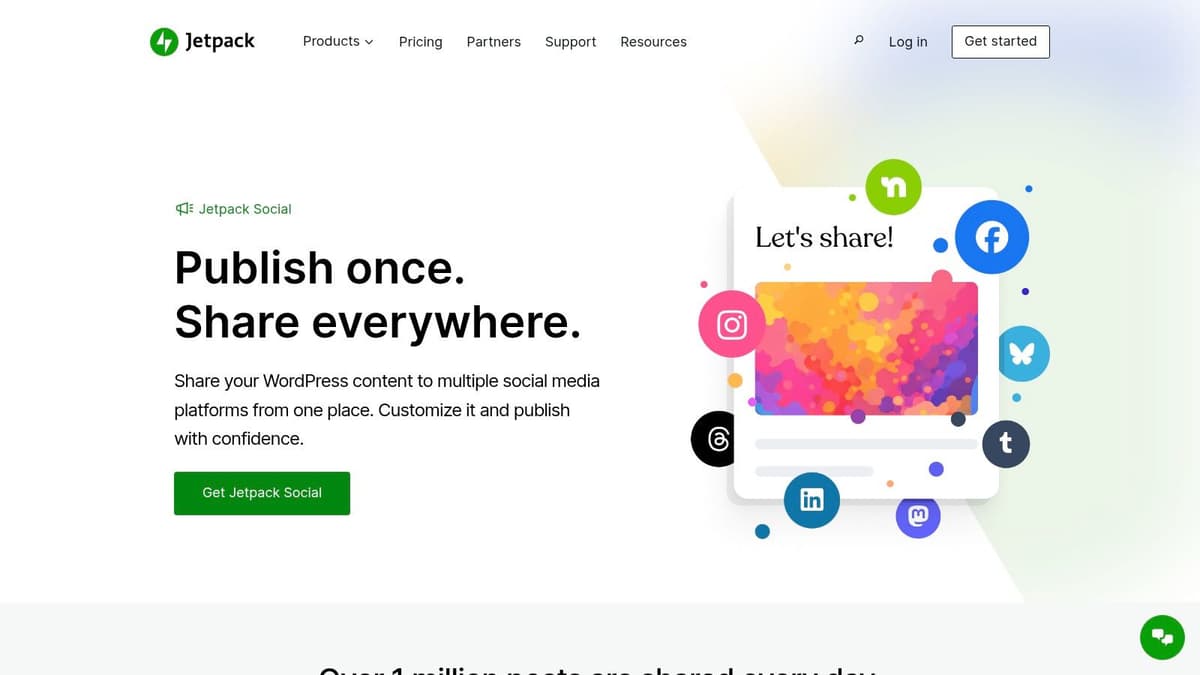
Jetpack Social is the most obvious choice if your publishing engine is WordPress. Not “one of your content sources.” The main one. In that setup, adding a separate social scheduler can be unnecessary friction when what you really want is publish once from WordPress and send the right version to Mastodon automatically.
This is a practical tool, not an exciting one. That's a compliment.
Best for Blog-First Workflows
If you run a company blog, documentation hub, newsletter archive, or media site on WordPress, Jetpack Social keeps distribution close to the source. You publish the post, customize the message, and send it where it needs to go without moving into another dashboard first.
That's especially useful for editorial teams and solo publishers who don't want social planning to become a parallel process. The closer social is to your CMS, the more likely it is to happen consistently.
What It Doesn't Replace
Jetpack Social isn't trying to be a broad social command center. It works best when your content starts in WordPress. If your posting rhythm comes from short native updates, product launches, reactive commentary, or multi-platform threads, it won't feel as flexible as a dedicated scheduler or automation tool.
- Excellent for WordPress-native distribution: Minimal tool sprawl.
- Good for evergreen blog promotion: Especially for structured publishing teams.
- Less suited to conversational social workflows: Better for posts than for ongoing platform-native strategy.
For publishers, this is one of the cleanest Mastodon options on the list. For everyone else, it's more situational.
5. SocialBu

SocialBu sits in a useful middle tier. It gives small teams enough scheduling, queueing, and multi-platform support to stay organized, but it doesn't come with the sprawl of bigger enterprise platforms. If Buffer feels too limited for Mastodon and some larger suites feel excessive, SocialBu lands in the practical middle.
It's easy to adopt, which matters more than people admit. A tool that your team can understand in one afternoon often beats a more powerful platform that nobody fully sets up.
Why People Pick It
The appeal is straightforward. You get one calendar, support for multiple platforms, queue-based posting, and a light enough interface that creators and SMBs won't bounce off it.
For Mastodon specifically, it's useful when your needs are simple: schedule posts, attach media, keep the content pipeline moving. If that's your use case, SocialBu does the job without trying to become your entire operating system.
The Catch
Its Mastodon support is helpful, but it doesn't feel especially fediverse-specific. That's fine if you just need publishing. It matters if you care about fediverse norms like visibility choices, content warnings, or community-first posting behavior in a more intentional way.
- Fast setup: Good when you need a working system quickly.
- Solid value for small teams: Especially if you manage several channels.
- Less specialized: Better at general scheduling than deep Mastodon workflow design.
If your team wants usable software more than impressive software, SocialBu deserves a look.
6. Make
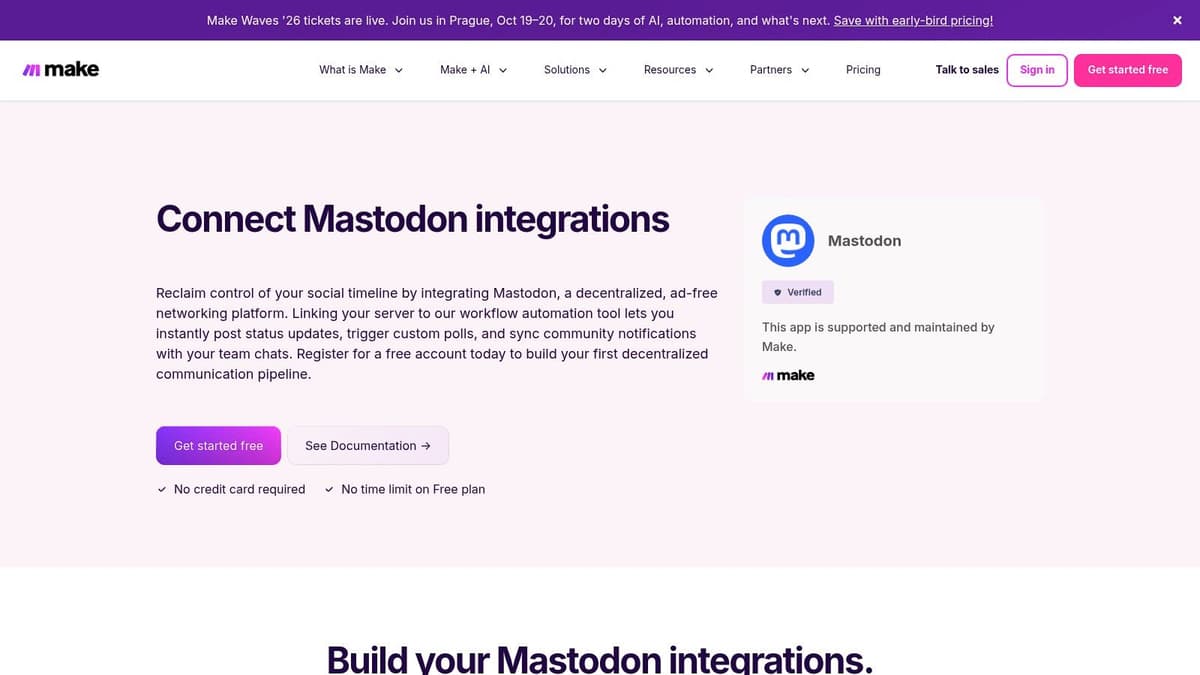
Make is what I recommend when the sentence starts with “We need Mastodon to post automatically when…” If your workflow depends on RSS feeds, Notion databases, Airtable records, Google Sheets, CMS triggers, or webhooks, Make is one of the strongest options because it lets you build exactly the logic you want.
It's not a scheduler in the usual sense. It's workflow infrastructure.
Where Make Beats Traditional Tools
Most social schedulers assume a human opens the app, writes a post, and puts it on a calendar. Make assumes the post might come from anywhere and that several actions may need to happen before it's ready for Mastodon.
That flexibility is the whole point. You can transform text, branch logic, add approvals, enrich data, or route posts from one system to several networks. For agencies and technical marketing teams, that's often more useful than a polished composer.
Field note: If your content already lives in structured systems, don't force it through a manual scheduler. Let the system publish.
The Real Cost of Flexibility
Make takes setup time. It also takes maintenance. When an API changes or your source format breaks, someone needs to fix the scenario. Teams that want plug-and-play convenience usually won't enjoy that part.
- Extremely flexible: Ideal for custom crossposting and multi-step workflows.
- Great for technical operators: Especially agencies and ops-minded marketers.
- Higher maintenance: Better for builders than for casual users.
If you want full control, Make is hard to beat. If you want convenience, it's probably too much tool.
7. Zapier
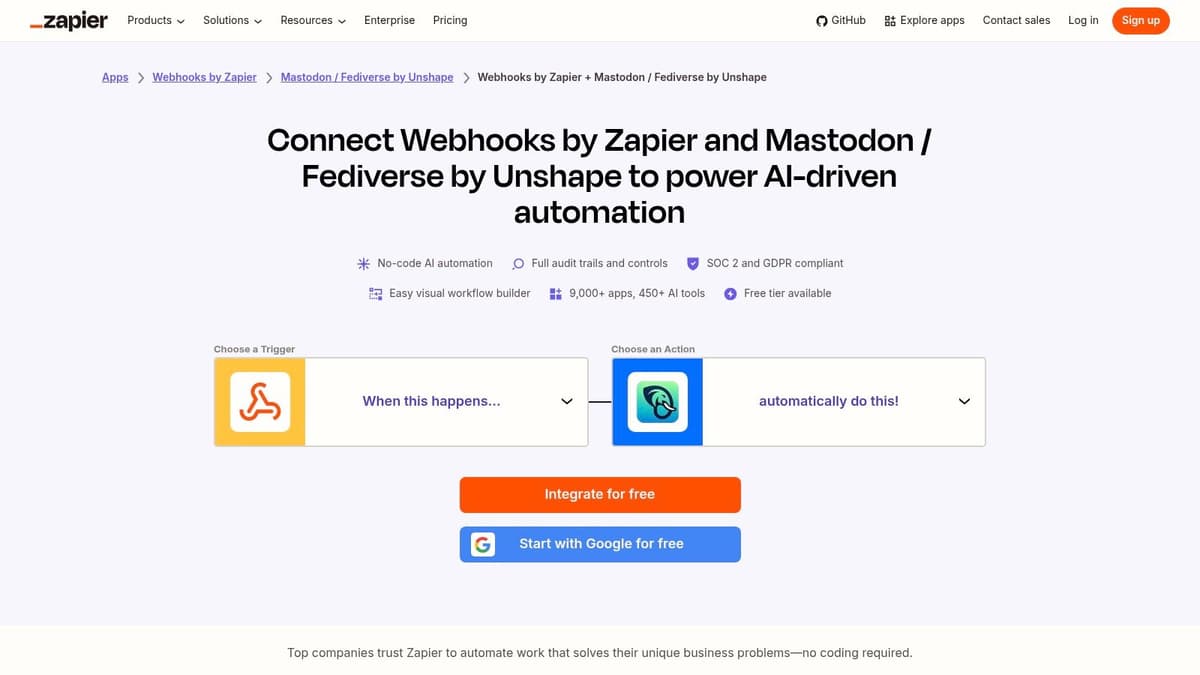
Zapier plays a similar role to Make, but with a different feel. It's easier to prototype with, more familiar to a lot of marketers, and often the fastest route to “when this happens, post to Mastodon.” If your team already runs automations in Zapier, adding Mastodon into that mix is usually the path of least resistance.
The Mastodon connection here relies on a third-party connector, which is the first thing I'd check before building anything business-critical. Community connectors can be useful. They can also become the weak point in the workflow.
Best Use Cases
Zapier works well when the source content is structured and repeatable. Think RSS updates, CMS publication events, spreadsheet rows, form submissions, or internal tools pushing launch updates. It's also useful when social is one step in a larger workflow that includes Slack alerts, approvals, or CRM updates.
If your company already runs a lot of operational automations, you may also care about adjacent workflow ideas like connecting Slack and Zapier for business, because social posting often becomes one piece of a wider communication system.
Practical Limits
Zapier is easy to like early. The challenge comes later, when volume increases or the workflow gets more complex. Then task-based pricing and connector limitations start to matter.
- Fast to launch: Great for basic Mastodon automations.
- Familiar to many teams: Low learning curve compared with heavier automation builders.
- Connector risk: Third-party integrations need extra scrutiny.
For simple automations, Zapier is very workable. For highly customized publishing logic, I'd still lean Make.
8. PostyBirb
PostyBirb is a different kind of recommendation. It's a desktop app, open source, and especially popular with artists and creators who publish a lot of visual work across multiple platforms. If your Mastodon use is media-heavy and you prefer local tools over cloud dashboards, it has a real place on this list.
This isn't the best fit for a modern marketing team with approvals and shared calendars. It is a very good fit for independent creators who want control.
Why It Stands Out
A lot of social tools assume a business workflow. PostyBirb feels more creator-shaped. Drafts, templates, media attachments, and multi-platform posting are the focus. If your content library lives on your own machine and your posting style is batch-oriented, that setup feels natural.
Its open-source nature is also a plus for people who dislike relying on another SaaS subscription for every operational need.
What You Give Up
The trade-off is obvious. You lose cloud-native collaboration and a lot of management features that teams expect. There's no broad social operating layer here. It's a publishing utility.
- Strong for visual creators: Especially artists and media-first accounts.
- No SaaS lock-in: A real advantage for some users.
- Not team-centric: Better for individuals than agencies.
If your social workflow happens on one computer and revolves around media posting, PostyBirb is more useful than many bigger-name tools.
9. FediPlan
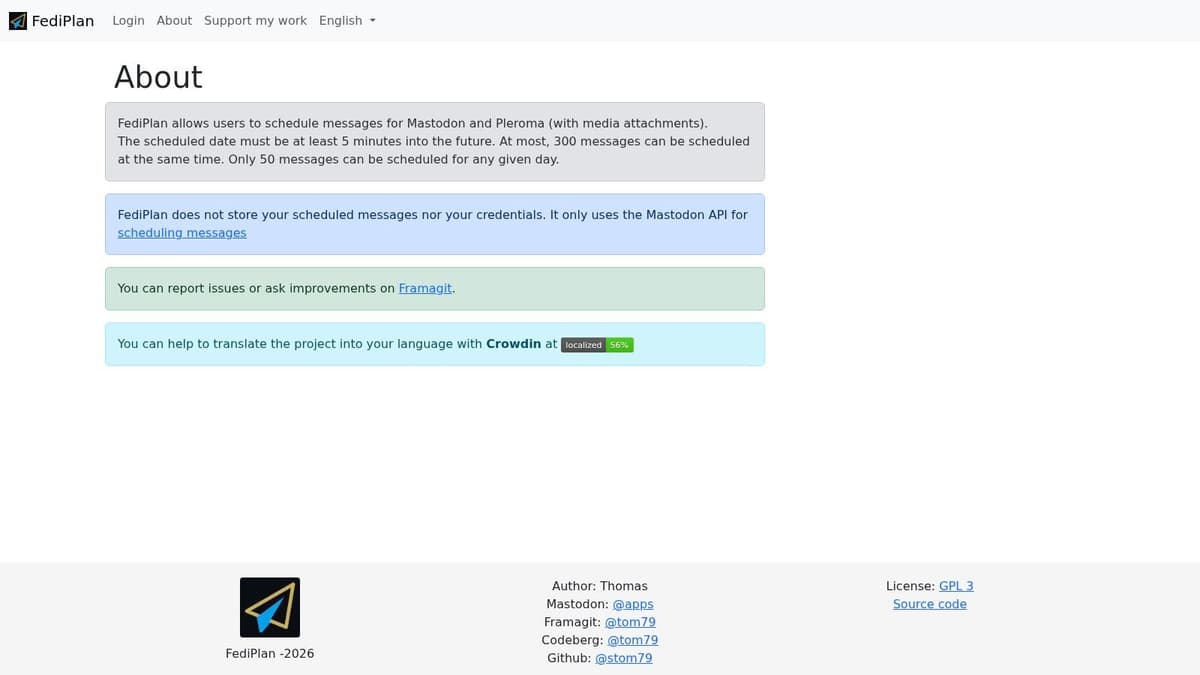
FediPlan is what I'd call a clean, fediverse-native answer to the problem. It's not trying to help you manage every social platform under the sun. It's trying to help you publish properly inside the fediverse.
That narrower scope is a strength. Mastodon users often care about things mainstream tools treat as edge cases, like visibility settings, content warnings, and instance-aware behavior. FediPlan respects that.
Why Fediverse Users Like It
If your primary audience is already on Mastodon or Pleroma, a focused tool often feels better than a multi-network suite. FediPlan stays close to the way fediverse posting works. That means less abstraction and fewer awkward compromises.
It's also a better cultural fit for users who prefer lightweight, privacy-conscious tools.
Some teams don't need “social media management.” They need a reliable way to queue thoughtful fediverse posts without dragging in five features they'll never use.
Where It Stops
You won't get broad analytics, agency collaboration layers, or cross-network planning depth. That's not a flaw. It's just not the job.
- Purpose-built for fediverse workflows: Better fit for Mastodon-native users.
- Handles fediverse norms well: Including visibility and CW-oriented posting.
- Limited outside that niche: Not the right tool for broad multi-channel ops.
If Mastodon is central to your strategy, FediPlan is easy to respect.
10. Mastodon Scheduler
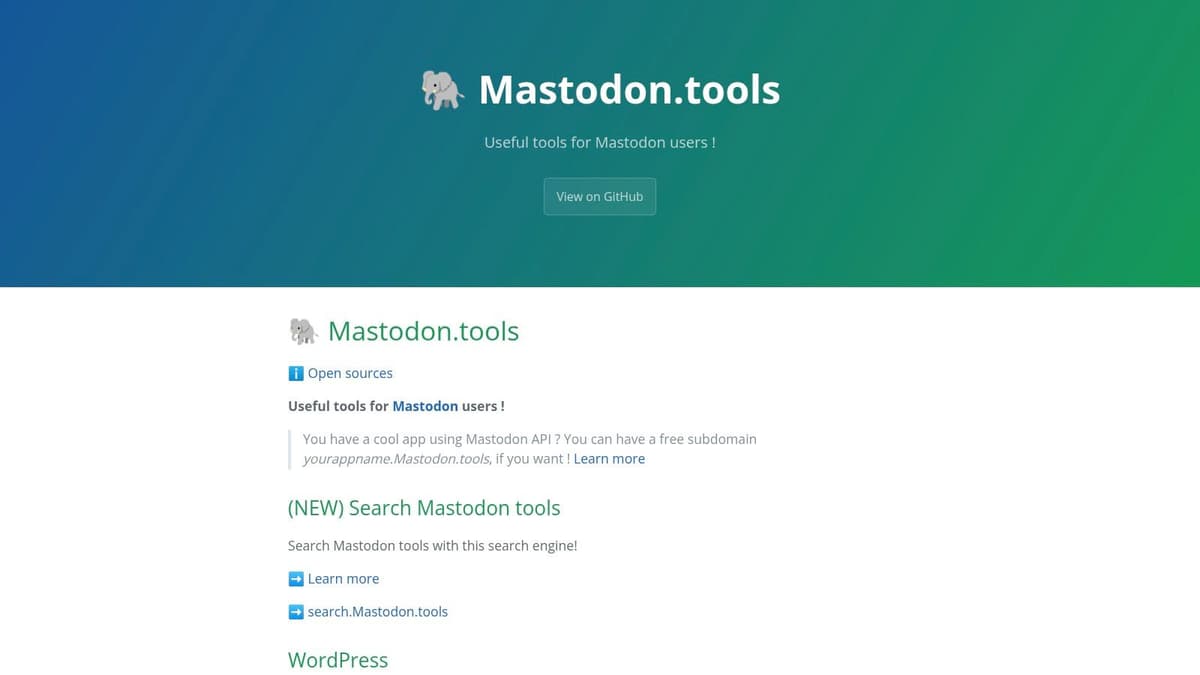
Mastodon Scheduler is the simplest option here, and sometimes that's the right answer. If you don't need multi-network planning, analytics, approvals, AI writing, or automation logic, a single-purpose scheduler can be more reliable than a larger platform.
The appeal is exactly that lack of overhead. Connect your instance, write the post, set the time, and move on.
Who Should Use It
This is a solid fit for individual Mastodon users, side projects, community moderators, and anyone who mainly wants delayed publishing. It's also useful as a backup utility. Even teams with bigger stacks sometimes keep a small dedicated scheduler around for edge cases.
Who Shouldn't
If your real requirement is crossposting, calendar-based campaign management, or team collaboration, this won't cover enough ground. It's not trying to.
- Quick to start: Little setup, little complexity.
- Good for pure scheduling: Especially if Mastodon is your only target.
- Very limited scope: No multi-platform workflow support.
For basic scheduling, it's enough. For a true Buffer alternative for Mastodon across a broader social operation, it's too narrow.
Top 10 Mastodon Buffer Alternatives: Feature Comparison
| Product | Core features ✨ | Unique selling point ✨ | UX/Quality ★ | Price / Value 💰 | Ideal users 👥 |
|---|---|---|---|---|---|
| MicroPoster 🏆 | Automated native crossposting (X, Threads, Bluesky, Mastodon), auto-split threads, media resizing, AI tools, visual calendar | Native per-platform adaptation + low‑friction background automations | ★★★★☆, lightweight, automation‑first | 💰 Creator $12/mo · Pro $29/mo · 7‑day free trial | 👥 Founders, creators, small teams |
| Publer | Native Mastodon publishing, visual calendar, bulk scheduling, AI hashtag tools | Mature UI with strong cross‑network parity | ★★★★☆, reliable, polished | 💰 Paid tiers (some features gated) | 👥 Social media managers & teams |
| Zoho Social | Publishing, monitoring, reporting, team workflows, CRM integrations | Enterprise‑grade reliability + Zoho ecosystem integration | ★★★★☆, feature‑rich, heavier UI | 💰 SMB-friendly plans; bundled options | 👥 Businesses/agencies using Zoho |
| Jetpack Social (WordPress) | Auto‑share/schedule from WP, per‑network templates, evergreen options | Seamless WordPress publishing flow | ★★★☆☆, simple for WP users | 💰 Part of Jetpack; paid tiers for advanced features | 👥 Bloggers, content sites on WordPress |
| SocialBu | Queues/evergreen, bulk uploads, unified calendar, basic analytics | Affordable, fast to adopt with usable free tier | ★★★☆☆, straightforward & light | 💰 Free tier + competitive paid plans | 👥 Solo creators, small businesses |
| Make (Integromat) | Visual automation, Mastodon modules, complex logic & triggers | Extremely flexible custom workflows & multi‑step automations | ★★★★☆, powerful but technical | 💰 Credit/operations pricing; scalable | 👥 Developers, agencies, technical marketers |
| Zapier (Unshape Mastodon) | Triggers/actions for Mastodon, scheduling, filters, paths | Familiar no‑code automations ecosystem (third‑party connector) | ★★★☆☆, quick prototyping, connector caveat | 💰 Task‑based pricing (can be costly) | 👥 Teams already on Zapier |
| PostyBirb | Desktop multi‑account scheduling, drafts/templates, media batch upload | Free, open‑source desktop tool ideal for heavy media workflows | ★★★☆☆, desktop‑centric, powerful for images/videos | 💰 Free / open‑source | 👥 Artists, illustrators, media creators |
| FediPlan (Fedilab) | Schedule for Mastodon/Pleroma, multi‑instance support, CW handling | Fediverse‑native, privacy‑minded and lightweight | ★★★☆☆, focused, privacy aligned | 💰 Free / open‑source (self‑hostable options) | 👥 Privacy‑conscious fediverse users |
| Mastodon Scheduler (mastodon.tools) | Simple web scheduler, instance auth, content warnings, queue | No‑frills, reliable single‑purpose scheduler | ★★★☆☆, minimal and stable | 💰 Free utility | 👥 Individual Mastodon users |
How to Choose Your Tool & Master Mastodon
You feel the problem fast on Mastodon. A post that reads fine on LinkedIn or X can look flat, overly promotional, or poorly formatted once it lands in the fediverse. That is why tool choice matters here more than it does on larger networks. You are not just picking a scheduler. You are choosing how much control you keep over formatting, timing, automation, and native publishing.
Start with the job you need the tool to do. Teams that need approvals, a shared calendar, and a clear publishing view will usually get more value from Publer or Zoho Social. If your content already starts in WordPress, Jetpack Social keeps the workflow tighter. If you want a lighter Mastodon-native setup with less overhead, FediPlan and Mastodon Scheduler are easier to live with.
Buffer's own support documentation makes one point clear in its Buffer Mastodon support article. Publishing support is not the same as engagement support. That gap matters because Mastodon still rewards direct participation more than polished queue management. Scheduling helps you stay visible. It does not handle replies, relationship building, or community context for you.
The practical shift is to stop treating Mastodon as a queue-only channel. Automation-first tools are often a better fit than classic social suites, especially if your team already publishes through a blog, CMS, RSS feed, or another social channel. MicroPoster stands out here because it solves a common operations problem: getting Mastodon into an existing publishing system without adding another manual posting step. Make and Zapier go further if you need custom logic, branching rules, or connections to internal systems.
Setup is usually simple, but the testing step matters more than teams expect. Connect through OAuth where available. Then run real posts through the workflow and check formatting, media handling, mentions, links, threads, visibility settings, and content warnings. Mastodon audiences notice when a post looks auto-pushed from somewhere else.
The right tool keeps your posting consistent without making your account feel generic. That is the standard.
If your main goal is low-friction Mastodon publishing inside a broader workflow, MicroPoster is a practical place to start. It suits founders, creators, and small teams that want native-looking crossposts, scheduling, reposts, and background automation without committing to a full social media suite. The trial period is enough to test it with real content and decide whether it fits how you already work.