content repurposing tool
10 Best Content Repurposing Tool Picks for 2026
Find the perfect content repurposing tool for 2026. We review 10 top options for video, text, and social media to help you work smarter, not harder.

You know the pattern. You spend half a day writing a solid blog post, recording a webinar, or cleaning up a podcast episode. You publish it, share it once, maybe twice, and then the asset slowly disappears into the archive while you move on to the next thing. That cycle burns time and leaves a lot of value on the table.
A good content repurposing tool changes that. Instead of treating one asset as one post, it helps you turn a source piece into a small distribution system. That matters because one long-form asset is commonly turned into 5 to 7 derivative pieces, and some teams aim for 10 distinct assets from a single flagship post, according to Cloud Present's guide to content repurposing. The shift is practical, not theoretical. You do the deep thinking once, then adapt it into channel-native formats.
That's also why scheduling matters. The same guidance recommends spacing repurposed content 2 to 4 weeks after the original piece instead of dumping everything on the same day. In practice, that's how you keep a strong idea alive longer.
If you're trying to find effective content repurposing tools, don't browse them as one giant category. The useful way to choose is by workflow. Some tools are best for video-to-clip. Some are best for text-to-social. Some are best for social-to-social crossposting. That's how this list is organized in spirit, even though the format is still a straight ranking.
1. MicroPoster
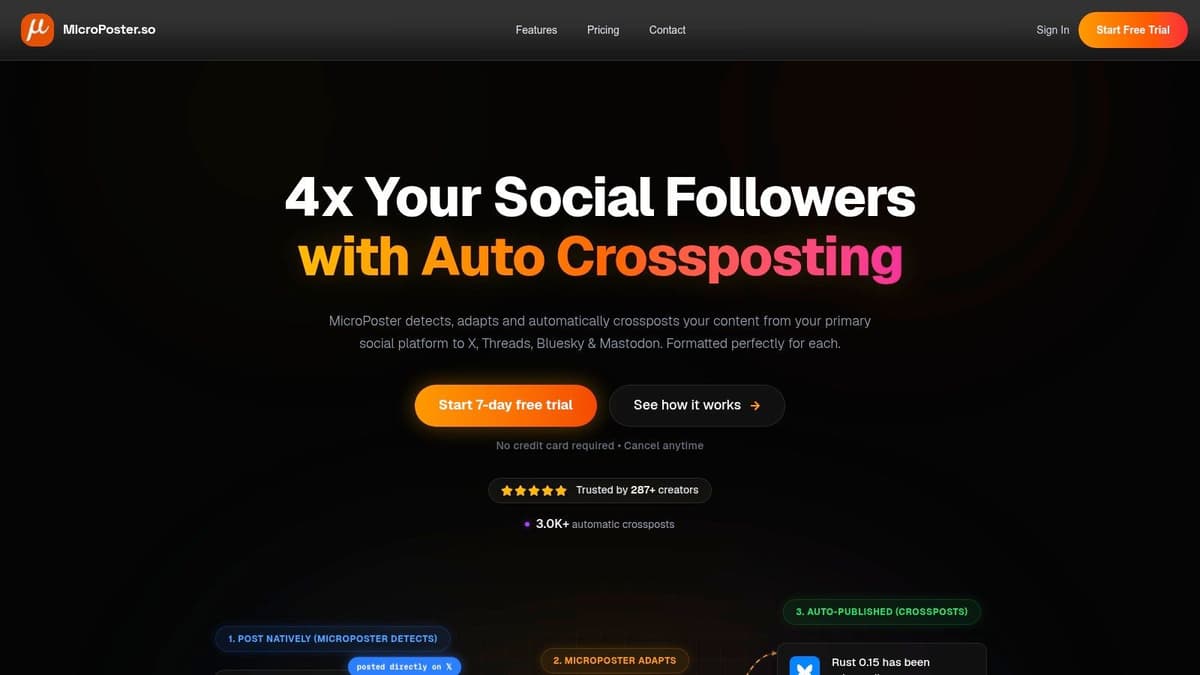
You publish a strong post on X during the workday. By evening, you know the same idea should also be on Threads, Bluesky, and Mastodon, but each platform wants slightly different formatting and tone. That is the workflow MicroPoster is built to handle.
In this list, it sits squarely in the social-to-social category. That distinction matters. A lot of repurposing tools start with long-form assets like videos, podcasts, or transcripts. MicroPoster starts with a post that already exists on one network, then adapts and republishes it across the rest of your stack.
That changes the job from “copy this everywhere” to “publish this in a way that still feels native.” In practice, that means thread splitting, carousel conversion, media resizing, rich link previews, and format changes for each destination. If your workflow already begins on a social platform, that is a much better fit than forcing everything through a heavier scheduler.
Why it stands out
MicroPoster works well for creators and teams who already have a posting habit they do not want to rebuild. You choose a source account, let the system watch for new posts, and set the rules for where those posts should go next. The tool extends your current behavior instead of replacing it.
I like that trade-off because blunt crossposting usually shows. A post that reads cleanly on X can feel cramped on Threads. Image layouts can break. Link handling varies by network. MicroPoster focuses on those practical differences, which is exactly what a social-first repurposing tool should do.
If you want a better system for deciding what gets reused and when, this guide to content repurposing strategies for multi-channel publishing pairs well with a tool like this.
Where it fits in a real workflow
MicroPoster makes the most sense for founders, indie builders, lean marketing teams, and agencies publishing frequent short-form updates. Product announcements, newsletter pull-quotes, opinion posts, launch threads, and build-in-public updates all fit naturally.
The feature set stays focused. You get a visual calendar, rich-text editing, manual reposting controls, AI help for summarization and tone changes, hashtag suggestions, posting-time suggestions, comment analysis, X Communities support, and polls. Those extras are useful because they support the core automation instead of burying it.
There are limits, and they are worth knowing before you buy:
- Best for social-native source content: It is strongest when the original asset starts as a post, not a podcast episode or long video.
- Automation is periodic, not instantaneous: Crossposts rely on background checks, so this is not built for exact same-second publishing across every destination.
- Lower-tier limits can matter: Teams with a high posting volume should check auto-crosspost caps and AI credit limits before committing.
Pricing and who should try it
MicroPoster offers a 7-day free trial. Paid plans start at $12 per month for Creator, then $29 per month for Pro, with an Agency tier for larger teams.
For small operators, that pricing lines up with the product's real value. It is not trying to be an all-purpose media production suite. It is a focused content repurposing tool for social-to-social distribution, and that focus is the reason it earns a place this high on the list.
2. Repurpose.io
Repurpose.io is the automation-heavy option for creators who live in long-form video, podcasts, or livestreams. If your source content starts as YouTube videos, interviews, or audio episodes, this tool makes more sense than a social-first app.
Its core strength is set-and-forget workflow design. You connect sources and destinations, choose formatting rules, and let it move content between platforms with the right aspect ratios and publishing logic. For people producing recurring media, that removes a lot of repetitive work.
Best use case
Repurpose.io is strongest in the video-to-distribution lane. It's good at turning one long-form recording pipeline into repeatable outputs for Shorts, Reels, TikTok, LinkedIn, X, and other destinations. It doesn't replace editorial judgment, but it does remove upload fatigue.
That matters if you're trying to build a system rather than a one-off campaign. The bigger point behind repurposing is covered well in MicroPoster's guide on content repurposing. One source asset should feed multiple channels, not die on the platform where it was first published.
- What works well: Broad platform support, formatting presets, bulk handling, and reliable automation once your workflows are dialed in.
- What doesn't: The setup takes thought. If you configure workflows poorly, you can create a lot of mediocre duplicate-looking content very quickly.
Repurpose.io saves the most time for creators with consistent publishing habits. If you only post occasionally, the setup overhead can feel heavier than the payoff.
Trade-offs
Repurpose.io isn't the best fit if your repurposing work is mostly text. It also isn't the best choice if you want deep native editing inside the tool itself. Think of it as an automation router for media assets, not a complete creative studio.
Pricing can also jump if you manage several brands or client pipelines. For solo creators, that's something to watch before you build your whole system around it.
Use it when the bottleneck is distribution volume, not ideation.
3. Opus Clip
Opus Clip is for one specific pain point. You have a long video, and you need short clips fast.
It analyzes long-form footage, finds highlight moments, reframes the shot for vertical viewing, adds captions, and packages clips for short-form channels. If you run webinars, interviews, or talking-head videos, that's useful because manual clip hunting takes forever.
Where Opus Clip is strong
This tool is built for video-to-clip repurposing, not for broader campaign planning. It's at its best when you want a pile of fast first drafts from a single source file. The AI does the rough selection work, and you keep the best candidates.
That's often enough. Many creators don't need a documentary editor. They need a machine that can scan a recording and surface reusable moments before momentum dies.
There's also a strategic reason this category matters. AI-assisted workflows now commonly help summarize, split, rewrite, and adapt source content much faster than manual repackaging alone, and guidance from Masset's overview of AI-powered repurposing tools reflects that shift toward structured, measurable repurposing operations.
What to expect
- Best part: Fast extraction of short-form video from long recordings.
- Nice extras: Templates, subtitles, emoji styling, brand kits, and easy imports from common sources.
- Limitation: Credit-based processing can feel restrictive if you produce a lot of footage.
For strategy, not just clipping, it helps to think in formats first. A long video can become clips, quote posts, threads, and recap text if you structure the workflow well. That's the broader idea behind these content repurposing strategies.
The clips Opus Clip produces are often good enough to publish after light cleanup. They're rarely the final answer for brand-sensitive launches without a human pass.
If you expect full timeline control, go elsewhere. If you want fast highlights, Opus Clip earns its place.
4. Kapwing
Kapwing sits in the middle ground between editor and repurposing assistant. That's why a lot of creators like it. It gives you AI help without taking away manual control.
The browser-based setup is part of the appeal. You can resize a video, add subtitles, translate it, swap aspect ratios, and create multiple variants for different channels without bouncing between desktop apps.
Best for mixed-format creators
Kapwing works well when your repurposing job is messy. Maybe you need a square cut for LinkedIn, a vertical version for Reels, a subtitled clip for X, and a thumbnail variant for a newsletter. Kapwing is good at this kind of “make several usable versions quickly” work.
It's also one of the easier tools to hand off between teammates because the interface is pretty approachable.
- Useful strengths: Auto subtitles, translation, text-to-speech, AI generation tools, brand kits, and team workspaces.
- Real limitation: Generative features are metered. If you lean heavily on AI, quotas start to matter fast.
Practical trade-off
Kapwing is not the most opinionated content repurposing tool on this list, and that's both good and bad. Good because you keep flexibility. Bad because flexibility can mean more manual decisions.
Choose Kapwing when you want an editor with repurposing features, not a fully automated machine.
5. Descript
Descript is still one of the smartest tools for spoken-content workflows. If your source content is a podcast, webinar, customer interview, or recorded call, Descript makes repurposing feel less like editing and more like document cleanup.
Its text-based editing model is the key. You edit the transcript, and the video or audio changes with it. For people who hate timeline editing, that's a huge relief.
Why Descript earns a spot
Dialogue-heavy content creates a lot of raw material but also a lot of friction. There are filler words, tangents, retakes, bad audio moments, and awkward transitions. Descript removes many of those bottlenecks in one interface.
That makes it especially good for turning long sessions into:
- Clean clips: Pull highlights without scrubbing frame by frame.
- Written assets: Build show notes, draft social posts, and prep summaries from the transcript.
- Polished recordings: Use Studio Sound and transcript-driven cleanup to make rough captures more usable.
What to watch
The learning curve isn't brutal, but the editing model is different enough that some users need a few sessions before it clicks. AI credits and media-minute allowances also require attention if you're processing a lot of source material.
Descript is one of the few tools that genuinely shortens the distance between “we recorded something useful” and “we have publishable assets.”
It's less ideal if your work is mostly static graphics or social crossposting. But for podcast-first and interview-first teams, it remains one of the best investments in the category.
6. VEED
VEED is a broad online editor with a lot of AI layered into it. That usually means one of two things. Either the tool feels bloated, or it becomes a flexible all-rounder. VEED lands closer to the second category.
It can clip, subtitle, dub, reframe, and generate assets from one workspace. For teams doing batch video repurposing, that's convenient because it reduces tool switching.
Where VEED fits
VEED is a strong option for editor-plus-AI workflows. It's especially useful when you want to keep human control over the output while still speeding up repetitive jobs like captioning, format changes, and language adaptation.
Its feature range is wide:
- Core repurposing features: AI Clips, auto-subtitles, translation, and reframing.
- Additional production tools: Dubbing, eye-contact correction, stock access, voices, and brand settings.
- Team support: Collaboration features for shared production work.
The main downside
Its AI credit model can confuse first-time users, especially when different models or quality settings burn usage differently. That doesn't make it bad. It just means you should understand the economics before you scale your workflow inside it.
VEED is best when you need flexibility and don't mind a slightly busier product.
7. Canva
A common repurposing bottleneck shows up after the copy is written and the clips are selected. The raw material exists, but it still needs to be turned into assets that fit each channel. Canva earns its place in that stage.
In the framework for this list, Canva sits in the visual adaptation category. It is not the tool I'd choose to extract clips from a podcast or generate dozens of social captions from a transcript. It is the tool I'd use once the ideas are clear and the job becomes packaging them into carousels, thumbnails, quote graphics, one-pagers, and resized social creative.
Where Canva fits
Canva is strongest when one source asset needs multiple visual versions. A webinar takeaway can become a LinkedIn carousel, an Instagram post, a story graphic, and a YouTube thumbnail without rebuilding each design from zero.
Its practical strengths are straightforward:
- Repurposing strengths: Magic Resize, templates, brand kits, and Bulk Create for high-volume asset production
- Best workflow role: Final packaging and format adaptation for social and content distribution
- Real advantage: Fast handoff between marketers, designers, and non-designers
That matters because repurposing is rarely just transformation. It is formatting. A good text-to-social or video-to-clip tool can give you the raw outputs, but Canva often handles the last mile where those outputs become publishable assets.
The trade-off
Canva saves time, but it does not remove design judgment. Auto-resize gets layouts close, not finished. Text wraps badly, visual hierarchy shifts, and platform-specific crops still need a human pass.
For solo creators, that is usually acceptable because the interface is fast and the fixes are simple. For teams with stricter brand standards, Canva works best with templates and locked brand controls already set. Used that way, it becomes a reliable visual layer in a broader repurposing stack rather than the system doing all the repurposing on its own.
8. Lately.ai
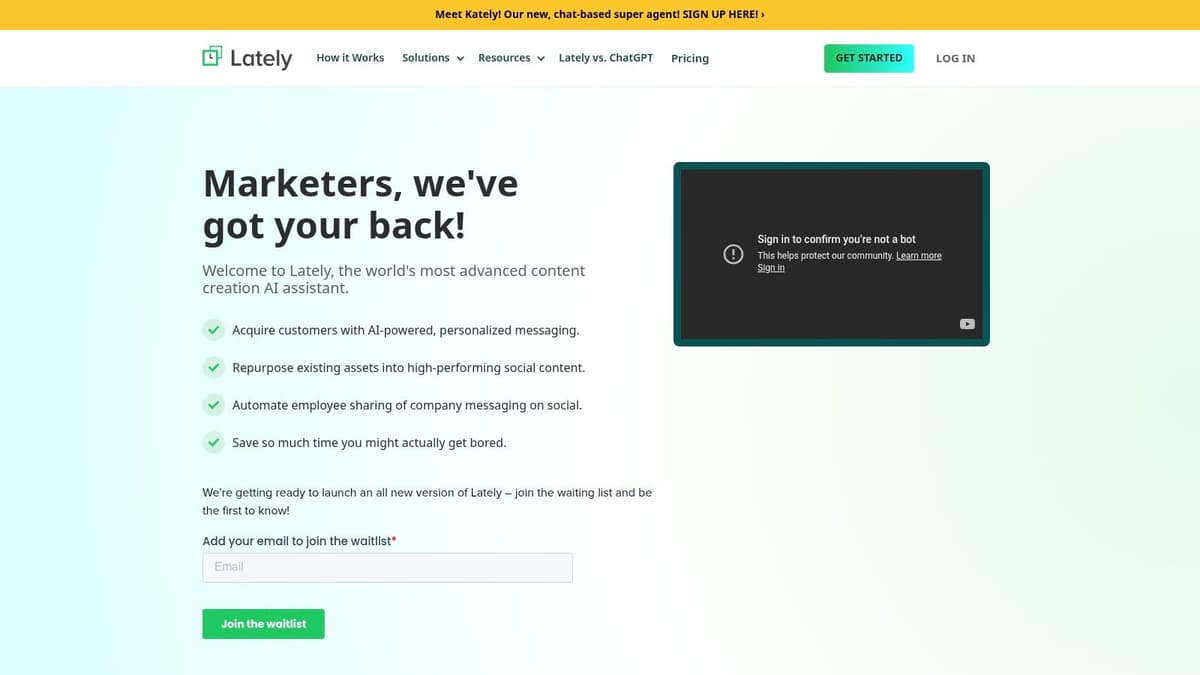
Lately.ai leans hard into atomization. That's useful if your biggest need is taking one long asset and turning it into many smaller social posts with consistent voice.
It's not the sexiest category, but it's one of the most operationally valuable. A lot of teams don't need flashy video AI. They need a system that can turn blogs, videos, and podcasts into a steady stream of on-brand social copy.
Why teams choose it
Lately.ai is built for text-to-social output at volume. It generates post variations, supports scheduling, and adds analytics on top. For larger teams, the governance and multi-account features matter as much as the writing itself.
This is also where the market trend supports the category. The global AI content-creation market was estimated at US$9.3 billion in 2022 and projected to reach US$47.5 billion by 2030, with a 22.8% CAGR, according to PatentPC's analysis of AI content creation market growth. That doesn't prove any single tool is best, but it does explain why text atomization products keep expanding.
Real-world trade-off
Lately.ai is more compelling for teams than for solo users. Its pricing is more sales-led, and the product makes the most sense when brand controls, approvals, or multi-user workflows matter.
If your main job is “turn this long thing into many social posts and keep the voice consistent,” it deserves a serious look.
9. Castmagic
Castmagic is one of the easiest recommendations for podcast-first workflows. It turns recordings into useful written assets quickly, and it knows what podcasters usually need next.
That means show notes, titles, summaries, social copy, newsletter drafts, and highlight text. If you create spoken content regularly, that's a lot of repetitive work to remove from your week.
Where Castmagic wins
It's best to think of Castmagic as a transcript-to-assets engine. It doesn't try to be a full editing suite. Instead, it helps you squeeze more written output from every audio or video session.
That focused approach has real value:
- Strongest outputs: Show notes, summaries, titles, social snippets, and draft blog or newsletter content.
- Useful operational detail: Tiering based on transcription minutes and team seats is straightforward to understand.
- Main limitation: It isn't a full visual or video editor.
Best fit
Castmagic is ideal for creators, agencies, and teams who already produce conversations worth repurposing. It's less useful if your source content is mostly written to begin with.
If your bottleneck is “we have recordings but no time to turn them into content,” Castmagic solves a real problem cleanly.
10. Headliner
Headliner is the budget-friendly podcast repurposing pick. It's been around long enough to feel familiar to a lot of podcasters, and it still solves a simple need well. Turn audio into social-ready visual posts without a lot of editing overhead.
That usually means audiograms, captioned clips, and simple short-form video exports. If you need polished motion design, it won't replace a full editor. But for basic distribution assets, it's practical.
Why it still matters
Headliner lowers the barrier to repurposing audio content. A lot of creators never promote their episodes properly because each promo asset feels like another mini production task. Headliner reduces that task to a repeatable template workflow.
Its value is straightforward:
- Easy outputs: Audiograms, waveform videos, captions, and social-friendly aspect ratios.
- Best audience: Podcasters who want speed and predictable export workflows.
- Biggest weakness: Templates can feel generic if you don't customize them.
Sometimes the right tool isn't the most advanced one. It's the one you'll actually use every week.
For lean podcast operations, that's enough.
Top 10 Content Repurposing Tools Comparison
| Product | Core capability | Key features | Best for | UX / Quality | Price / Value |
|---|---|---|---|---|---|
| 🏆 MicroPoster | Automated native crossposting across X, Threads, Bluesky & Mastodon | ✨ Auto-adapt per network (threads, carousels), AI tone/tools, visual calendar, OAuth security | 👥 Founders, creators, small teams, indie builders | ★★★★★ Fast setup; lightweight background automations | 💰 $12/mo Creator, $29/mo Pro, 7‑day free trial |
| Repurpose.io | Turn long-form A/V into platform-ready clips + auto-publish | ✨ Workflow automations, per-network presets, bulk processing | 👥 Video podcasters & creators scaling repurposing | ★★★★☆ Reliable automations; steeper setup | 💰 Tiered plans; Pro/Agency for high volumes |
| Opus Clip (Opus.pro) | AI highlight extraction & reframing for short-form clips | ✨ Viral moment detection, auto-captions, templates | 👥 Busy creators needing fast highlights | ★★★★☆ One‑click clips; active improvements | 💰 Credit-based processing; pay-per-clip |
| Kapwing | Browser-based editor for resizing, captioning & variants | ✨ Auto subtitles/translation, AI tools, brand kits | 👥 Social editors, small teams & solopreneurs | ★★★★ Easy web editor; AI quotas apply | 💰 Pro subscription; free tier available |
| Descript | Text-based video/podcast editor for precise repurposing | ✨ Edit-by-text, Studio Sound, transcription & clips | 👥 Podcasters, interview-heavy creators & editors | ★★★★★ Extremely efficient for dialogue edits | 💰 Tiered plans; media minutes & AI credits |
| VEED | Online editor with strong AI clipping, subtitles & dubbing | ✨ Eye-contact correction, AI avatars, unified credits | 👥 Creators wanting AI-assisted batch edits | ★★★★ Good editor + AI balance | 💰 Credit model; tiered plans by usage |
| Canva (Pro/Teams) | Design + Magic Resize for instant multi-format visuals | ✨ Magic Resize, templates, brand kits, stock library | 👥 Marketers, designers & social teams | ★★★★ Fast multi-format adaptation | 💰 Pro/Teams subscription; large asset library |
| Lately.ai | AI atomization: long-form -> dozens of social posts | ✨ Brand-voice learning, multichannel scheduling, analytics | 👥 Teams, enterprises & social managers | ★★★★ Scales text repurposing well | 💰 Enterprise/sales-led pricing |
| Castmagic | Podcast/video → show notes, summaries & social copy | ✨ Multi-language transcription, auto show notes, social drafts | 👥 Podcasters & talk-show producers needing copy | ★★★★ Fast, copy-focused pipeline | 💰 Tiered by transcription minutes |
| Headliner | Audiograms & simple video clips for podcast promotion | ✨ Waveform audiograms, captions, templates & exports | 👥 Budget-conscious podcasters | ★★★☆☆ Basic but very accessible | 💰 Free tier + affordable paid plans |
Stop Creating More, Start Amplifying Better
A familiar scenario. You publish a strong webinar, podcast, or article, then spend the next week trying to squeeze clips, posts, emails, and graphics out of it by hand. The main bottleneck usually is not ideas. It is choosing the right repurposing tool for the job your workflow already has.
That is why a flat top-10 list only gets you part of the way. These tools make more sense when you sort them by primary function. Video-to-clip tools such as Opus Clip focus on speed and highlight extraction. Editor-first tools such as Descript, VEED, and Kapwing help when the source needs cleanup before it becomes reusable. Distribution tools such as Repurpose.io handle repeat publishing work. Text-to-social tools such as Lately.ai and Castmagic turn transcripts or long-form drafts into post-ready copy. Design tools such as Canva package those ideas into assets people will stop on. Social-to-social tools such as MicroPoster solve a narrower problem, but an important one for creators whose content starts natively on platforms and needs to be adapted without reposting everything manually.
That functional view matters because repurposing is a workflow decision, not a feature checklist. A solo creator clipping a weekly podcast has different constraints than a brand team turning webinars into campaign assets. One group needs speed and low editing overhead. The other needs consistency, approvals, formatting, and reporting.
As noted earlier in the article, one practical framework is to treat repurposing like an operating system. Audit what you already publish, decide which source formats deserve a second life, and review performance by format instead of lumping every derivative asset together. That is how teams separate useful amplification from busywork.
The same rule applies to AI. It helps most when it removes repetitive production steps, transcription, clipping, reframing, subtitle generation, draft copy, and resizing. It helps least when strategy is the core issue. AI can give you ten posts from one transcript in minutes. Someone still has to decide whether those posts fit the channel, sound like the brand, and point to a clear goal.
Measurement is where many repurposing setups break down. Teams often get good at producing variations and weak at judging whether the variations earned anything. A practical setup tracks each output format on its own. Short clips, carousels, email summaries, quote graphics, and reposted social variants should not be evaluated as one blob of "repurposed content." Track traffic, signups, replies, saves, watch time, or conversion impact based on the format. Then keep the formats that create traction and cut the ones that only add production volume.
Start small. Pick the format you already make most often and choose one tool that removes a specific pain point in that pipeline. Run it for one cycle and look at two things: time saved and distribution gained. If the tool reduces manual work without creating a review mess, keep it. If it adds another half-finished layer to your process, replace it.
That is the point of repurposing done well. More value from the work you already made, with a tool category that fits the way you publish.
If your content already starts on social, MicroPoster is a useful first test. It handles the practical work of adapting native posts across X, Threads, Bluesky, and Mastodon, which is a different job from clipping video or generating copy. The trial period makes it easy to run a live test on real posts and see whether cross-post adaptation saves enough weekly effort to earn a place in your stack.