bluesky scheduler
Bluesky Scheduler 2026: Top 10 Tools for Automation
Discover the best Bluesky scheduler for 2026! We review 10 top tools for post scheduling, threading, and automation, including MicroPoster.

Is your Bluesky profile going silent because you're not posting enough, or because you're treating Bluesky like every other network?
That's the gap most scheduling advice misses. A Bluesky scheduler isn't just about picking a time slot and walking away. It's about protecting consistency without flattening your voice. On Bluesky, the posting rhythm matters, but the primary benefit is freeing your time for replies, quotes, and actual participation. That balance matters even more because Bluesky still lacks native support for scheduled posting, so anyone who wants a reliable workflow has to use a third-party tool like Buffer's Bluesky scheduler.
The strongest setups usually combine two publishing modes. You schedule key posts for a precise time, and you queue evergreen material so your profile doesn't go dark when you're busy. That hybrid approach is what makes a Bluesky scheduler useful in practice. It handles consistency while leaving room for real-time commentary, which is where much of the platform's culture lives, as noted in Postiz's breakdown of Bluesky scheduling workflows.
Some people need a full social suite. Others need a lightweight Bluesky-only tool. And a growing group of founders and creators want something different altogether. They want to keep posting in the app they already use, then let automation handle the rest. That's where this list gets more practical than the usual roundups. These are the tools worth considering, organized by what they're good at.
1. MicroPoster

Need a Bluesky scheduler, or do you need a way to stop reposting the same update everywhere by hand?
That distinction is why MicroPoster stands out. It is less of a classic scheduler and more of an automation layer for people who already know where they want to post first. Instead of pulling you into another publishing dashboard, it watches the account you already use and mirrors posts to X, Threads, Bluesky, and Mastodon. That approach removes the friction that usually breaks a posting habit.
For creators who are active on one primary network, this model is often the fastest path to consistent Bluesky output. You keep writing where your ideas already start, and MicroPoster handles distribution in the background. That is a different use case from Buffer or other all in one planners, and it is why this tool belongs in the automation category rather than the general scheduling bucket.
Why it works for busy creators
MicroPoster does more than duplicate text. It adapts posts to each network's limits and formatting, including thread splitting, media resizing, and rich link previews, so the result looks native instead of copied over with broken formatting. It also uses OAuth, which is the right security model for Bluesky tools because it avoids password storage and fits how AT Protocol apps are expected to connect, as described in DemandBird's explanation of Bluesky scheduling connections.
The practical advantage is simple. You do the creative work once.
There is also a useful operations layer: visual calendar, rich text editor, polls, drafts, manual reposting, auto hashtags, X Communities support, and AI tools for refining tone, expanding or condensing copy, suggesting timing, and reviewing comments. If you want a closer look at how this automation-first setup compares with a traditional scheduler, this Buffer alternative for Bluesky is worth reading.
Practical rule: If you dislike learning another heavy social dashboard, choose the tool that fits your existing posting behavior instead of forcing a new one.
Best use case and trade-offs
MicroPoster fits founders, indie hackers, creators, and small teams that publish frequent updates and want crossposting to happen with minimal overhead. It also works well for agency and community teams that need posts to feel platform-native without rewriting every version from scratch.
The trade-offs are clear:
- Best for supported networks: It focuses on X, Threads, Bluesky, and Mastodon. Teams that rely on LinkedIn, Instagram, or TikTok will need another tool in the stack.
- Automation depends on plan limits: Scheduling and drafts are unlimited, but automatic crossposting and auto-reposts are capped by plan.
- Edits do not sync after publishing: Once a post is mirrored, each network version should be treated as its own published asset.
Pricing is straightforward: Creator is $12/month, Pro is $29/month, and Agency is $89/month. There is also a 7-day trial with no credit card required, which is enough time to test the core workflow.
A practical setup looks like this: publish from your main app, let MicroPoster route that post to Bluesky and your other supported networks, then check replies natively where each conversation takes place. For people who want a set-it-and-forget-it system, that workflow is the core value.
2. Buffer
Buffer is the safe pick for people who want something familiar, stable, and broad enough to cover the rest of their social stack. Buffer added full Bluesky publishing, and it's one of the easiest tools to recommend when you don't want surprises.
Its Bluesky support covers individual posts, media, and threaded posts. That alone makes it more useful than a basic queue tool. Buffer is also one of the clearest examples of how third-party Bluesky posting fills a native gap. Bluesky doesn't provide built-in scheduling or thread creation for later publishing, so Buffer's workflow solves a real operational problem rather than adding a luxury feature.
Where Buffer fits
Buffer works best for solo creators and small teams that already manage multiple networks and want one web app to keep the basics together. You can draft, queue, and publish across Bluesky alongside other channels, and the onboarding is usually smoother than more enterprise-heavy suites.
Fedica highlights a useful scheduling principle that also applies when using Buffer: posting during peak audience activity windows improves visibility and interaction, and analytics are what help you find those windows over time, according to Fedica's Bluesky scheduling and analytics guide.
If you're comparing mainstream tools, this is also a good point to review a more automation-first angle in this Buffer alternative for Bluesky.
- Strong fit: Multi-network creators who want an established scheduler.
- Less ideal: Teams that want heavy automation without composing inside the dashboard.
- Watch for pricing creep: Per-channel pricing can feel fine at first, then expand as accounts and collaborators grow.
Buffer isn't the most cutting-edge option on this list. It is one of the most dependable.
3. Postpone
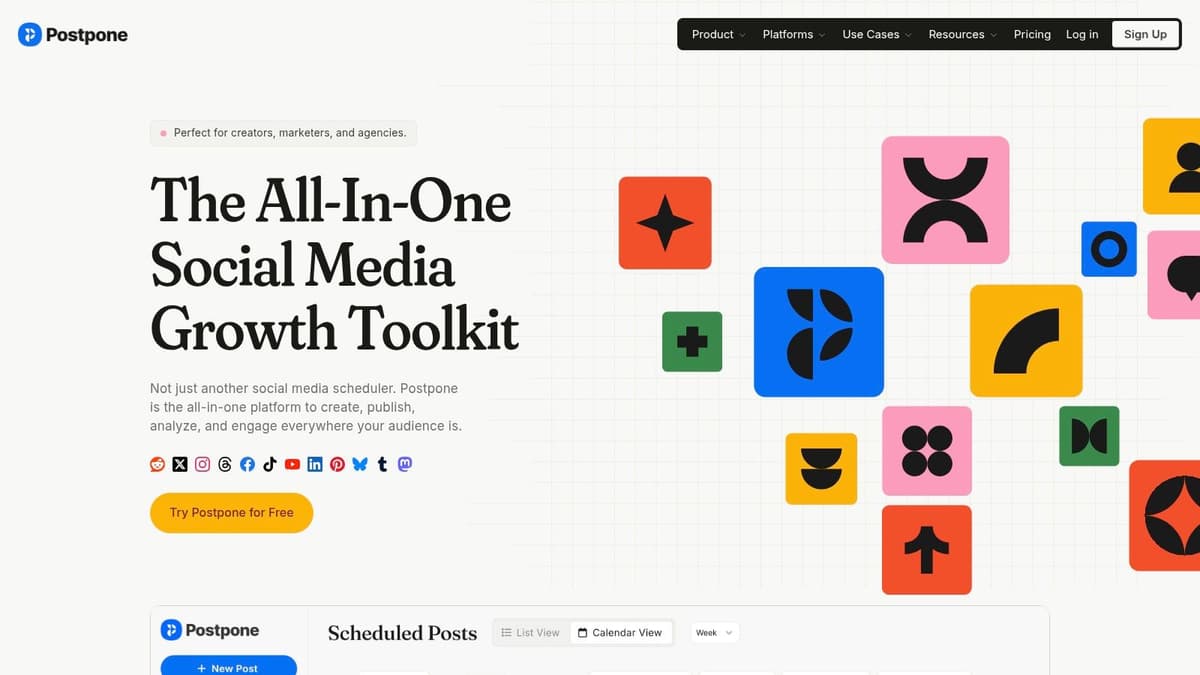
Postpone is for people who batch hard.
If you like importing content from spreadsheets, building repeatable workflows, and connecting your scheduler to other systems, Postpone deserves a close look. It supports Bluesky post and thread scheduling, plus the kinds of automation hooks that make it more useful than a basic content calendar.
Why bulk workflows matter
Postpone stands out because it's built with volume in mind. Spreadsheet import and API or Zapier hooks change how you work if you're publishing recurring product updates, community posts, or multiple content variations. Instead of opening a composer every time, you can treat publishing as a system.
That's especially useful for founders, newsletter operators, and creator teams who already maintain content in docs, sheets, or databases.
Bulk scheduling only helps if your source material is already organized. If your ideas live in ten different places, the tool won't save you.
Pros and limits
- Automation-friendly: API and Zapier support make it easier to connect scheduling to your broader stack.
- Good for threads: Useful if your Bluesky content includes structured multi-post updates.
- Better for operators than casual users: If you only schedule a few posts each week, Postpone may feel heavier than necessary.
The main drawback is clarity. Pricing details aren't always as obvious as they should be, so you may need a demo or in-app review to know what your actual setup will cost. There are also occasional user-reported wrinkles around richer media workflows, which matters if video is central to your posting strategy.
Postpone is a strong pick when your question isn't “How do I schedule one post?” but “How do I publish this whole pipeline without doing it manually?”
4. OneUp
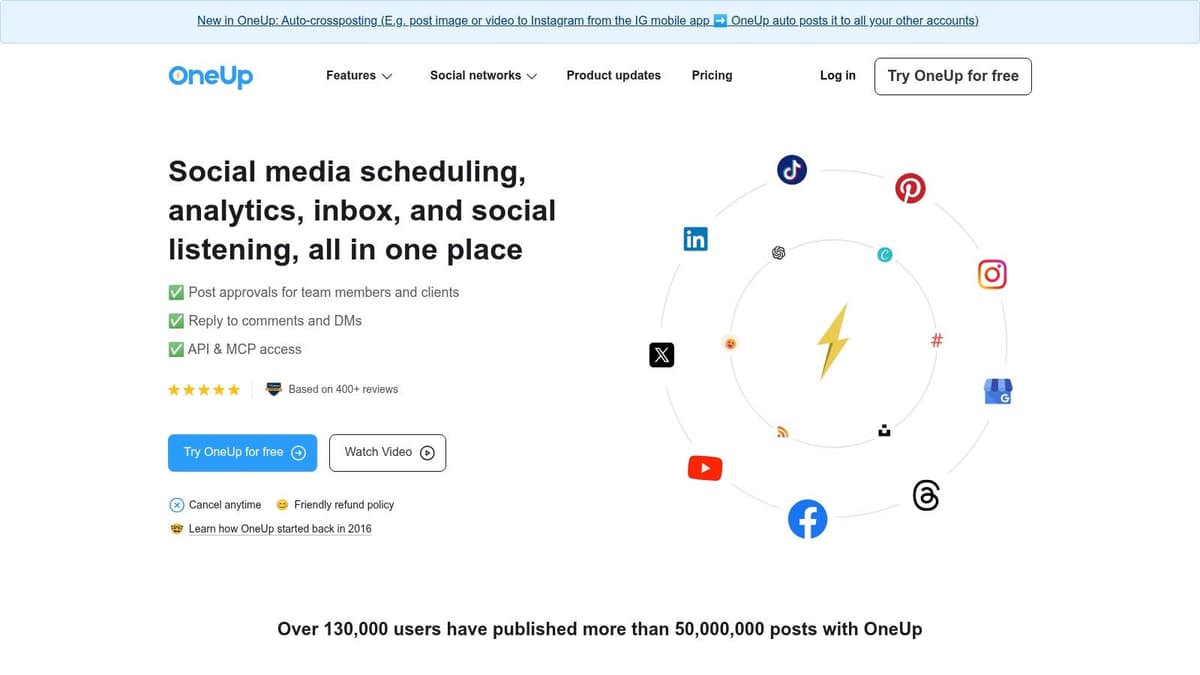
OneUp lands in the middle of the market in a good way. It's broad enough for teams, but not so enterprise-heavy that smaller operators get buried. OneUp supports Bluesky scheduling, including multi-post threads with images and video, and it pairs that with approvals, inbox features, and mobile apps.
That combination makes it appealing for agencies and small in-house teams that need more than a posting queue but don't want a giant social suite.
Where it earns its place
The strongest reason to use OneUp is workflow continuity. If you're managing Bluesky, X, and Threads together, being able to schedule threaded content from one system reduces friction. That matters because content approvals and coordination become messy fast when one network has to be handled manually.
For team environments, the inbox and approvals side can matter just as much as scheduling. A lot of Bluesky growth still comes from conversations, not just outbound publishing, so tools that support both planning and response workflows tend to age better.
Trade-offs to consider
- Best for collaboration: Good fit when more than one person touches publishing.
- Thread support is a real plus: Especially if you publish product updates or explanatory sequences.
- Expect some complexity: Pricing and plan fit can depend on account counts and feature layers.
OneUp isn't the leanest choice for a solo founder. For a small team that wants one place to publish, approve, and keep an eye on replies, it makes more sense.
5. Mixpost
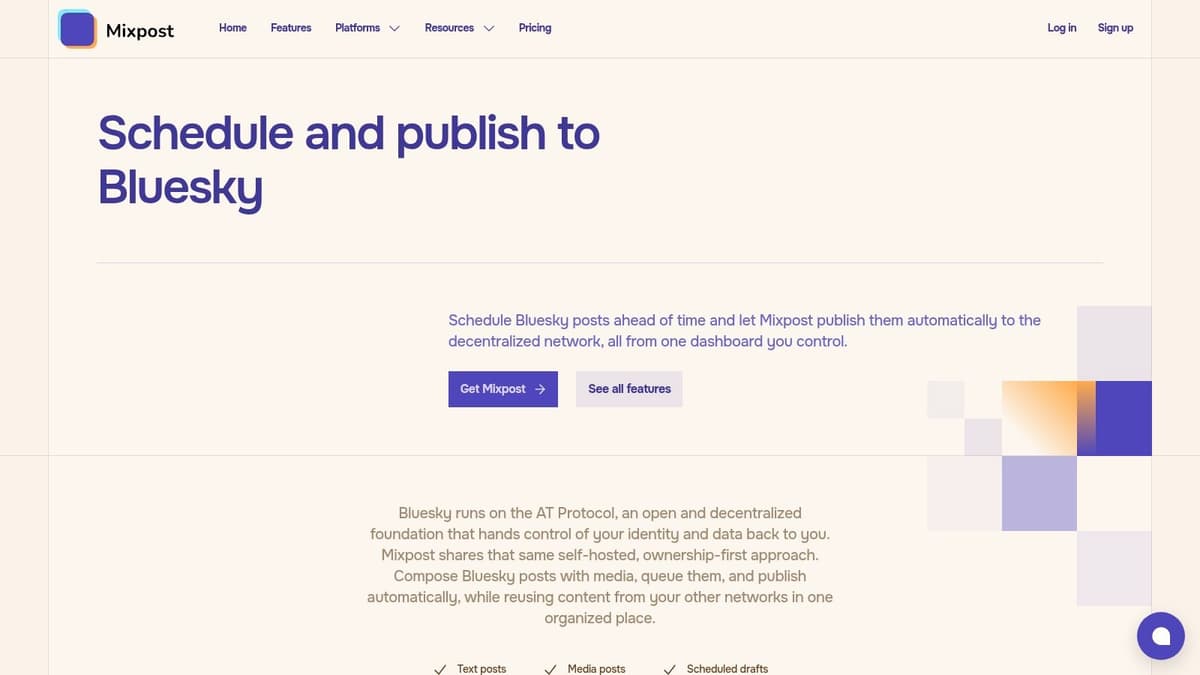
A common preference for Bluesky schedulers is hosted software. Some don't. If you prioritize data control, credential ownership, or self-hosting, Mixpost is in a different category from the rest of this list.
It's an open-source, self-hosted scheduler with a dedicated Bluesky module. That means your credentials and publishing workflows stay on infrastructure you control.
Why self-hosting can be the right call
The appeal here is obvious for developers, privacy-conscious teams, and organizations with internal compliance rules. Third-party tools are useful, but they also create another place where OAuth credentials, publishing jobs, and post history may be stored. Running the system yourself changes that trade-off.
This matters more on Bluesky than many users realize, because the ecosystem still relies heavily on third-party schedulers. Reliability and security concerns around external tooling are real discussion points for teams connecting accounts through the AT Protocol, as reflected in community concern documented in this Reddit discussion about Bluesky scheduling dependence.
The practical downside
- You control the stack: Better for privacy and internal governance.
- You own maintenance too: Server setup, updates, and troubleshooting are your problem.
- Not ideal for non-technical teams: Hosted tools are easier for almost everyone else.
Mixpost is best when control matters more than convenience. If you don't already know why you want self-hosting, you probably don't need it.
6. PostShuttle
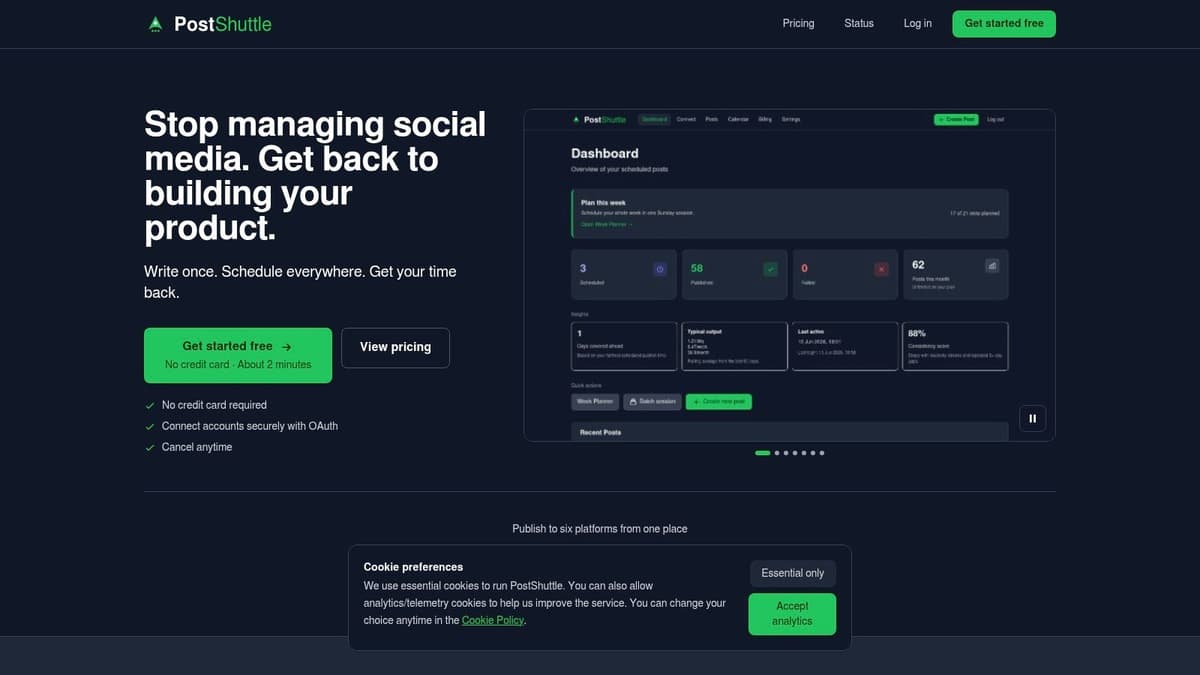
PostShuttle is the opposite of an all-in-one suite. It's a lighter tool aimed at solo founders who want a week-planner workflow, simple time slots, and fewer moving parts. You can publish to Bluesky and other major networks, but the whole product feels built for one-person marketing rather than team operations.
That simplicity is its main strength.
Who should use it
If you batch your content once or twice a week and just want to line up posts fast, PostShuttle makes sense. The planner-style workflow reduces the mental overhead that comes with more feature-dense tools. It also includes retry logic on failures, which is a practical touch for people who don't want to babysit each post.
There's some AI drafting support too, though it expects users to bring their own API keys.
Operational note: Lightweight schedulers are often better when your bottleneck is consistency, not strategy. If the tool disappears from your mind after setup, that's usually a good sign.
Where it stops short
- Good for solo use: Minimal overhead, clear planner-style interface.
- Not built for teams: Limited collaboration, approvals, and inbox depth.
- Need to verify plan details: Public pricing detail is lighter than some buyers will want.
If your social process is basically “batch on Sunday, engage during the week,” PostShuttle fits that rhythm well.
7. scheduler.blue
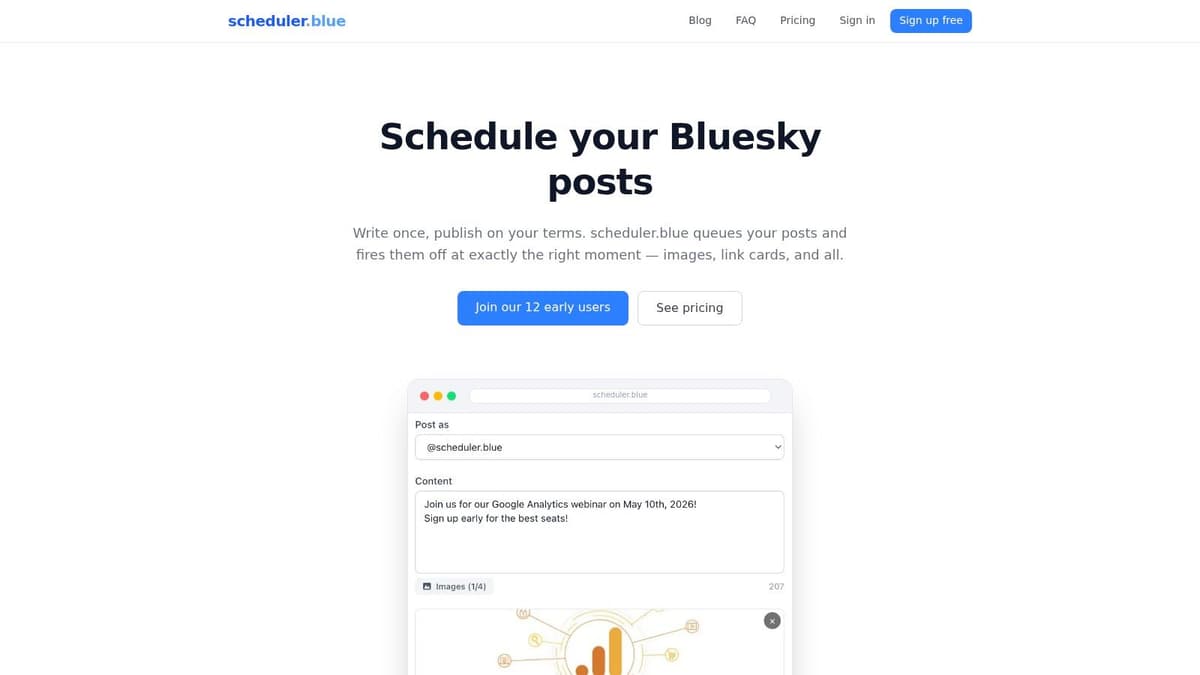
Sometimes the best Bluesky scheduler is the one that ignores every other network. scheduler.blue is a focused, Bluesky-only tool with support for images, link cards, multiple accounts, minute-level scheduling, and bulk CSV import.
That narrow scope is the whole pitch. You're not paying attention tax for features you won't use.
Why specialization helps
A dedicated Bluesky tool often feels cleaner because the interface doesn't have to bend around Instagram reels, LinkedIn approvals, or YouTube publishing. If your main goal is to keep a Bluesky profile active, schedule posts precisely, and maybe manage a few accounts, a specialized tool can be the most efficient answer.
For users who are still learning the basics of timing and setup, this guide to scheduling posts on Bluesky is a useful companion.
What you give up
- Focused feature set: Great if Bluesky is your only priority.
- Bulk-friendly: CSV import is useful for recurring content or archives.
- No wider publishing ecosystem: You won't get the advantages of a broader social suite.
scheduler.blue is a solid choice for niche publishers, hobby communities, and anyone who wants a straightforward Bluesky scheduler without buying into a larger social media platform.
8. Viraly
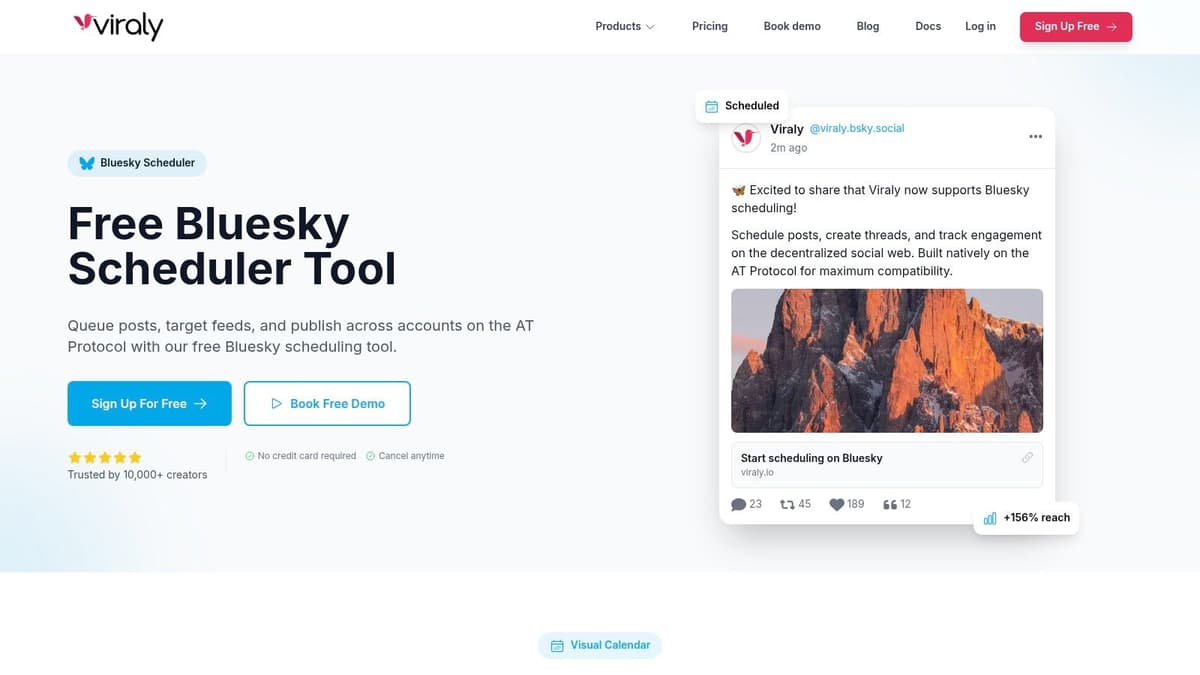
Viraly is more opinionated than most schedulers, and that's useful. It doesn't just offer a composer. It leans into Bluesky-specific publishing details like labels, thread building, and creator guidance. Viraly is one of the few tools that tries to speak to Bluesky culture rather than treating the network like another checkbox in a crossposting grid.
That angle matters because native-style posting on Bluesky usually performs better than lazy mirroring.
Where Viraly stands out
The product emphasizes format support, smart queues, suggested posting times, and cross-network scheduling, but its key strength lies in how much attention it gives to the shape of Bluesky content. Accessibility and tone matter here. Alt text, labels, and post framing aren't extras on this platform. They're part of posting well.
The limitation is that some claims on the site feel more marketing-forward than product-proven. That doesn't make the tool bad. It just means you should test the exact formats and limits you care about before depending on it for a launch or campaign.
Best fit
- Good for creators: Especially people who want Bluesky-specific guidance in one place.
- Useful for teams: Multi-account and collaboration support widen its appeal.
- Requires hands-on testing: Verify real behavior with your own account setup.
Viraly is worth trying if you want a scheduler that feels more native to the platform's culture than a generic dashboard does.
9. Scheduler.social
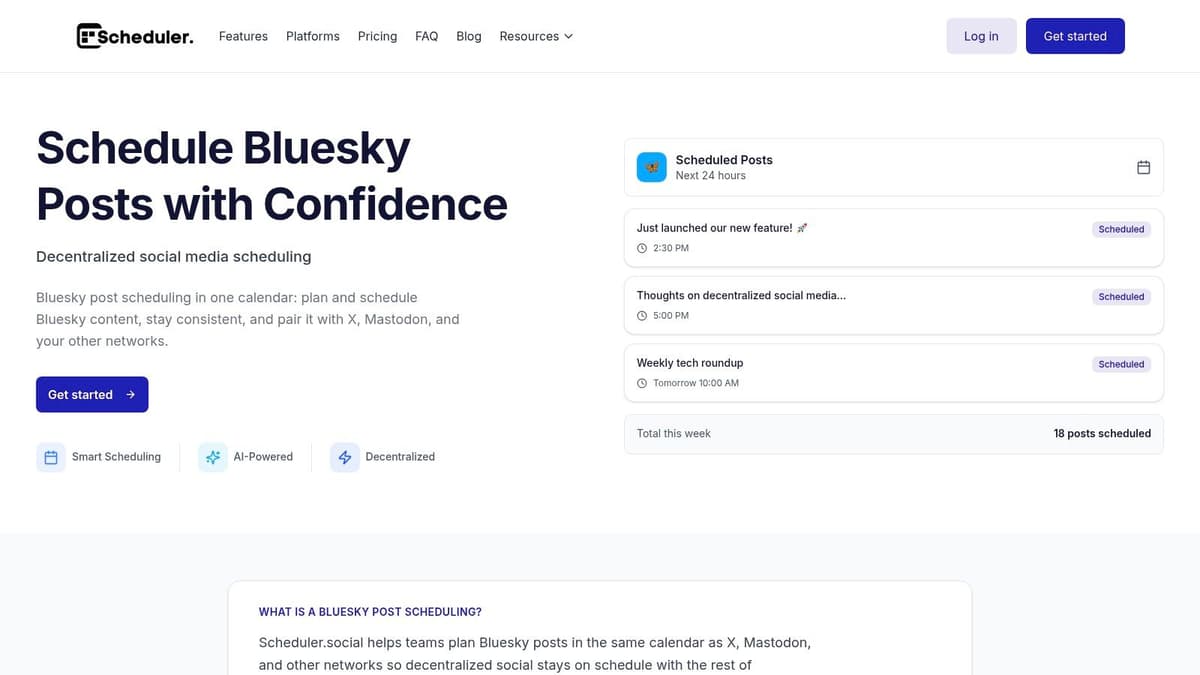
Scheduler.social is one of the newer all-in-one options, and it aims for a practical middle ground. It supports Bluesky text, media, and thread scheduling, wraps that in a cross-platform calendar, and layers in AI credits on paid tiers. You can explore it through Scheduler.social's Bluesky page.
The interesting part is its attempt to be decentralized-aware without getting too technical about it.
Practical take
This tool makes sense for creators and growing teams that want a simpler entry point than a heavyweight platform. The promise is straightforward: plan content, keep it organized across networks, and use some AI assistance without rebuilding your whole workflow.
The trade-off is maturity. With younger products, I always assume the headline feature list is directionally useful, but I verify depth before relying on it. That means checking analytics quality, media handling, and team permissions in a real account.
Younger schedulers can be excellent value. They just need a trial run before they earn a critical workflow.
When to pick it
- Best for budget-conscious teams: Especially if you want one calendar across multiple networks.
- Worth testing for Bluesky support: Threads and alt-text aids are relevant features.
- Less proven than older suites: Validate the parts you'll use every week.
If you like newer tools with simpler pricing and can tolerate some product exploration, Scheduler.social is a reasonable contender.
10. Postoria
Postoria is aimed at people managing a lot of content across brands, channels, or recurring campaigns. Postoria supports Bluesky image, video, link, carousel, and text posts, plus recurring options, content libraries, and multi-brand workspaces.
That makes it more of an organizational tool than a pure scheduler.
Why it's useful
If you reuse approved assets, coordinate campaigns across several profiles, or maintain libraries of recurring posts, Postoria offers the structure many lighter tools skip. The visual calendar is helpful, but its primary value is in centralizing reusable content and brand-specific workflows.
That said, the analytics limitation matters. Its Bluesky analytics are tied to posts published through Postoria, so if part of your workflow happens elsewhere, your reporting view won't be complete.
Good match and mismatch
- Good for organized teams: Especially those with repeatable publishing calendars.
- Useful for multi-brand setups: Workspaces and content libraries help.
- Weaker for hybrid workflows: Analytics are less useful if your posting is split across tools.
Postoria isn't the cleanest fit for a solo creator. For content-heavy teams that care about repeatability and asset organization, it's more compelling.
Bluesky Scheduler: Top 10 Tools Comparison
| Product | Core features | Quality (★) | Pricing & value (💰) | Target & USP (👥 ✨) |
|---|---|---|---|---|
| 🏆 MicroPoster | Native crossposting to X/Threads/Bluesky/Mastodon; auto-threading, media resizing, AI copy & timing, visual calendar | ★★★★☆ fast, native-feel posts | Creator $12/mo · Pro $29/mo · 7‑day trial · quota-based auto-posts 💰 | 👥 founders, creators, small teams · ✨ hands-off native mirroring, OAuth security |
| Buffer | Multi-network scheduler (incl. Bluesky), thread builder (up to 25), Canva & basic analytics | ★★★★☆ reliable, well-documented | Tiered per-channel pricing; free tier available 💰 | 👥 solo creators & small teams · ✨ mainstream stability & docs |
| Postpone | Bluesky threads, bulk CSV import, best-time suggestions, Zapier/API hooks | ★★★☆☆ automation-friendly; occasional media delays | Pricing opaque publicly; automation-focused value 💰 | 👥 creators/teams needing bulk workflows · ✨ Zapier/API automation |
| OneUp | Publishing, approvals, social inbox, analytics, multi-post threads | ★★★★☆ solid team workflows | Variable by account count/features; confirm in-app 💰 | 👥 small teams & agencies · ✨ approvals + end-to-end workflow |
| Mixpost (self-hosted) | Self-hosted Bluesky scheduler, full control of tokens/content, one-time license | ★★★☆☆ powerful but requires ops | One-time license options (no recurring SaaS) 💰 | 👥 developers & privacy-focused teams · ✨ data control & predictable cost |
| PostShuttle | Week-planner batching, Bluesky publish, AI drafting (user API keys), retry logic | ★★★☆☆ simple, reliable posting | Free plan (10 posts/mo); paid plans not fully itemized 💰 | 👥 solo founders · ✨ batching + retry reliability |
| scheduler.blue | Bluesky-only: minute-level scheduling, multiple accounts, bulk CSV import | ★★★★☆ focused & lightweight | Free-to-start; Creator & Pro upgrades 💰 | 👥 Bluesky-only users · ✨ minute scheduling & CSV bulk import |
| Viraly | Bluesky editor with AT Protocol alignment, thread builder, smart queues, AI helpers | ★★★★☆ creator-centric features | Free signup; paid tiers for advanced features 💰 | 👥 creators wanting Bluesky guidance · ✨ Bluesky-specific tips & AI helpers |
| Scheduler.social | Bluesky threads/media, cross-platform calendar, AI credits on paid tiers | ★★★☆☆ newer product; promising UX | Simple entry pricing claims; AI credits on paid plans 💰 | 👥 growing creators & teams · ✨ AI credits + cross-platform calendar |
| Postoria | Visual calendar, recurring posts, content libraries, multi-brand workspaces, basic Bluesky analytics | ★★★★☆ scalable feature set | Competitive headline prices for many accounts 💰 | 👥 multi-brand teams & schedulers · ✨ recurring posts & content libraries |
Choose Your Workflow, Reclaim Your Time
What saves time on Bluesky. More scheduling options, or less work between writing and publishing?
The right tool depends on the job. Teams running a broader social program usually do better with all-in-one platforms like Buffer, OneUp, or Postoria because planning, approvals, and multi-network scheduling live in one place. If Bluesky is a primary channel and you want speed over extra layers, focused tools like scheduler.blue and Viraly are easier to keep using. If ownership of data and infrastructure matters, Mixpost gives technical teams that control, but it also adds setup and maintenance work.
That use-case split matters more than feature count. A scheduler that looks impressive in a comparison table can still slow down your actual publishing process.
Automation is a separate category, and it solves a different problem. Instead of asking you to manage another content calendar every day, MicroPoster fits teams and creators who already have a posting habit somewhere else and want Bluesky included without extra manual steps. That approach works well for founders, indie makers, and lean teams because consistency usually breaks at the handoff between platforms, not at the writing stage.
A practical MicroPoster workflow looks like this:
- Choose a source platform: Start where you already write fastest and with the least friction.
- Define crossposting rules: Set how threads, hashtags, media, and repost behavior should translate on each network.
- Use platform-specific formatting: Let the tool adapt structure and media so posts feel native instead of copied over raw.
- Check the calendar at a high level: Review coverage and timing, then leave the day-to-day publishing alone.
- Use the saved time on responses: Scheduling keeps the account active. Replies and conversations are still what build momentum.
That last point is easy to miss. Scheduling handles distribution. It does not replace judgment, timing around live moments, or actual interaction.
A good operating pattern is simple: get consistent first, then tune timing. Queue-based posting is useful when you need steady output. Precise scheduling is better for launches, announcements, and time-sensitive threads. Once you know which posts deserve manual handling and which ones can be automated, the whole system gets lighter. If you want a broader perspective on software stacks beyond schedulers, this list of Seedance best tools for managers is worth browsing.
The best next step is to test by workflow, not by brand. Run one week with a classic scheduler. Run another with automation handling the crossposting layer. Keep the setup that removes the most friction while preserving your voice. For many small teams, that ends up being the set-it-and-forget-it option rather than the most advanced dashboard.