
how long can a tweet be
How Long Can a Tweet Be? Your Guide to Character Limits and Threads
Curious how long can a tweet be? Discover the current X character limits, how to use threads effectively, and strategic tips to maximize every post's impact.

So, what’s the magic number for a tweet? For most of us, it’s 280 characters. But if you’re an X Premium subscriber, that number skyrockets to a massive 25,000 characters, turning a simple tweet into a full-blown article.
The Official X Character Limits
Getting a handle on the character count is your first step to really using the platform well. That famous 280-character limit is what everyone knows, but it’s just the beginning. Different parts of X have their own rules that influence everything from your profile’s first impression to the content you share.
Think of it like this: your main posts have one set of rules, while your bio and even your display name play by different ones.
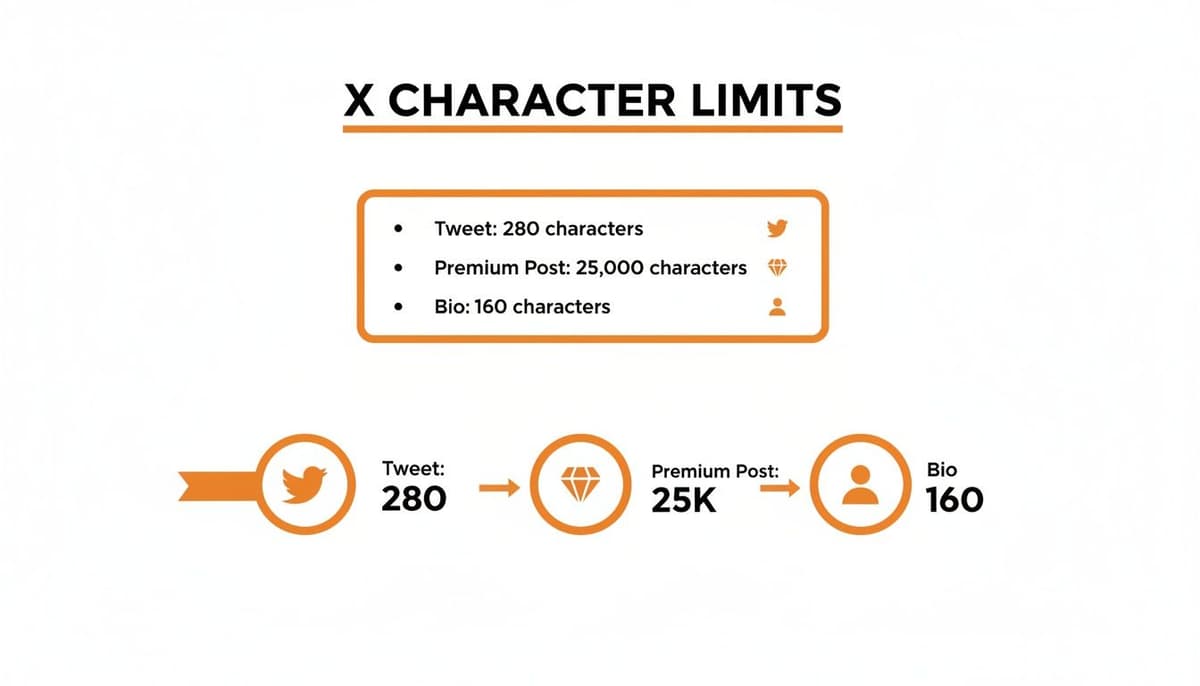
The biggest surprise for many is just how much extra room X Premium gives you. It completely changes the game from quick updates to in-depth storytelling.
X Character Limits at a Glance
To make it easy to remember, here's a quick rundown of the most common character limits you'll run into on X.
| Content Type | Standard User Limit | X Premium Subscriber Limit |
|---|---|---|
| Single Post (Tweet) | 280 characters | 25,000 characters |
| Profile Bio | 160 characters | 160 characters |
| Display Name | 50 characters | 50 characters |
| Direct Message (DM) | 10,000 characters | 10,000 characters |
This table shows that while Premium dramatically expands your post length, other core elements like your bio and display name stay the same for everyone.
A Quick Look Back
It’s easy to forget that the original 140-character limit was a technical necessity, designed to fit snugly inside old-school SMS text messages. That constraint is what gave early Twitter its punchy, headline-driven culture.
The jump to 280 characters back in 2017 wasn't a random decision. The company noticed that about 9% of English posts were bumping right up against the 140-character ceiling. This friction often led people to just give up and delete their drafts. Doubling the limit was a direct move to make the platform easier and more expressive for everyday use. If you're curious, you can dig into the platform's history to see just how much these numbers have shaped the conversation over the years.
Why X Doubled Down from 140 to 280 Characters
The famous jump from 140 to 280 characters was a huge deal, but it wasn't just a random update. It was a thoughtful response to how people were actually using the platform and a move to give everyone a bit more breathing room.
For more than ten years, Twitter’s entire identity was built on being short and sweet. That strict limit wasn't a creative choice, though—it was a technical one left over from a completely different era.
A Relic of the SMS Age
When Twitter first launched back in 2006, it was designed to work seamlessly with SMS text messages. The classic 140-character limit was a perfect match for the 160-character standard for texts, leaving just enough space for your username. This constraint accidentally created a whole new style of communication: fast, clever, and to the point.
But that forced brevity had a downside. Over time, internal data showed it was causing a lot of headaches for users.
The Data Behind the Decision
The biggest problem was something the company called "character cramming." They discovered that a whopping 9% of all tweets in English were maxing out the 140-character limit. People were getting stuck in a frustrating loop of editing, using weird abbreviations, or just giving up on their posts altogether.
So, on November 7, 2017, the limit was officially doubled to 280. The change made an immediate impact.
The percentage of tweets hitting the character limit fell from 9% all the way down to just 1%. This proved that while people wanted more space, they weren't about to start writing essays.
User behavior settled into a new normal almost overnight. After the update, only 5% of tweets went over 140 characters, and a mere 2% pushed past 190. The change didn't flood timelines with long-winded posts or kill the platform's snappy feel. It just got rid of a major annoyance. You can discover more insights about Twitter's character count evolution to dig into the full story.
It was a smart move that showed giving people more room to talk doesn't mean they'll always use it. Sometimes, just having the option makes all the difference.
Finding Your Hidden Space: What Doesn't Count
That 280-character limit can feel intimidating, but it's not nearly as restrictive as it sounds. Think of it less like a hard wall and more like a suitcase with some clever, hidden pockets. Once you know what doesn't count against your character budget, you can pack a surprising amount of detail into a single post.
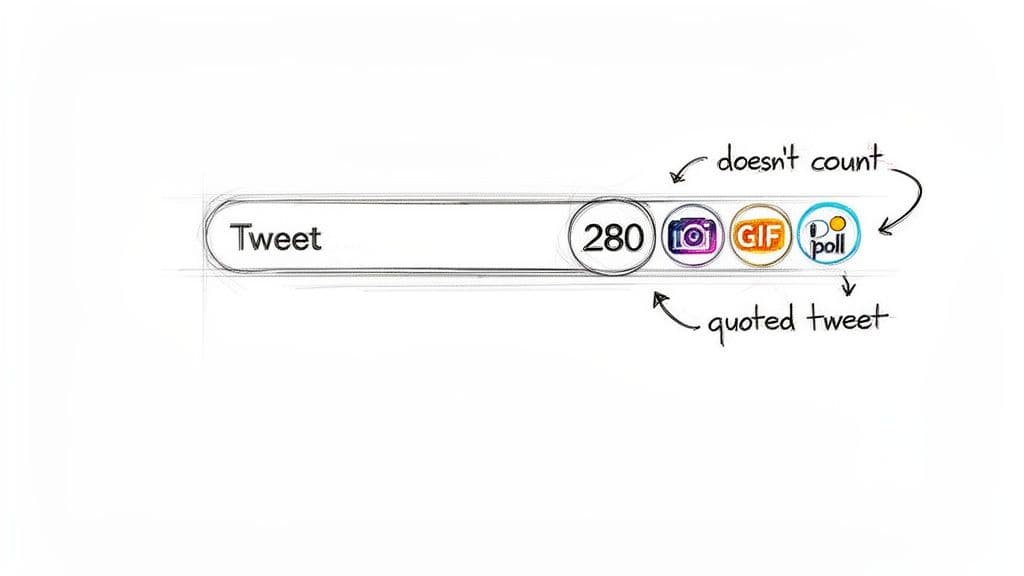
This "free" real estate is your secret weapon for creating richer, more engaging posts. By mastering these exceptions, you can add layers of context and visual appeal, making your content stand out in a crowded feed.
What Gets a Free Pass
So, what exactly can you add to a post without using up any of your precious characters? Here’s a quick rundown of the elements that get a complete pass:
- Photos and Videos: Attaching up to four photos or one video won't cost you a single character.
- GIFs: That perfect reaction GIF? It’s completely free, letting you inject personality without having to chop up your message.
- Polls: Running a poll to get your audience’s take is a fantastic engagement tool that takes up zero space.
- Quoted Posts: When you quote someone else's post, the embedded content doesn't eat into your character limit, leaving you plenty of room for your own commentary.
This wasn't always the case. The platform made this strategic shift in response to widespread user frustration. Before the rules changed, a staggering 9% of English-language tweets were slamming right into the old 140-character ceiling, forcing people into an endless cycle of editing. Now, you can build a multi-faceted post without the character penalty, a game-changing update for brands and creators. You can learn more about the evolution of the tweet and how these changes shaped the platform we use today.
Key Takeaway: Media attachments are your best friends. Use images, polls, and quotes to tell a much bigger story than your text ever could on its own.
Understanding this is central to knowing how long a tweet can really be. It's not just about the text; it's about the entire package you put together.
How to Go Beyond 280 Characters
Let's be honest, 280 characters can feel pretty restrictive. When you have a complex idea, a detailed story, or an in-depth analysis to share, you need more room to breathe. Luckily, X gives you a couple of solid ways to break free from that limit and really flesh out your message.
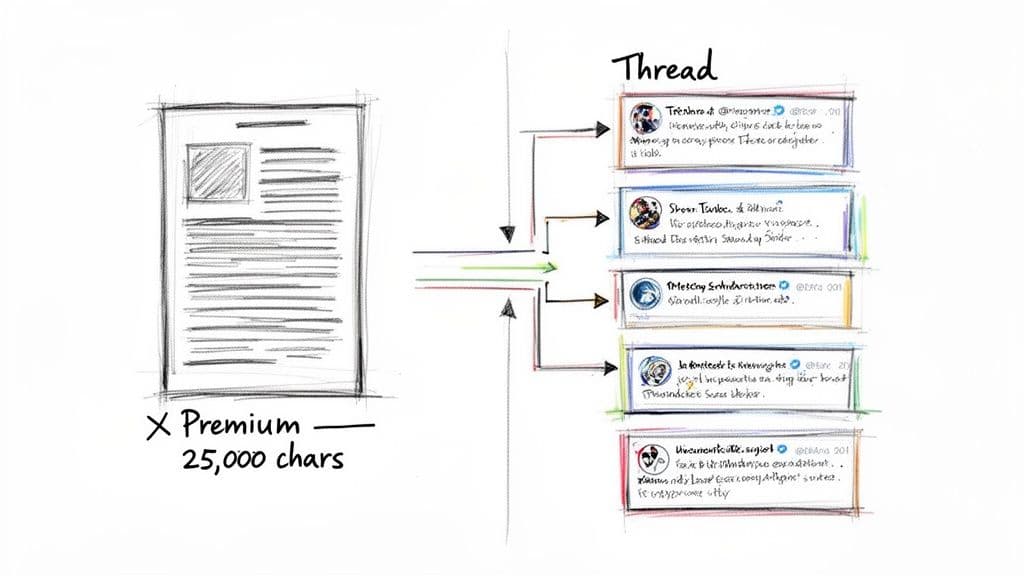
The most straightforward method is to go premium. Subscribing unlocks Twitter Blue's expanded character limits, bumping your post capacity up to a massive 25,000 characters. This is a game-changer if you want to publish long-form content like articles, detailed tutorials, or deep-dive commentary without ever leaving the platform.
Master the Art of the Thread
If you'd rather stick with the free version, threads are your best friend. A thread is just a series of connected posts, one after another, that lets you tell a longer story in bite-sized chunks. It's the classic way to get around the character count.
This approach is incredibly effective at keeping people engaged. Each post builds on the last, encouraging readers to keep scrolling and discover what's next. You can mix and match text, images, and GIFs in each part of the thread to create a rich, dynamic experience.
A great thread doesn't just present information; it builds a journey. The first post grabs attention with a strong hook, and each subsequent post delivers a new piece of the puzzle, leading to a satisfying conclusion.
The secret to a good thread is all in the planning. Outline your points beforehand so each post flows logically into the next. A simple numbering system, like (1/5), is a huge help for your readers, showing them where they are in the story. Done right, a thread turns a wall of text into an interactive narrative that your audience will actually read to the end.
Mastering the Art of the 280-Character Message
Knowing the character limit is just the start. The real skill is making every single one of those 280 characters count. A great post isn't just a string of words; it's a tiny, powerful machine designed to grab attention and get a reaction.
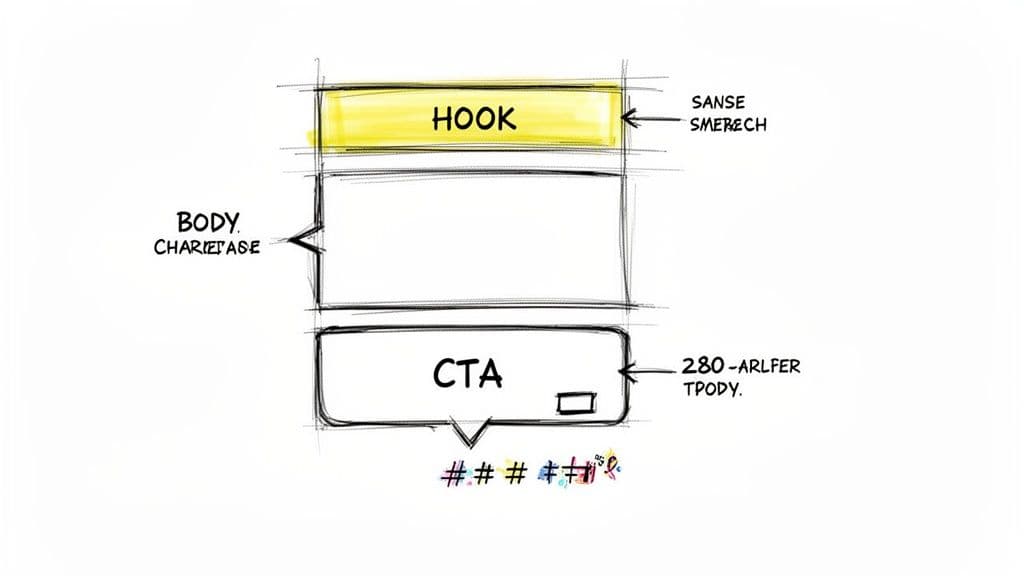
I've always found it helpful to think of a post in three parts: the hook, the body, and the call to action (CTA). Each piece has a specific job to do, guiding someone from being a casual scroller to an engaged reader.
Crafting an Irresistible Hook
That first sentence is everything. It has one job: to stop the scroll. The best hooks do this by asking a provocative question, dropping a surprising statistic, or making a bold claim that just begs to be investigated.
For instance, instead of a flat "Here are some marketing tips," try something with a bit more punch: "Most marketing advice is a waste of money. Here’s what actually works." See the difference? The second one creates instant curiosity and promises a real payoff.
Delivering Value in the Body
Once you’ve hooked them, the body of your post has to deliver. This is where you share the core insight, the key piece of information, or the quick story. My advice? Keep your sentences tight and the language simple. No one has time for fluff.
A well-crafted post doesn't just state facts; it offers a glimpse into your unique perspective. It’s the difference between a dry summary and a hard-earned insight, giving your words genuine weight and authority.
To really dial in your message, you might want to run it through a tool first. A good post analyzer can help you spot weak points and sharpen your impact before you hit send.
Guiding Readers with Hashtags and CTAs
Finally, every post should have a point. Hashtags are your ticket into wider conversations. Don't just spam generic tags; find 1-2 relevant hashtags that people in your niche are actually using. It’s the best way to get your content in front of an audience that’s already interested.
Your call to action tells them what to do next. Do you want a reply? A link click? A follow? Be direct. A simple "What are your thoughts?" or "Read the full breakdown here" is often all it takes to turn a passive reader into an active participant.
How X Stacks Up Against Other Microblogging Platforms
X might have been the original trailblazer in the world of microblogging, but it’s no longer the only game in town. New platforms have sprung up, and each has its own take on the perfect post length. If you're creating content across different channels, knowing these nuances is crucial for making your message land.
The Character Count Culture
At a glance, the differences might seem small. X gives you 280 characters to work with for a standard post. Hop over to Bluesky, and you get a slightly roomier 300 characters—just enough extra space to squeeze in one more thought or a relevant hashtag without having to rewrite everything.
Then you have Mastodon, which typically starts you off with a generous 500 characters. This difference really changes the vibe of the platform, encouraging more detailed conversations right from the start.
A platform's character limit isn't just a technical constraint; it actively shapes the culture. Shorter limits reward quick, punchy updates, while longer ones make space for deeper, more thoughtful discussions.
As more creators juggle these different formats, tools like a good Threads scheduler are becoming indispensable for managing content, especially when dealing with longer, more complex posts.
Microblogging Platform Character Limits
Here’s a quick side-by-side look at how the default limits compare across the major platforms.
| Platform | Default Character Limit | Key Considerations |
|---|---|---|
| X (Twitter) | 280 | The classic limit that defined brevity. Premium subscribers get a massive 25,000 characters. |
| Bluesky | 300 | A little extra breathing room for links, hashtags, and nuance. |
| Mastodon | 500 | Fosters more in-depth posts. Admins of individual servers can change this limit. |
Ultimately, the "best" platform depends entirely on the kind of conversations you want to have. Each character count offers a different canvas for your ideas.
Your Top Questions About Tweet Length Answered
Let's clear up a few common sticking points about X's character limits. Getting these details right can make all the difference in how you craft your posts.
How Many Characters Does a URL Take Up?
This one's a classic trip-up. Every single link you post, no matter its actual length, gets condensed by X's t.co shortener.
It will always count as 23 characters against your limit. So, whether you're linking to a short URL or a massive one with tracking parameters, just budget for those 23 characters and you're good to go.
What’s the Character Limit for Direct Messages?
When you need to have a longer, private conversation, Direct Messages are your best friend. DMs give you a much more generous 10,000 characters to work with.
This makes them ideal for detailed discussions or messages that just can't be squeezed into a public post.
Does Editing a Post Affect the Character Limit?
Nope, editing a post doesn't give you a fresh start or a different limit. You're still working within the original character count you started with.
That means you have 280 characters (or 25,000 if you're a Premium subscriber) to make your tweaks and fix any typos.
Knowing these rules helps you use the platform more effectively. Once you've got the mechanics down, you can focus on making your content resonate. For more on that, take a look at our guide on how to increase Twitter engagement.


