best ai tweet generator
10 Best AI Tweet Generator Tools of 2026
Find the best AI tweet generator for your needs. We review 10 top tools for features, pricing, and use cases, from solo creators to agencies.

Stop staring at a blank tweet draft. You've got a solid idea, maybe even a sharp opinion or product update, but turning it into a post that fits X, sounds like you, and doesn't die on the timeline is a different job. That's usually where the friction starts.
An AI tweet generator helps with that friction. Used well, it gives you hooks, rewrites, thread structures, tone options, and enough raw material to stop overthinking the first draft. Used badly, it gives you polished-sounding filler that reads like everyone else.
That's the fundamental split in this category. Some tools are pure generators. They're built to help you brainstorm and draft faster. Others are publishing systems with AI inside them, which is often more useful once you're posting consistently. That distinction matters because the strongest products in this space increasingly combine generation with scheduling, optimization, and publishing workflows, rather than treating tweet writing as a standalone task, as noted in IFTTT's overview of AI-generated tweet tools.
Demand is also clearly not niche anymore. A nationally representative U.S. survey found that in August 2024, 39.4% of adults ages 18 to 64 used generative AI at work or home, with 28.1% using it at work, 32.6% at home, and 10.6% using it daily at work, according to the Federal Reserve Bank of St. Louis summary. That tracks with what most social teams already feel. AI-assisted writing is now part of the normal content workflow.
1. Tweet Hunter
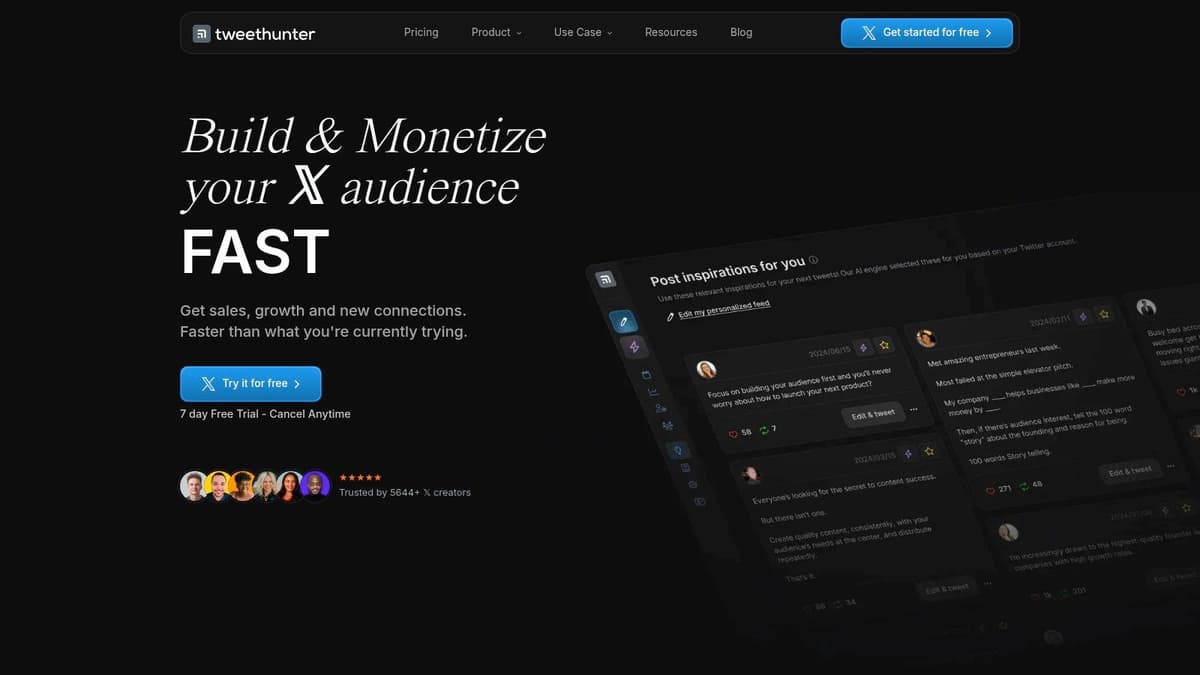
Tweet Hunter is for people who don't just want a best ai tweet generator. They want an X operating system. It's built around growth on X specifically, and that focus shows in the writing tools, the scheduling layer, and the engagement features that feel closer to a creator CRM than a simple post composer.
The AI side is practical. You can draft daily posts, generate thread ideas, rewrite weak posts, and punch up hooks without jumping between tools. That matters because X writing isn't usually blocked by lack of ideas. It's blocked by weak framing.
When Tweet Hunter fits
If your main channel is X, Tweet Hunter makes sense fast. It's especially useful for creators, founders, and agencies who post often enough to benefit from a content library, scheduling, and engagement automation in one place.
A casual user may find some of the automations excessive. If you're only posting a few times a week and don't care about pipelines, the platform can feel heavier than necessary.
- Best for X-first operators: It's tuned for people who care about audience growth, thread writing, and repeatable publishing.
- Less ideal for lightweight use: If all you need is a quick caption generator, you'll probably use only a slice of the product.
Practical rule: Choose Tweet Hunter when writing and publishing are inseparable in your workflow.
Its scheduler is also one of the reasons it holds up beyond the AI writing pitch. If scheduling matters as much as drafting for you, it's worth pairing your evaluation with a broader look at how to schedule a Twitter post effectively.
Use Tweet Hunter if you want one tool that can help write, queue, and operationalize an X content system.
2. Typefully
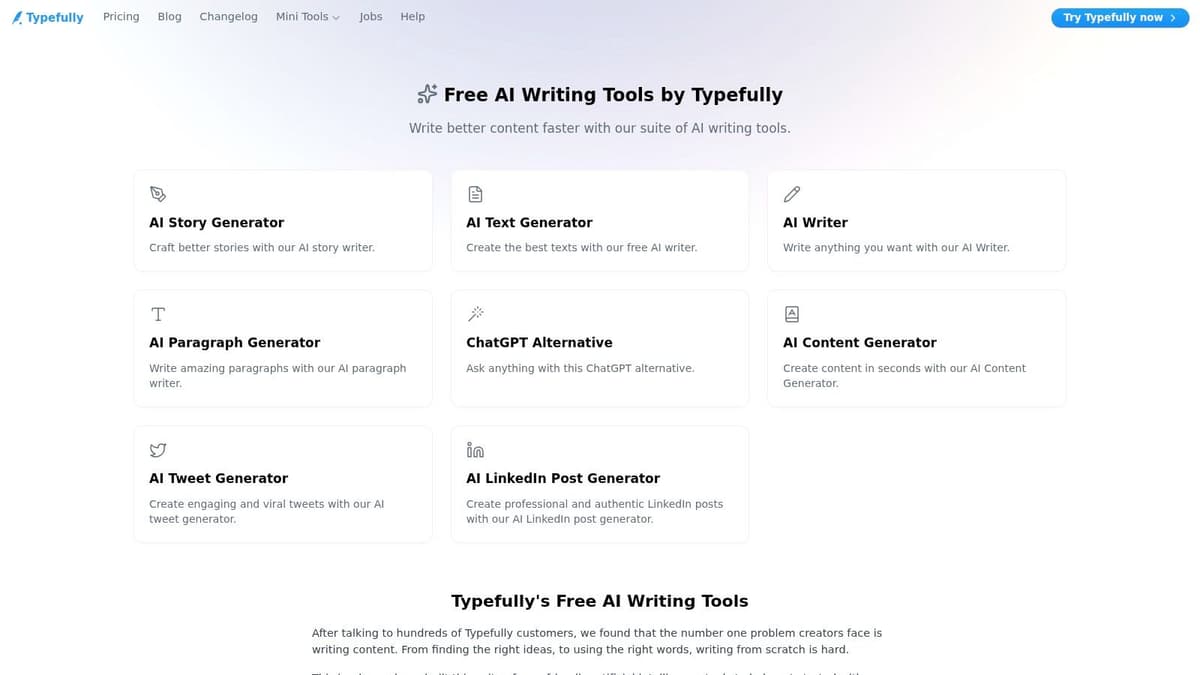
Typefully feels like a writing app first, scheduler second. That's why a lot of people like it. The composer is clean, thread drafting feels natural, and the AI tools are integrated in a way that supports the writing flow instead of interrupting it.
It's also one of the clearer examples of how these tools have evolved. Typefully's free AI Tweet Generator says users can switch between different AI models and improve outputs by giving more details and examples, which is exactly how strong AI-assisted writing works in practice, according to Hootsuite's roundup of AI tweet generator patterns.
When to choose Typefully
Typefully is a strong fit if you think in threads, draft carefully, and publish across more than one platform. It has an X-first feel, but it isn't locked to X-only use.
The trade-off is that it's not the most aggressive growth tool in the category. It's calmer. Better for people who care about writing quality and clean execution than for people who want every growth mechanic under one roof.
Clean composers tend to produce better posts because you're more willing to edit. That matters more than most AI feature lists.
A good Typefully workflow is simple. Generate two or three drafts, choose the strongest angle, then rewrite by hand before scheduling. That usually beats publishing the first AI suggestion.
Use Typefully if you want drafting comfort, thread support, and multi-platform publishing without a bloated dashboard.
3. Postwise
Postwise leans hard into volume. If you want an AI ghostwriter style tool that can give you tweet ideas, hooks, and thread drafts quickly, this is one of the most direct options on the list. It's built for creators who need output and don't want to overcomplicate the process.
That speed is useful, but it comes with a familiar risk. The more you rely on AI to generate your posting cadence, the easier it is to flatten your voice into something competent and forgettable.
What Postwise gets right
Postwise works well when you need to break a content drought. You can generate a batch of options, pick the one with the strongest premise, and then shape it into something that still sounds like you. That's where it helps most.
What doesn't work is treating it like an autopilot thought machine. The raw drafts are often best as scaffolding.
- Strong for ideation: Hooks, quick angles, and thread starters are where it earns its place.
- Weaker for brand nuance: If your voice is highly specific, you'll need to train and edit aggressively.
- Good for high-frequency posting: It suits people who publish often and value momentum over perfection.
When to choose Postwise
Choose Postwise if your core problem is “I need more starting points.” Don't choose it if your core problem is “I need tighter cross-platform publishing and operations.”
The best ai tweet generator for you isn't always the one with the most outputs. It's the one whose outputs still leave room for your judgment. Postwise is strongest when you treat it as a draft multiplier, not a finished-post machine.
Use Postwise if fast ideation matters more to you than broader social media management.
4. FeedHive

FeedHive sits in a different lane from the pure X tools. It's a broader publishing and automation platform, and the AI layer reflects that. You're not just getting tweet generation. You're getting AI-assisted content creation inside a system built for workflows, approvals, scheduling, and multi-account publishing.
That makes it better for teams than solo creators in many cases. Especially when the actual job isn't “write one good tweet,” but “plan, draft, adapt, and queue content across channels.”
Why FeedHive appeals to teams
The draw here is operational depth. AI writing, AI hashtagging, AI image support, scheduling logic, and automation tools all sit inside one environment. For teams managing several brands or several channels, that can simplify the content pipeline.
The downside is obvious. If you're just hunting for the best ai tweet generator and nothing else, FeedHive can feel bigger and pricier than you need.
A lot of social teams don't need a smarter tweet box. They need fewer handoffs.
FeedHive is one of the better fits when content ops matter as much as content creation. That includes agencies, startup marketing teams, and in-house social managers who work with approvals and repeatable workflows.
Use FeedHive if your tweet generation needs are part of a larger publishing system, not a standalone task.
5. Buffer AI Assistant
Buffer has been around long enough that people often think of it as “the reliable scheduler,” which is fair. Its AI Assistant doesn't try to reinvent that identity. Instead, it layers rewriting, repurposing, and refinement into a publishing tool many teams already trust.
That positioning is smart. A lot of users do not need a dedicated tweet ideation engine. They need help polishing something they've already written and adapting it for multiple networks.
Where Buffer is strongest
Buffer is strongest when your content already exists in rough form. A product update, newsletter excerpt, blog post summary, or founder note can be turned into cleaner social copy without leaving the scheduling workflow.
It also supports a wider multi-network setup than many X-first tools, which matters if your team posts beyond one platform.
- Best for repurposing: Buffer shines when you're rewriting and adapting rather than brainstorming from zero.
- Good for mixed teams: Marketing teams managing X alongside Threads, Bluesky, or Mastodon will like the broader channel support.
- Less specialized for X growth: You won't get the same creator-focused depth you'd find in Tweet Hunter.
When to choose Buffer
Choose Buffer if reliability and cross-network publishing matter more than aggressive AI generation features. It's a steady option for social managers who want AI inside the workflow, not as a separate destination.
If you're building a process around existing assets, Buffer often feels more useful than a tweet-only generator because it supports the full publishing motion. Use Buffer if that sounds like your actual day-to-day.
6. Jasper
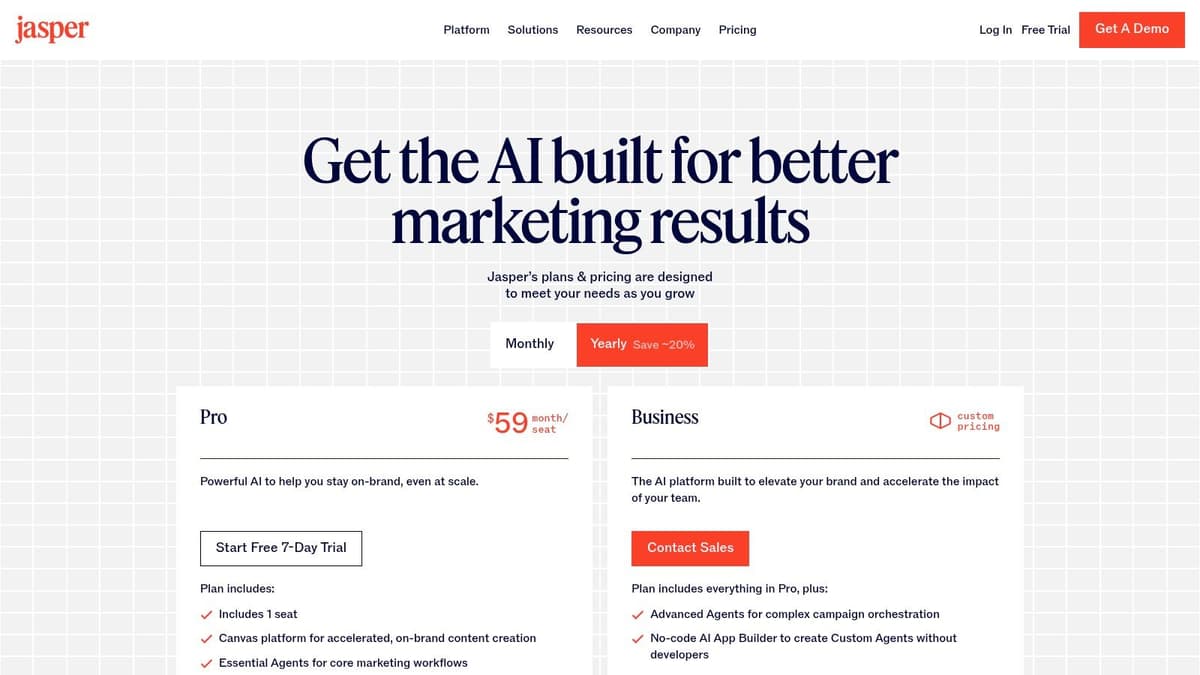
Jasper isn't an X-native specialist. It's a broader AI copy platform that happens to be very capable for social writing when brand consistency matters. If you work in-house, on a larger marketing team, or across multiple brands, that distinction matters a lot.
The main reason to use Jasper for tweets is governance. Brand voice controls, knowledge layers, and structured workflows help teams keep outputs aligned. That's more important than it sounds when several people touch the same account.
When Jasper makes sense
Jasper is a strong choice for companies that already have messaging frameworks, approved positioning, and a real need for consistency across channels. It's less compelling for solo creators who just need punchier posts.
This is one of those tools where the value isn't “can it write a tweet.” Most tools can. The value is whether it can write one that stays close to your brand under team use.
The more people involved in publishing, the more valuable voice controls become.
If you're comparing broader AI writing platforms before settling on one, this round-up of social media co-writer AI tools is a useful companion.
Use Jasper if you need social copy generation with tighter brand governance than niche tweet tools usually offer.
7. Copy.ai
Copy.ai is often the easiest entry point for teams that want AI help without buying a social-specific platform right away. It gives you a low-friction writing environment, social prompts, and broader workflow capabilities if you later want automation.
That general-purpose flexibility is both its strength and its limitation. You can absolutely use it as a best ai tweet generator for hooks, replies, post variants, and thread outlines. But it won't feel as purpose-built for X as Typefully or Tweet Hunter.
What it's good at
Copy.ai is good at turning a rough thought into several usable versions fast. That's useful if you want options, especially for launches, announcements, and promotional posts where angle-testing matters.
It's less compelling if you need deep scheduling, thread publishing, or audience-specific X features inside the same interface.
- Good starter tool: It's easy for small teams to adopt without much setup.
- Useful for variants: If your main need is “give me five ways to say this,” it delivers.
- Not X-native: You'll likely pair it with another scheduling or publishing tool.
Use Copy.ai if you want accessible AI writing support and don't mind handling social publishing elsewhere.
8. Writesonic including Chatsonic

Writesonic is best for people whose tweet generation sits inside a much larger content machine. If you're also producing landing pages, blog posts, SEO content, and social assets, using one platform for several formats can make sense.
For X specifically, the value is breadth rather than specialization. You get templates, assistant-style drafting, and enough flexibility to generate tweets and short threads without learning an entirely separate social product.
The trade-off with Writesonic
The trade-off is focus. Writesonic can do a lot, but that doesn't always mean it's the most efficient tool for someone who only cares about writing and scheduling X posts. The interface and pricing logic often make more sense for marketers managing multiple content channels.
That said, if your team already works across organic social and long-form content, the overlap is useful.
Don't buy a content suite for one use case unless you know the extra surface area will actually get used.
Use Writesonic if tweet generation is just one part of a broader AI content stack.
9. Tweetify It
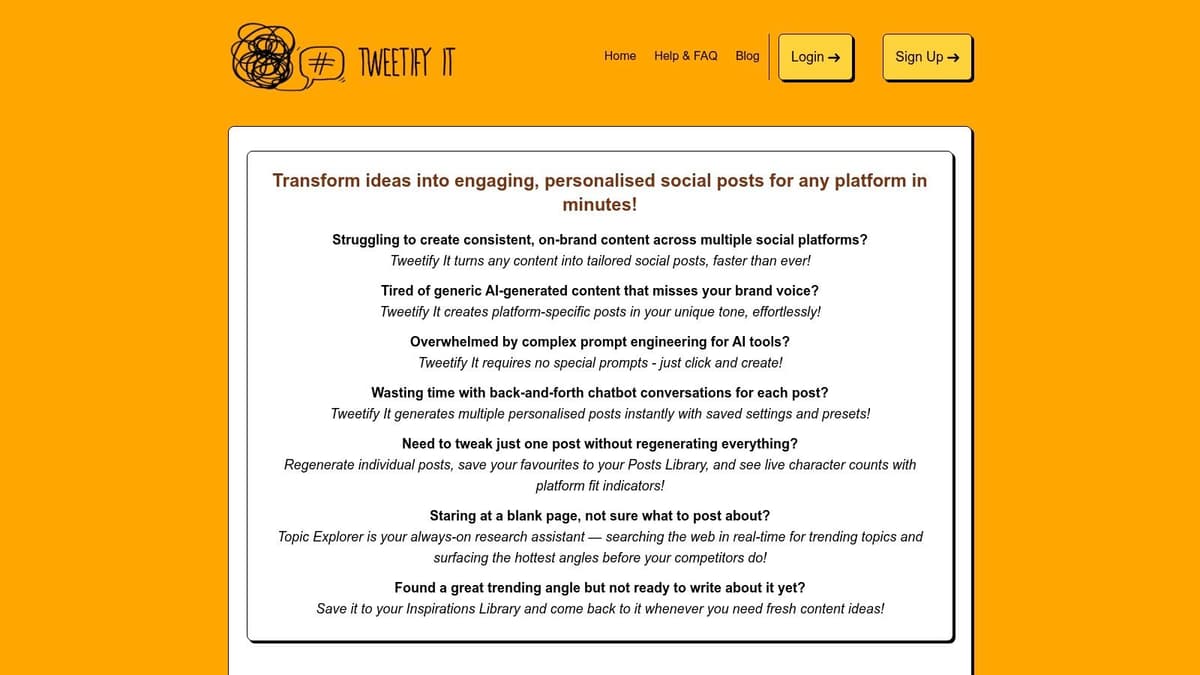
Tweetify It has a narrow purpose, and that's why it's useful. It takes long-form material like articles, URLs, and blog posts, then turns them into tweet-sized posts or threads. If you repurpose content often, that simplicity is a feature, not a limitation.
This is not where you go for a complete social media control center. It's where you go when you've already written something substantial and want to squeeze more distribution out of it.
When Tweetify It is the right tool
Tweetify It works best for writers, founders, and marketers who publish elsewhere first. Blog post out. Newsletter out. Product changelog out. Now turn that into social without manually compressing every idea.
It won't replace a scheduler, approval workflow, or analytics suite. But that's not the job.
- Great for repurposing: It helps convert longer material into social-friendly formats fast.
- Minimal setup: You can use it without rebuilding your stack.
- Limited for teams: Brand controls and workflow features are much lighter than full platforms.
A lot of comparison articles miss this category completely. They focus on single-tweet generation, but practical social publishing often means turning one source idea into several platform-native outputs. That gap shows up clearly in Birdeye's review of AI tweet generator patterns, which highlights variations, tone, hashtags, and draft generation, but not the full cross-platform adaptation problem.
Use Tweetify It if your main need is converting long-form content into concise social drafts.
10. Predis.ai
Predis.ai is the pick when the post isn't just text. It's built for multi-format social creation, so you can generate visuals and captions together, then schedule them across platforms including X. That's a different job from pure tweet writing, and for some teams it's the more important one.
If your content mix includes product creatives, simple promos, carousels, and visual posts with short captions, Predis.ai can speed up production more than a text-only generator would.
When to choose Predis.ai
Choose Predis.ai when your bottleneck is creative assembly, not wording alone. The brand settings are useful for tone and style consistency, and direct scheduling helps close the loop.
Skip it if your X strategy is text-heavy and centered on threads, punchy opinions, or founder-led posting. It isn't primarily an X growth tool.
What I like about this category is that it recognizes a practical truth. Many teams don't need the best ai tweet generator in isolation. They need a tool that can package copy and visuals together without forcing separate handoffs between design and publishing.
Use Predis.ai if your X posts are part of a visual-first social workflow.
Top 10 AI Tweet Generators: Feature Comparison
| Tool | Core features ✨ | UX & Quality ★ | Pricing & Value 💰 | Target audience 👥 | Standout / USP 🏆 |
|---|---|---|---|---|---|
| Tweet Hunter | AI tweet/thread writer, viral library, scheduler, automations ✨ | ★★★★, X-first, powerful but modular | 💰 Mid, clear plans + 7‑day trial | 👥 Creators & teams focused on X | 🏆 Deep X specialization & 12M+ viral inspirations |
| Typefully | Polished composer, AI tweet generator, thread tools, scheduler ✨ | ★★★★, clean, frictionless writing flow | 💰 Moderate, pricing less public | 👥 Writers, creators, small teams | 🏆 Best-in-class threading & composer UX |
| Postwise | Ghostwriter AI, explicit AI quotas, scheduler, multi-account ✨ | ★★★, generation-first, fast ideation | 💰 Transparent AI‑quota plans; 7‑day trial | 👥 High-volume creators | 🏆 Clear AI limits + rapid post output |
| FeedHive | AI Studio (posts, images, hashtags), automations, predictions ✨ | ★★★★, robust, powerful for workflows | 💰 Higher flat plan; very generous AI credits | 👥 Agencies & larger teams | 🏆 Massive AI credits + workflow automations |
| Buffer (AI Assistant) | Scheduler + AI rewriting, threaded posts, AI inbox replies ✨ | ★★★★, reliable, team-friendly | 💰 Variable (per‑channel); free tier available | 👥 Teams managing multi-platforms | 🏆 Stable scheduling with integrated AI across workflow |
| Jasper | Brand voice, knowledge, templates, marketing agents ✨ | ★★★★★, polished, enterprise-grade | 💰 Premium, higher entry price | 👥 Brands & enterprise teams | 🏆 Strong brand governance & consistency |
| Copy.ai | Chat editor, social templates, Agents/workflows (higher tier) ✨ | ★★★, easy, fast ideation | 💰 Low-friction starter pricing | 👥 Small teams & solo creators | 🏆 Affordable entry + multi-model Chat access |
| Writesonic (Chatsonic) | Social templates, Chatsonic assistant, bulk tools ✨ | ★★★, broad toolkit, scalable output | 💰 Mid‑to‑high; SEO bundles may raise cost | 👥 Content teams & SEOs | 🏆 High-volume short-form + SEO combo |
| Tweetify It | URL/article → tweets/threads, pay‑as‑you‑go credits, iOS app ✨ | ★★★, ultra-lightweight, fast mobile flow | 💰 Very low / pay‑as‑you‑go | 👥 Solo repurposers & bloggers | 🏆 Cheapest, quickest repurposing with mobile app |
| Predis.ai | AI for visuals + captions, brand settings, auto-posting ✨ | ★★★★, strong for creative workflows | 💰 Credit-based; varies by tier | 👥 Marketers needing visuals + copy | 🏆 Combines creative asset generation + native scheduling |
From Generation to Amplification Choosing Your AI Co-Pilot
A common failure point shows up after the draft is done. The post is fine, but turning it into a thread, scheduling it, adapting it for Threads or Bluesky, and getting it out on time still takes longer than the writing.
That distinction matters more than feature lists. Some tools in this roundup are strongest at generating hooks, drafts, and thread ideas. Others are stronger at publishing operations, cross-posting, and keeping a content workflow moving after approval. A few cover both, but usually with a clear bias toward one side.
If the main problem is starting from a blank page, choose a generation-first tool. Postwise works well for quick hooks and fast drafting. Jasper, Copy.ai, and Writesonic fit better if brand voice control or broader campaign work matters more than X-native publishing. If the job is running an X-focused content system with drafting, scheduling, and analytics in one place, Tweet Hunter and Typefully are usually the better fit.
If the writing is already handled, choose for amplification.
An AI tweet generator gives you options from a prompt. An AI-powered publishing or automation tool helps adapt, schedule, and distribute content you already wrote. Buyers often group those together, but they solve different bottlenecks and should be evaluated that way.
MicroPoster fits the second category. It focuses on cross-posting and adaptation across X, Threads, Bluesky, and Mastodon, with thread splitting, mention mapping, media resizing, and background automation. That makes it useful for teams that do not need more ideas. They need less manual posting work. If that is your workflow, you can check MicroPoster here: https://microposter.so
In practice, the strongest setup is often a combination. Use a generator for angles, hooks, and rough thread drafts. Then edit for voice, tighten the claim, and hand off the repetitive publishing steps to a scheduling or cross-posting tool. For a broader process that ties those stages together, this guide to mastering AI content workflow is worth reading.
Choose by bottleneck, not by hype. Buy for generation quality if your team needs better first drafts. Buy for workflow control if your team already knows what to say and needs help getting it published across networks with less friction.